Request a call back
Leave your details and PC Scientist will get in touch to talk through the problem and help you work out the best next step.

Request a call
Give us your number and we'll call back at your convenience.
PC Scientist
PC SCIENTIST
Is it worth fixing or do you just need a hand? Computers, Wi-Fi, email, printers, tablets, smartphones... there's more technology than ever! And if you have an issue with your device, you want it fixed fast.
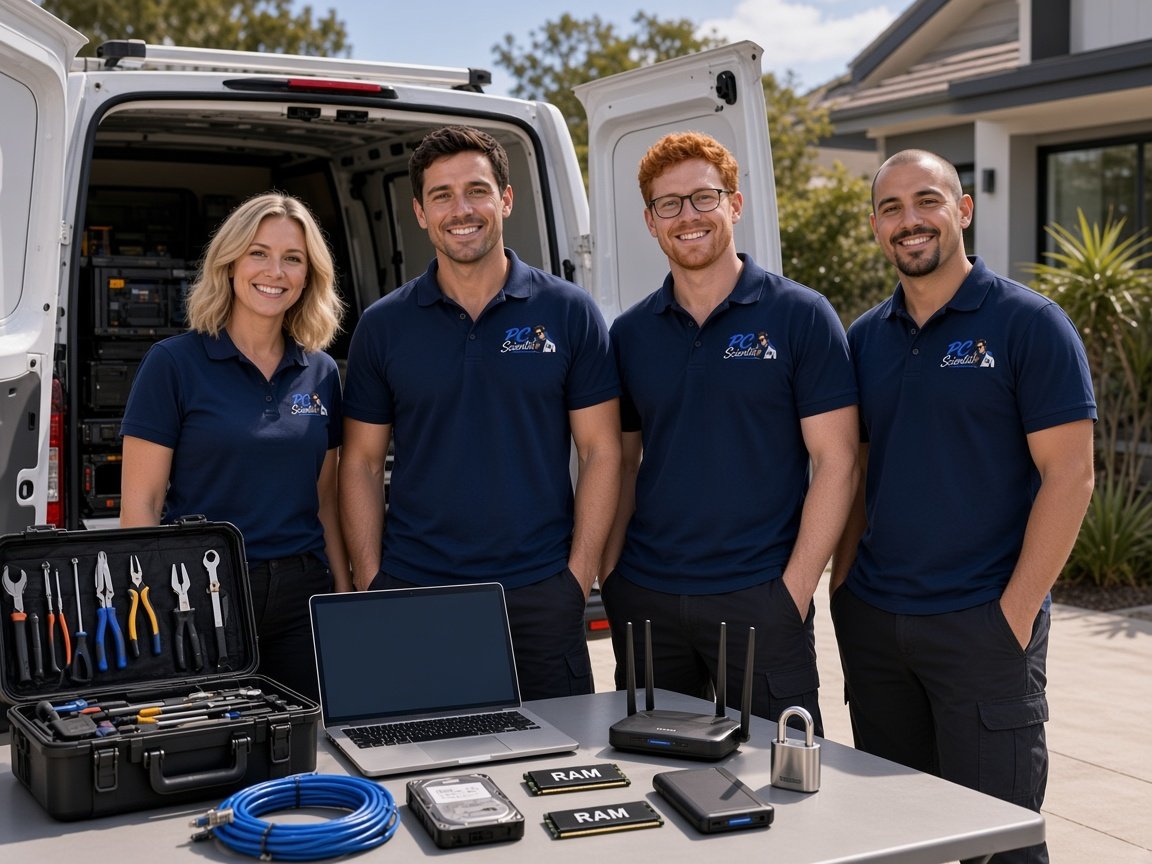
We solve all your technology problems, with a team of technicians located right here across Newcastle, the Central Coast, Sydney, Wollongong and the Southern Highlands - and across NSW.
Let us help you today


We accept payments


Real Google reviews
Word for word, from people we have visited.
Who this is for
Having trouble with your computer, Wi-Fi, email or printer? We explain it in plain English.
Seniors helpSlow Wi-Fi, a printer that will not print, or a new computer still in the box. One visit can cover the mix at home.
Home helpWhen email, staff computers, Wi-Fi, or the cameras stop the shop, the office, or the van, we come and help the work day move again.
Business TechBook a Professional Assessment or a Standard Onsite Fix. Eligible online bookings receive 10% off.
Book onlineStart here
How it works
Book a time, ask us to call you back, or ask for a quote in writing.
You do not need the technical name. Describe what you see, on the booking, the call, or the quote.
We agree the visit on the call, in the booking, or in the quote. Agree, and that date stays yours.
We arrive at the agreed time and do the work we talked through.
What we help with
Computers, Wi-Fi, email, printers, cameras, and new devices. View all services.
 Computer Repair Scientist
Slow or crashing PCs.
Computer Repair Scientist
Slow or crashing PCs. Computer Support Scientist
Everyday PC help.
Computer Support Scientist
Everyday PC help. Network Scientist
Wi-Fi and dead zones.
Network Scientist
Wi-Fi and dead zones. Cybersecurity Scientist
Scams and safer accounts.
Cybersecurity Scientist
Scams and safer accounts. Parental Control Scientist
Safer screens at home.
Parental Control Scientist
Safer screens at home. Security Camera Scientist
CCTV planned and installed.
Security Camera Scientist
CCTV planned and installed. Email Systems Scientist
Microsoft 365 and Gmail.
Email Systems Scientist
Microsoft 365 and Gmail. Data Recovery Scientist
Lost files and backups.
Data Recovery Scientist
Lost files and backups. Device Setup Scientist
New devices and printers.
Device Setup Scientist
New devices and printers. Custom PC Build Scientist
Gaming and work PCs.
Custom PC Build Scientist
Gaming and work PCs. Web Design Scientist
Small business websites.
Web Design Scientist
Small business websites. Business Tech
Offices, shops, tradies.
Business Tech
Offices, shops, tradies. Procurement Scientist
Sourced and set up.
Procurement Scientist
Sourced and set up.Can't find the service you need? Call us, request a call back, request a quote or book online 10% off
0493 563 381Why us
A real person, an explanation you can follow, and no extra work until you agree.
When you are ready. Call, or book a technician.
0493 563 381When you call
Tell us what the computer, the Wi-Fi, or the printer is doing, in your own words. We listen first, explain the options, then help you take the next small step.
Tell us what is happening. We will find a time that suits.
0493 563 381Where we visit
Can't find your area? Call us to check on 0493 563 381.
 Sydney16
 Upper North Shore33
Towns
 Northern Beaches43
Towns
 Lower North Shore28
Towns
 Ryde24
 Parramatta35
Towns
 Western Sydney93
Towns
B
C
 Canterbury Bankstown33
Towns
 St George38
Towns
 Sutherland Shire41
Towns
 South Western Sydney36
Towns
 Hawkesbury73
Towns
M
 Central Coast148
Towns
B
C
M
P
S
W
 Newcastle102
Towns
B
C
M
 Maitland12
 Wollongong83
Towns
M
Can't find your area?
Call us to check. We will tell you if we visit, or if remote help is the better fit.
FAQ
Yes. You do not need to name the fault. If something is not working and you feel stuck, call us. We will talk it through and help you decide the next step.
Yes. Email that will not open, Wi-Fi that will not connect, a printer that will not print, or a new device still in the box. We help with the everyday jobs before they take the morning.
Yes. We use plain words. You do not need a technical background to ask for help, and we are happy to go over it again.
Slow computers, Wi-Fi dropouts, email that will not send, suspicious pop-ups, sign-in trouble, printers, new devices, repairs, and lost files. Tell us what you are seeing and we will help with the next step. View all services.
Call 0493 563 381 if you want to talk it through now. Ask for a call back if you would rather choose a time. If you want it in writing first, request a quote. For a website, use Get a clear website quote. That is separate from booking a computer visit.