
Most common
Something is broken
The PC that will not boot. Wi-Fi that drops. Email that stalls. A printer or camera that has given up.
Book an assessment
You want mail that sends, so the day can start. Outlook, Microsoft 365, or mail that will not sync.
That mix in your head is normal. You do not need the right words. Tell us what you are seeing. We talk it through honestly, then help you take the next small step. Book online for eligible visits and get 10% off.
Want the quickest answer? Call 0493 563 381 for free advice.

We accept payments


From the bounce to mail the team can trust.
Book online, ask us to ring you, or get a quote. Tell us what will not send, receive, or stay in sync. We lock a visit, then we come to you.
 01
01
 02
02
In the booking, on the call, or in the quote. Same idea.
 03
03
You see the price. If you agree, we lock a date that suits.
 04
04
That is the visit. We work through the mailbox list on the day.
Accounts, devices, then a tidy handover.
We look at the account properly, work through phones and PCs, and we often leave mail moving again in the same visit.
 01
01
We come to the office. You keep taking jobs.
 02
02
We look into the bounce properly - not a guess from one phone.
 03
03
Inbox, calendar, the phone that will not sync. We work that list.
 04
04
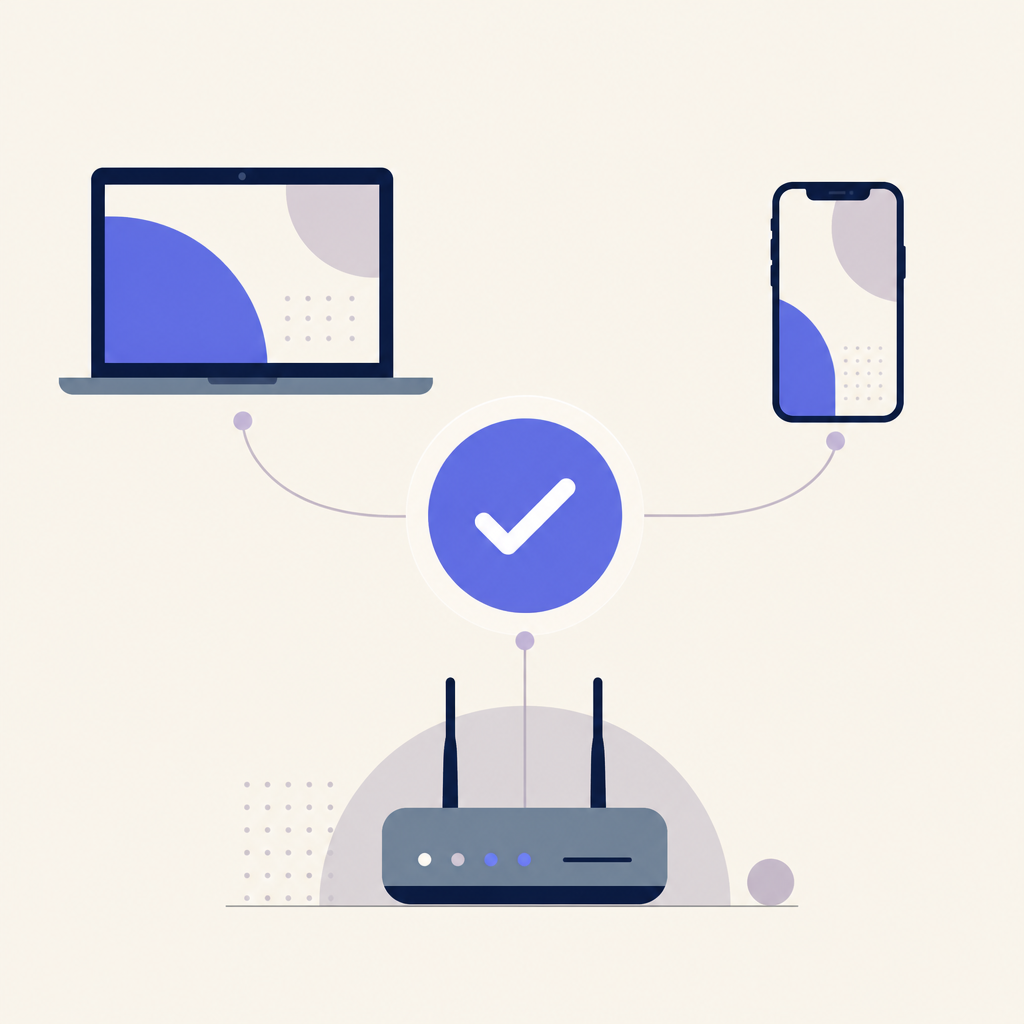
Often done the same visit. Extra work quoted first. Honest if replacing is the better call.
Start here
If mail has stopped, start here. If the public website is the issue, we will point you to that path.
Most common
The PC that will not boot. Wi-Fi that drops. Email that stalls. A printer or camera that has given up.
Book an assessmentWebsite
The site looks tired, enquiries vanish, or it does not feel like your business anymore.
Get a clear website quoteTalk first
Say it in everyday words. We will tell you whether to book, call, or get a website quote.
Sound familiar?
If mail has stopped, start here. Then book, call, or tap Get started.
Who this is for
When mail stalls, the whole business feels slow. We tidy accounts, devices, and sync so the day can move again.
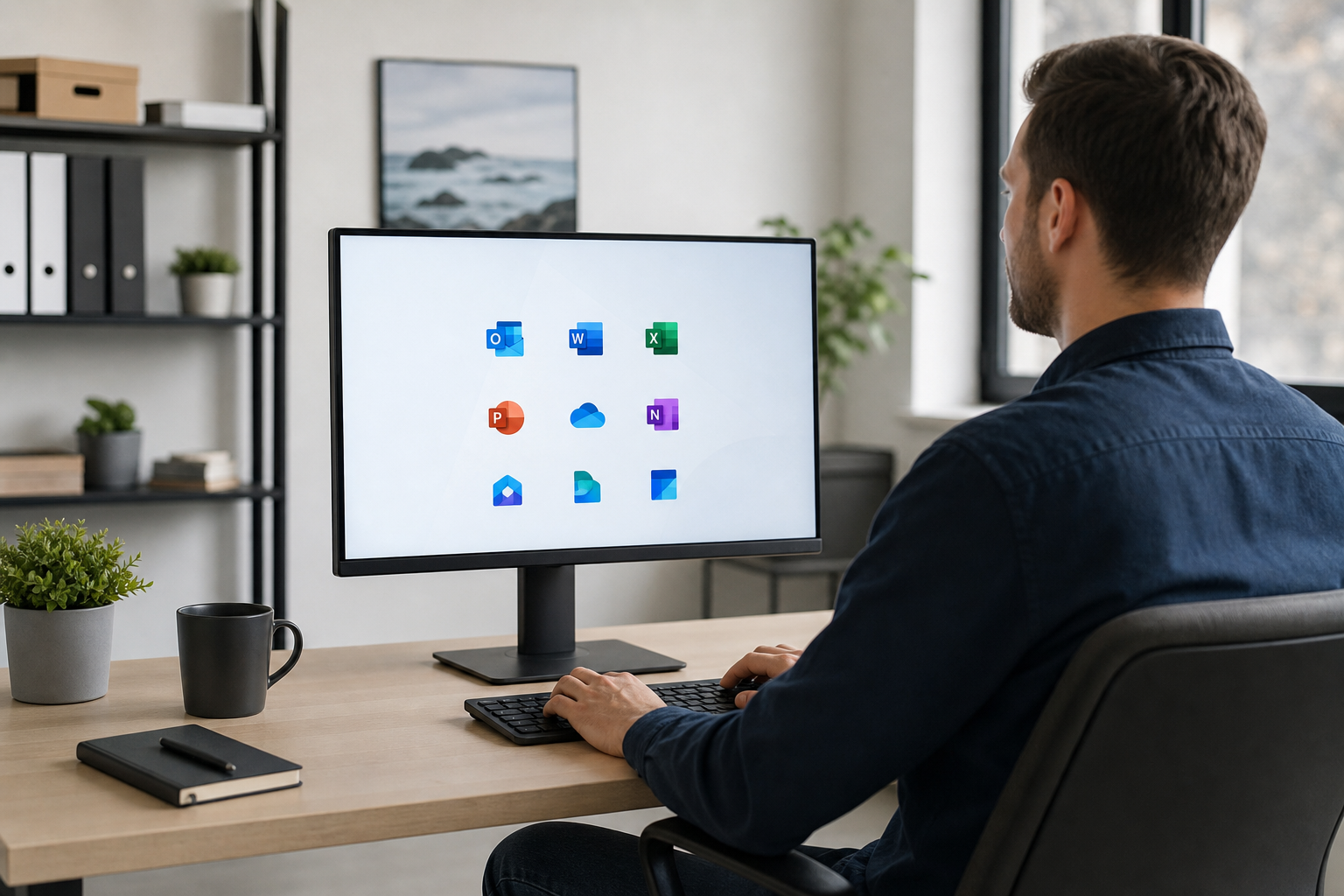
Shared mailboxes, calendars, and staff devices that need to stay orderly.

Send, receive, bounce, and attachment problems fixed in plain English.

Compromised inboxes and phishing fallout - cleanup plus safer settings.
Service levels
Get sending again. Tidy the tenant later if you want. Website work stays on the website path.
Essential
The rescue lane when mail stops and the diary is already full.
Stronger
Shared mailboxes, domain email, and device sync set up so the inbox stops being a daily fight.
Advanced
Provider changes, or email problems that reveal network and security work.
What we fix
Phone, PC, or a shared mailbox - say which one failed. Then book, call, or read on.
When mail stops moving - diagnose and restore calmly.
Book email helpAccounts, licences basics, and team mailbox structure.
Book M365 helpShared inboxes that reach the right people.
Book shared mailbox helpSame mail on every device without mystery folders.
Book sync helpProvider changes planned so downtime stays controlled.
Book migration helpAfter a scare - safer settings and account recovery help.
See security helpWhen the workstation problem is broader than mail.
See IT supportDoes not quite fit? . You do not need the perfect label.
Still waiting on mail that will not send? Book an assessment or call 0493 563 381.
Email Systems Scientist
Shared inboxes, calendars, and devices drift over time. We tidy Microsoft 365 so staff stop fighting the tools and can get back to the work.
Sync and delivery
When one device shows mail and another does not, work stalls. We fix sync and delivery so the team trusts what they see.
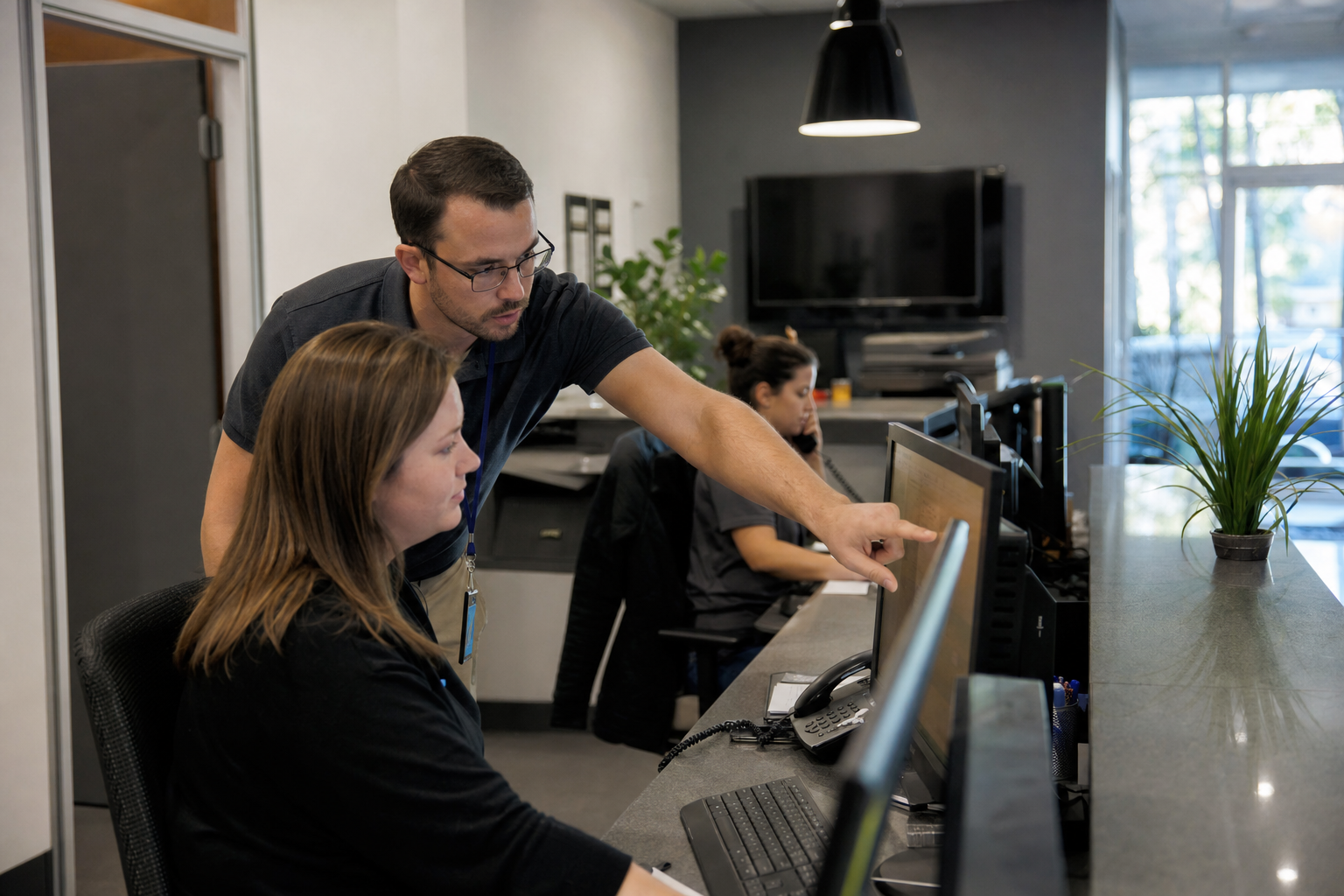
Migrations
Provider changes need a plan. We map mailboxes, devices, and the fiddly cutover steps so the switch stays controlled.
FAQ
Yes. Setup, sync, shared mailboxes, migrations, and day-to-day delivery problems across common business email platforms.
Yes. Phone, tablet, and PC sync is a core part of this work. The same inbox should show on every device.
We can help with account recovery and safer settings, and we will link into business cybersecurity when that is the right next step.
If forms never reach the inbox, we can help work out delivery. Brand-new website builds use Get a clear website quote instead of the IT booking flow.
Book Online for a Professional Assessment or Standard Onsite Fix. If it feels bigger, call 0493 563 381, request a call back, or ask for a free quote.

