No Fix, No Fee
- If we cannot fix the mail fault, there is no repair fee.
- Honest advice when the provider or plan is the real problem.

When the shared inbox will not open, everyone feels it - the quote that did not go, the customer who did not hear back, the file Outlook keeps bouncing.
PC Scientist sorts business email across the Hills District: Microsoft 365, shared mailboxes, and phones or laptops that will not sync. Most jobs finish remotely. We visit when the desk setup is part of the problem. Call for advice or request a call back.
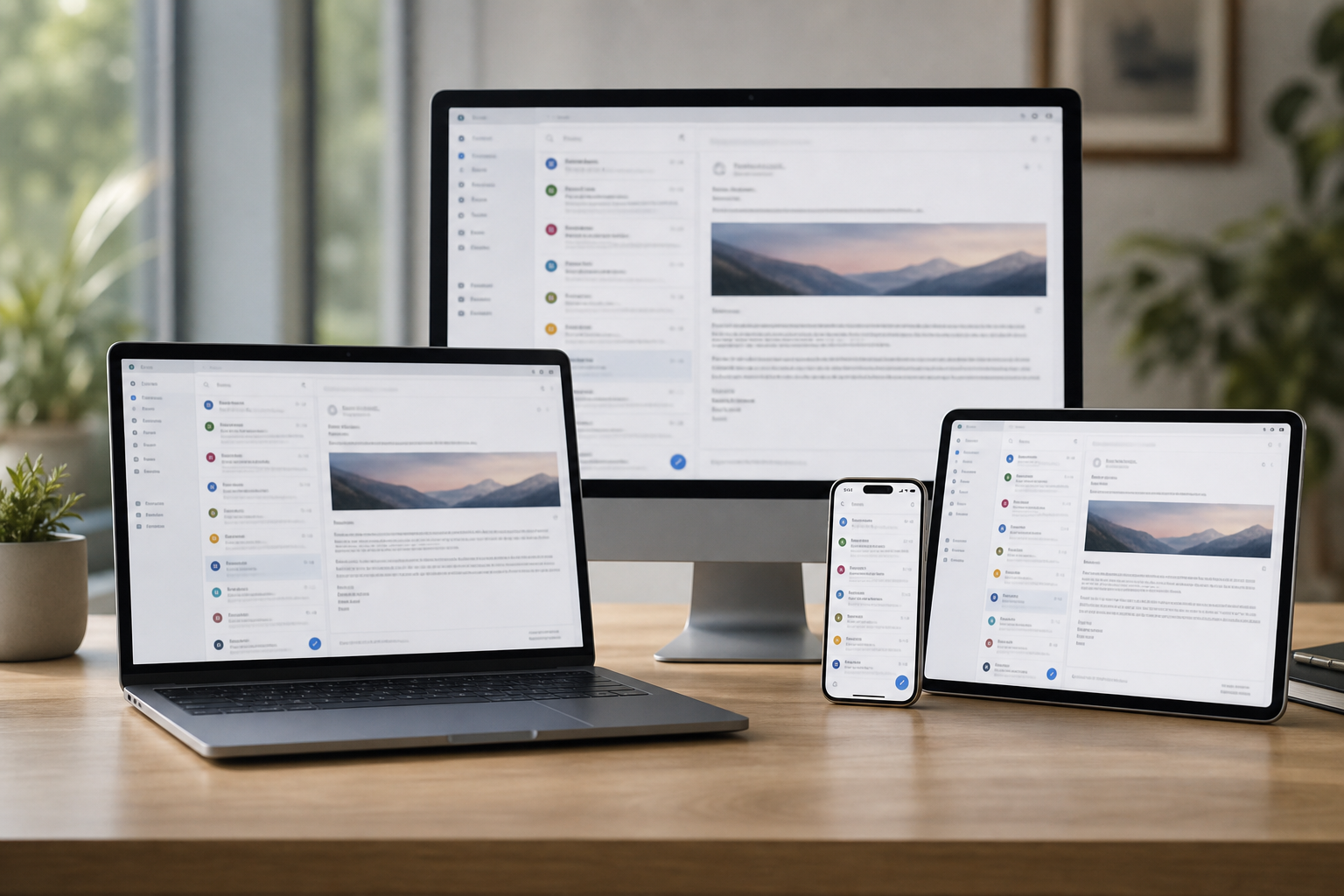
Hills District shops and small offices need mail they can trust. PC Scientist checks the account, the device, and the provider path so you know whether remote help or a visit fits.
Any one of these works. If nobody can send mail, start with the phone.
Work email in the Hills District is Outlook, Microsoft 365, and phones that stopped syncing. Kellyville and Baulkham Hills inboxes, Rouse Hill shared mailboxes, Cherrybrook owner laptops.
Need a different type of help than the examples above for Hills District? Browse specialist technology categories for Hills District - each card is a starting point on this page. Or call 0493 563 381 for free advice across Hills District.

Leave your message and we'll get back to you shortly.
Start here
Invoices stuck in outbox, a starter who cannot get mail, a shared inbox on one PC. Home mailboxes start on email support.


Invoices stuck in outbox, or a starter who cannot get mail.

Microsoft 365, shared inboxes, and phones in sync.

New staff devices without breaking the old one.

Password and two-factor loops explained calmly.

A suspicious work email - checks before more damage.
Visit

Who, which app, and whether send or receive failed.

So we do not lock the whole team out.

Notes so the same break is less likely next week.
If this is not the job
Want the longer guide? Business email.



Mail that will not send or arrives late, shared mailboxes out of sync, Outlook asking for passwords, full mailboxes, and domain email bouncing for offices around Norwest, Baulkham Hills, and Castle Hill.
A screenshot of the error is handy, but a plain description works too.
Yes. We plan the move, copy existing mail, contacts, and calendars across, and switch over at a quiet time so staff keep working.
We check every phone and laptop afterwards so nobody is left on the old setup.
Many can. Settings, passwords, and mailbox issues often clear remotely. A visit suits when several staff devices or a whole office need setting up.
We tell you on the phone which option makes sense.
You hear the cost before we start. Mail moves and new setups get a fixed quote once we know how many mailboxes are involved.
No Fix, No Repair Fee applies to repair work we cannot complete.