
THE PONDS ยท SYDNEY

The Ponds family homes where every child has a device and a password

Newer homes in The Ponds fill up with screens quickly. One school laptop will not join the Wi-Fi, another child has forgotten the learning portal password, and the family iPad is still signed in to an account nobody remembers creating.

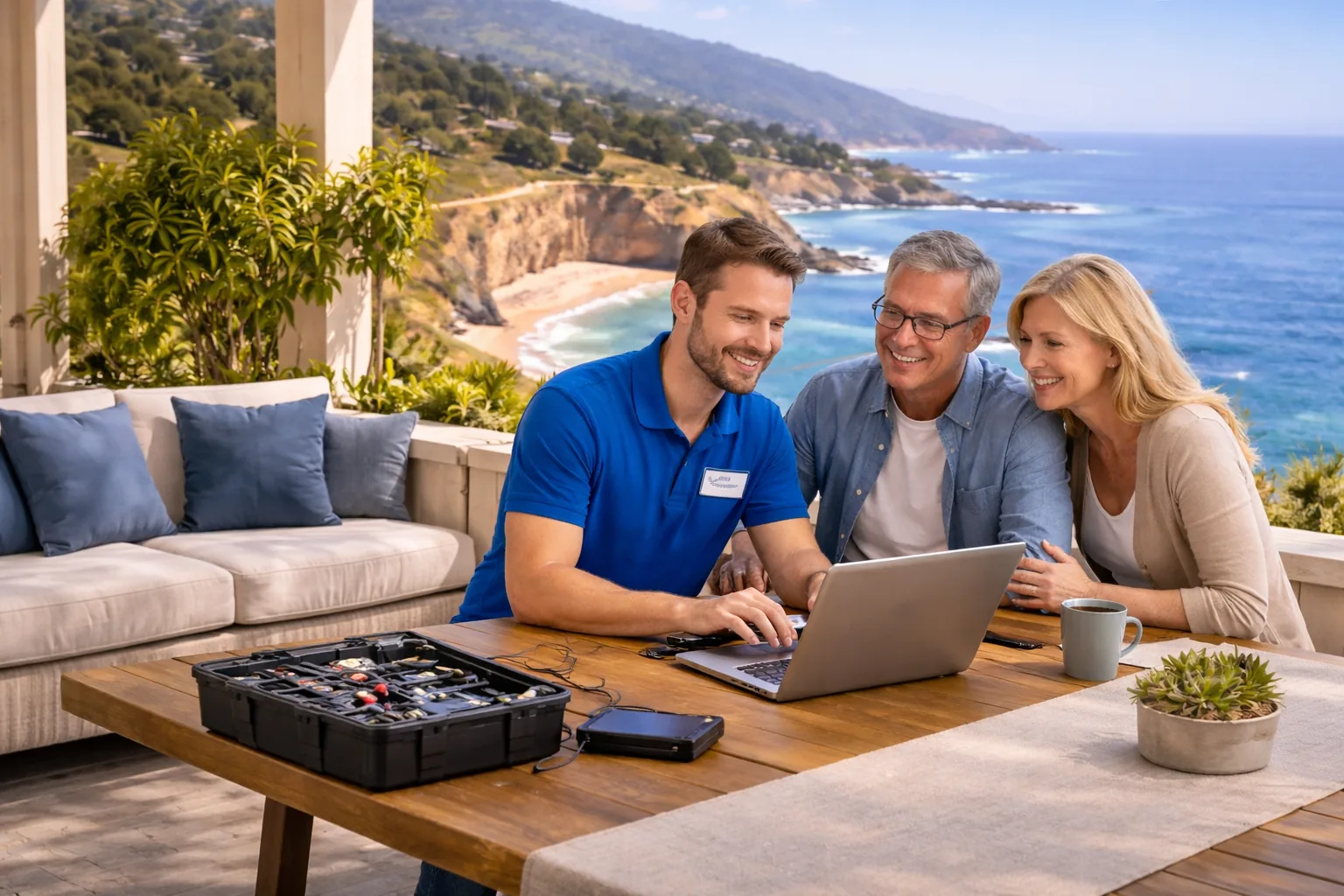
PC Scientist comes to The Ponds to untangle the logins and get every device behaving, or sorts account problems remotely after school. The price is clear before we begin. Call, request a call back, or ask for a quote.

Book online for eligible visits and get 10% off.

PC Scientist providing technology services across Hills District NSW
The Ponds onsite or remote help for a school Chromebook that will not print at home, with clear pricing before any work starts.

Why people in The Ponds call about a school Chromebook that will not print at home

No guesswork on the bill

  • A clear price agreed before any work on a work laptop that drops off video calls
  • Options in real dollars for young families, professionals, and grandparents helping out
  • No vague ranges, just a figure
  • No bill shock once the visit wraps up
  • Repair, upgrade, or replace, each with its own price beside it

If it cannot be fixed, no repair fee

  • Handy when the obvious fixes on work laptops, tablets, and a smart TV have already been tried
  • A fair result for young families, professionals, and grandparents helping out even when a repair falls short
  • You still leave with a plain next step
  • No push to keep spending on a machine that is ready to retire
  • A second opinion welcome if you want one

When The Ponds needs help now

  • Handy when a deadline lands on the same day as a work laptop that drops off video calls
  • Less downtime for professionals working from home and local health practices
  • A text if the arrival time moves
  • Call early and hear honestly how soon we can get there
  • Short jobs squeezed in when the schedule frees up

Clear advice, no upsell

  • No sighing when a question about a Wi-Fi password nobody in the house remembers feels basic
  • Notes you can follow after we leave The Ponds
  • Honest when something is not worth the money
  • Every change explained before we make it
  • The problem explained in terms of your home, not model numbers

Learn it or leave it with us

  • A pace that suits young families, professionals, and grandparents helping out
  • Help with real tasks on work laptops, tablets, and a smart TV, not just error codes
  • A check you are comfortable before we pack up
  • Questions answered as we go, never rushed
  • Nothing changed that you did not ask for

For households and small teams

  • Help for small teams near the shops on Riverbank Drive without a full-time IT person
  • Practical help for professionals working from home and local health practices
  • The family laptop and the work machine sorted in one visit
  • The same care for a kitchen-bench laptop as a work computer
  • Home offices set up so work and family traffic stay out of each other's way

The bill matches the plan

  • A pause and a question if a work laptop that drops off video calls turns out bigger
  • Work in a home office at the back of a two-storey house starts only once you have said yes
  • Scope agreed at your place before anything starts
  • Nothing ordered on your behalf without a yes
  • New parts only with your sign-off

Certainty on larger work

  • Larger work on modern family homes around the parklands and ponds set out as clear options
  • Figures that suit budgeting for professionals working from home and local health practices
  • Options compared when more than one path makes sense
  • Once we know the cause, a fixed price can be quoted
  • Repair, upgrade, or replace compared with the numbers side by side

A set time in The Ponds

  • Visits timed so the job in a home office at the back of a two-storey house is done before the day fills up
  • Visits set around school pick-ups and walks around the ponds
  • No need to take the whole day off
  • Remote sessions booked in when a visit is hard to fit
  • After-school and early slots where the diary allows

Computer, Wi-Fi, and the rest

  • Work laptops, tablets, and a smart TV looked at alongside email and accounts
  • One trip that covers a home office at the back of a two-storey house as well as the main desk
  • Less time off waiting for separate appointments
  • Write a list before we arrive and we work through it in order
  • Handy when three small problems have been waiting for one visit

Sorted, not patched

  • A proper fix for a Wi-Fi password nobody in the house remembers, not a workaround
  • Fixes that suit modern family homes around the parklands and ponds
  • Long-term fixes over temporary workarounds
  • Checks after the fix so it holds up in daily use
  • Cables, power, and placement checked, not only software

Help you can trust in The Ponds

  • A real person who knows The Ponds standing behind the work
  • Someone to ring next time a Wi-Fi password nobody in the house remembers acts up
  • Honest, accountable service from start to finish
  • Friendly follow-up if questions come up later
  • Fewer surprises because the basics are done properly

What failed last in The Ponds - a school Chromebook that will not print at home, or a homework portal that refuses the login on one device?

The Ponds packs newer estate homes with kids' devices and spare-room offices onto one link. PC Scientist helps when the back bedroom goes quiet or a work laptop crawls before a video call.

What The Ponds households bring us - Chromebook printing, homework logins, and iPads stuck on old accounts

  • Estate corners that lose Wi-Fi while the living room looks fine.
  • Spare-room desks that stall when every tablet joins at once.
  • Printers that vanish after a quiet overnight update.
  • Smart TVs that fall offline while work still needs the network.
  • Clear pricing first. Work starts only when you agree.

Three calm ways to reach us about The Ponds

  1. Call for Free Advice - Call 0493 563 381 for plain advice on a video call that freezes, even if you are not sure what to ask
  2. Request a Call Back - Ask for a call back and a real person rings about a backup nobody has checked
  3. Request a Free Quote - Want a backup nobody has checked scoped on paper first? Ask for a written quote in The Ponds

One contact method is enough. Practical for day-to-day life in The Ponds. We will not push you through all three. That fits many households in The Ponds.

After you contact us about The Ponds

  • Then a plain plan for The Ponds - remote session, visit, parts advice, or a specialist category - without upsell theatrics.
  • You stay in control of spend for The Ponds work. Approvals happen before labour or parts move. Typical for The Ponds requests we take by phone.
  • Where useful in The Ponds, we tackle related jobs in one booking so you are not rebooking for the printer the next week.

Browse service lanes for The Ponds

Need a dedicated service page? Open Computer repair, computer support, Wi-Fi help, data recovery, or business IT for Hills District. This The Ponds page is the local overview.

From The Ponds estates, name the room and the device. We take it from there.

Call For Free Advice

Get in touch

Leave your message and we'll get back to you shortly.

Attachments

Allowed file types: jpg, jpeg, png, gif, pdf, doc, docx, xls, xlsx, odt, ppt, pptx, pps, ppsx, html, and less than 100 MB.

No file chosen

This form uses spam checks and sends your request directly to PC Scientist.

Clear starting points for The Ponds

Browse by service, or skip the guessing and tell us about a laptop that crawls by mid-morning.

Want help with the slow Wi-Fi and the phone that will not talk to the printer around The Ponds? Bring the slow Wi-Fi, the phone that will not talk to the printer, or the Gmail stuck on the phone from The Ponds. We translate it into a clear next step. Common when supporting devices in The Ponds.
shape
image
Frequently asked questions
FAQ

If you are wondering about help in The Ponds

Everyday faults and bigger setups alike. If a backup nobody has checked is the thing stopping your day in The Ponds, that is where we start.

You do not need the right words. Tell us what you saw in The Ponds and when it started.

Both. Remote suits sign-ins, email, and software problems. A visit in The Ponds makes more sense for cabling, printers, several rooms, or hardware that needs hands on it.

If you are not comfortable with remote access, a visit in The Ponds is always an option.

Small jobs like finding a file you saved last week are often what makes the day easier, and we would rather sort them properly.

Bring a list. One visit in The Ponds can often clear several small tasks at once.

PC Scientist helps homes, home offices, sole traders, and small businesses in The Ponds and across the Hills District.

When home and work share the same gear in The Ponds, one visit can cover both.

After a short chat about a backup nobody has checked, we outline the options and costs. Bigger jobs get a fixed price once the cause is clear.

No Fix, No Repair Fee applies to repair work in The Ponds when the fault cannot be solved.

shape
shape
Need help now? Not sure what to click or what to do next?

Call PC Scientist for free advice, calm and practical IT help



