HILLS DISTRICT ยท SECURITY CAMERAS

Security camera help in the Hills District, covering more than the front door

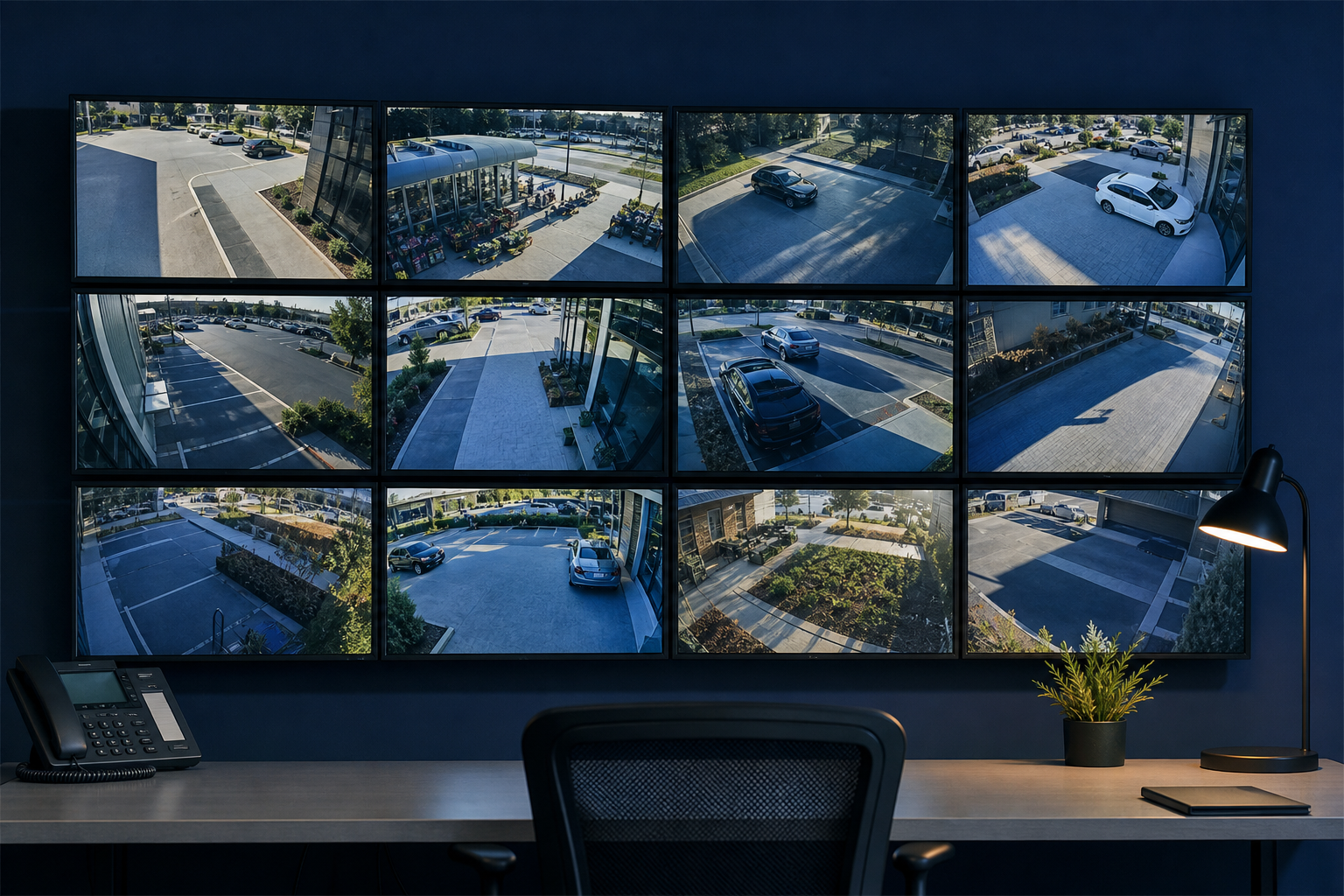
Hills District houses sit back from the street on deep blocks. The doorbell camera sees the porch and nothing of the side gate, the driveway, or the back fence, and most people only notice after a parcel goes missing.

PC Scientist plans home CCTV around your block - power, angles, recording, and the viewing app on your phone. You approve the quote before any brackets go up. Call, ask for a call back, or request a written quote.

Book online for eligible visits and get 10% off.

Security Camera Scientist CCTV, NVR, and remote viewing setup across Hills District
Hills District security cameras - driveway and door coverage with a calm survey first.

Why Hills District homeowners call when the camera app goes black

No Fix, No Fee

  • Less risk on the camera job when you are already stressed about the fault.
  • Honest limits named early, so homes and small businesses are never paying for guesswork.

Clear Upfront Pricing

  • A number homes and small businesses can run past the rest of the team before committing.
  • Each part of the camera job priced separately so you can see where the money goes.

Speak to a Real Person

  • Questions from homes and small businesses answered without jargon or hurry.
  • Plain-language advice before you book anything for the camera job.

Fixed Properly First Time

  • Honest repair-versus-replace advice on the camera gear when more spend is not worth it.
  • Related camera settings checked while we are there so the fault is less likely to return.

Several Issues, One Visit

  • Footage too blurry to use and a driveway camera with a blind spot? Often sorted in the same booking.
  • A single list for homes and small businesses, worked through in order of what matters most.

Your Data Treated Carefully

  • Files are copied somewhere safe before anything risky happens on the camera job.
  • Privacy respected for homes and small businesses - we only open what the job needs.

Is Hills District missing driveway coverage, stuck on a black app, or recording that stopped after rain?

Hills District properties in family estates need cameras that see the approaches that matter. PC Scientist walks the site and keeps the plan practical for homes and townhouses.

Home CCTV details Hills District names on the call

  • Driveways and front doors the current cameras never quite catch.
  • Phone apps that open to black tiles while the recorder still runs.
  • Outdoor cameras that drop offline after wet weather.
  • Existing kits that need an honest upgrade path, not a hard sell.
  • You approve the plan before install work starts.

How to contact PC Scientist

  1. Call for Free Advice - Dial 0493 563 381 and walk us through the camera fault while it is fresh
  2. Request a Call Back - Choose this if you would rather we call you - useful for new estates around Kellyville and Rouse Hill
  3. Request a Free Quote - Get the scope and cost in writing before any camera work is booked

Pick one path for Hills District security camera work with no pressure and no jargon test, and if you are unsure Call for Free Advice is usually the fastest way to get oriented

What happens after you get in touch

  • Support for Hills District can be onsite, remote over the internet, or a mix, depending on access, urgency, and what the issue actually needs across Hills District.
  • Same-day timing for Hills District is often possible when the calendar allows; we are honest when it does not.
  • For Hills District, we listen to what you were doing when the problem showed up, in everyday words - not a checklist of buzzwords.

Where we visit in the Hills District

CCTV jobs in the Hills District are site walks, not a camera-in-a-box. Driveways in Castle Hill, shop fronts in Bella Vista, car parks in Kellyville, and existing NVRs that stopped recording in Baulkham Hills.

Looking for a specific service?

Need a different type of help than the examples above for Hills District? Browse specialist technology categories for Hills District - each card is a starting point on this page. Or call 0493 563 381 for free advice across Hills District.

Call For Free Advice

Get in touch

Leave your message and we'll get back to you shortly.

Attachments

Allowed file types: jpg, jpeg, png, gif, pdf, doc, docx, xls, xlsx, odt, ppt, pptx, pps, ppsx, html, and less than 100 MB.

No file chosen

This form uses spam checks and sends your request directly to PC Scientist.

Start here

Driveway, till, or car park you cannot see when you are away. Shop and venue jobs also live on business CCTV.
What this covers

  1. 01
  2. 02
  3. 03
  4. 04
  5. 05
  1. 01Start

    What you need to see

    You need to see the driveway, till, or car park - not a gadget lecture.

  2. 02

    Homes, shops, and sites

    Shops, offices, warehouses, motels, and premium homes.

  3. 03

    Already installed, not working

    Cameras already in, but the app will not open or the NVR stopped.

  4. 04

    Survey then quote

    A site survey first, then a quote before cables go in.

  5. 05

    Viewing on phone and desktop

    Phone and desktop viewing explained in large, clear steps.

Visit

How it works

  1. 1

    Walk the site

    Blind spots, cable routes, and where recording must be kept.

  2. 2

    Quote first

    Camera count, NVR, and network scope before work starts.

  3. 3

    Handover

    How to check live view and pull a clip when you need it.

Book security camera and CCTV help on the Hills District Call 0493 563 381, request a call back, or ask for a quote.
Call 0493 563 381

Coverage

Hills District

  • Homes
  • Shops
  • Call us

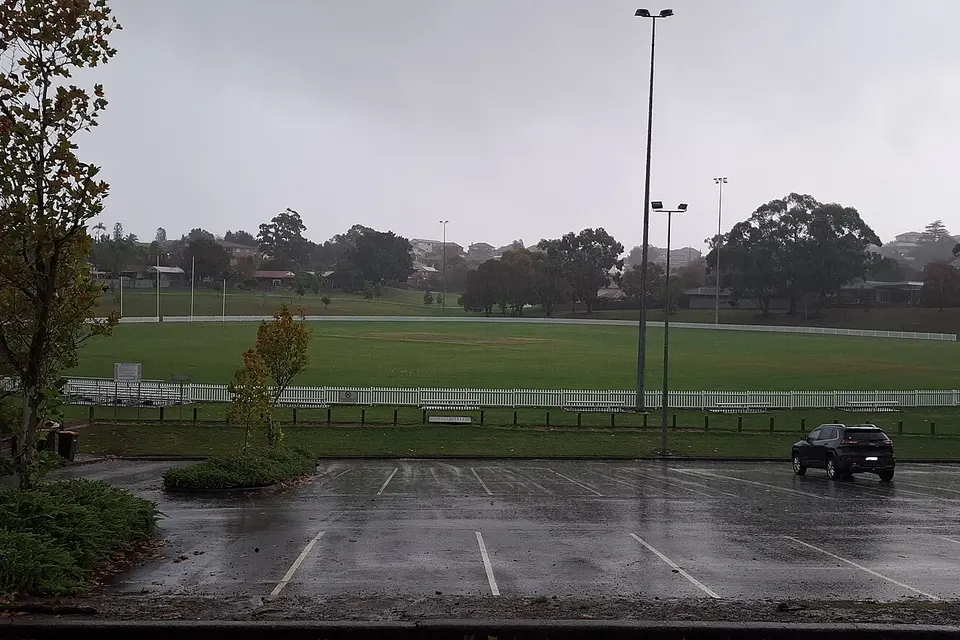
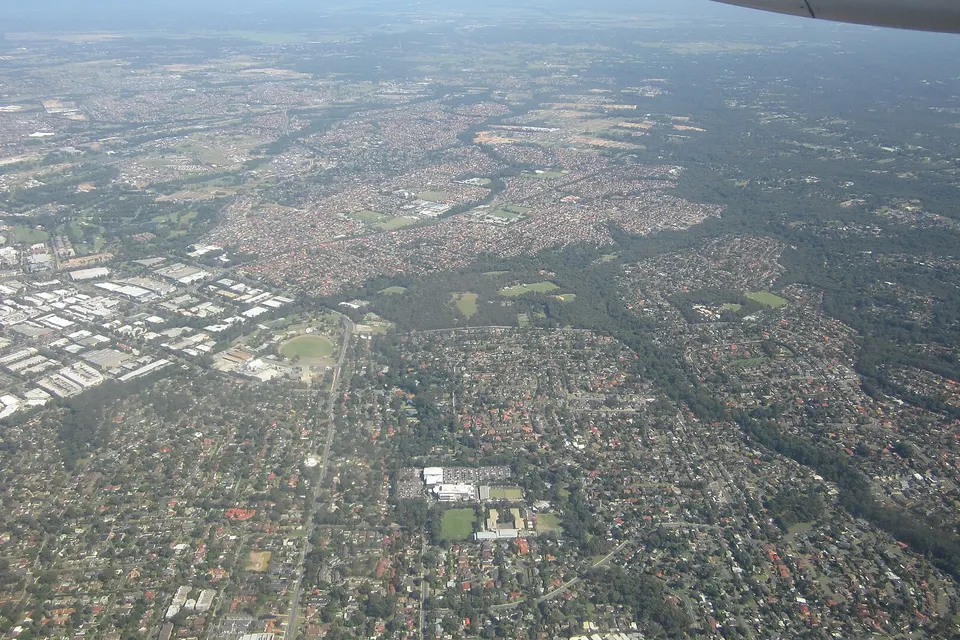
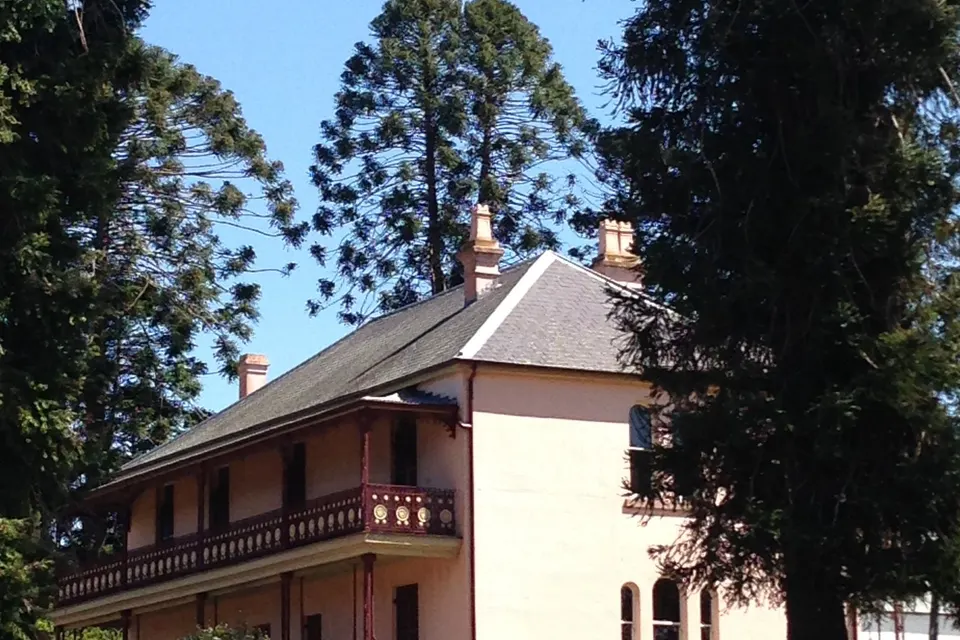
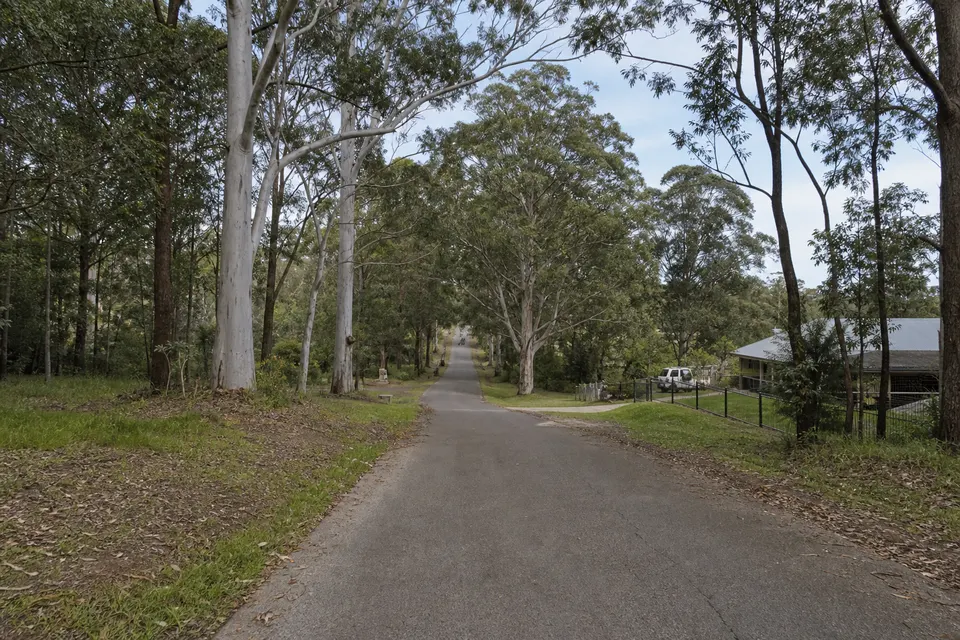
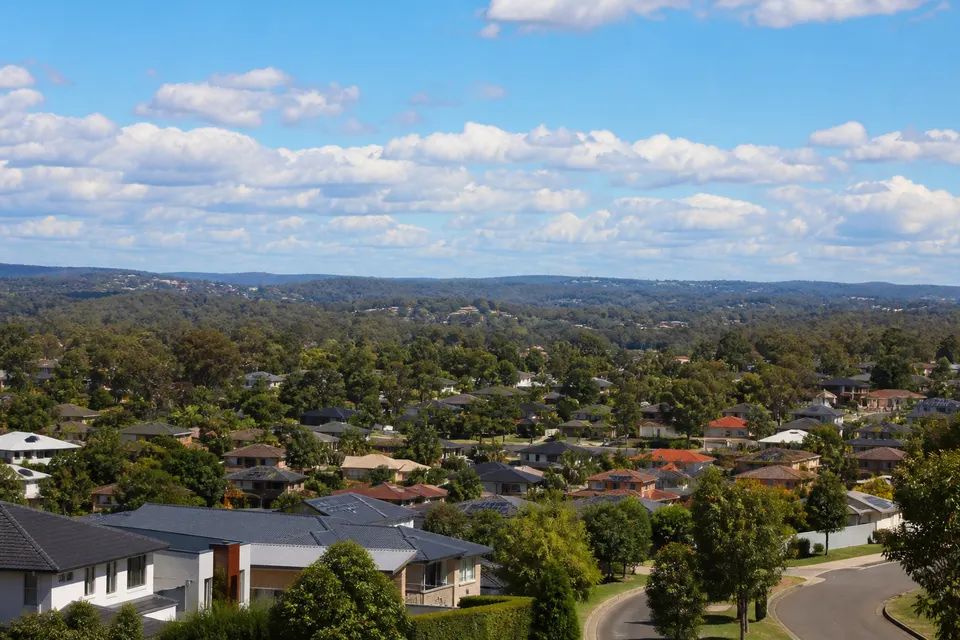
Photos of the local area.

Full list All suburbs
Call 0493 563 381
shape
image
Frequently asked questions
FAQ

Common questions about Hills District IT help

We do. Hills District and the surrounding towns are part of the regular run, including Rouse Hill. Tell us the suburb and what stopped working.

Some camera jobs can start remotely the same day, with a visit only if it is still needed.

Some camera problems can be looked at over a screen share first. If that does not settle it, we book a visit.

Remote sessions are useful for homes and small businesses who want the fix without clearing a morning.

Most visits include at least one small task, like finding last week's footage, alongside the main fault.

You leave knowing what changed and what to try if a camera that drops off the Wi-Fi happens again.

Homes and small businesses make up a lot of our work, alongside families and home offices.

The approach stays the same for acreage from Dural out to Kenthurst: plain language, clear pricing, practical fixes.


shape
shape
Need help now? Not sure what to click or what to do next?

Call PC Scientist for free advice, calm and practical IT help