HILLS DISTRICT ยท RETAIL & CAFE WI-FI

Retail and cafe Wi-Fi in the Hills District, so the till stays online at lunch

In Hills District shops and cafes the lunch rush exposes everything. Guests pile onto the same Wi-Fi as the register, the POS drops out, and the queue watches staff restart the modem again.

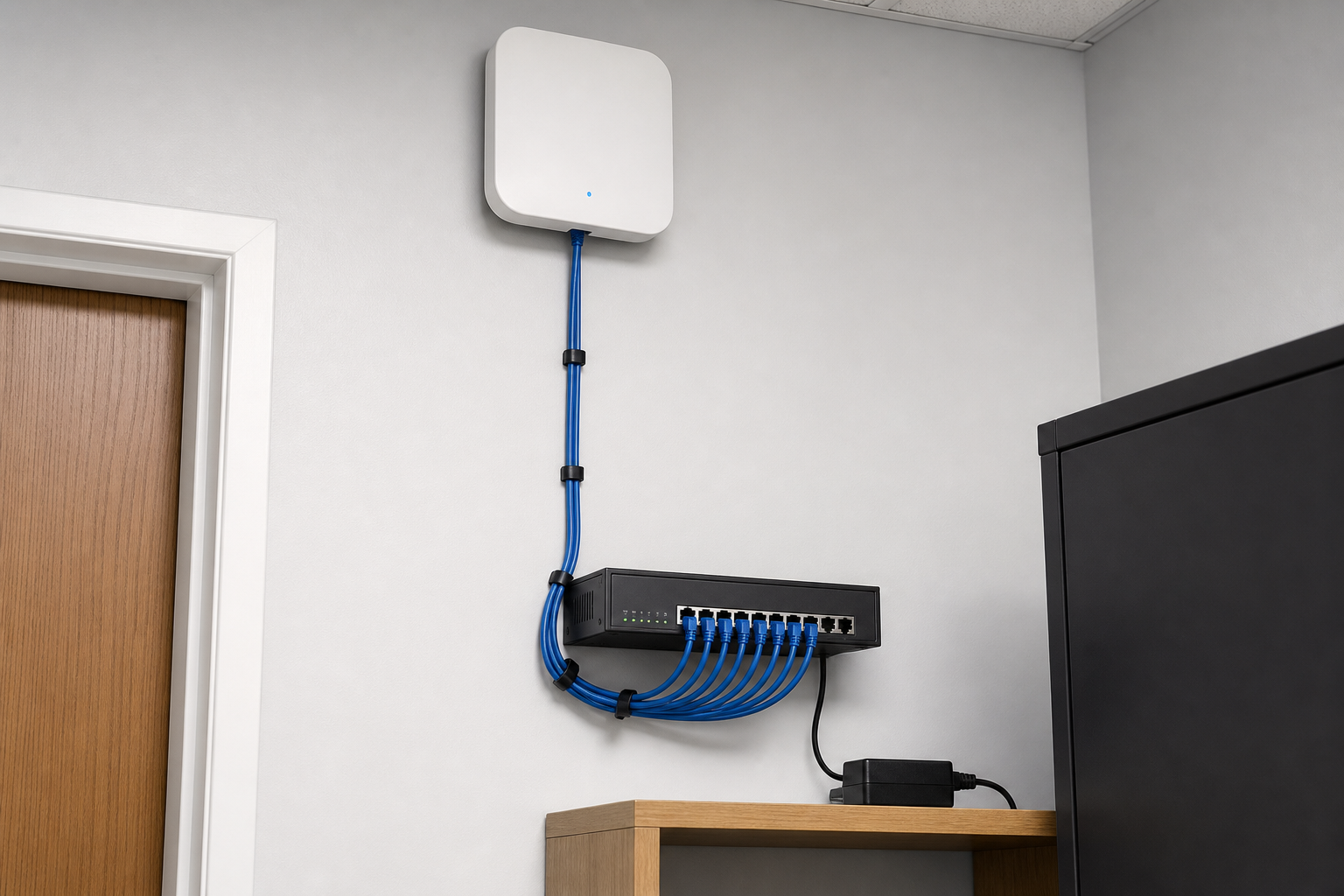
PC Scientist separates staff and guest networks so the till keeps its own connection, and places access points where the counter and seating need them. Clear price before any install. Call, ask for a call back, or request a quote.

Book online for eligible visits and get 10% off.

PC Scientist retail and cafe Wi-Fi support across Hills District
Hills District shop and cafe Wi-Fi - separate the till from the guest network before the next rush.

Why Hills District counters drop off at the worst moment

No Fix, No Fee

  • Honest limits named early, so shops, cafes, and counters are never paying for guesswork.
  • No repair fee if the fault behind guest Wi-Fi sharing the POS line cannot be fixed - just honest advice on what next.

Clear Upfront Pricing

  • Figures explained in plain words so shops, cafes, and counters can decide calmly.
  • Each part of the shop Wi-Fi job priced separately so you can see where the money goes.

Speak to a Real Person

  • Describe a modem hidden behind the stock in your own words and we work out the rest.
  • Questions from shops, cafes, and counters answered without jargon or hurry.

Fixed Properly First Time

  • We trace guest Wi-Fi sharing the POS line back to where it starts, then test it before we leave across the Hills District.
  • Honest repair-versus-replace advice on the shop Wi-Fi gear when more spend is not worth it.

Several Issues, One Visit

  • A modem hidden behind the stock and a till that drops off the network at lunch? Often sorted in the same booking.
  • Less disruption for acreage from Dural out to Kenthurst when the whole pile is handled together.

Your Data Treated Carefully

  • Privacy respected for shops, cafes, and counters - we only open what the job needs.
  • Nothing wiped or reset on the shop Wi-Fi job without asking you first.

Is the Hills District problem the till, the guest Wi-Fi, or both?

Hills District shops and cafes need staff devices and guest phones on separate paths. PC Scientist looks at till dropouts and back-room dead spots from Castle Hill through Kellyville before anyone swaps the modem again.

What Hills District people bring us - Wi-Fi that will not reach the desk, phone that will not pick up mail, slow laptop

  • Guest Wi-Fi that knocks the POS offline in the lunch rush.
  • Stockroom phones that lose signal while the counter stays up.
  • Access points that never covered the whole floor after a fit-out.
  • Staff and guest networks that were never properly split.
  • You see the price before any network work starts.

How to contact PC Scientist

  1. Call for Free Advice - Call 0493 563 381 for plain advice on a back-office PC that crawls, even if you are not sure what to ask
  2. Request a Call Back - Tell us the best window for new estates around Kellyville and Rouse Hill and we ring then, not in the middle of your day
  3. Request a Free Quote - A short form and a written reply - no obligation to go ahead with the shop Wi-Fi job

Pick one path. No pressure. If you are unsure, Call for Free Advice is usually the fastest way to get oriented in Hills District retail and cafe Wi-Fi.

What happens after you get in touch

  • For Hills District, we listen to what you were doing when the problem showed up, in everyday words - not a checklist of buzzwords.
  • Same-day timing for Hills District is often possible when the calendar allows; we are honest when it does not.
  • In Hills District you hear practical options next, with clear pricing before work starts, and nothing goes ahead until you are comfortable.

Where we visit in the Hills District

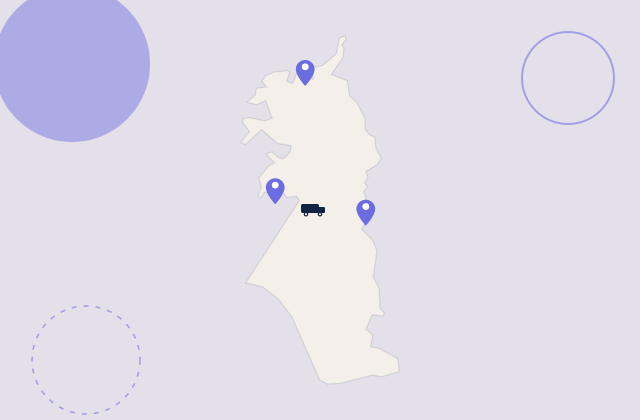
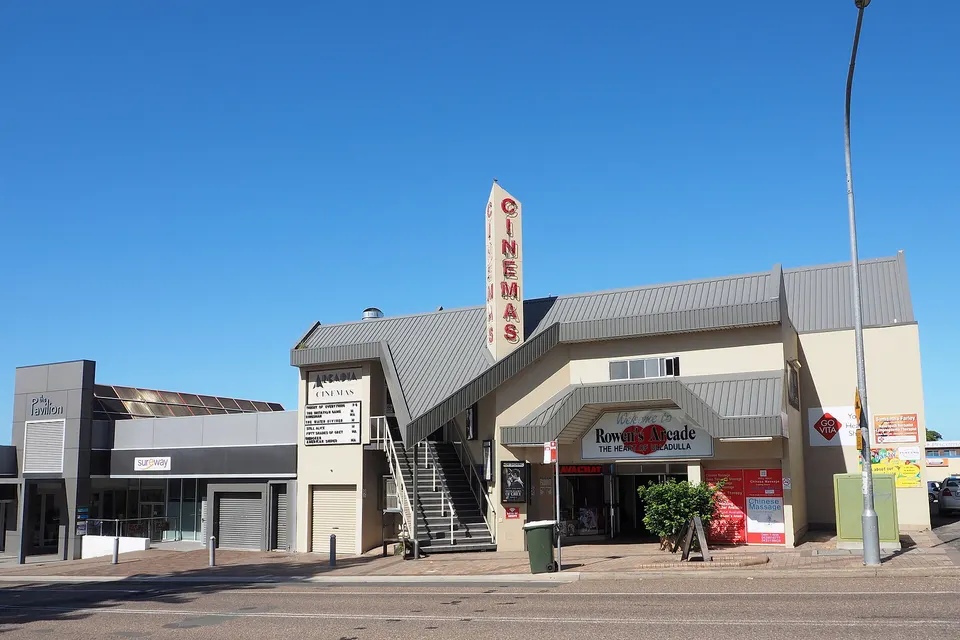
Retail Wi-Fi in the Hills District is tills, staff, and the odd back room. Baulkham Hills and Rouse Hill shops, Cherrybrook malls, Castle Hill strip stores. We start with what dropped, not a new router on day one.

Looking for a specific service?

Looking for a named service line in Hills District? Jump to service categories covering Hills District, pick the closest match, then call if you are still unsure across Hills District.

Call For Free Advice

Get in touch

Leave your message and we'll get back to you shortly.

Attachments

Allowed file types: jpg, jpeg, png, gif, pdf, doc, docx, xls, xlsx, odt, ppt, pptx, pps, ppsx, html, and less than 100 MB.

No file chosen

This form uses spam checks and sends your request directly to PC Scientist.

Start here

Till fine, staff iPad dead, guest Wi-Fi dead at lunch. A fuller office plan also lives on business networks.

What this covers

  1. 01
  2. 02
  3. 03
  4. 04
  5. 05
  1. 01Start

    When the floor is full

    The till is fine, the staff iPad is dead, lunch Wi-Fi dies.

  2. 02

    Tills and handhelds

    Tills, printers, and handhelds on the right network.

  3. 03

    Guest versus staff

    Guest Wi-Fi that should not see the staff computers.

  4. 04

    The cupboard modem

    A modem in a cupboard that never covers the floor.

  5. 05

    Is it the provider?

    Evidence when the provider says the line is fine.

Visit

How it works

  1. 1

    Which device fails

    Till, handheld, guest phone, or the printer - and when.

  2. 2

    Plan before gear

    Placement, split networks, or cabling - quoted first.

  3. 3

    Onsite when needed

    Walk the floor at a time that matches the fault.

Book retail and cafe Wi-Fi help on the Hills District Call 0493 563 381, request a call back, or ask for a quote.
Call 0493 563 381

Coverage

Hills District

  • Homes
  • Shops
  • Call us

Photos of the local area.

Full list All suburbs
Call 0493 563 381
shape
image
Frequently asked questions
FAQ

Questions we hear in Hills District

Yes - new estates around Kellyville and Rouse Hill are part of the usual visit area. If you are further out, ask and we will tell you honestly what is possible.

Some shop Wi-Fi jobs can start remotely the same day, with a visit only if it is still needed.

Some shop Wi-Fi problems can be looked at over a screen share first. If that does not settle it, we book a visit.

Remote sessions are useful for shops, cafes, and counters who want the fix without clearing a morning.

Most visits include at least one small task, like changing the guest Wi-Fi password, alongside the main fault.

You leave knowing what changed and what to try if guest Wi-Fi sharing the POS line happens again.

Shops, cafes, and counters make up a lot of our work, alongside families and home offices.

If several people share one connection across the Hills District, we plan the visit around all of them.


shape
shape
Need help now? Not sure what to click or what to do next?

Call PC Scientist for free advice, calm and practical IT help