HILLS DISTRICT ยท BUSINESS CYBERSECURITY

Business cybersecurity in the Hills District without the panic

An email asks accounts to update a supplier's bank details, today please. A browser keeps throwing pop-ups at the front desk. It might be nothing. It might not.

PC Scientist helps Hills District workplaces check what happened, clean it up, and lock accounts down properly. Remote sessions handle many login and browser issues; we visit when devices need hands-on work. Call for advice or request a call back.

Book online for eligible visits and get 10% off.

PC Scientist business cybersecurity help after scams across Hills District
Hills District business cybersecurity - patient hardening after scams and odd logins.

Why Hills District teams ring after a sketchy payment email

No Fix, No Fee

  • If we cannot clean up a compromised machine, there is no repair fee.
  • Straight advice when a device should be wiped and rebuilt instead.

Clear Upfront Pricing

  • A clear price for a security check before we start.
  • Office-wide hardening quoted in writing first.

Speak to a Real Person

  • Call 0493 563 381 and talk to a person, not a ticket queue, when something feels wrong.
  • Calm explanations with no scare tactics.

Fixed Properly First Time

  • We close the gap that let the scam in, not just reset one password.
  • Multi-factor sign-in and updates checked across every staff device.

Several Issues, One Visit

  • Email, laptops, phones, and office Wi-Fi reviewed in one visit.
  • One plan for the whole team rather than device by device.

Your Data Treated Carefully

  • Client records and invoices protected with sensible backups.
  • Access removed properly when staff leave.

Did Hills District get a payment scare, a stuck pop-up, or a login that suddenly wants a code?

Hills District small teams rarely have an in-house security person. PC Scientist sorts the urgent mess, then tightens the obvious gaps so the same door is harder to open twice.

Hills District cybersecurity clues worth naming early

  • Staff mail that looks official but asks for a bank change mid-job.
  • Browsers or toolbars that keep reopening after you close them.
  • Shared PCs that feel slower right after a suspicious download.
  • Accounts that ask for new codes the team never set up.
  • Clear pricing first. Work starts only when you agree.

How to contact PC Scientist

  1. Call for Free Advice - Ring 0493 563 381 as soon as something looks wrong - a real person helps you decide what to do first
  2. Request a Call Back - Leave a short form if you are tied up in meetings, and PC Scientist calls back as soon as the diary allows
  3. Request a Free Quote - Get a written scope and price for a security review before you commit, with no obligation

Pick whichever suits. If money or an account may be at risk right now, call.

What happens after you get in touch

  • For Hills District, we listen to what you were doing when the problem showed up, in everyday words - not a checklist of buzzwords.
  • Symptoms first for Hills District: when it started, what changed, and whether one device or the whole house is affected.
  • Support for Hills District can be onsite, remote over the internet, or a mix, depending on access, urgency, and what the issue actually needs across Hills District.

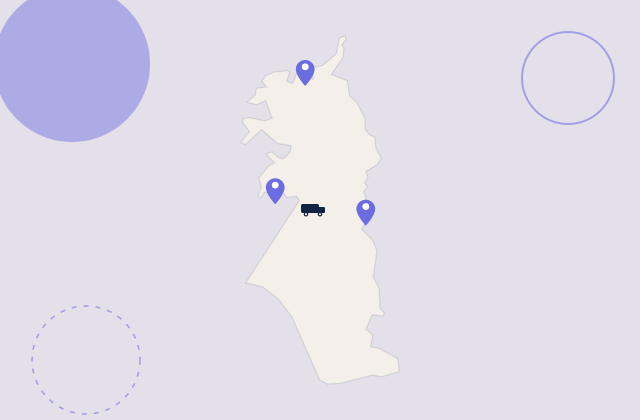
Where we visit in the Hills District

Business scare moments in the Hills District are phishing, odd invoices, and a PC that started acting strange. Bella Vista, Kellyville, Baulkham Hills, and Rouse Hill desks get calm checks - no panic upsell.

Looking for a specific service?

Looking for a named service line in Hills District? Jump to service categories covering Hills District, pick the closest match, then call if you are still unsure across Hills District.

Call For Free Advice

Get in touch

Leave your message and we'll get back to you shortly.

Attachments

Allowed file types: jpg, jpeg, png, gif, pdf, doc, docx, xls, xlsx, odt, ppt, pptx, pps, ppsx, html, and less than 100 MB.

No file chosen

This form uses spam checks and sends your request directly to PC Scientist.

Start here

A fake invoice, a remote-access caller, or a login alert on a work PC. Home scares start on cybersecurity.

What this covers

  1. 01
  2. 02
  3. 03
  4. 04
  5. 05
  1. 01Start

    A scare at work

    A fake invoice, a remote-access caller, or a login alert.

  2. 02

    What was opened

    What was clicked or installed, before anyone panics.

  3. 03

    Front-desk junk

    Pop-ups on the front-desk PC, removed with caution.

  4. 04

    Mail and Microsoft 365

    Mailbox and Microsoft 365 checks after a scare.

  5. 05

    Safer defaults

    Safer defaults on the computers people actually use.

Visit

How it works

  1. 1

    What was clicked

    Message, caller, or pop-up - before changing anything.

  2. 2

    Urgent first

    Accounts and the till PC, then cleanup.

  3. 3

    Calmer defaults

    Habits that reduce the next scare.

Book business cybersecurity help on the Hills District Call 0493 563 381, request a call back, or ask for a quote.
Call 0493 563 381

Coverage

Hills District

  • Homes
  • Shops
  • Call us

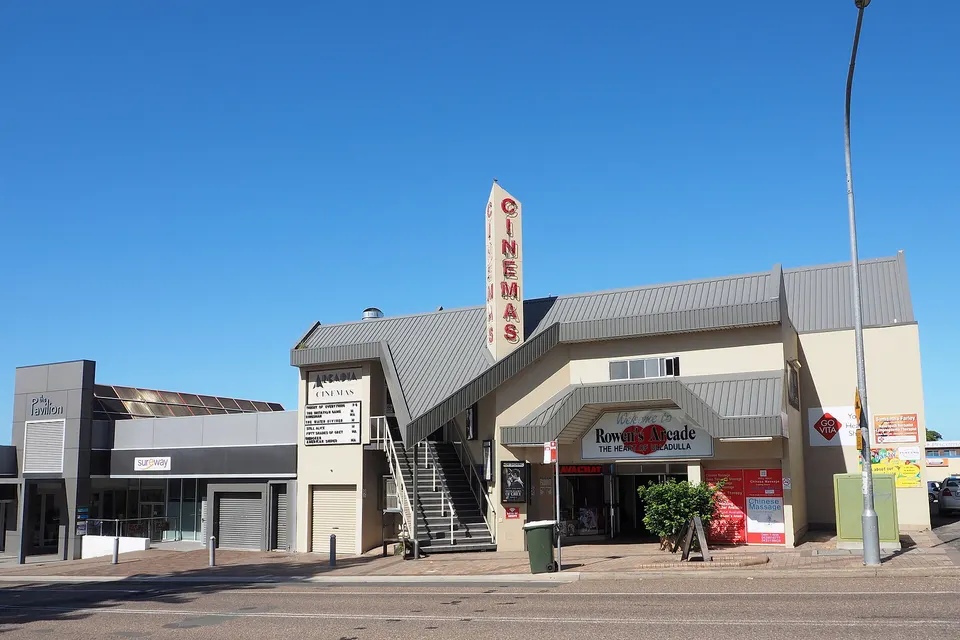
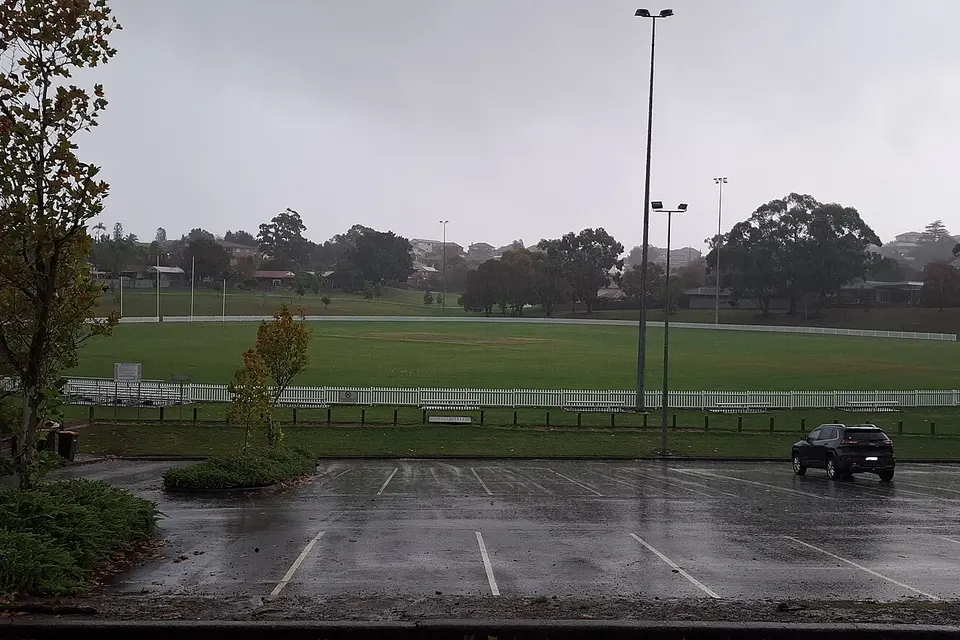
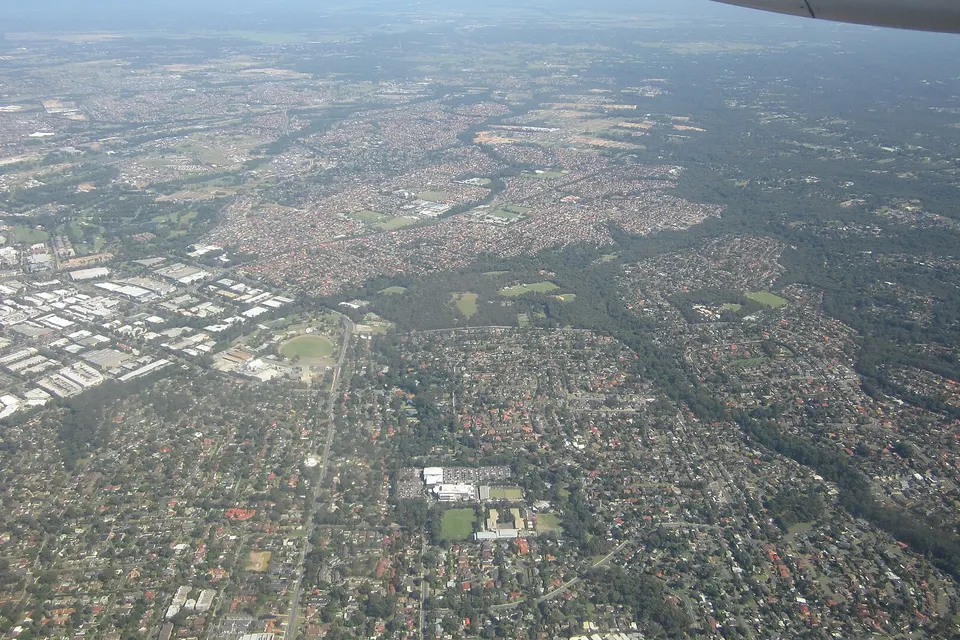
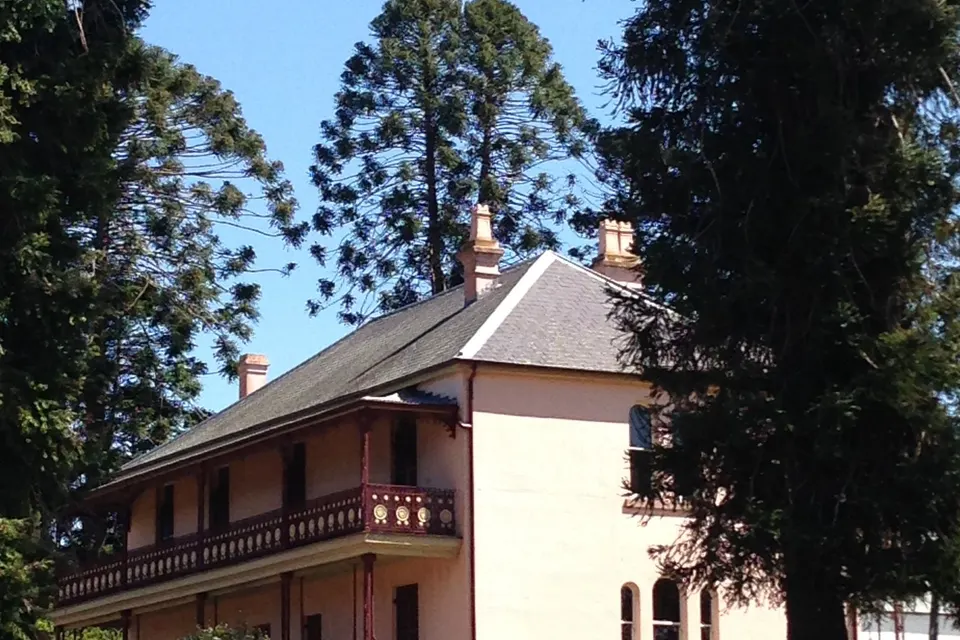
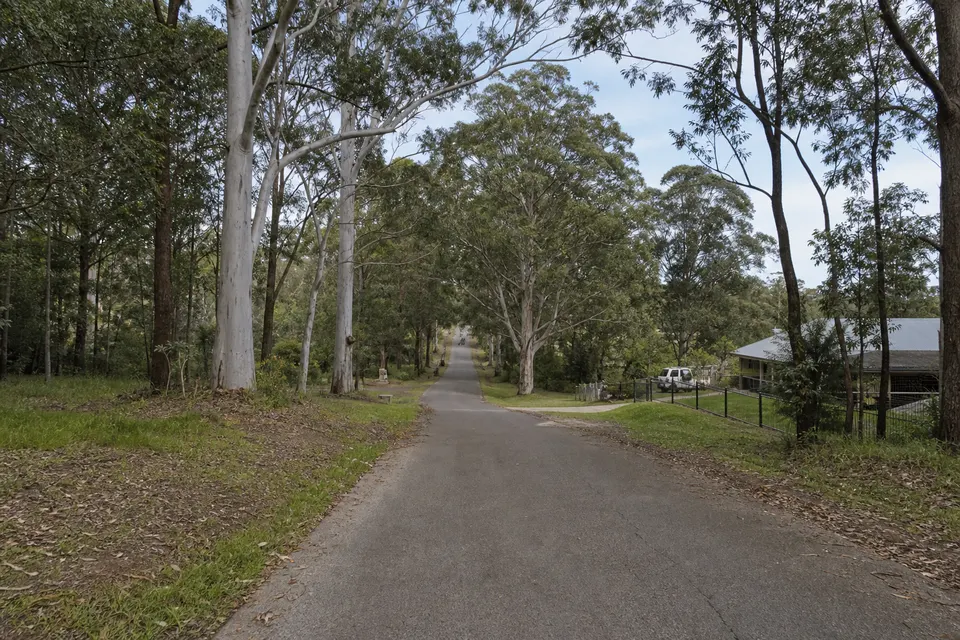
Photos of the local area.

Full list All suburbs
Call 0493 563 381
shape
image
Frequently asked questions
FAQ

If you are wondering about help in Hills District

Scam email checks, compromised Microsoft 365 accounts, suspicious invoices, malware cleanup, multi-factor sign-in, and staff password tidy-ups for offices and shops around Norwest, Castle Hill, and Bella Vista.

If something just looks wrong, that is reason enough to call.

Do not pay any changed bank details or reply to the suspicious message. Note what was clicked and which accounts might be affected, then call.

We help lock the account, check forwarding rules, and work out what else was reached.

Yes. Many checks happen remotely, and device work can be staged so only one or two people are offline at a time.

We explain each change in plain language so staff know what to expect.

You hear the cost before we start. Office-wide hardening gets a fixed quote once we know how many devices and accounts are involved.

No Fix, No Repair Fee applies to repair work we cannot complete.

shape
shape
Need help now? Not sure what to click or what to do next?

Call PC Scientist for free advice, calm and practical IT help