Request a call back
Leave your details and PC Scientist will get in touch to talk through the problem and help you work out the best next step.

Request a call
Give us your number and we'll call back at your convenience.
PC Scientist
PC Scientist · Computer Support Scientist
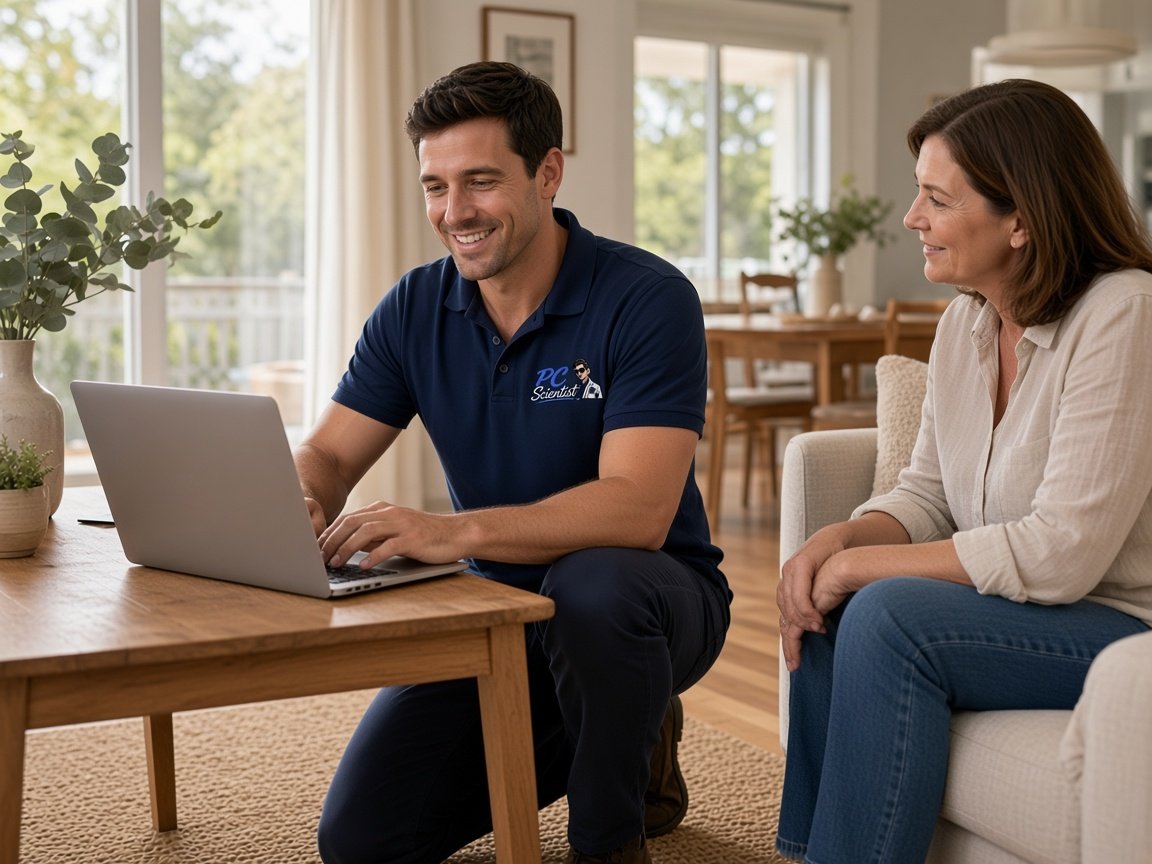
The computer is slow, it freezes mid-task, a sign-in will not stick, or the printer has stopped. We can sit with you and explain it, or handle it while you get on with your day.
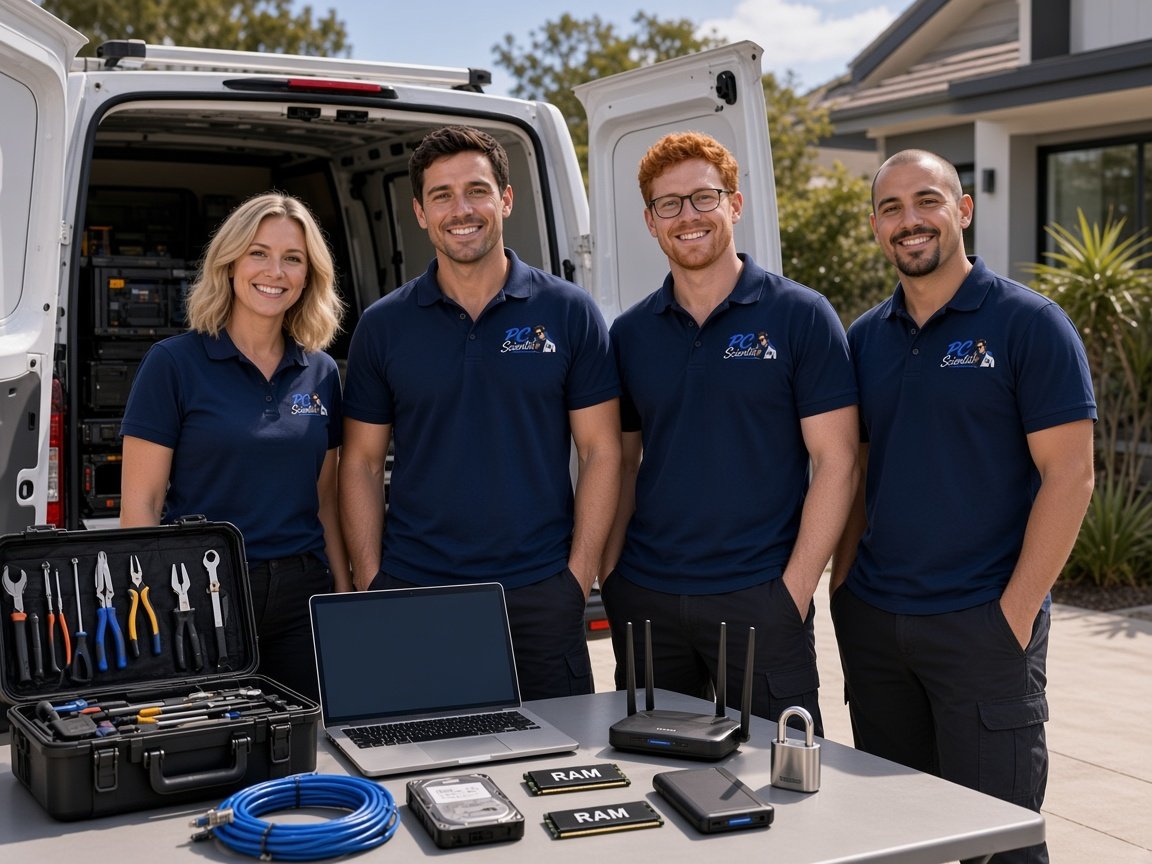
We come to homes and small businesses across NSW. Nothing extra starts unless you agree, with no hidden fees. Book an eligible visit, or call 0493 563 381.


We accept payments


Real Google reviews
Word for word, from people we have visited.
Everyday help
The login that will not take. Software that never quite installed. A new PC with the old files still on the other one. Seniors, families, and small teams who want it explained without the lecture.
PC Scientist is patient, one-on-one computer help at your place. Hands-on if you want to learn it. Hands-off if you want it done. Call 0493 563 381, or book an eligible visit.
This kind of week
Everyday computer help for homes and small workplaces.
What this covers
One of these is usually enough to start.
The home computer that should be simple and is not. We sort it properly, explain it if you want that, or just make it work again so you can get on with...
Running a business, trade, office, shop, or venue? Start at Business Tech - clearer paths for owners and operators.
Need files moved, email behaving, or someone to walk you through the clicks? We match the help to how involved you want to be.
Why us
Slow, stuck, or confusing. Everyday PC help without a lecture.
When you are ready. Call, or book a technician.
0493 563 381How it works
Book a visit, request a call back, or get it in writing first.
What you clicked, what you saw, what stopped. No jargon needed.
Clear price before work. Locked-in time. No waiting around.
Your choice. Then we show you what changed before we leave.
What we help with
Computers, Wi-Fi, email, printers, cameras, and new devices. View all services.
 Computer Repair Scientist
Slow or crashing PCs.
Computer Repair Scientist
Slow or crashing PCs. Network Scientist
Wi-Fi and dead zones.
Network Scientist
Wi-Fi and dead zones. Cybersecurity Scientist
Scams and safer accounts.
Cybersecurity Scientist
Scams and safer accounts. Parental Control Scientist
Safer screens at home.
Parental Control Scientist
Safer screens at home. Security Camera Scientist
CCTV planned and installed.
Security Camera Scientist
CCTV planned and installed. Email Systems Scientist
Microsoft 365 and Gmail.
Email Systems Scientist
Microsoft 365 and Gmail. Data Recovery Scientist
Lost files and backups.
Data Recovery Scientist
Lost files and backups. Device Setup Scientist
New devices and printers.
Device Setup Scientist
New devices and printers. Custom PC Build Scientist
Gaming and work PCs.
Custom PC Build Scientist
Gaming and work PCs. Web Design Scientist
Small business websites.
Web Design Scientist
Small business websites. Business Tech
Offices, shops, tradies.
Business Tech
Offices, shops, tradies. Procurement Scientist
Sourced and set up.
Procurement Scientist
Sourced and set up.Not sure which one? Tell us what you are seeing.
0493 563 381When you call
Tell us what is slow, stuck, or confusing. Plain words are enough. We talk it through, then help.
Tell us what is happening. We will find a time that suits.
0493 563 381FAQ
Often both. Some jobs are easier beside you. Others start well on a remote session. We will say what fits your situation and where you are in NSW.
No. This is everyday use - logins, email, apps, setup, slow systems, printers, and the jobs that feel harder than they should. Hardware repair is a different lane. See Computer Repair Scientist.
Yes. Most people we help are not "technical". We go at your pace. You never have to memorise jargon.
Yes. Finding the right page, getting into the account, knowing what to click next. That is the job.
Very common. Call for free advice. Tell us what you are seeing. It might be Wi-Fi, email, or the computer itself, and we will help you work out the next step.
We cover a lot of NSW. If your suburb is not listed, still call - we can usually confirm quickly. See technology services across New South Wales.
You get a clear quote based on the job. Prefer it in writing first? Use Get a Free Quote.
Want a calmer computer?