PC Scientist · Hills District · Cybersecurity help

Cybersecurity help in the Hills District, without the panic

In a busy Hills District home there might be six devices on the Wi-Fi, two parents working from the study and teenagers downloading game add-ons. When one laptop starts throwing warnings, nobody is quite sure who clicked what, or whether the rest of the house is fine.

PC Scientist finds the source, cleans it up, and checks the other devices and accounts that share the same connection and passwords. Call 0493 563 381 to talk it through first, or book online when it is a straightforward visit.

Book online for eligible visits and get 10% off.

  • Computer repairs
  • IT support
  • Wi-Fi
  • CCTV
  • Data recovery
  • No Fix, No Repair Fee
  • One-on-one help - a PC Scientist technician sitting with an older client at her laptop.

We accept payments

Visa
Mastercard
American Express
JCB
Apple Pay
Google Pay
Afterpay
Zip
Bank debit

Real Google reviews

What locals say after a PC Scientist visit.

Word for word, from people we have visited.

★★★★★

Sam was very responsive to fixing my laptop and retrieving my data. Most appreciated.

Bruce Whitehead

★★★★★

Manuel was running a little late so he phoned me and as soon as I heard his happy disposition I immediately felt at ease. Great communication and a smooth visit.

Sylvia Ralph

★★★★★

Came out quickly, prompt service by Sam, all good

PETER ROBINSON

Read all our Google reviews

Cybersecurity help · Hills District

Which device in our Hills District house let the scam in?

Larger Hills District households and home offices have more devices, more accounts and more shared passwords, so one slip can travel. We trace the source, tidy every device it touched, and set up separate, stronger sign-ins.

What lands in Hills homes and studies

  • Game add-ons or mods downloaded by teens that bring unwanted software along.
  • Work-from-home inboxes receiving fake requests to change bank details.
  • Family logins that suddenly ask for codes nobody remembers setting up.
  • Browsers on the study computer reopening strange pages after every close.
  • You approve the plan and the price before cleanup begins.

After you reach us

  • We ask which devices share the Wi-Fi and the same passwords.
  • Work accounts are secured alongside family ones, in a sensible order.
  • You hear the cost first, and nothing goes ahead without your nod.

Hills District suburbs we visit

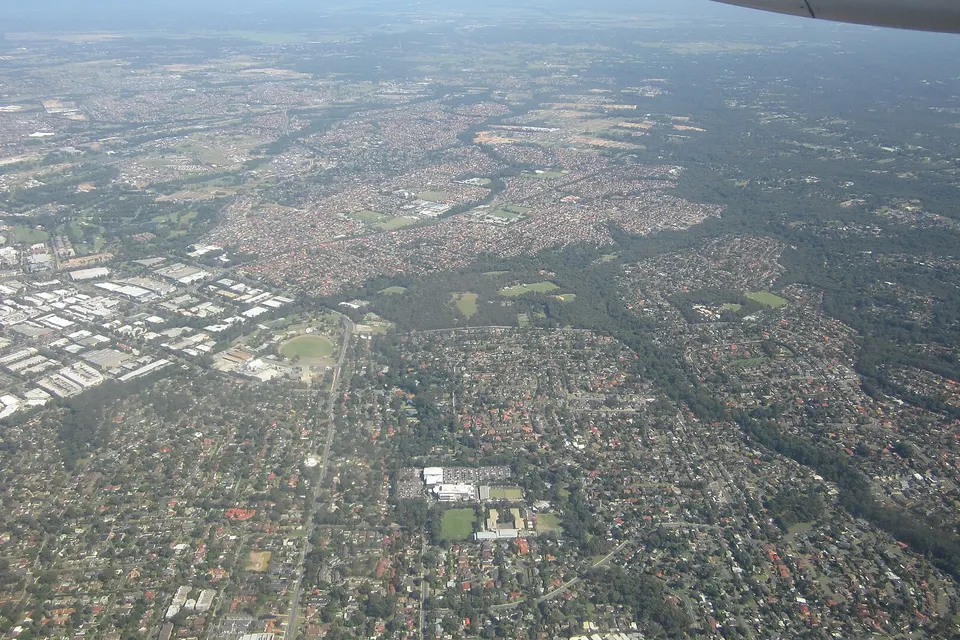
We help households and small offices in Castle Hill, Baulkham Hills and Bella Vista, through Kellyville, Rouse Hill and The Ponds, and out to Dural, Galston and Kenthurst. On larger semi-rural blocks we often start the account work remotely, then visit to check every device on the network.

Why Cybersecurity help calls us

What Hills District households and home offices get from a security visit

  • Pay only for results

    • Worried about paying and getting nothing back? A repair we cannot finish carries no repair fee.
    More
    • The fee follows the result when a stubborn pop-up beats us.
  • Each part priced

    • Figures in plain words so households and home offices can decide calmly.
    More
    • Each part of the cleanup priced separately, so you see where the money goes.
  • Call back when convenient

    • Cannot talk during work hours? Ask for a call back at a time that suits.
    More
    • A local voice to say whether a visit or a remote session makes sense.
  • Every device on the Wi-Fi

    • Laptops, phones and gaming PCs on the same network checked for the same problem.
    More
    • Router password and guest network set up so visitors stay separate.
  • Work and home apart

    • Work email and family accounts given separate, stronger passwords.
    More
    • Less disruption for busy households when the whole list is handled in one go.
  • Client files respected

    • Nothing on a device is reset without a conversation first.
    More
    • Photos, client files and business records handled carefully throughout.

Start here

What this covers

Use this page for scares across the household devices. If one computer is just slow and nothing suspicious has happened, computer support is a better first step.

  1. 01

    Something seems off at home

    A warning on the study laptop, an odd text, or a sign-in alert from another country.

  2. 02

    Who clicked what

    We trace which device and which person opened it before changing any settings.

  3. 03

    Add-ons and junk out

    Unwanted programs, game mod extras and browser redirects removed carefully, with school and work files kept.

  4. 04

    Logins made separate

    Passwords reset and two-step codes restored, with work and family accounts kept apart.

  5. 05

    House rules that help

    A few household habits for parents and teens, rather than anxious software purchases.

The visit

How it works

  1. 1

    Map the devices

    Which computers, phones and consoles share the Wi-Fi and passwords.

  2. 2

    Find the source

    The device that let it in gets cleaned, then the rest are checked.

  3. 3

    Separate and strengthen

    Stronger, separate sign-ins for work and family, explained without fuss.

Two fixed-price options

Online booking prices

  1. Start here

    Later date

    $190

    If it's not urgent

  2. If it can't wait

    Same day

    $207

    When available

  • 10% discount already in
  • Extra work quoted first

Peace of mind

No Fix, No Repair Fee.

If we cannot get the agreed work done under our terms, you do not pay that service fee.

We will be straight with you first. You decide.

Read the Terms & Conditions

How to start

From the first message to the visit.

  1. You pick how

    Book online, call for free advice, , or .

  2. You tell us what's going on

    In the booking, on the call, or in the quote. Same idea.

  3. We lock the visit

    You see the price. If you agree, we lock a date that suits.

  4. We come to you

    That's the visit. We work through your list on the day.

Areas we cover

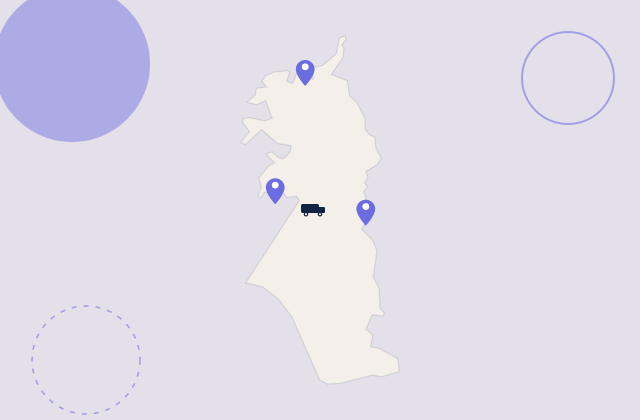
Cybersecurity help across Hills District

Pick a place for its own local page, or call and we will check your street.

Can't see your suburb?

We still come. Call and we will check.

If your street is just over the line, we usually still come.

FAQ

If you are wondering about help in Hills District

Yes. We regularly visit homes and small offices across the Hills District, from Cherrybrook and Castle Hill to Kellyville and Dural. A quick call sorts the timing.

Some cleanups can start remotely the same day, with a visit booked only if the devices still need hands-on checking.

It can be. Unofficial game add-ons sometimes carry unwanted software, especially from less reputable download sites. We check the gaming PC properly, remove anything that should not be there, and keep their games and saves intact where possible.

We can also show them which download sources are safer to use.

Yes. Turning on two-step sign-in and changing passwords on key accounts are normal requests, not afterthoughts, and they make a big difference.

We can show you the steps too, so you can set it up on new accounts yourself next time.

Yes. Small teams and home-based businesses without an IT person are a good fit, as are households. We are not built for large companies that need round-the-clock cover.

The approach stays the same for an office or a home study: plain language, clear pricing and practical fixes.

Sounds fair enough?

Today, or another day?

Book online Save 10% Call for free advice 0493 563 381