CENTRAL COAST ยท BUSINESS EMAIL

Business email support on the Central Coast

Quotes stuck in the outbox. A shared mailbox only one person can open. Replies landing in junk for your best customer. Email trouble costs a Central Coast business more than it looks.

PC Scientist sorts Microsoft 365, shared mailboxes, phone sync and bounce errors, then makes sure it stays sorted. Call 0493 563 381 or ask for a call back.

Book online for eligible visits and get 10% off.

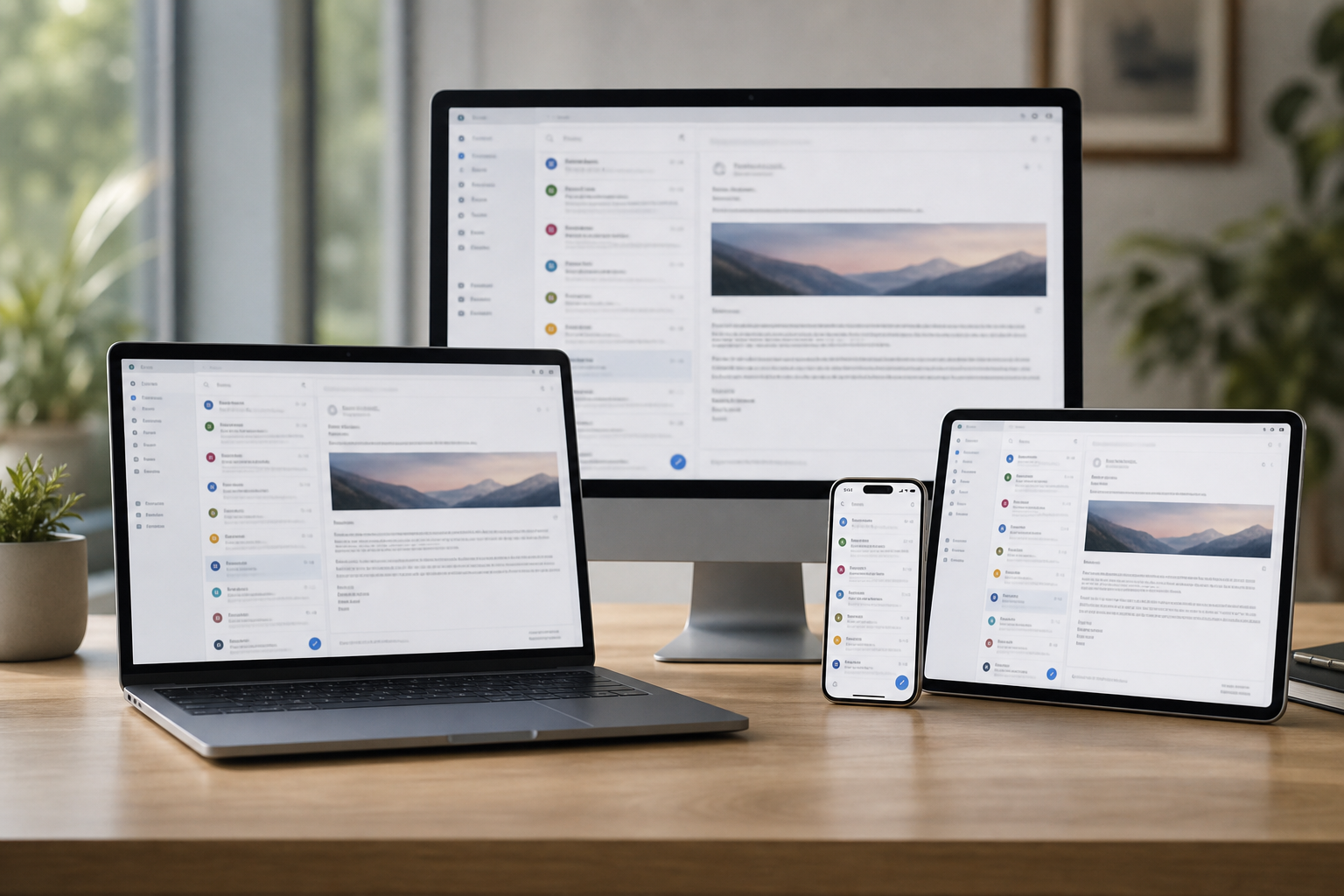
PC Scientist business email and Microsoft 365 support across Central Coast
Central Coast business email - Outlook and Microsoft 365 that send when you need them.

Why Central Coast offices call when business email stalls

Mail on every phone and PC

  • Inbox, sent items, and calendars matching across staff devices.
  • Email that works on the phone but not the PC tracked to the cause.

Moves without lost mail

  • Old provider mailboxes moved to Microsoft 365 or Google Workspace with history intact.
  • Cutover timed for a quiet part of the week.

Messages that land, not bounce

  • Domain records checked so quotes and invoices stop landing in junk.
  • Spoofing protection set up so nobody can send as you.

Shared inboxes set up cleanly

  • Info and accounts mailboxes shared with the right staff.
  • New starters and leavers handled without a scramble.

Price clear before the move

  • Migration scope and cost agreed before any mailbox changes.
  • Licences explained so you are not paying for seats you do not use.

Booked times, minimal downtime

  • Changes scheduled around trading hours on the Coast.
  • A follow-up check once everyone is back at their desk.

Is the Coast email fault a stuck Outbox, a shared inbox nobody can open, or phones that stopped syncing?

From Gosford professional suites to Terrigal hospitality desks, PC Scientist helps when mail is the job. We check profiles, DNS where needed, and device sync without turning the morning into jargon.

Business email jobs on the Central Coast

  • Shared inboxes that stall mid-morning on the Central Coast.
  • Outlook offline while Coast invoices wait.
  • Staff phones out of sync with the Central Coast desktop.
  • Domain email moves for Coast provider changes.
  • Account edits only after Central Coast approval.

How to contact PC Scientist

  1. Call for Free Advice - Ring 0493 563 381 and read out the error or bounce message you are seeing
  2. Request a Call Back - Leave your number and the affected mailbox, and we call back to trace it
  3. Request a Free Quote - Get a written scope for new mailboxes, a migration, or a domain change

You only need to pick one of the three. There is no pressure and no technical language required. If you are not sure, Call for Free Advice is often the quickest way to explain what is going on.

What happens after you get in touch

  • We confirm which accounts and devices are affected first.
  • Changes are explained so the same break is less likely next week.
  • We say plainly when your Microsoft or Google admin must be involved too.

Where we visit on the Central Coast

Shared mailboxes and Microsoft 365 for Coast businesses in Gosford, Erina, and Wyong. Phone, laptop, and the inbox that payroll still lives in.

Looking for a specific service?

Need a different Central Coast service? Open the Central Coast technology services hub for the other local service pages, or call 0493 563 381 for free advice.

Call For Free Advice

Get in touch

Leave your message and we'll get back to you shortly.

Attachments

Allowed file types: jpg, jpeg, png, gif, pdf, doc, docx, xls, xlsx, odt, ppt, pptx, pps, ppsx, html, and less than 100 MB.

No file chosen

This form uses spam checks and sends your request directly to PC Scientist.

Start here

Invoices stuck in outbox, a starter who cannot get mail, a shared inbox on one PC. Home mailboxes start on email support.

What this covers

  1. 01
  2. 02
  3. 03
  4. 04
  5. 05
  1. 01Start

    Mail that stops trade

    Invoices stuck in outbox, or a starter who cannot get mail.

  2. 02

    Microsoft 365 and shared inboxes

    Microsoft 365, shared inboxes, and phones in sync.

  3. 03

    New staff devices

    New staff devices without breaking the old one.

  4. 04

    Password loops

    Password and two-factor loops explained calmly.

  5. 05

    A bad message landed

    A suspicious work email - checks before more damage.

Visit

How it works

  1. 1

    Which accounts

    Who, which app, and whether send or receive failed.

  2. 2

    Fix in order

    So we do not lock the whole team out.

  3. 3

    Mail moving

    Notes so the same break is less likely next week.

Book business email and Microsoft 365 help on the Central Coast Call 0493 563 381, request a call back, or ask for a quote.
Call 0493 563 381

Coverage

Central Coast

  • Homes
  • Shops
  • Call us

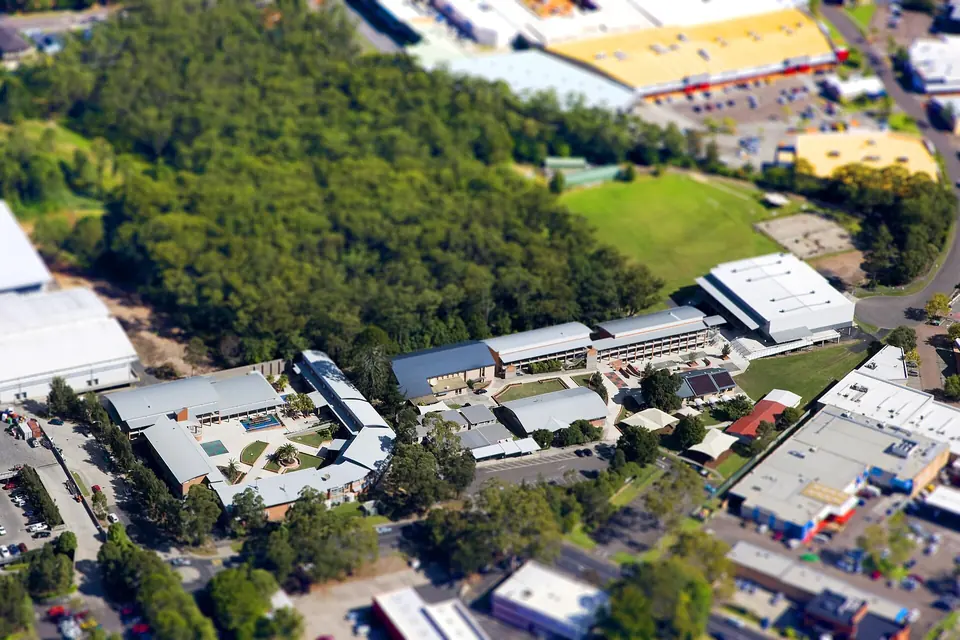
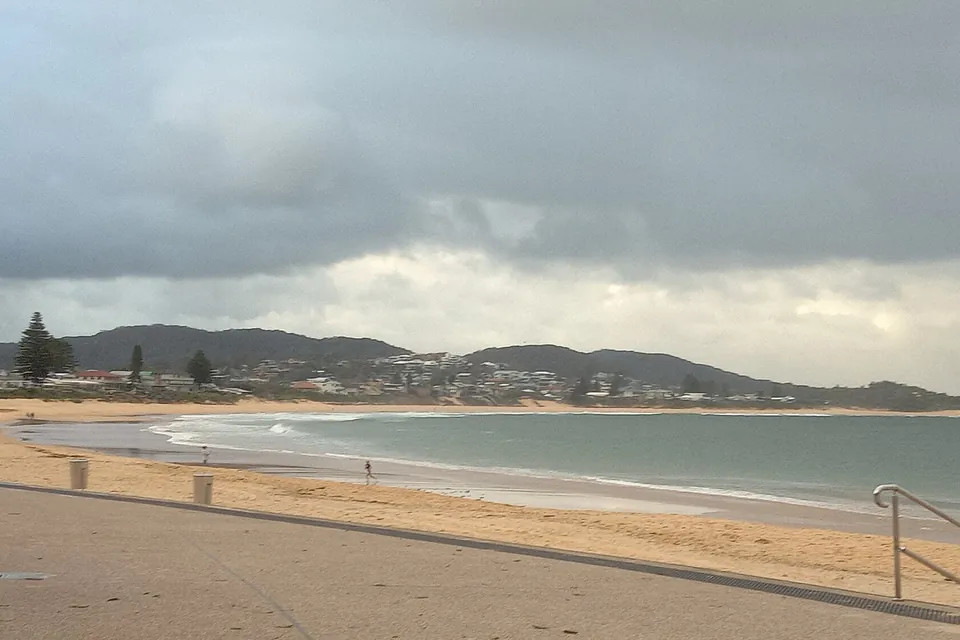
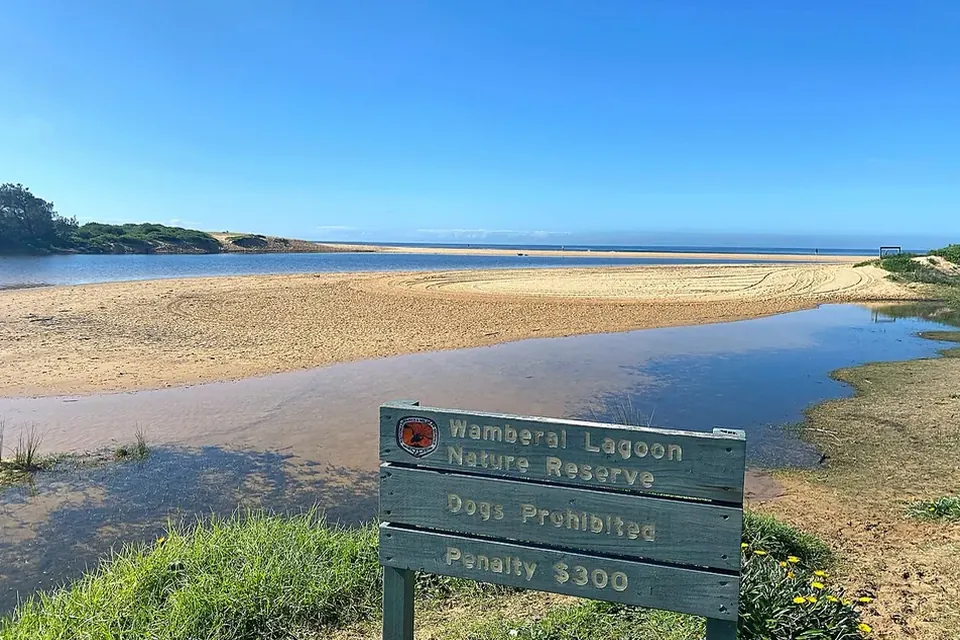
Photos of the local area.

Full list All suburbs
Call 0493 563 381
shape
image
Frequently asked questions
FAQ

Questions we hear on the Central Coast

Yes. We triage by phone where we can, then remote in or visit workplaces in Gosford, Wyong, Terrigal, and around the Coast to trace the fault back to the account or domain settings.

It is usually a profile, password, or sync setting on one device. We check each one calmly until the same mail shows everywhere.

Yes, where you have admin access to the account. We set up the mailbox on their phone and desktop so they can start work straight away.

Contact your bank first, then call us for advice. We walk through password changes, mailbox rule checks, and sign-in reviews so the same account cannot be used against you again.


shape
shape
Need help now? Not sure what to click or what to do next?

Call PC Scientist for free advice, calm and practical IT help