PC Scientist · Central Coast · Parental controls

Parental controls for Central Coast homes

Dinner is done in Gosford and the phones come back out. YouTube is still on the living-room TV. The iPad that was meant to be homework is a game again. You have flicked a setting. It never quite covers the whole house.

We set the Coast router, the phones, the tablets, the consoles, and the TV together, then show you how to keep it. Ring 0493 563 381, or book an eligible visit if you would rather we come to the house.

Book online for eligible visits and get 10% off.

Let us help you today

  • One-on-one help - a PC Scientist technician sitting with an older client at her laptop.

We accept payments

Visa
Mastercard
American Express
JCB
Apple Pay
Google Pay
Afterpay
Zip
Bank debit

Real Google reviews

What locals say after a PC Scientist visit.

Word for word, from people we have visited.

★★★★★

Sam was amazing he was He was on time punctual. He was courteous and I give him 100%. so anyone on the Central Coast give Sam a call.

Madeline D'anastasi

★★★★★

I frantically called Sam in the morning and he was at my home by mid afternoon. He had my compuuter repaired and working again the same day. Very grateful for the quick help.

Pauline Green

★★★★★

Sam was absolutely brilliant. I had no idea of what I was doing but Sam fixed everything. He was on time and extremely helpful. Thanks heaps Sam

Karen Smith

Read all our Google reviews

Parental controls · Central Coast

Is the filter only on the Wi-Fi, or on the phone they take to Terrigal?

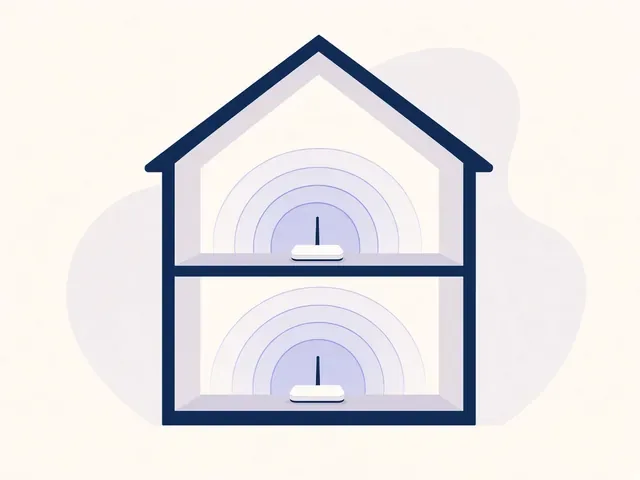
eSafety is clear: controls belong on every device, and they need a review, not a one-off click. We set the house layer and the device layer so bedtime still holds when they leave the Wi-Fi.

What Coast parents ask us to set

  • Bedtime cut-offs that survive the living-room TV.
  • YouTube and search limits on the smart TV, not only the iPad.
  • Phones that still have a limit on mobile data after school.
  • Consoles in the rumpus that currently ignore the router rules.
  • A price before we change a single PIN.

How a visit actually runs

  • We list every device first - phones, iPads, school laptops, Switch, Xbox, the TV.
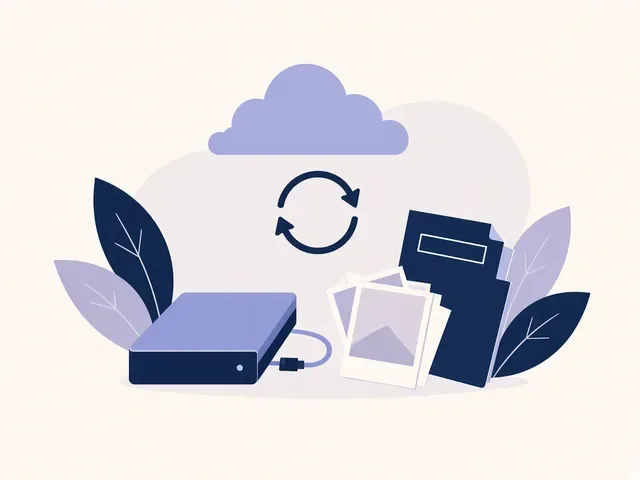
  • Home Wi-Fi and family DNS go on, then Apple Screen Time, Family Link, or Microsoft Family Safety.
  • We close the usual holes: guest Wi-Fi, VPNs, iCloud Private Relay, and DNS that skipped the router.

Towns we visit for this

From Gosford and Erina through Terrigal, Avoca Beach, and Wamberal, then across to Woy Woy and Umina Beach. Wyong, Tuggerah, The Entrance, Bateau Bay, and Kincumber sit on the same visit list. Remote handover works when a drive is not needed.

Why Parental Control Scientist

Why Coast families book Parental Control Scientist

  • You get every screen, not one app

    • Your router is one layer. Phones, tablets, consoles, and the TV each need their own switch.
    • We set them in a single visit so you are not hunting menus at 9pm.
  • You get mobile data still counts

    • Your phone that leaves Woy Woy on 4G skips a Wi-Fi-only filter.
    • Family Link and Screen Time stay on when they are not at home.
  • The holes kids actually use

    • Guest Wi-Fi, a free VPN, Private Relay, or a DNS app will walk around a tidy router.
    • We find those, close them, and show you what we changed.
  • You get honest limits

    • No tool is 100 percent. eSafety says the same.
    • We leave you with a setup you can live with, plus the conversation it cannot replace.
  • You get price before a PIN changes

    • The check is agreed first. Extra devices only if you want them on the list.
    • Nothing starts until you say yes.
  • You can run it next month

    • PINs, parent accounts, and a review date sit in the handover.
    • You should not need us for every bedtime tweak.

When you are ready. Call, or book a technician.

0493 563 381

Start here

What this covers

We can help when the job is screens, time, and safer home internet. If a pop-up or a scam is the scare, start at cybersecurity. Everyday PC trouble is computer support. If the computer is only sluggish, computer support is the better start.

  1. 01

    The pile on the table

    Phones after lights out, a TV that still finds YouTube, a console that never joined the family account.

  2. 02

    House Wi-Fi first

    Family DNS, router schedules, and a guest network that is actually guest-only.

  3. 03

    Then each device

    Screen Time, Family Link, Microsoft Family Safety, console and TV limits.

  4. 04

    Close the bypasses

    VPNs, Private Relay, and DNS apps that skip the filter.

  5. 05

    Handover you can keep

    PINs, who owns the parent account, and a date to review it as they get older.

The visit

How it works

  1. 1

    Tell us the story

    The message, the call or the pop-up, plus anything you typed in.

  2. 2

    Secure what matters

    Money and email accounts get locked first, then the machine gets cleaned.

  3. 3

    Settle it properly

    Safer settings on the device, explained in a few minutes, no lecture.

How it works

How to start

If you are in Cybersecurity help, you do not need the right words. Ring, book an eligible visit, or ask for it on paper first.

  1. 1

    Choose how to reach us

    Book online, call for free advice, , or .

  2. 2

    You tell us what's going on

    In the booking, on the call, or in the quote. Same idea.

  3. 3

    Lock in the visit

    We agree the visit on the call, in the booking, or in the quote. Agree, and that date stays yours.

  4. 4

    We come to you

    That's the visit. We work through your list on the day.

Areas we cover

Cybersecurity help across Central Coast

Central Coast148

Towns

Can't find your area?

Call us to check. We will tell you if we visit, or if remote help is the better fit.

Central Coast NSW

FAQ

Questions we hear on the Central Coast

That is the brief. Router filters cover what is on home Wi-Fi. Phones, iPads, school laptops, consoles, and the TV each get their own controls so the rule still exists off the Wi-Fi. We will tell you if a particular device cannot take a proper limit.

A Wi-Fi-only filter stops at the front door. Apple Screen Time and Google Family Link are the layer that still runs on 4G. We set those with you, and we do not pretend the router can do that job on its own.

No, and we will not sell it that way. eSafety is plain: tools help, they are not perfect, and they work best next to a conversation and a bit of supervision. We make the tech layer honest, then we show you what still needs you.

Yes. Homes around Gosford, Erina, Terrigal, Woy Woy, Wyong, and the rest of the Coast. Plenty of handover can also be done remotely once the devices are in front of you. We will say which way fits on the first call.

When you are ready

We can come to you

Book online Save 10% Call for free advice 0493 563 381