CENTRAL COAST ยท BUSINESS CYBERSECURITY

Business cybersecurity help on the Central Coast

A fake supplier invoice that nearly got paid. A staff login used from somewhere nobody has been. For small Central Coast teams, the warning sign usually arrives before the damage - if someone acts on it.

PC Scientist tightens accounts, devices and email settings after a scare, then explains what changed in plain English so the team knows what to watch for. Call 0493 563 381 or ask for a call back.

Book online for eligible visits and get 10% off.

PC Scientist business cybersecurity help after scams across Central Coast
Central Coast business cybersecurity - cleanup and hardening without panic talk.

Why Central Coast workplaces ring after a cybersecurity scare

A calm check after a scare

  • Suspicious logins, fake invoices, and odd pop-ups looked at quickly and quietly.
  • Passwords reset in the right order so the account stays locked down.

Two-step sign-in where it matters

  • Email, banking, and Microsoft 365 accounts protected first.
  • Staff shown how approvals work so nobody gets locked out on a busy morning.

Plain advice, no scare tactics

  • Risks explained in business terms, without jargon or fear selling.
  • You hear what matters now and what can wait.

Every device updated and covered

  • Laptops, front-desk PCs, and phones patched and checked for protection.
  • Old software that no longer gets updates flagged honestly.

Scope agreed before work starts

  • Hardening work quoted after a look at your setup, not guessed.
  • Nothing extra starts without your okay.

Backups that survive a bad day

  • Client files and invoices backed up somewhere ransomware cannot easily reach.
  • A restore test so you know the backup really works.

Did the Coast problem start with a suspicious email, a locked Microsoft login, or pop-ups that will not quit?

Shops and offices from Erina to The Entrance get the same scam emails as the rest of NSW. PC Scientist helps when something already looks wrong, or when you want the basics tightened before the next attempt.

Central Coast cybersecurity work we see often

  • Phishing aimed at Central Coast payables or owner inboxes.
  • Malware slowing the only Coast counter PC.
  • Account recovery after a suspicious Central Coast login alert.
  • Browser and update hardening for Coast workplaces.
  • Cleanup priced clearly before Central Coast work begins.

How to contact PC Scientist

  1. Call for Free Advice - Ring 0493 563 381 as soon as something looks wrong and tell us what was clicked or shared
  2. Request a Call Back - If you are dealing with the fallout right now, leave a number and we ring back to plan the clean-up
  3. Request a Free Quote - Ask for a written plan to tighten security across the office before any work begins

You only need to pick one of the three. There is no pressure and no technical language required. If you are not sure, Call for Free Advice is often the quickest way to explain what is going on.

What happens after you get in touch

  • We ask what was seen, clicked, or installed before changing anything.
  • Account and device checks follow an order that limits further risk.
  • No pressure to buy security products you do not need.

Where we visit on the Central Coast

A scare after a staff click in a Gosford office, or a shop PC in Wyong full of pop-ups. We clean up, harden what we can, and keep the talk calm.

Looking for a specific service?

Need a different Central Coast service? Open the Central Coast technology services hub for the other local service pages, or call 0493 563 381 for free advice.

Call For Free Advice

Get in touch

Leave your message and we'll get back to you shortly.

Attachments

Allowed file types: jpg, jpeg, png, gif, pdf, doc, docx, xls, xlsx, odt, ppt, pptx, pps, ppsx, html, and less than 100 MB.

No file chosen

This form uses spam checks and sends your request directly to PC Scientist.

Start here

A fake invoice, a remote-access caller, or a login alert on a work PC. Home scares start on cybersecurity.

What this covers

  1. 01
  2. 02
  3. 03
  4. 04
  5. 05
  1. 01Start

    A scare at work

    A fake invoice, a remote-access caller, or a login alert.

  2. 02

    What was opened

    What was clicked or installed, before anyone panics.

  3. 03

    Front-desk junk

    Pop-ups on the front-desk PC, removed with caution.

  4. 04

    Mail and Microsoft 365

    Mailbox and Microsoft 365 checks after a scare.

  5. 05

    Safer defaults

    Safer defaults on the computers people actually use.

Visit

How it works

  1. 1

    What was clicked

    Message, caller, or pop-up - before changing anything.

  2. 2

    Urgent first

    Accounts and the till PC, then cleanup.

  3. 3

    Calmer defaults

    Habits that reduce the next scare.

Book business cybersecurity help on the Central Coast Call 0493 563 381, request a call back, or ask for a quote.
Call 0493 563 381

Coverage

Central Coast

  • Homes
  • Shops
  • Call us

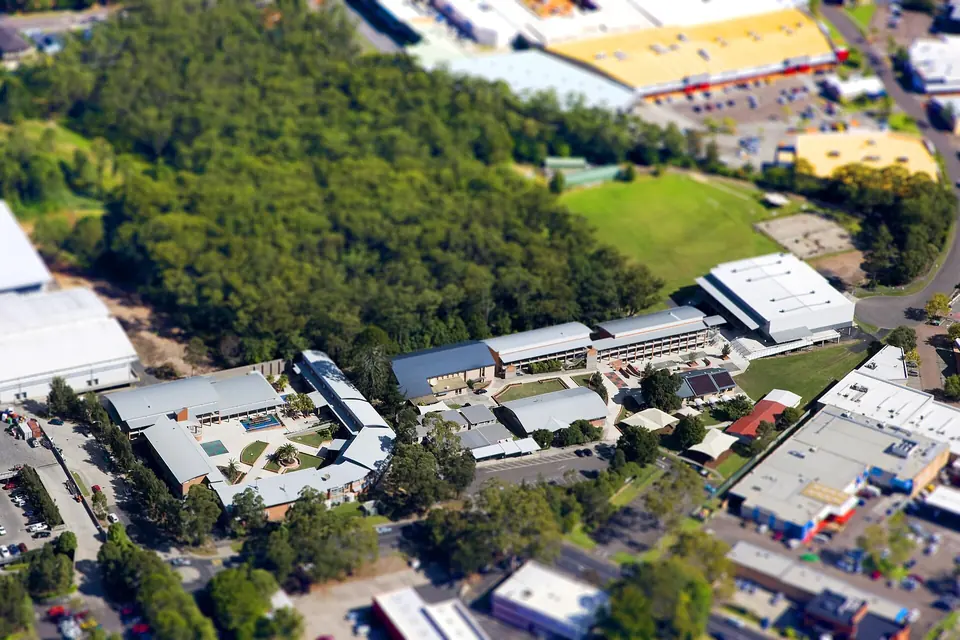
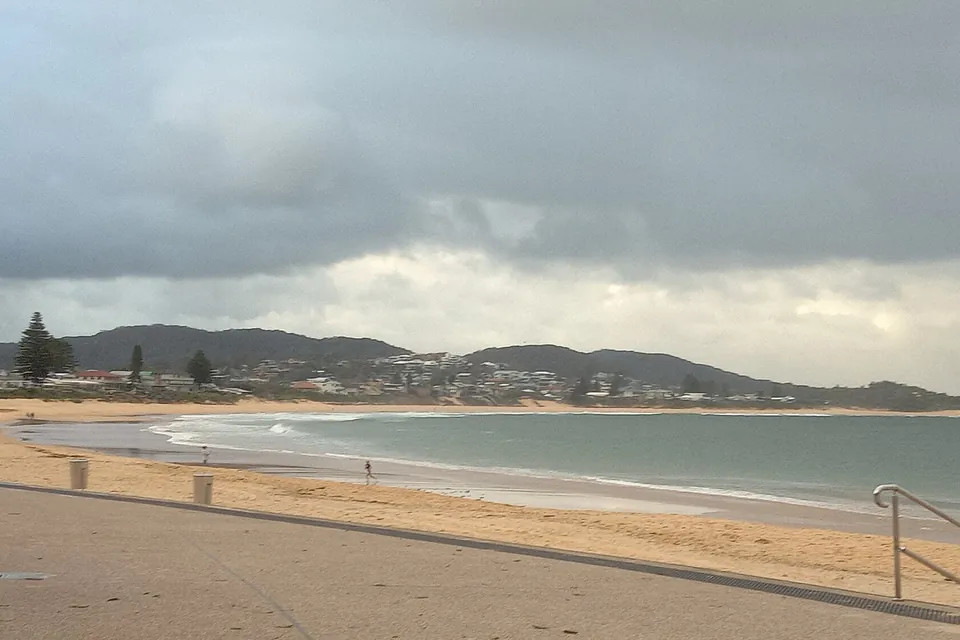
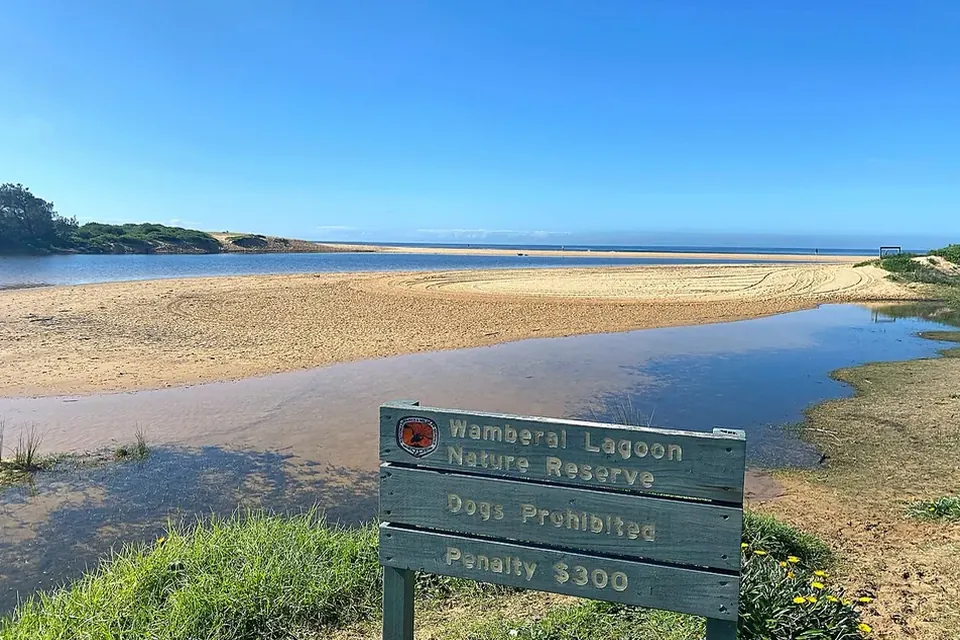
Photos of the local area.

Full list All suburbs
Call 0493 563 381
shape
image
Frequently asked questions
FAQ

Questions we hear on the Central Coast

Call us straight away. We start with what was clicked or entered, secure the affected accounts and devices, and check for mail forwarding or unfamiliar sign-ins. Remote or onsite help depends on urgency and what is safest.

No. We look at what happened, clean what needs cleaning, and only suggest tools that match your actual risk.

It is not too late to act. We help disconnect the machine, secure passwords and banking, and check what was touched. We also explain what to watch for next time, without blame.

Often, yes. Updates, stronger passwords, MFA, mailbox checks, and a few better habits go a long way. We tell you plainly when a larger review is worth it.


shape
shape
Need help now? Not sure what to click or what to do next?

Call PC Scientist for free advice, calm and practical IT help