CENTRAL COAST ยท EMAIL SUPPORT

Email and Microsoft 365 support across the Central Coast

The phone stopped getting mail on Tuesday. The desktop looks fine. Nobody noticed until a customer asked why their invoice reply went unanswered.

Email problems tend to hide like that. PC Scientist sorts Outlook, Gmail, Microsoft 365, and domain mail for homes and small offices in Gosford, Erina, Wyong, Tuggerah, and around the lakes, and makes sure every device agrees before we finish.

Book online for eligible visits and get 10% off.

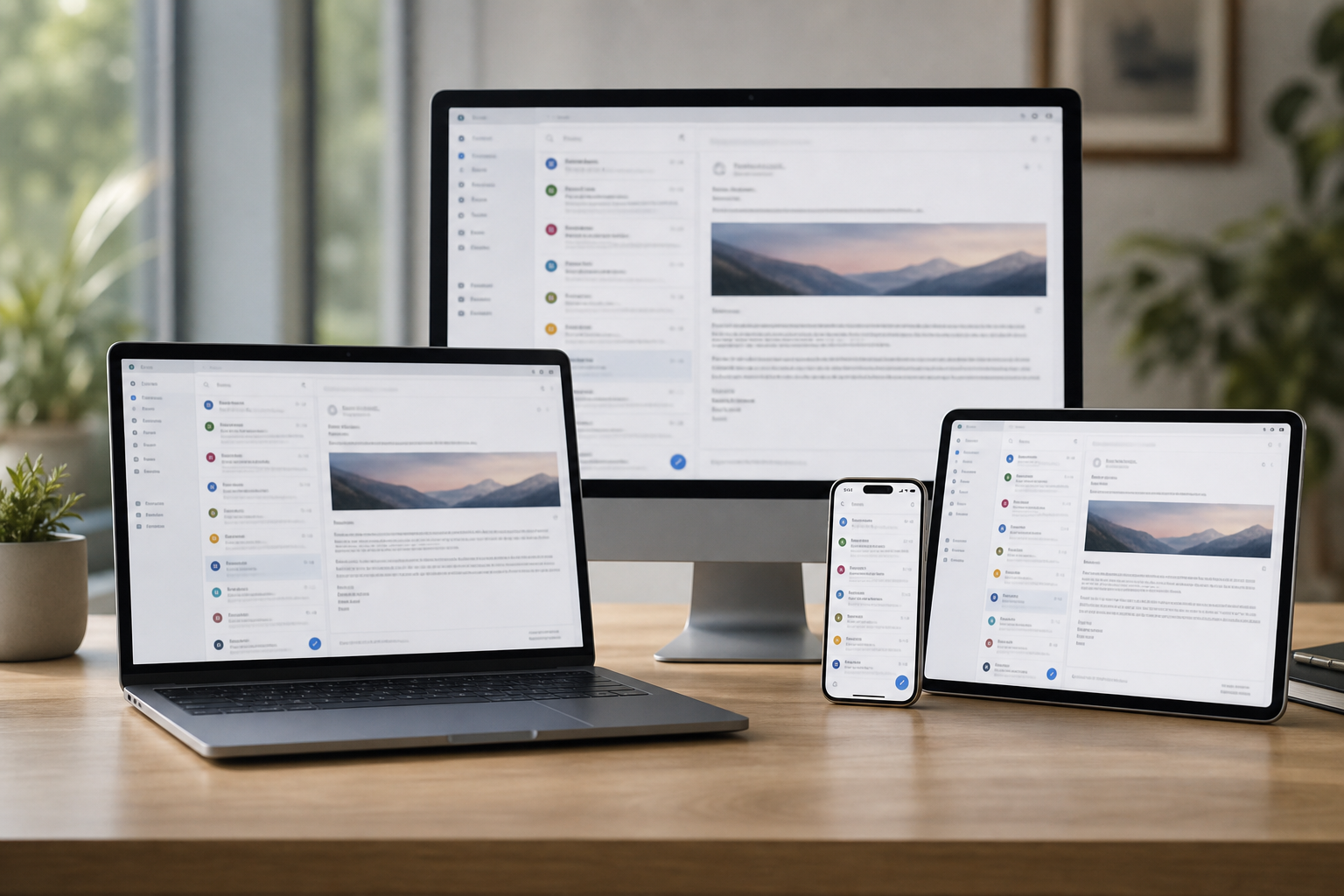
Central Coast email support - phones and desktops that show the same inbox again.

Why Central Coast people call about email support

Mail flowing on every device

  • Email set up so it arrives on the phone, tablet, and computer alike.
  • Sent items and folders synced so nothing lives on only one device.

Locked-out accounts recovered

  • Account recovery done through the proper channels, calmly and step by step.
  • Passwords organised so the same lockout does not happen again.

Microsoft 365 and Google Workspace sorted

  • Business mailboxes, shared calendars, and domain email set up properly.
  • New staff added and old accounts closed off cleanly.

Moves without losing messages

  • Old email, contacts, and calendars moved when you change provider.
  • Your address kept where possible, so customers still reach you.

Bounces and blocks traced

  • Bounced messages and missing mail traced back to the real cause.
  • Domain and spam settings checked so your emails land in inboxes, not junk.

Explained without the jargon

  • You hear what went wrong in plain words, not server codes.
  • A short note on how things are set up, in case you need it later.

Is the Coast email issue a missing folder, a password loop, or mail that only lands on one device?

Whether you use Outlook, Gmail, or Apple Mail, PC Scientist helps Coast clients when send and receive stop lining up. We check the account on each device and explain the fix without a lecture.

Email support on the Central Coast

  • Phones missing messages the Central Coast desktop still gets.
  • Outlook password loops on Coast mornings.
  • Attachments bouncing from Central Coast home or shop.
  • Mailbox moves onto Microsoft 365 or Google on the Coast.
  • Settings changed only after Central Coast pricing is clear.

How to contact PC Scientist

  1. Call for Free Advice - Call 0493 563 381 with the error message or symptom, and we will tell you whether it can be fixed remotely.
  2. Request a Call Back - Leave a callback request if the inbox is down and you are stuck on another device - we ring you back.
  3. Request a Free Quote - Ask for a written quote for business email setups or migrations before anything moves.

You only need to pick one of the three. There is no pressure and no technical language required. If you are not sure, Call for Free Advice is often the quickest way to explain what is going on.

What happens after you get in touch

  • We confirm which accounts and devices are affected before changing settings.
  • Steps are written down when that helps you repeat them later.
  • We say plainly when your bank or provider must be involved too.

Where we visit on the Central Coast

Mail that will not send from a Gosford office laptop, a phone that will not pick up Outlook in Terrigal, or a shared inbox for a Wyong trade business. Microsoft 365 and everyday email both sit on this page for the whole Coast.

Looking for a specific service?

Need a different Central Coast service? Open the Central Coast technology services hub for the other local service pages, or call 0493 563 381 for free advice.

Call For Free Advice

Get in touch

Leave your message and we'll get back to you shortly.

Attachments

Allowed file types: jpg, jpeg, png, gif, pdf, doc, docx, xls, xlsx, odt, ppt, pptx, pps, ppsx, html, and less than 100 MB.

No file chosen

This form uses spam checks and sends your request directly to PC Scientist.

Start here

Mail stuck in outbox, empty on the phone, or looping a password. Work mailboxes and shared inboxes also live on business email.

What this covers

  1. 01
  2. 02
  3. 03
  4. 04
  5. 05
  1. 01Start

    When mail stops

    Outbox stuck, empty phone inbox, or a password loop after a change.

  2. 02

    Outlook, Gmail, and phones

    Outlook, Gmail, and everyday ISP mailboxes on computer and phone.

  3. 03

    Setup and shared mail

    A new account, forwarding, or a mailbox that only works on one device.

  4. 04

    Passwords and recovery

    Two-factor recovery explained without pressure.

  5. 05

    Suspicious mail

    A suspicious message or locked account - calm next steps, not a scare.

Visit

How it works

  1. 1

    Which mailbox

    App, device, and whether send, receive, or both failed.

  2. 2

    Change one thing

    Settings in an order that does not lock you out further.

  3. 3

    Leave it sending

    Mail moving again, with notes if you need to repeat a step.

Book email support on the Central Coast Call 0493 563 381, request a call back, or ask for a quote.
Call 0493 563 381

Coverage

Central Coast

  • Homes
  • Shops
  • Call us

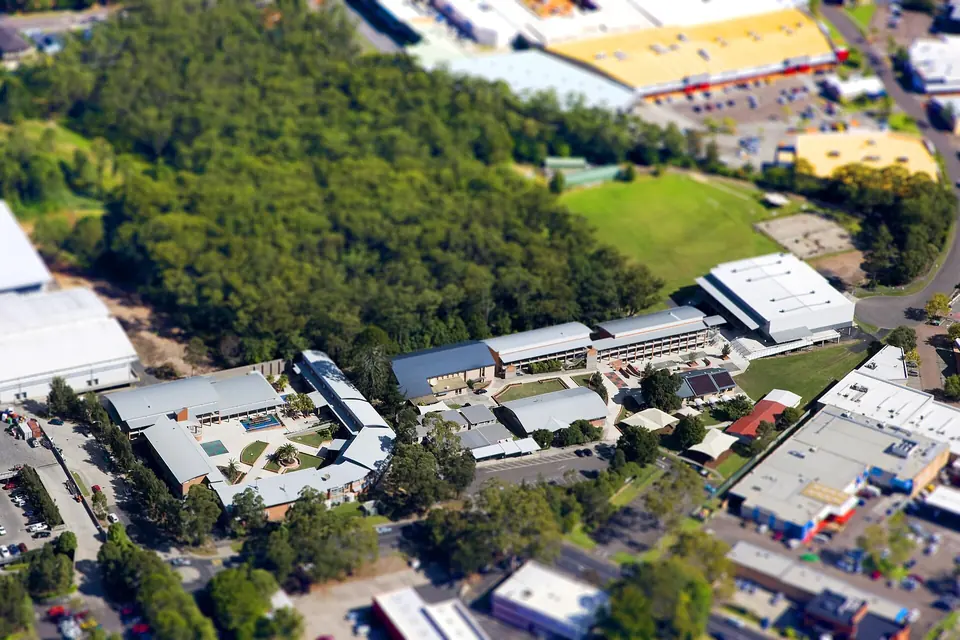
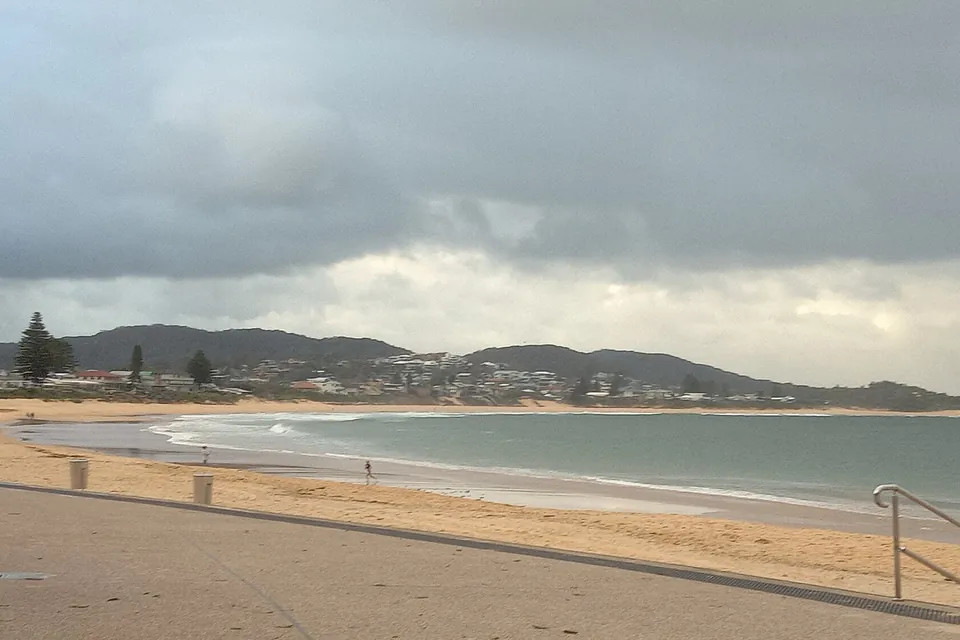
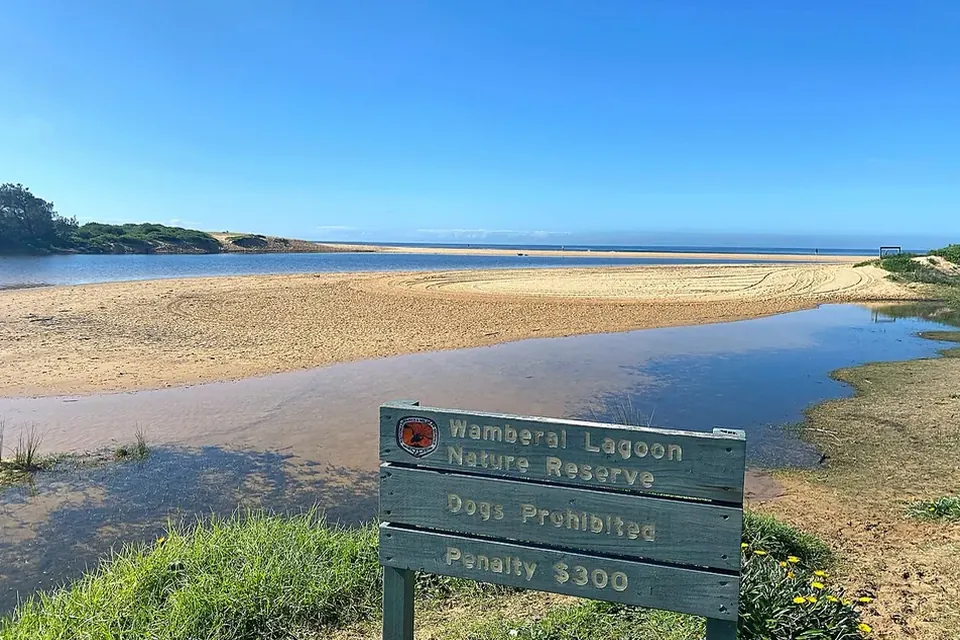
Photos of the local area.

Full list All suburbs
Call 0493 563 381
shape
image
Frequently asked questions
FAQ

Questions we hear on the Central Coast

In most cases, yes - we check the account, the app, and the server settings, then get mail sending and receiving again on each device you use.

Usually the computer has old settings, a stale password, or a mail app that needs repairing, and it is a common fix once someone looks at both devices side by side.

Change the password for that account from a device you trust, turn on two-step sign-in, and call us so we can check for anything left behind.

We set up domain email with Microsoft 365 or Google Workspace, including shared mailboxes, calendars, and phones, and explain how it all fits together.


shape
shape
Need help now? Not sure what to click or what to do next?

Call PC Scientist for free advice, calm and practical IT help