CENTRAL COAST ยท RETAIL & CAFE WI-FI

Retail and cafe Wi-Fi on the Central Coast that holds through the rush

The worst moment for the till to drop off is the busiest one. Shops and cafes that run guests, staff, and POS on a single network tend to learn that at lunchtime.

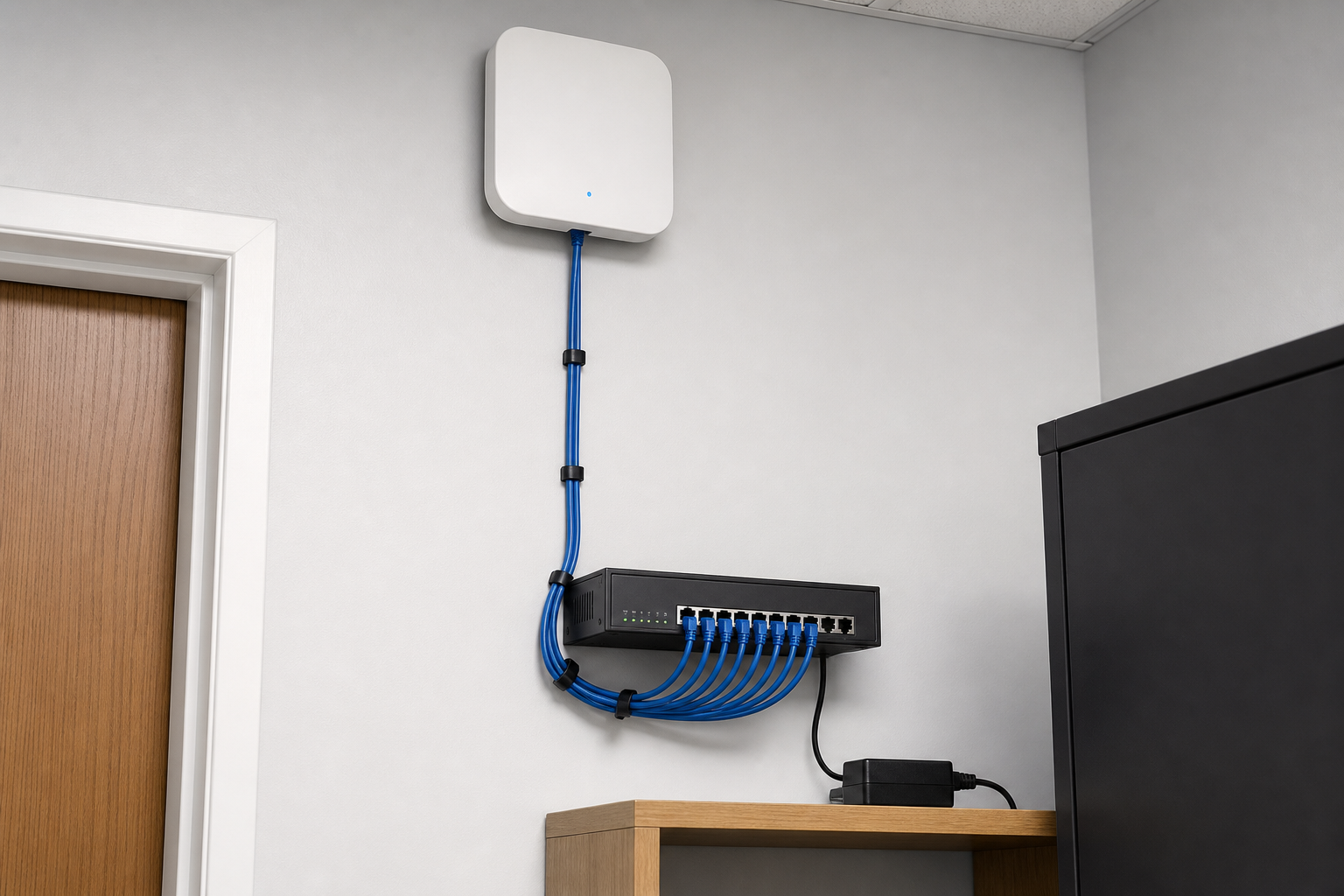
With PC Scientist, guest and staff Wi-Fi are separated, coverage is checked across the floor, and you are left with settings someone can actually explain.

Book online for eligible visits and get 10% off.

PC Scientist retail and cafe Wi-Fi support across Central Coast
Central Coast shop and cafe Wi-Fi - separate the till from the guest network before the next rush.

Why Central Coast counters drop off at the worst moment

Wi-Fi That Lasts the Rush

  • Coverage checked at the counter, the tables, and the back room.
  • Fixes aimed at the busy hours, not just a quiet Tuesday.

Price Agreed Before We Start

  • The cost of router or access point work agreed up front.
  • No surprise charges after a big trading day.

Tell Us Where It Drops

  • Call 0493 563 381 and describe which counter or table keeps losing signal.
  • Sensible advice before you spend on new gear.

Honest Advice on the Router

  • We find why the tablet drops off, not just restart it and hope.
  • An honest word when an old router is the real bottleneck.

Tills, Terminals, and Back Office

  • Card terminals, POS tablets, and the office PC checked together.
  • Visits before opening or after close so service carries on.

Guests Online, Business Protected

  • Guest traffic kept apart from your business devices.
  • Calm help if a strange login or scam message turns up.

Is the Central Coast problem the till, the guest Wi-Fi, or both?

Central Coast cafes and shops need guest Wi-Fi that stays off the till. When the lunch rush knocks staff devices offline, PC Scientist separates networks and places access points so the counter keeps working.

Common jobs on this page

  • Guest networks that bleed onto POS terminals during peak trade.
  • Back-of-house dead zones where kitchen tablets keep dropping.
  • Routers that were never finished after a fit-out or landlord modem swap.
  • Street fronts from Gosford and Erina through Terrigal and The Entrance.
  • You approve the network plan before any hardware moves.

How to contact PC Scientist

  1. Call for Free Advice - Call 0493 563 381 and tell us what fails during trading and when.
  2. Request a Call Back - Leave a short form and we will ring back after the rush.
  3. Request a Free Quote - Ask for a written price on the fix or upgrade before anything is ordered. No obligation.

You only need to pick one of the three. There is no pressure and no technical language required. If you are not sure, Call for Free Advice is often the quickest way to explain what is going on.

What happens after you get in touch

  • We note layout, peak times, and which devices fail first.
  • You get a plain-language plan before any rip-and-replace.
  • Onsite visits when placement and cabling need eyes in the room.

Where we visit on the Central Coast

POS and customer Wi-Fi in Gosford, Erina Fair surrounds, Terrigal, and The Entrance. We keep staff and guests on sensible separate networks when that is the job.

Looking for a specific service?

Need a different Central Coast service? Open the Central Coast technology services hub for the other local service pages, or call 0493 563 381 for free advice.

Call For Free Advice

Get in touch

Leave your message and we'll get back to you shortly.

Attachments

Allowed file types: jpg, jpeg, png, gif, pdf, doc, docx, xls, xlsx, odt, ppt, pptx, pps, ppsx, html, and less than 100 MB.

No file chosen

This form uses spam checks and sends your request directly to PC Scientist.

Start here

Till fine, staff iPad dead, guest Wi-Fi dead at lunch. A fuller office plan also lives on business networks.

What this covers

  1. 01
  2. 02
  3. 03
  4. 04
  5. 05
  1. 01Start

    When the floor is full

    The till is fine, the staff iPad is dead, lunch Wi-Fi dies.

  2. 02

    Tills and handhelds

    Tills, printers, and handhelds on the right network.

  3. 03

    Guest versus staff

    Guest Wi-Fi that should not see the staff computers.

  4. 04

    The cupboard modem

    A modem in a cupboard that never covers the floor.

  5. 05

    Is it the provider?

    Evidence when the provider says the line is fine.

Visit

How it works

  1. 1

    Which device fails

    Till, handheld, guest phone, or the printer - and when.

  2. 2

    Plan before gear

    Placement, split networks, or cabling - quoted first.

  3. 3

    Onsite when needed

    Walk the floor at a time that matches the fault.

Book retail and cafe Wi-Fi help on the Central Coast Call 0493 563 381, request a call back, or ask for a quote.
Call 0493 563 381

Coverage

Central Coast

  • Homes
  • Shops
  • Call us

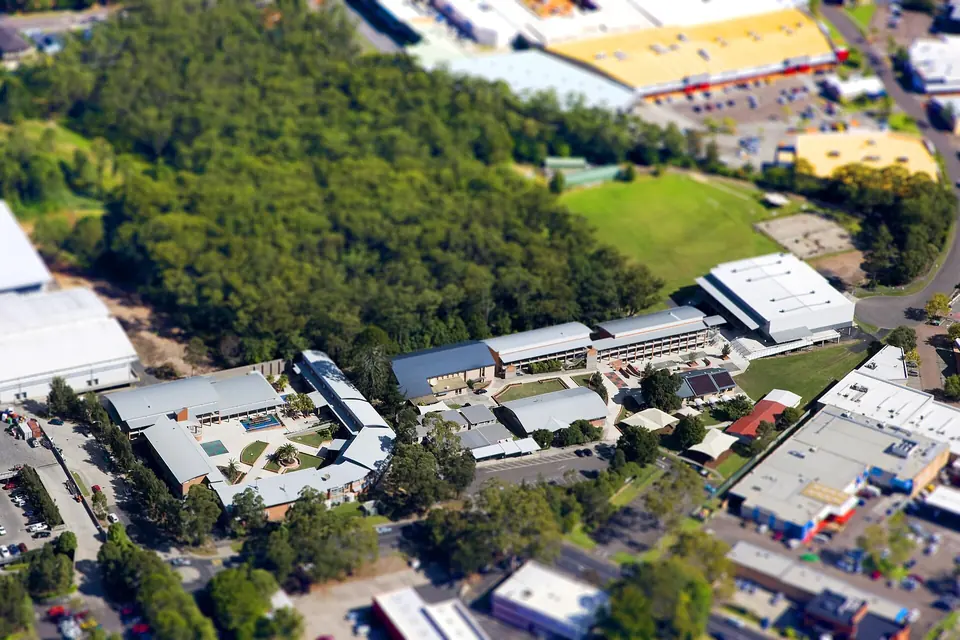
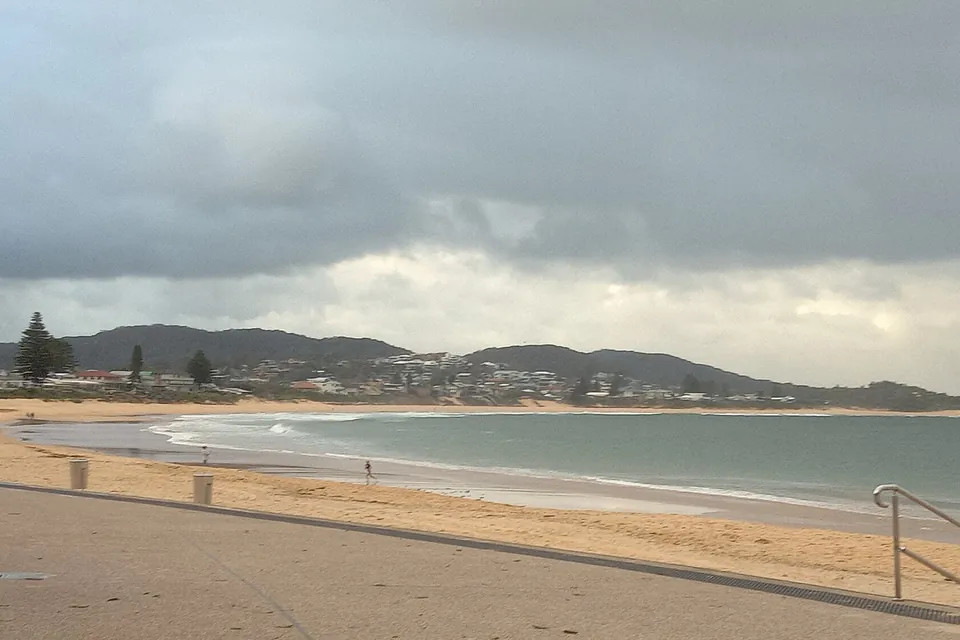
Photos of the local area.

Full list All suburbs
Call 0493 563 381
shape
image
Frequently asked questions
FAQ

Questions we hear on the Central Coast

Yes. We help shops and cafes across the Coast, including Gosford, Erina, Terrigal, Wyong, Tuggerah, and The Entrance, with staff and guest networks set up calmly onsite.

Tell us which counter or room loses the link. We will say whether a visit or a remote check makes sense first.

Yes. Different devices often sit on different networks. We trace the cause before blaming the internet provider.

Usually not. We explain a cleaner split when that is the sensible answer for your floor.

Not always. Better placement, a settings change, or one extra access point often does the job. You get a price before spending anything.


shape
shape
Need help now? Not sure what to click or what to do next?

Call PC Scientist for free advice, calm and practical IT help