PC Scientist · Central Coast · Device setup

Device setup on the Central Coast, finished properly

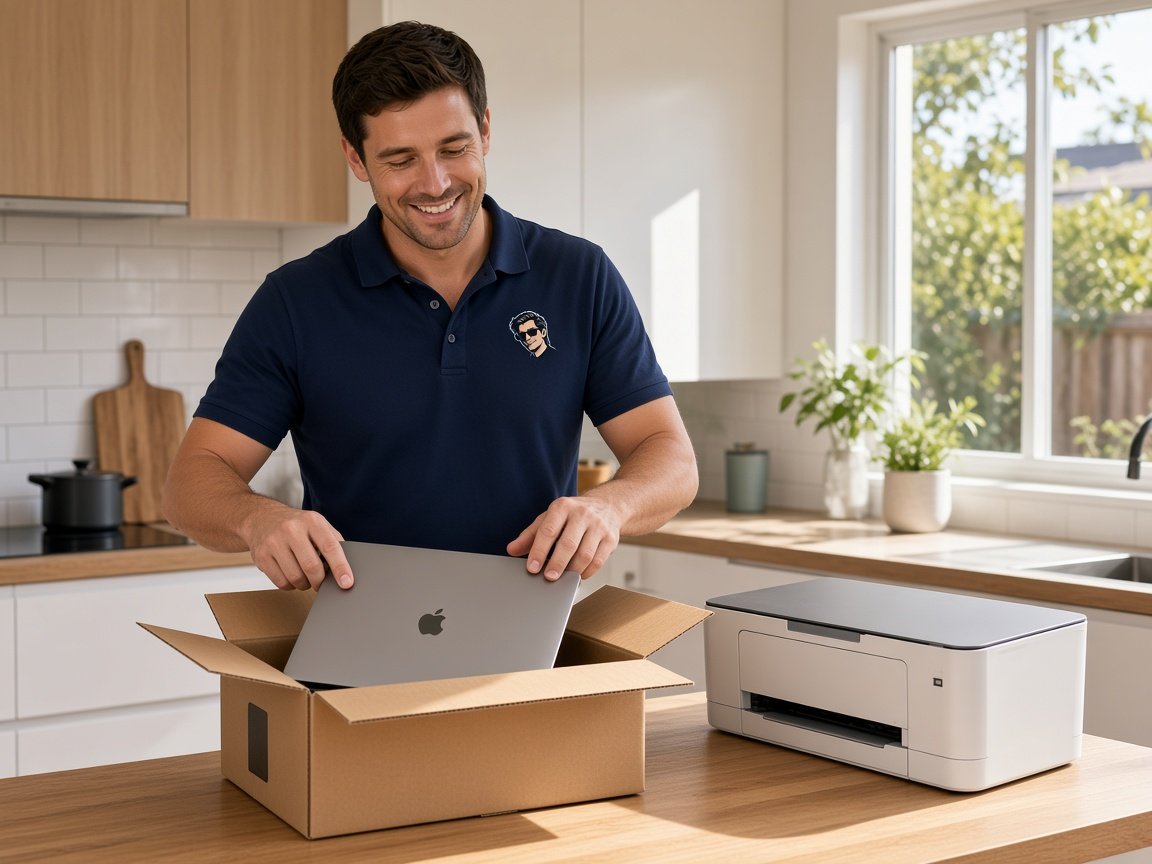
Christmas morning in Terrigal, and the grandkids have handed over a new laptop. Lovely, until you realise the old one still holds twenty years of photos, the email you trust, and the only printer settings that ever worked.

We come to Coast homes and home businesses to set up the new gear, carry everything across, and check each sign-in works while we are still at the table. Call 0493 563 381 or book an eligible visit online.

Book online for eligible visits and get 10% off.

Let us help you today

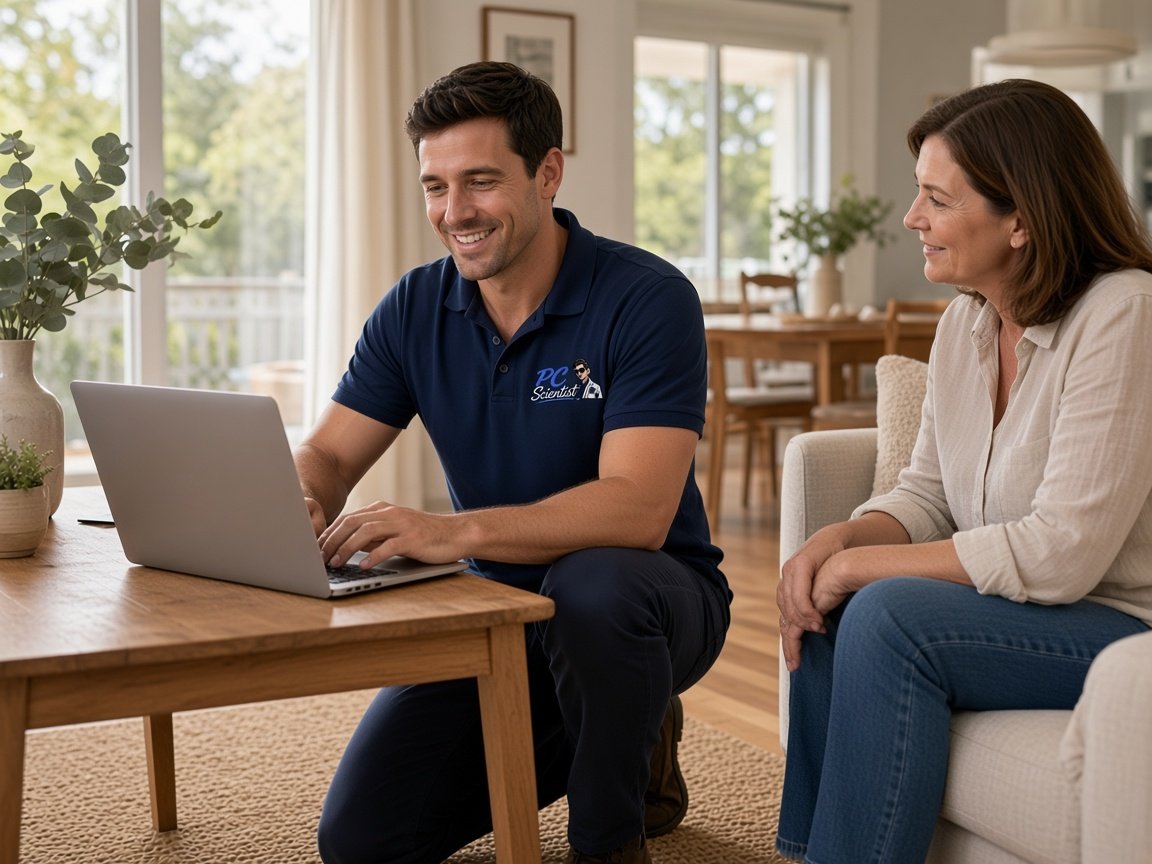
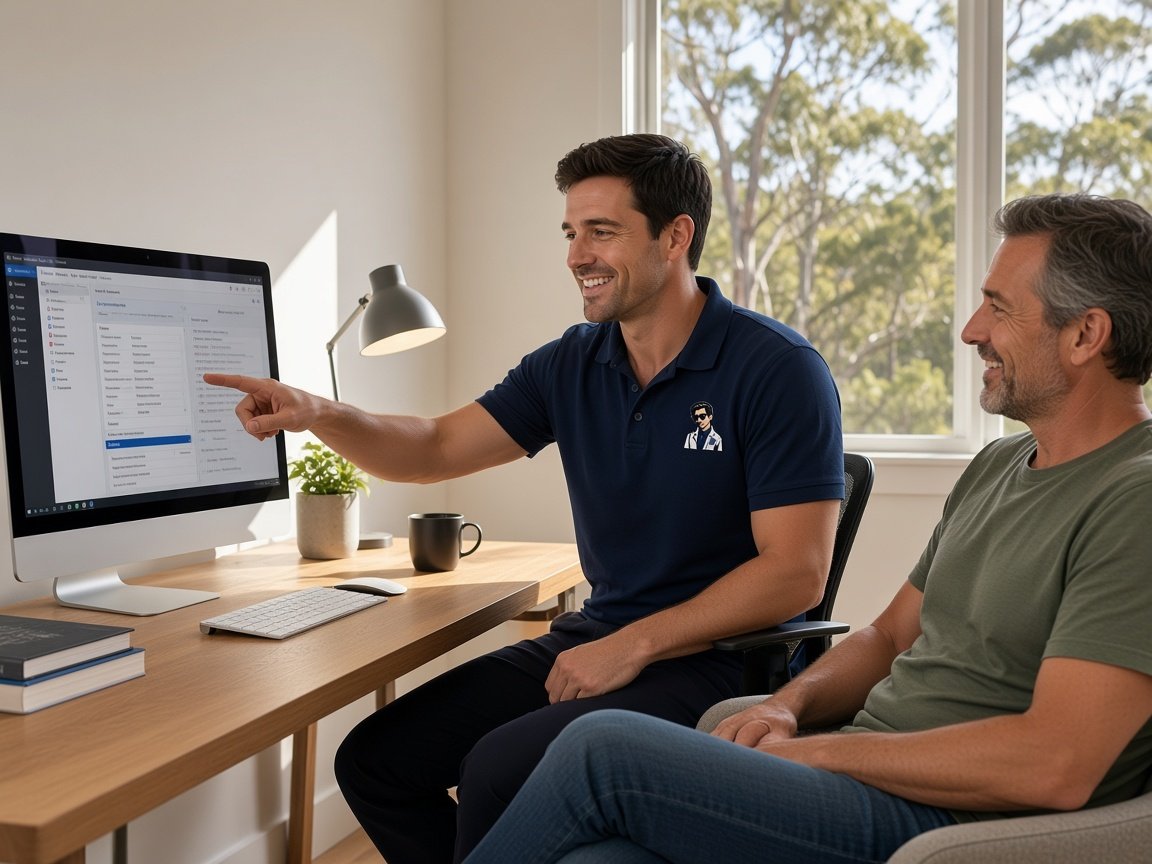
  • One-on-one help - a PC Scientist technician sitting with an older client at her laptop.

We accept payments

Visa
Mastercard
American Express
JCB
Apple Pay
Google Pay
Afterpay
Zip
Bank debit

Real Google reviews

What locals say after a PC Scientist visit.

Word for word, from people we have visited.

★★★★★

Sam & co went above & beyond with their time & expertise when installing my new computer- Very professional & friendly service - highly recommend.

Michelle Johnston

★★★★★

Sam was very helpful and informative and very patient as I'm not very techy. I'll be calling him again about getting in trouble thank you Sam.

Jenny Murray

★★★★★

Very happy with Sam. Resolved a multitude of issues that a previous technician could not. Great service and excellent advice. Highly recommend.

Margaret Brett

Read all our Google reviews

Device setup · Central Coast

Will the new laptop ever feel like yours, or is it going to sit in the box until someone sorts it?

From Woy Woy units to family homes around Bateau Bay, most Coast setups stall at the same point: the move from old to new. We take that part slowly, then hand you a device that already knows you.

What Coast households hand us after unboxing

  • A retiree in Umina Beach with a new tablet and no idea which email password is current.
  • A home business near Erina whose new laptop cannot see the invoices sitting on the old one.
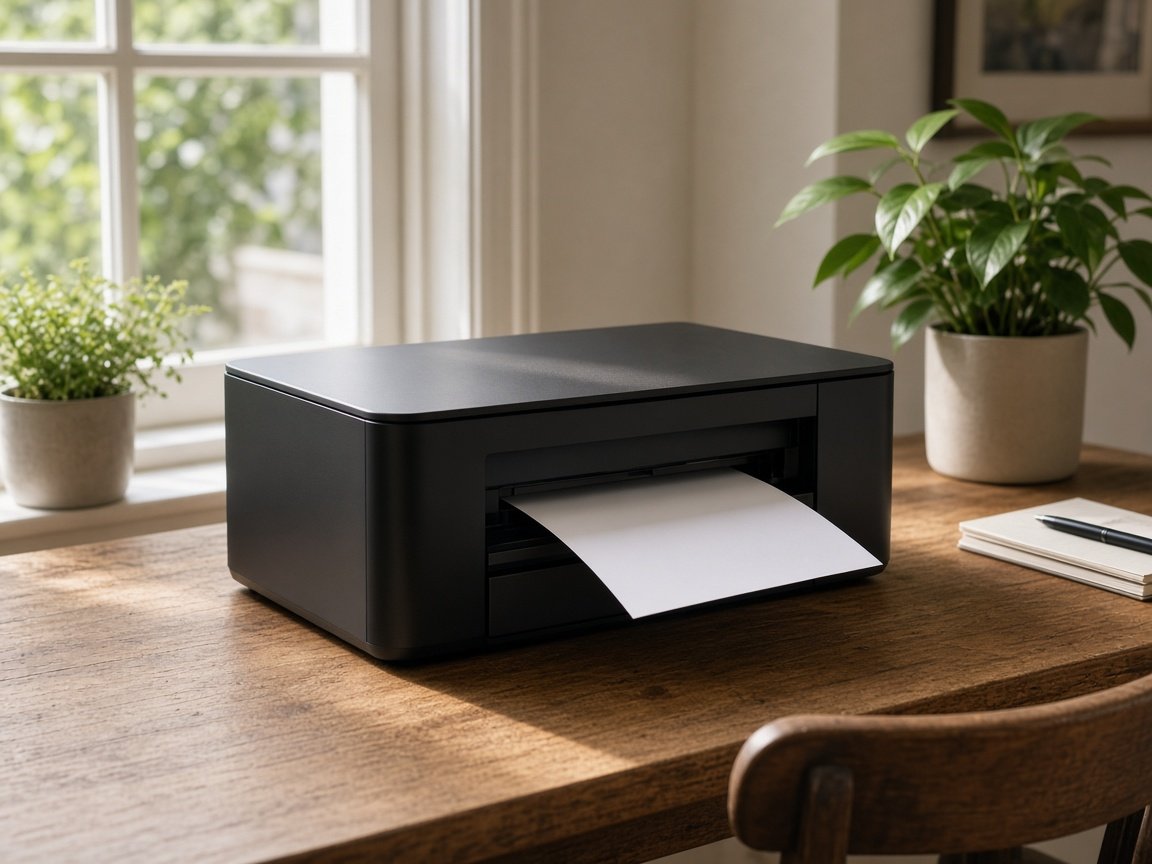
  • A wireless printer that worked for years, then refuses to talk to the replacement computer.
  • A phone upgrade where the banking app and two-step codes still live on the old handset.
  • Old machines that need wiping before they go to the tip, a grandchild, or the op shop.

Once you ring or book

  • We ask what the device needs to do each day, then plan the order of setup around it.
  • Nothing extra starts unless you agree.
  • If it is all accounts and sign-ins, a remote session may cover it and save the trip.
Coast towns on our regular run

Most weeks we are setting up gear in Gosford, Erina, and Wyong, with plenty of beach-side calls in Terrigal, Avoca Beach, and The Entrance. Holiday-season laptops, first tablets for parents, and home office printers make up the bulk of it, whichever end of the Coast you are on.
Why Device setup calls us

What makes a Coast device setup visit worth booking instead of battling it alone

  • You get ready on the first morning

    • We finish updates, accounts, and security settings so the device works the day after we visit.
    • We clear Preloaded trial software away before it starts nagging you with pop-ups.
  • Twenty years of photos, safe

    • We copy Pictures, documents, email, and contacts across and checked on the new screen.
    • We bring Bookmarks and favourite settings over so nothing feels foreign on day one.
  • You get printing from the couch

    • We join your printer to the Wi-Fi and added to every phone, tablet, and laptop that needs it.
    • We give each printer a plain name so nobody sends pages to the wrong one.
  • We sort the lounge room too

    • We join Smart TV, streaming box, and speakers to the network and tried with you watching.
    • Casting from your phone set up so the family can do it without calling anyone.
  • A day you can plan

    • We estimate how long the setup will take when you book, so the afternoon stays yours.
    • We confirm arrival time and a quick heads-up if the day shifts.
  • Shown, not only handed over

    • A short walk-through of the handful of things you will really use.
    • We leave plain notes behind if you would like a reminder next month.

When you are ready. Call, or book a technician.

0493 563 381

Start here

What this covers

Setting up one new computer, phone, or printer so it works from day one. If several machines need sourcing for a home office or team, that sits with Procurement Scientist.

  1. 01

    Fresh from the shop

    A new laptop, tablet, phone, or printer unboxed at your place and brought up to date before you use it.

  2. 02

    Logins that open

    Email, Wi-Fi, cloud storage, and the apps you open daily, each signed in and tested on the new device.

  3. 03

    Old to new, carefully

    Photos, documents, and mail carried across from the old device wherever the old one still allows it.

  4. 04

    The bits around it

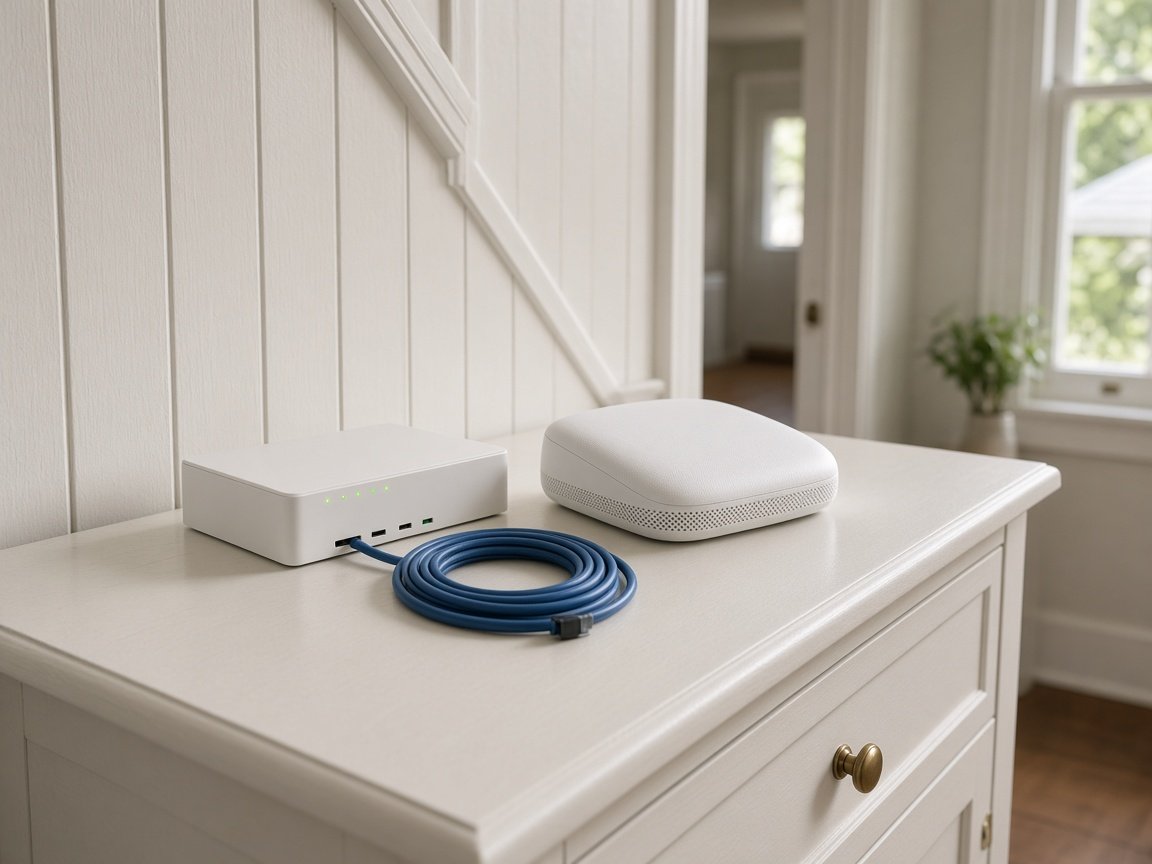
    Printers, second screens, and the TV paired so they reconnect after a power cut or restart.

  5. 05

    Notes for later

    A handover in plain words so you can find your way around once we have gone.

The visit

How it works

  1. 1

    Your daily list

    Tell us what the device must do - email, photos, school, or invoices.

  2. 2

    We do the setup

    Accounts, Wi-Fi, transfers, and printers finished in the order that matters to you.

  3. 3

    You try it

    You run through the things you use most while we are still there.

How it works

How to start

People in Device setup usually call first, then book when the next step is clear. Eligible visits can be booked online.

  1. 1

    Choose how to reach us

    Book online, call for free advice, , or .

  2. 2

    You tell us what's going on

    In the booking, on the call, or in the quote. Same idea.

  3. 3

    Lock in the visit

    We agree the visit on the call, in the booking, or in the quote. Agree, and that date stays yours.

  4. 4

    We come to you

    That's the visit. We work through your list on the day.

Areas we cover

Device setup across Central Coast

Central Coast148

Towns

Can't find your area?

Call us to check. We will tell you if we visit, or if remote help is the better fit.

Central Coast NSW

FAQ

Questions we hear on the Central Coast

Yes. We visit homes and home businesses across the Central Coast, unbox the laptop, bring it up to date, and copy across your documents, photos, email, and browser favourites.

Before we leave, we open a few of your usual files and sites with you, so you know nothing was left behind on the old machine.

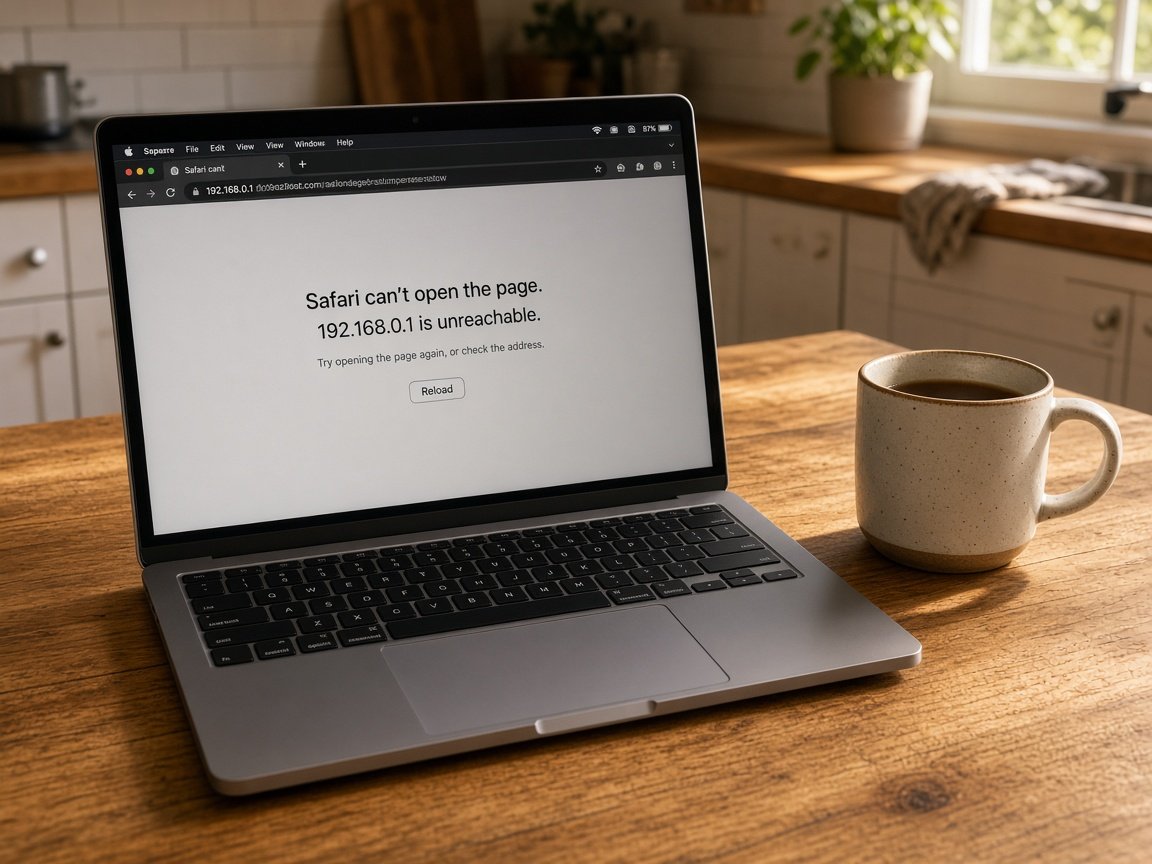
Usually the printer needs adding again on the new computer, or it has drifted onto a different part of the Wi-Fi. Sometimes the old printer software simply does not suit the newer system.

We sort the connection, add it to every device that needs it, and print a test page while you watch.

Only after we check the new phone properly. Contacts, photos, messages, and apps get moved first, then we confirm banking, two-step codes, and sign-in apps all work.

Once you are happy, we can wipe the old handset so it is ready to sell, pass on, or recycle.

Often it can. Tell us everything on the list when you book, and we allow enough time to do each device without rushing.

If the list turns out longer than one visit sensibly holds, we say so up front and suggest which items to do first.

When you are ready

Tell us what is happening

Book online Save 10% Call for free advice 0493 563 381