CENTRAL COAST ยท PROFESSIONAL OFFICES

IT for Central Coast professional offices that cannot stall

Accountants, clinics, and legal practices share one quiet worry: client files that must stay private and always open. When shared folders stop syncing or a workstation locks up before an appointment, the day backs up quickly.

Smaller practices get secure networks, Microsoft 365, backups, and workstation care from PC Scientist, with work planned around your appointments and every change explained first.

Book online for eligible visits and get 10% off.

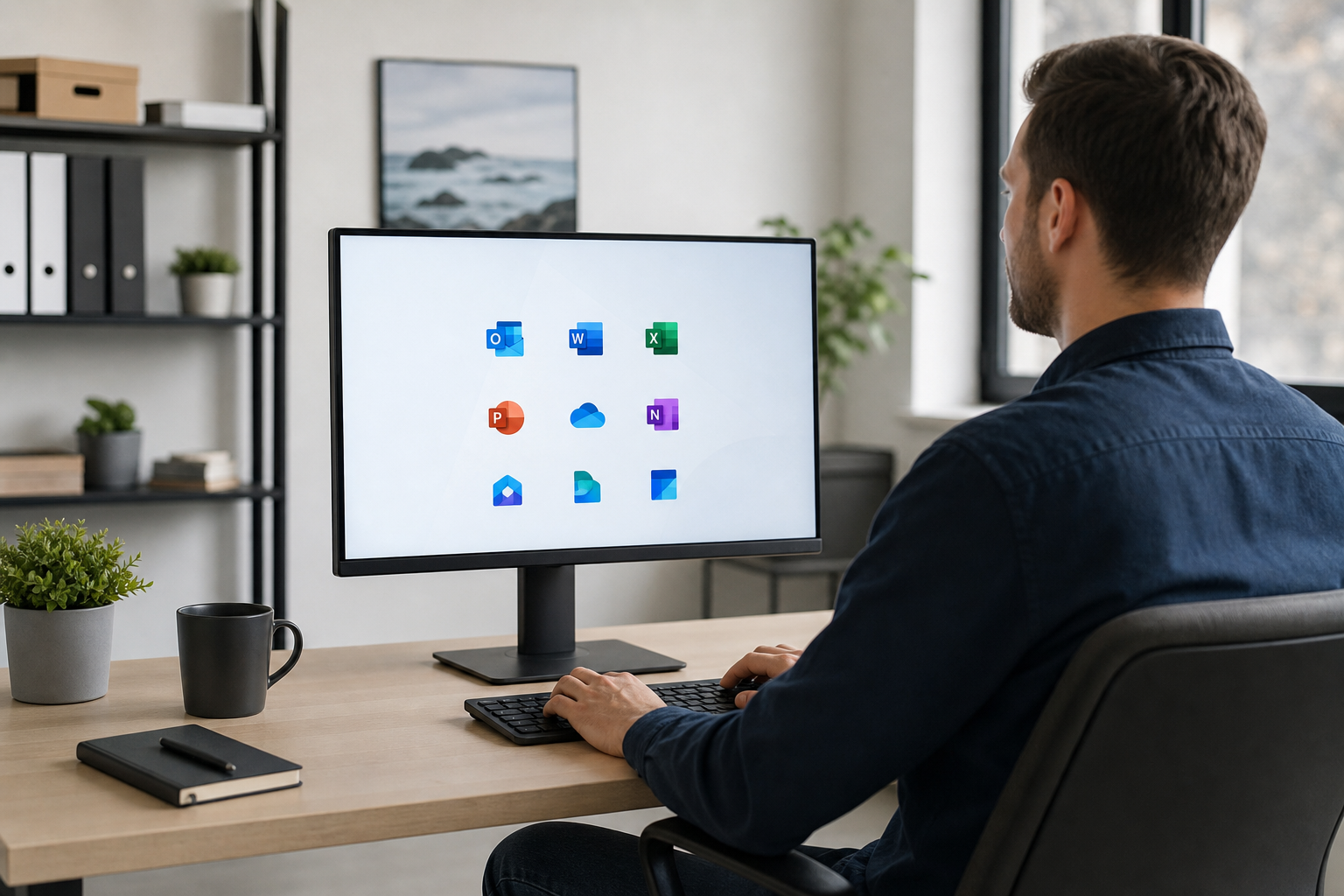
PC Scientist secure office IT for professional practices across Central Coast
Central Coast professional office IT - email, files, and networks that hold under weekday load.

Why Central Coast professional offices call PC Scientist

Built Around Appointments

  • Visits booked around client sessions so reception keeps running.
  • Remote fixes during the day when a visit would disrupt the room.

Costs Ready for Approval

  • Work set out in writing for the practice manager before it starts.
  • No surprise invoice lines at the end of the month.

Someone Who Gets Reception

  • Call 0493 563 381 and talk to someone who understands a full waiting room.
  • Straight answers before you commit to any work.

No Fix, No Repair Fee

  • If a repair cannot be completed, the practice pays no repair fee.
  • You still get a clear next step, so nothing is left hanging.

Microsoft 365 That Behaves

  • Shared mailboxes, calendars, and Teams set up so staff can find things.
  • Email that syncs the same on reception, laptops, and phones.

Client Records Kept Private

  • Files and records handled with discretion from start to finish.
  • Passwords and sign-in security reviewed calmly with your provider looped in.

Is the Coast office fault shared drives, email for the whole practice, or a Wi-Fi dead spot in the consult room?

From Gosford suites to Erina practices, PC Scientist helps small professional teams without an in-house IT desk. We keep language plain and the next step clear.

Office IT work on the Central Coast

  • File sync failing before Central Coast deadlines.
  • Practice mailboxes stalling across a Coast office.
  • Backup checks before Central Coast teams trust one copy.
  • Guest Wi-Fi kept off Coast client documents.
  • Account changes written clearly for Central Coast practices.

How to contact PC Scientist

  1. Call for Free Advice - Ring 0493 563 381 and talk it through between appointments.
  2. Request a Call Back - Leave a short form and we will call the practice at a quieter time.
  3. Request a Free Quote - Get the scope and pricing in writing for sign-off, with no obligation.

You only need to pick one of the three. There is no pressure and no technical language required. If you are not sure, Call for Free Advice is often the quickest way to explain what is going on.

What happens after you get in touch

  • We ask what the practice cannot do until this is sorted.
  • Sensitive work stays handled carefully - we say when a provider must be involved.
  • Quotes before changes on machines that hold client work.

Where we visit on the Central Coast

Accountants, clinics, and offices in Gosford, Erina, and Tuggerah. Secure email, backups, and a network that does not drop mid-client.

Looking for a specific service?

Need a different Central Coast service? Open the Central Coast technology services hub for the other local service pages, or call 0493 563 381 for free advice.

Call For Free Advice

Get in touch

Leave your message and we'll get back to you shortly.

Attachments

Allowed file types: jpg, jpeg, png, gif, pdf, doc, docx, xls, xlsx, odt, ppt, pptx, pps, ppsx, html, and less than 100 MB.

No file chosen

This form uses spam checks and sends your request directly to PC Scientist.

Start here

Mail, files, or the network before a client meeting. Accountants, lawyers, clinics, and consultants across the Central Coast.

What this covers

  1. 01
  2. 02
  3. 03
  4. 04
  5. 05
  1. 01Start

    Practice work waiting

    Mail, files, or the network before a client meeting.

  2. 02

    Microsoft 365 and calendars

    Microsoft 365, shared mailboxes, and calendars in sync.

  3. 03

    Files and backups

    Backups you can actually restore from.

  4. 04

    Rooms and desks on Wi-Fi

    Consulting rooms and desks that stay on Wi-Fi.

  5. 05

    After a scare

    Safer defaults after a scare - no panic selling.

Visit

How it works

  1. 1

    What cannot wait

    Mail, files, a room, or a staff PC.

  2. 2

    Quote before change

    Machines that hold client work are not touched first.

  3. 3

    Leave it usable

    The stall sorted, with a note for anything that can wait.

Book professional office tech on the Central Coast Call 0493 563 381, request a call back, or ask for a quote.
Call 0493 563 381

Coverage

Central Coast

  • Homes
  • Shops
  • Call us

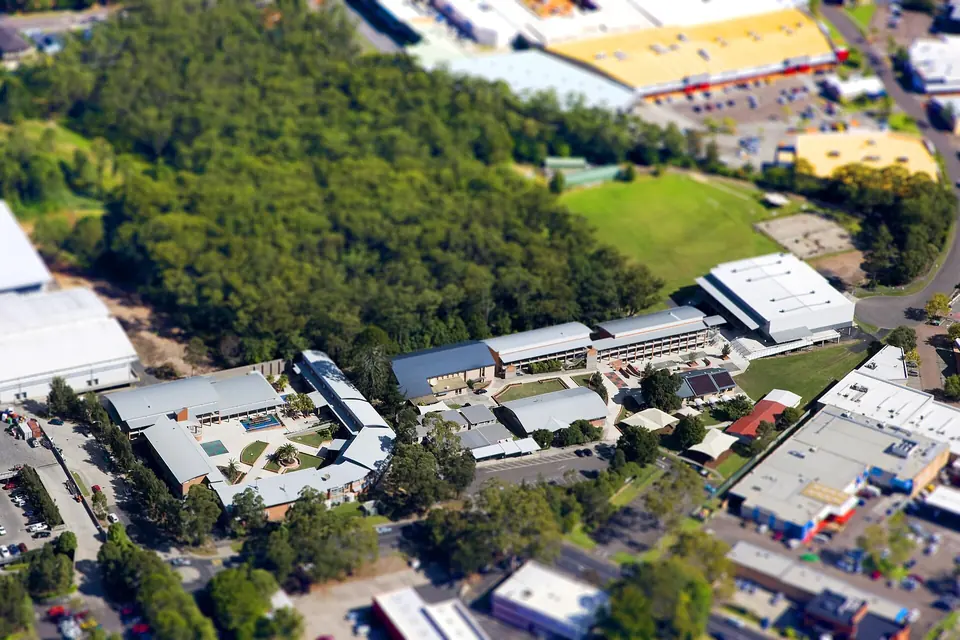
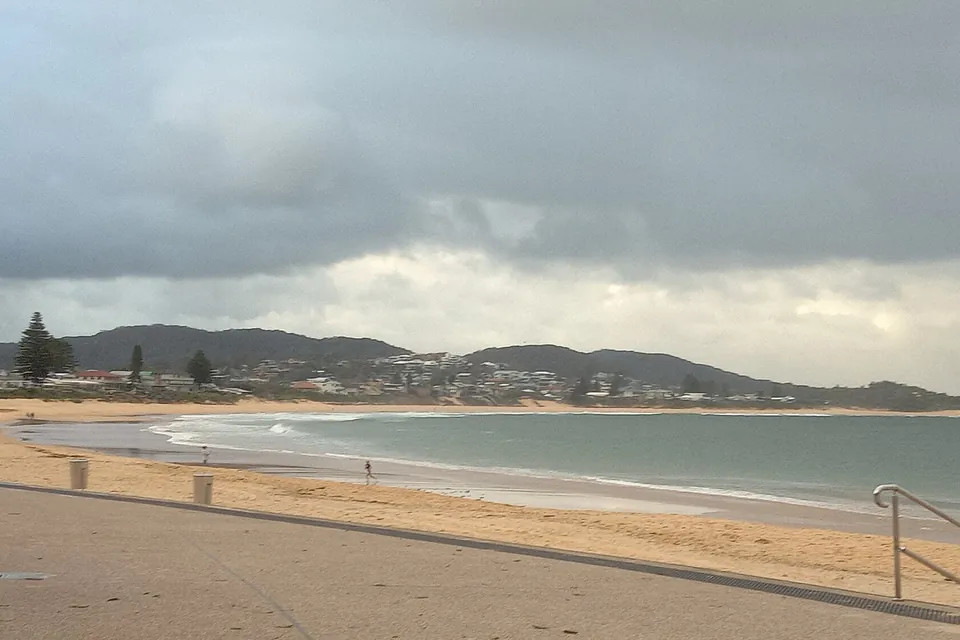
Photos of the local area.

Full list All suburbs
Call 0493 563 381
shape
image
Frequently asked questions
FAQ

Questions we hear on the Central Coast

Yes. We plan around client-facing hours where we can. Many office issues start with a remote session, then an onsite visit to finish the job if needed.

Yes, where practical. Shared mailboxes, calendars, and getting desktops and phones working together are common requests.

Carefully. We explain each change before making it and tell you when your software provider or a formal process needs to be involved.

Yes. Request a quote if the practice needs something on paper before work starts.

shape
shape
Need help now? Not sure what to click or what to do next?

Call PC Scientist for free advice, calm and practical IT help