CENTRAL COAST · NETWORK & WI-FI

Central Coast Wi-Fi and network help

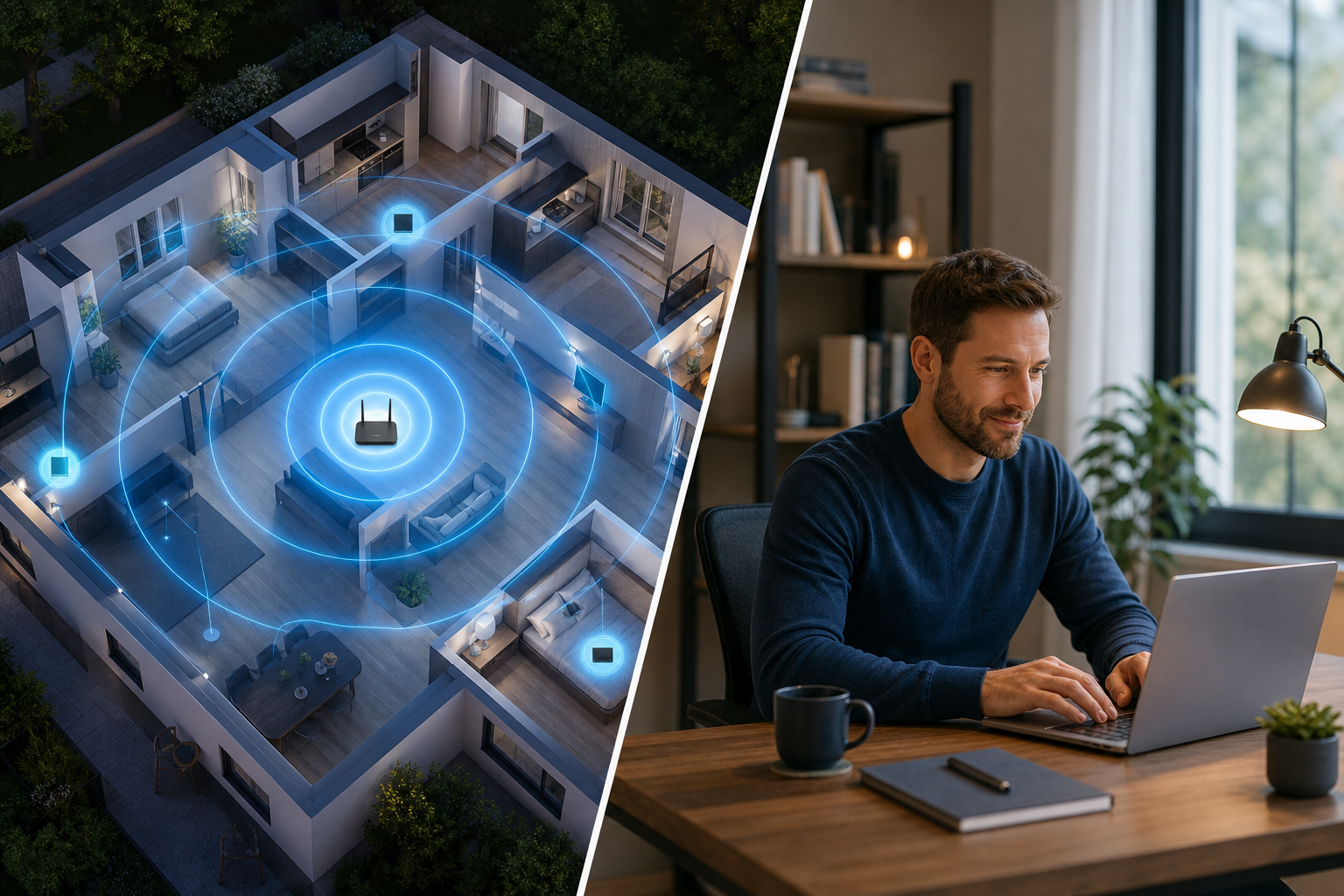
Full bars on the phone, yet the video call still freezes. Across the Central Coast, that gap between what the signal icon says and how the connection actually behaves is where most Wi-Fi trouble lives, from split-level beach homes to lakeside offices.

PC Scientist tests where the connection falls over, then fixes placement, modem settings, or mesh coverage to suit the building. Homes and small workplaces get a plan that matches how they are really used.

Book online for eligible visits and get 10% off.

PC Scientist Wi-Fi and network help for dropouts and weak signal across Central Coast
Central Coast Wi-Fi help - upstairs rooms and granny flats that stay on the network.

Why Central Coast homes call about Wi-Fi dropouts

Pay for a fix that works

  • If the dropout or dead zone cannot be fixed, there is no repair fee
  • Less risk after a new router from the shop did not solve it

Coverage priced before it goes in

  • Mesh nodes, access points, or cabling priced room by room
  • You approve the plan before any gear is mounted

Tell us which rooms fail

  • Describe the dead spots in your own words - no signal charts needed
  • A plain answer on whether it is the Wi-Fi, the modem, or the line

Tested room by room

  • Signal checked in the rooms you actually use before we leave
  • Honest advice when an old modem, not the layout, is the weak link

Network and devices in one trip

  • A slow laptop or a printer that keeps dropping off checked while we are there
  • One visit instead of separate calls for the network and what sits on it

Logins handed back to you

  • Router and admin passwords set up carefully and written down for you
  • Guest Wi-Fi kept apart so visitors never see your own devices

Is the Coast Wi-Fi gap upstairs, out toward the shed, or only when everyone is online at once?

Brick, metal roofs, and long Coast blocks break single-router dreams. PC Scientist tests signal properly, then recommends mesh, access points, or a simpler modem change when that is enough.

Wi-Fi and network help on the Central Coast

  • Weak rooms while the Central Coast lounge looks fine.
  • Sheds, sunrooms, or upstairs gaps around Coast houses.
  • Mesh nodes placed poorly for the Central Coast floorplan.
  • Modem checks when the Coast ISP link is not the fault.
  • Extra hardware priced before it goes into Central Coast homes.

How to contact PC Scientist

  1. Call for Free Advice - Talk to a person on 0493 563 381 about which rooms drop out and when. You can dial the number yourself too.
  2. Request a Call Back - Leave a short form if you would rather not ring now, and PC Scientist calls you back at a time that suits.
  3. Request a Free Quote - Get written pricing for mesh, access points, or cabling before anything is installed. No obligation.

You only need to pick one of the three. There is no pressure and no technical language required. If you are not sure, Call for Free Advice is often the quickest way to explain what is going on.

What happens after you get in touch

  • We review layout, hardware age, and what fails at what time of day.
  • You get a plain-language plan before any new gear is recommended.
  • Onsite visits when cabling, placement, or several access points need checking.

Where we visit on the Central Coast

Coast Wi-Fi fails in predictable ways: brick two-storey houses in Terrigal and Avoca, granny flats on the Woy Woy peninsula, and busy holiday Wi-Fi at The Entrance. Gosford offices and Tuggerah shops share one tired router more often than they think. We separate the modem from the mesh before anyone buys kit.

Looking for a specific service?

Need a different Central Coast service? Open the Central Coast technology services hub for the other local service pages, or call 0493 563 381 for free advice.

Call For Free Advice

Get in touch

Leave your message and we'll get back to you shortly.

Attachments

Allowed file types: jpg, jpeg, png, gif, pdf, doc, docx, xls, xlsx, odt, ppt, pptx, pps, ppsx, html, and less than 100 MB.

No file chosen

This form uses spam checks and sends your request directly to PC Scientist.

Start here

Slow Wi-Fi, dropouts, dead rooms, and routers that never quite behave. If only one laptop fails and the phone Wi-Fi is fine, start with computer support.

What this covers

  1. 01
  2. 02
  3. 03
  4. 04
  5. 05
  1. 01Start

    Slow Wi-Fi, weak signal, and dead zones

    Dead rooms, upstairs dropouts, granny flats, and weak calls.

  2. 02

    Dropouts and video calls

    Zoom and Teams that freeze - we find the smallest change that holds.

  3. 03

    Routers, NBN, and mesh

    NBN boxes, mesh in a cupboard, and settings before another extender.

  4. 04

    Home, business, and larger properties

    Homes, shops, and separate staff and guest Wi-Fi when that is the job.

  5. 05

    Is it the internet provider?

    Sometimes the line is the problem. We help you call the provider with evidence.

Visit

How it works

  1. 1

    Which rooms fail

    Time of day, which devices, and whether the modem lights stay happy.

  2. 2

    Local vs provider

    We say which side of the socket the fault looks like.

  3. 3

    Sensible fix

    Placement, settings, mesh, or cabling - quoted before new gear.

Book network and Wi-Fi help on the Central Coast Call 0493 563 381, request a call back, or ask for a quote.
Call 0493 563 381

Coverage

Central Coast

  • Homes
  • Shops
  • Call us

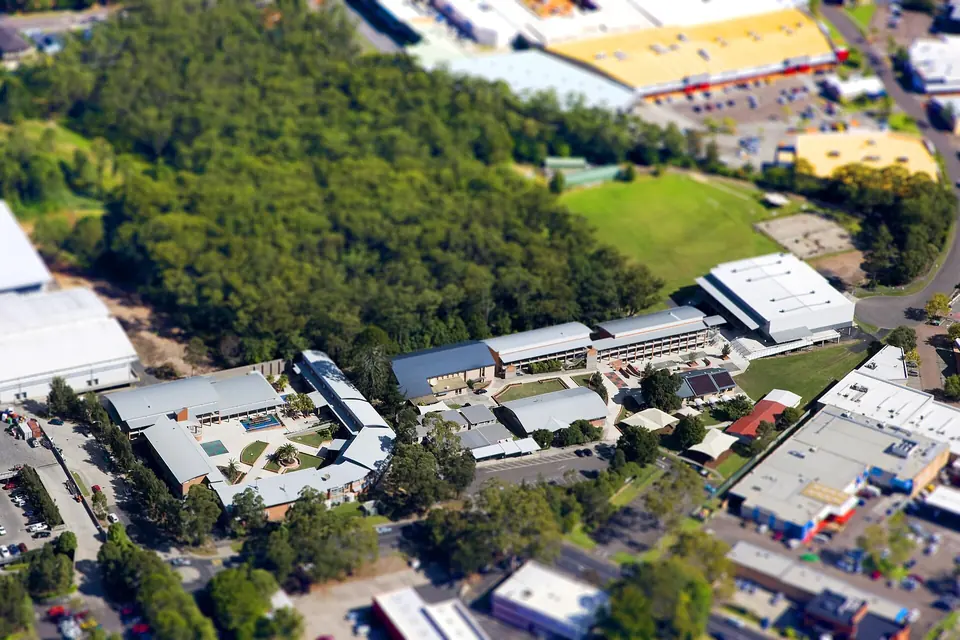
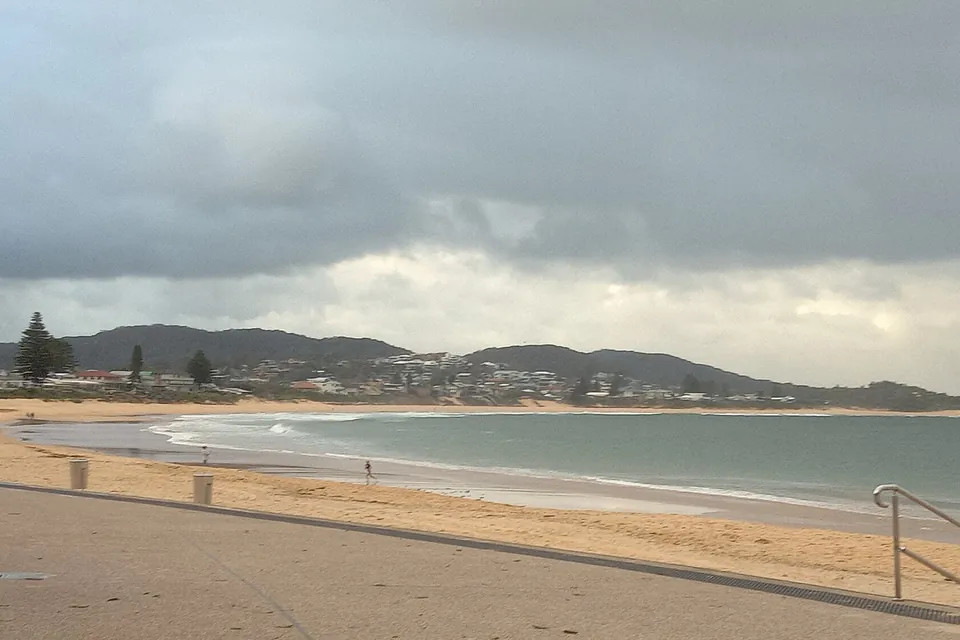
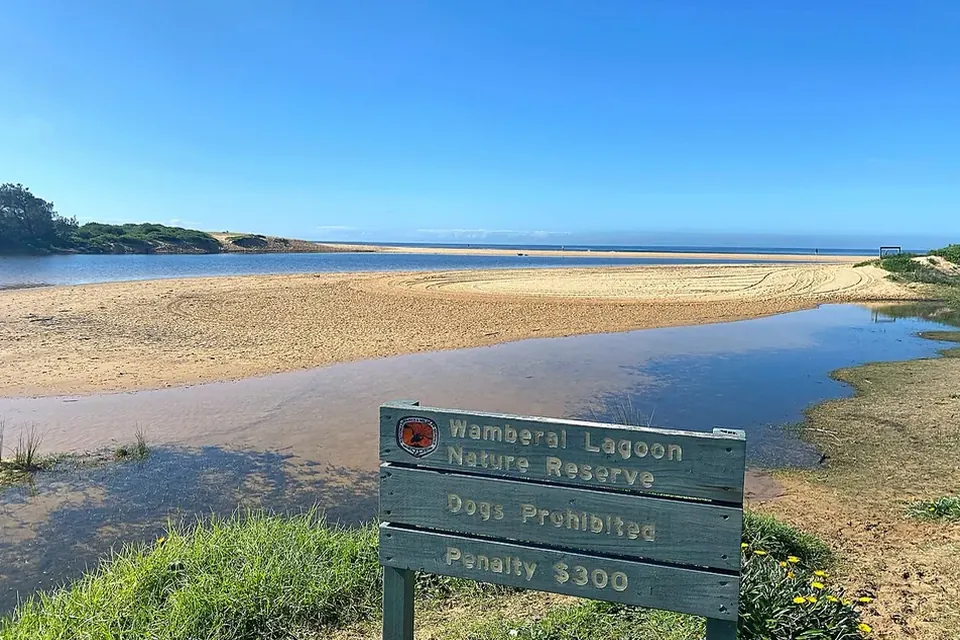
Photos of the local area.

Full list All suburbs
Call 0493 563 381
shape
image
Frequently asked questions
FAQ

Questions we hear on the Central Coast

Where the modem sits, which rooms fail, and what time of day it happens. On Coast homes with brick walls, metal roofs, or long blocks, placement and channel changes often come before any new gear.

Yes. Steady Wi-Fi for Teams, Zoom, and large uploads is a common Coast request. We look at the path from modem to desk and the settings first, then suggest hardware only if it is needed.

Often the existing one can do more. A firmware update, a better position, or one well-placed mesh node can be enough. We explain the trade-offs before you spend anything.

Yes. We test onsite and separate your home network from the provider's line. If the fault looks upstream, you get clear evidence to take back to your provider.


shape
shape
Need help now? Not sure what to click or what to do next?

Call PC Scientist for free advice, calm and practical IT help