CENTRAL COAST ยท COMPUTER REPAIR

Laptop and computer repair on the Central Coast

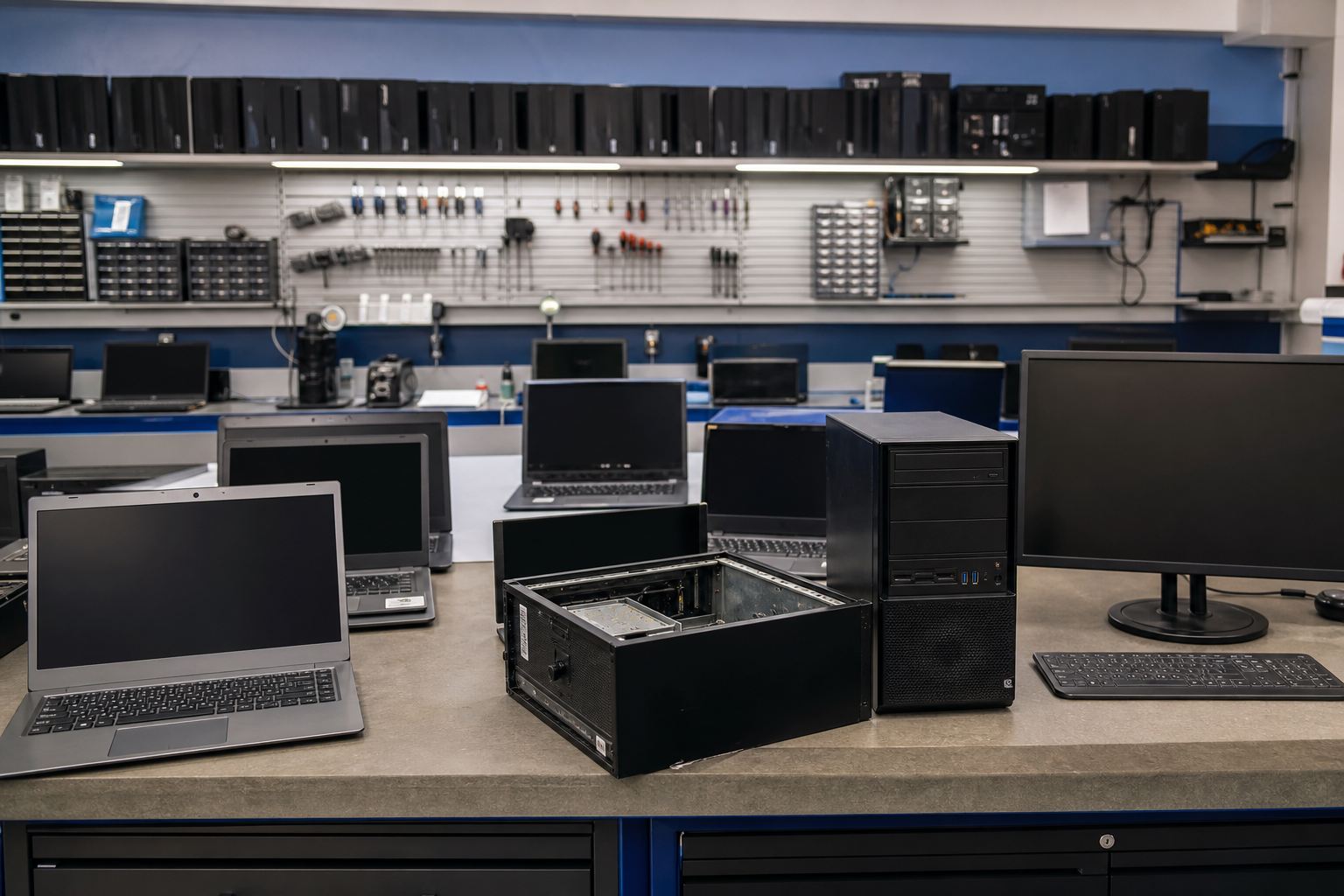
A laptop that will not power on after a knock. A desktop running hot and loud. A machine that died halfway through an update. On the Central Coast, these are repair jobs, and they deserve a proper diagnosis.

PC Scientist repairs computers onsite, or through a planned workshop path when parts are needed. You hear the repair-versus-replace options before you spend anything. Call 0493 563 381, ask for a call back, or book an eligible visit online.

Book online for eligible visits and get 10% off.

PC Scientist computer repair for boot failures and hardware faults across Central Coast
Central Coast computer repair - power faults, screens, and clear advice before parts.

Why Central Coast people call about computer repair

No Fix, No Repair Fee

  • If a laptop or desktop cannot be repaired, there is no repair fee.
  • You still get a plain verdict and a sensible next step.

A quick look at what failed

  • Screens, hinges, batteries, and drives checked on the spot where possible.
  • Parts ordered with a clear timeframe when needed.

Repair price before work begins

  • The cost of the fix agreed before any parts are fitted.
  • Upgrades priced separately, so you choose.

Your files protected first

  • Data copied off a failing drive before anything else.
  • Photos and documents checked after the repair.

Repair or replace, said honestly

  • No push toward a new machine when a repair makes sense.
  • If replacing wins, we help pick something that suits you.

We come to you on the Coast

  • Home and workplace visits from Gosford to Wyong and around the lakes.
  • No carrying the desktop into a shop and waiting days.

Did the Coast machine refuse to power on, crack its screen, or overheat until it shut itself down?

From Gosford apartments to Terrigal houses and Wyong workshops, PC Scientist diagnoses hardware faults without rushing you into a new PC. We name what failed and what a sensible repair looks like.

Computer repair jobs on the Central Coast

  • Machines that will not boot after knocks or age on the Central Coast.
  • Hot Coast desktops that shut down under dust.
  • Drives failing when Central Coast files had no second copy.
  • Battery and charge faults stranding Coast laptops.
  • Parts for Central Coast repairs ordered only after approval.

How to contact PC Scientist

  1. Call for Free Advice - Ring 0493 563 381 and describe what the computer does when you press the power button
  2. Request a Call Back - Leave your number and the make of the machine, and we ring back with next steps
  3. Request a Free Quote - Ask for written repair pricing so you can weigh it against replacing

You only need to pick one of the three. There is no pressure and no technical language required. If you are not sure, Call for Free Advice is often the quickest way to explain what is going on.

What happens after you get in touch

  • We confirm symptoms, urgency, and whether the machine should stay powered off.
  • Parts and workshop steps are discussed before anything is purchased.
  • Realistic timelines for homes, home offices, and small businesses.

Where we visit on the Central Coast

Hardware jobs run the Coast, not only the beach strip. We see boot failures and hot laptops in Gosford and Wyoming, cracked screens after a knock in Terrigal, and ageing desktops in Woy Woy and Wyong. The Entrance and Tuggerah shops get the same honest repair-versus-replace talk before parts are ordered.

Looking for a specific service?

Need a different Central Coast service? Open the Central Coast technology services hub for the other local service pages, or call 0493 563 381 for free advice.

Call For Free Advice

Get in touch

Leave your message and we'll get back to you shortly.

Attachments

Allowed file types: jpg, jpeg, png, gif, pdf, doc, docx, xls, xlsx, odt, ppt, pptx, pps, ppsx, html, and less than 100 MB.

No file chosen

This form uses spam checks and sends your request directly to PC Scientist.

Start here

Machines that will not start, overheat, crash, or sound wrong. Software-only help is computer support. Files on a drive that should stay off is data recovery.

What this covers

  1. 01
  2. 02
  3. 03
  4. 04
  5. 05
  6. 06
  1. 01Start

    Diagnostics before parts

    We read the symptoms first. No Fix, No Fee if the repair cannot be completed.

  2. 02

    Will not turn on, or will not boot

    No power, odd charging lights, or Windows that never finishes starting.

  3. 03

    Crashing, freezing, and blue screens

    Repeated crashes, freezes, or a blue screen after an update.

  4. 04

    Heat, noise, and slow that is actually hardware

    A hot laptop, a loud fan, or a PC that crawls once it warms up.

  5. 05

    Laptop and desktop repairs

    Screens, keyboards, batteries, storage, RAM, and cooling.

  6. 06

    SSD, RAM, and repair versus replace

    Upgrade when the chassis is sound. Replace when more spend will not recoup.

Visit

How it works

  1. 1

    Symptoms first

    What changed, what you hear or see, and whether the machine should stay off.

  2. 2

    Clear options

    Repair, upgrade, or replace - with pricing before parts are bought.

  3. 3

    Fix it properly

    The real fault, not a restart that only lasts until Thursday.

Book computer repair on the Central Coast Call 0493 563 381, request a call back, or ask for a quote.
Call 0493 563 381

Coverage

Central Coast

  • Homes
  • Shops
  • Call us

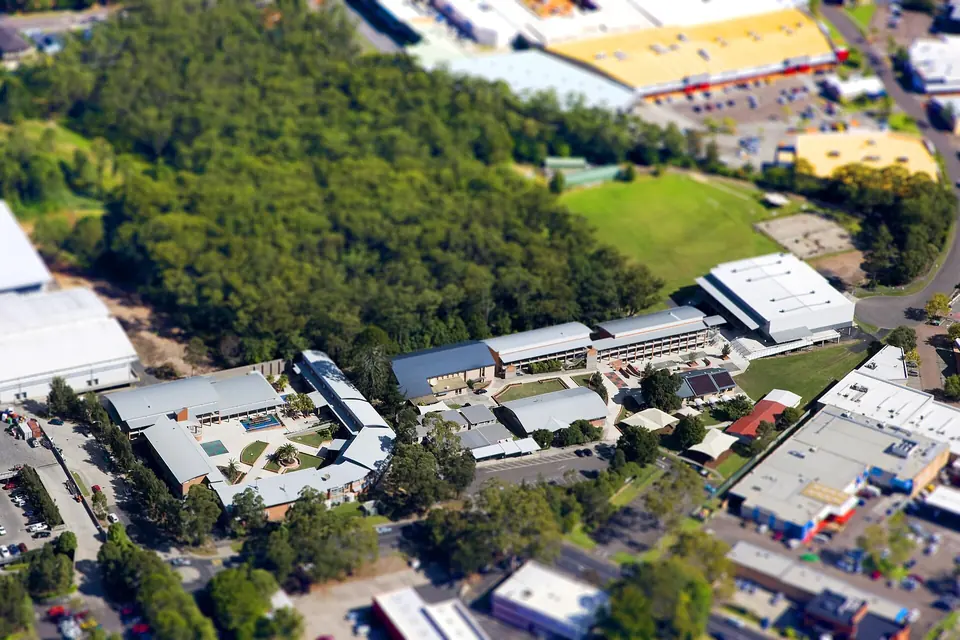
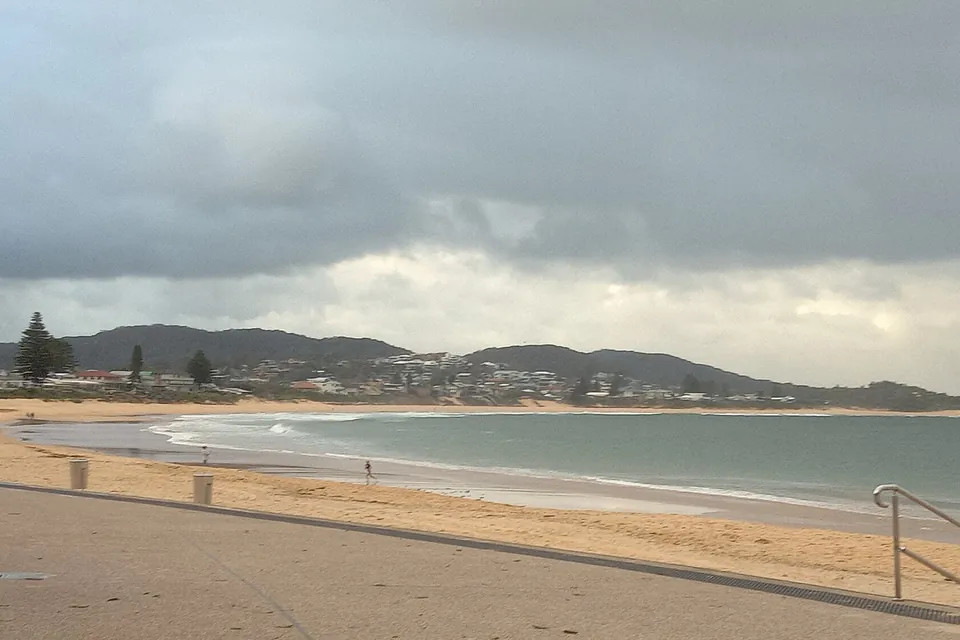
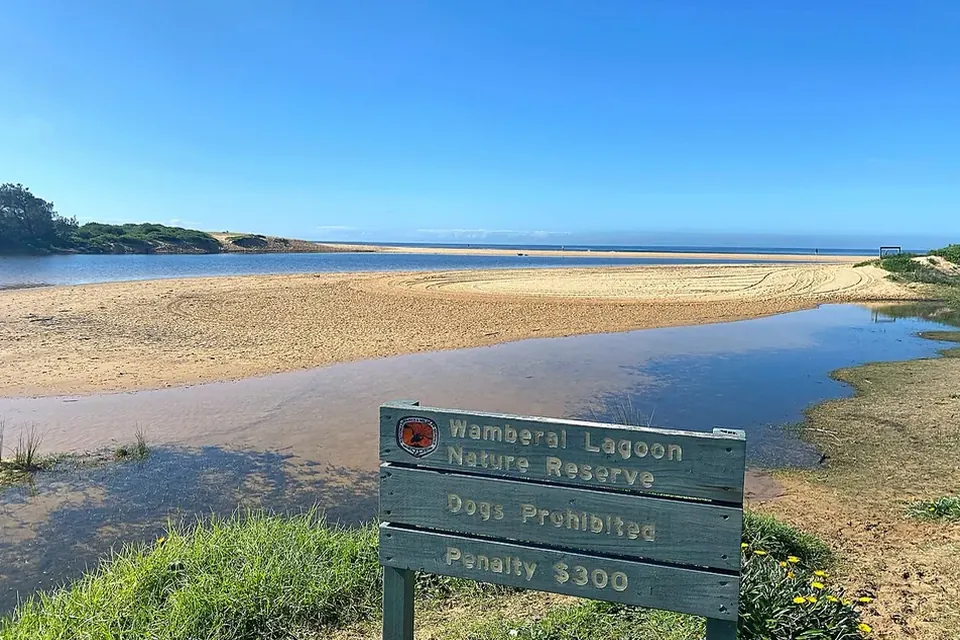
Photos of the local area.

Full list All suburbs
Call 0493 563 381
shape
image
Frequently asked questions
FAQ

Questions we hear on the Central Coast

Often yes, for triage. We confirm the symptoms by phone, then arrange onsite help in Gosford, Terrigal, Woy Woy, Wyong, Tuggerah, and The Entrance when practical. You hear the options before any parts are ordered.

You get an honest answer. If the repair costs more than the value you would get back, we say so and can help plan a sensible replacement instead.

Under our No Fix, No Fee promise, you do not pay a repair fee when the fault cannot be fixed. You get diagnostic clarity before committing to parts or labour.

It is worth getting checked soon, because ongoing heat can damage the drive and board. We inspect it and explain whether cleaning, a new fan, or replacement is the practical path.


shape
shape
Need help now? Not sure what to click or what to do next?

Call PC Scientist for free advice, calm and practical IT help