PC Scientist · Wahroonga

Computer repairs & onsite IT support in Wahroonga NSW

PC Scientist provides onsite computer repairs and IT support in Wahroonga NSW. We help with Wi-Fi that does not reach the far rooms, computer faults and other everyday technology problems.

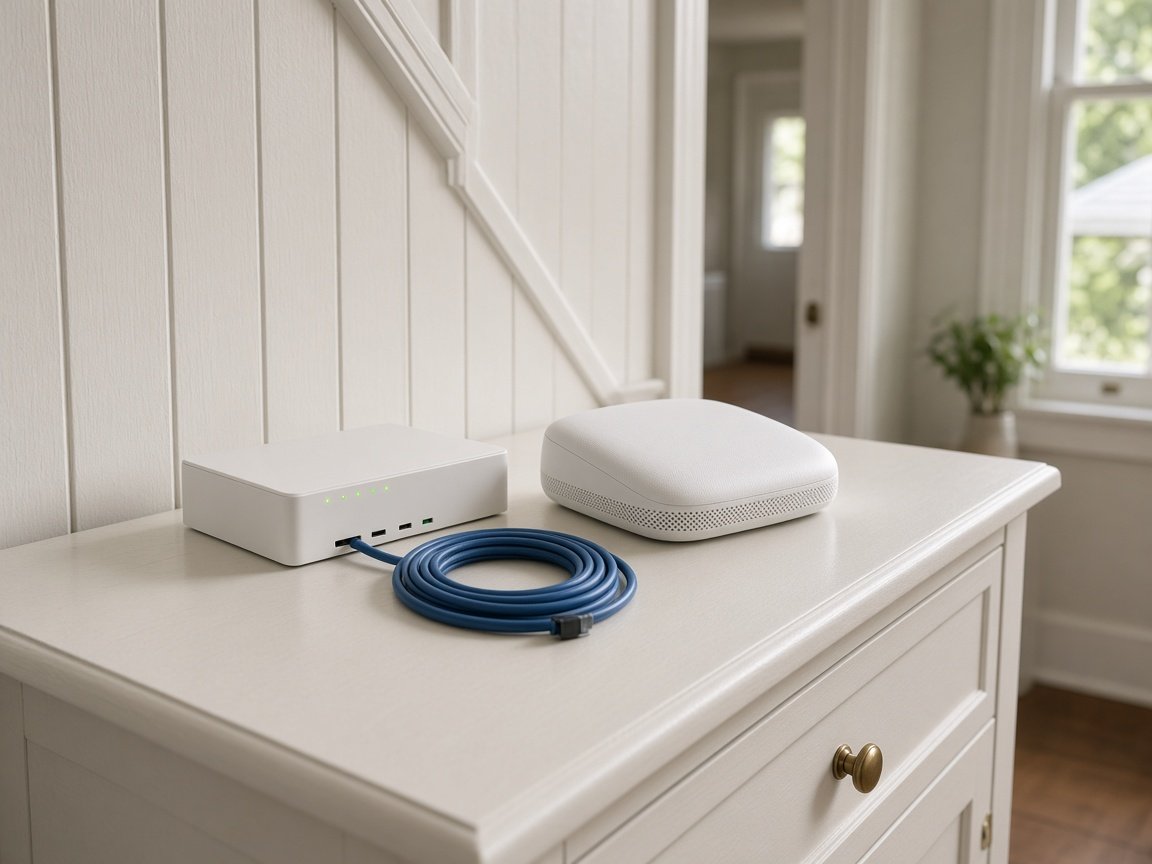
PC Scientist walks the block, finds which hop loses strength, and places or cables gear so the far end holds a real signal. Laptop repairs and login problems can come along for the same visit. Clear price first. Book an eligible visit online.

Book online for eligible visits and get 10% off.

Let us help you today

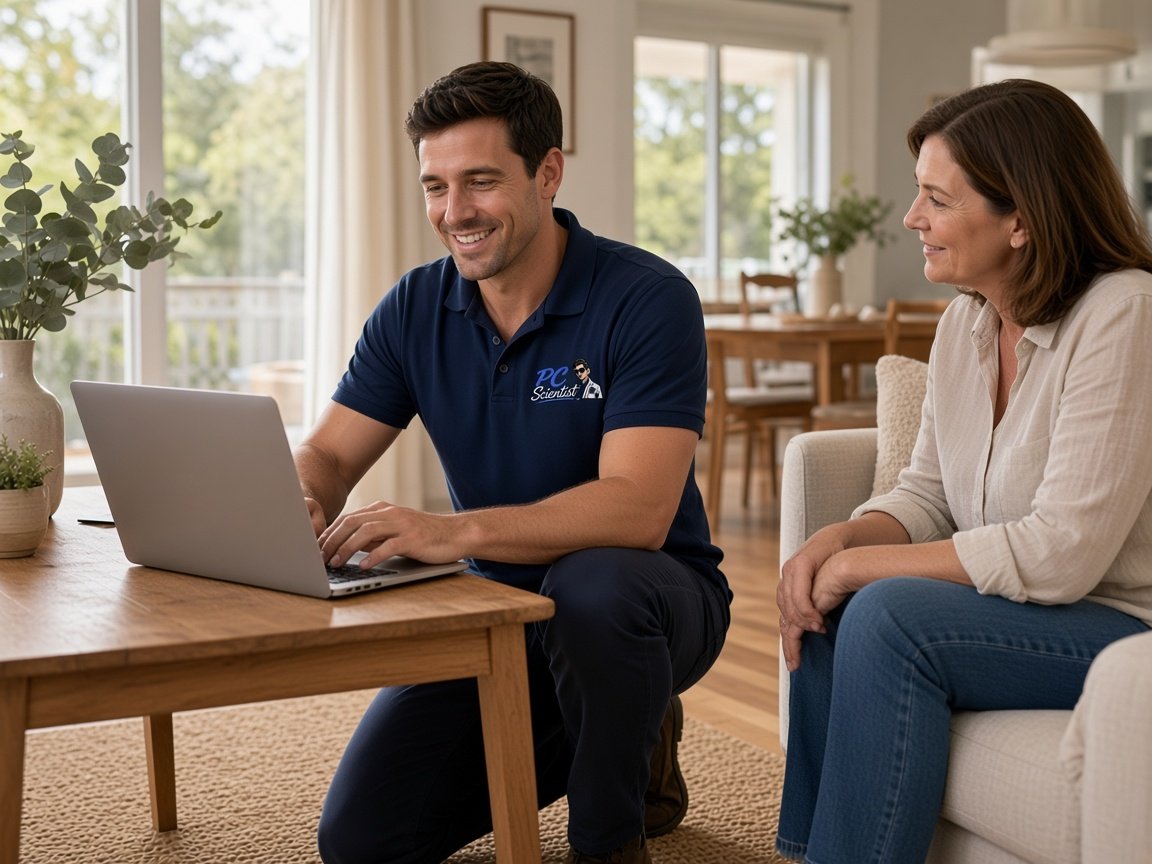
  • One-on-one help - a PC Scientist technician sitting with an older client at her laptop.

We accept payments

Visa
Mastercard
American Express
JCB
Apple Pay
Google Pay
Afterpay
Zip
Bank debit

Real Google reviews

What locals say after a PC Scientist visit.

Word for word, from people we have visited.

★★★★★

Sam is a lovely guy....he explains everything well and seems very knowledgeable..

Jenny Downing

★★★★★

Sam gave us fantastic Customer Service! Prompt response and fixed our problem with amazing expertise.

Jo Scarsbrick

★★★★★

On time, friendly and efficient

Craig Marshall

Read all our Google reviews

Why Wahroonga calls us

Why people in Wahroonga call about a mesh node that loses the far garden

  • Costs sorted before we start in Wahroonga

    • A clear price agreed before any work on Wi-Fi that dies on the far side of a large heritage home
    • A figure agreed near Wahroonga village and Coonanbarra Road while you still have time to decide
    • No bill shock once the visit wraps up
    • The visit fee confirmed before we arrive
    • No vague ranges, just a figure
  • If it cannot be fixed, no repair fee

    • A clear verdict on a home CCTV recorder that stopped recording, fixed or not
    • Limits named before hours go into a home CCTV recorder that stopped recording
    • You still leave with a plain next step
    • Your files looked after first when a drive is failing
    • A second opinion welcome if you want one
  • Short-notice help, honestly timed

    • Faster help when a home CCTV recorder that stopped recording stops the day
    • Urgent jobs near Wahroonga village and Coonanbarra Road moved forward when the diary allows
    • Prompt help after a suspicious text, pop-up, or locked account
    • Remote sessions often start sooner than a visit
    • What to leave alone until we arrive, said over the phone
  • Explained in your words

    • Plain talk about what is going on in a study at the far end of a heritage home, minus the acronyms
    • Describe Wi-Fi that dies on the far side of a large heritage home in your own words and we work out the rest
    • A short summary you can pass on to the rest of the household
    • What to watch for next time, said simply
    • Nothing hidden behind technical words
  • Help at your own pace

    • Help that works around school runs to the local colleges and train commutes
    • A pace that suits established families, retirees, and professionals
    • Short how-to notes for the jobs you do often
    • Tips that suit your gear, not generic instructions
    • Questions answered as we go, never rushed
  • Built for how Wahroonga works

    • Fits around school runs to the local colleges and train commutes
    • Support for established families, retirees, and professionals
    • Work email and family email kept apart
    • Home offices set up so work and family traffic stay out of each other's way
    • Printers and scanners that behave on paperwork day
  • No surprise charges

    • A pause and a question if Wi-Fi that dies on the far side of a large heritage home turns out bigger
    • Clear scope for established families, retirees, and professionals
    • New parts only with your sign-off
    • No call-out add-ons turning up later
    • Clear options when there is more than one way to fix it
  • A set price once we know the cause

    • A quote for coverage in a study at the far end of a heritage home before any cable is run
    • The total known before larger work in Wahroonga begins
    • Time to think it over before committing
    • Written scope so everyone knows what is included
    • Useful for network or camera projects where scope matters
  • Appointment times that hold

    • Arrival times you can plan a day in Wahroonga around
    • Early slots for professionals and practices working from home before the doors open
    • Easy to move the booking if plans change
    • A text before we arrive so you are not watching the street
    • Visits sized to the job so the rest of your day is yours
  • Several jobs, one booking

    • Easier than chasing separate providers out to Wahroonga
    • A home office PC, security cameras, and smart TVs looked at alongside email and accounts
    • Small niggles fixed alongside the big job
    • Printers and smart TVs checked on the same trip
    • Repair, protect, set up, or back up in the same booking
  • Sorted, not patched

    • Fixes that suit grand heritage homes on big garden blocks
    • We look for the real cause, not just a quick restart
    • Honest advice when an old modem or device is the real problem
    • Checks after the fix so it holds up in daily use
    • Linked problems checked so the same call does not come back
  • Confidence in your setup

    • Peace of mind that business archives and family photos are backed up and safer
    • Calm help when tech trouble lands in the middle of school runs to the local colleges and train commutes
    • Friendly follow-up if questions come up later
    • Advice that puts your interests first
    • Clear notes on what was done and why

Ready when you are. Call, or book the visit.

0493 563 381

How it works

How to start

For Wahroonga, the lightest next step is a phone chat. Book online if you already know you need a visit.

  1. 1

    You pick how

    Book online, call for free advice, , or .

  2. 2

    You tell us what's going on

    In the booking, on the call, or in the quote. Same idea.

  3. 3

    We lock the visit

    You see the price. If you agree, we lock a date that suits.

  4. 4

    We come to you

    That's the visit. We work through your list on the day.

Areas we cover

Nearby suburbs inside Upper North Shore

Can't find your area?

Call us to check. We will tell you if we visit, or if remote help is the better fit.

Upper North Shore Sydney NSW

FAQ

Common questions about Wahroonga IT help

Yes, and that is a common job here. Wireless hops weaken through brick, glass and trees, so a node placed for the house rarely reaches a studio far down the block. We measure the signal at each point, check whether a cable run or outdoor access point fits better, and look at the laptop if it is the weak link. You get the plan and the price before any gear goes in.

It depends on the fault and the diary. Onsite visits cover Wahroonga and nearby Warrawee, North Wahroonga, and Waitara, and remote sessions fill the gaps.

Tell us about long driveways on the bigger blocks early so the visit runs smoothly.

Yes. Logins, printers, email, and finding files are real jobs, not favours. Plenty of families, staff from the San, and professionals working from home start there.

If it turns out bigger, like the garage camera that will not stay online, we say so before the visit stretches.

Homes and home offices are in scope, and so are medical rooms near the San and home-based consultants. Large enterprises with 24/7 IT departments are not our focus.

When the home PC and the work laptop share one connection at a home on a long garden block near the village, one visit can cover both.

We talk through the pool house with no signal at all first, then give you the price before any work. Complex jobs get a fixed quote after diagnosis.

If a repair in Wahroonga cannot be completed, there is no repair fee - and you still know the next step.

Sounds fair enough?

Today, or another day?

Book online Save 10% Call for free advice 0493 563 381