PC Scientist · Upper North Shore · Email support

Work email gone from the laptop, old inbox stuck on the phone

When your employer's laptop opens work mail fine, but the family computer in the study cannot see the personal Outlook account any more, and the phone mixes both inboxes into one confusing list. Working from home in Wahroonga was meant to be simpler than this.

We separate work and personal mail cleanly, fix the home side, and tell you plainly when a work account belongs to your employer's IT team. Nothing extra starts unless you agree. Ring 0493 563 381, or request a written quote if several family accounts need tidying.

Book online for eligible visits and get 10% off.

Let us help you today

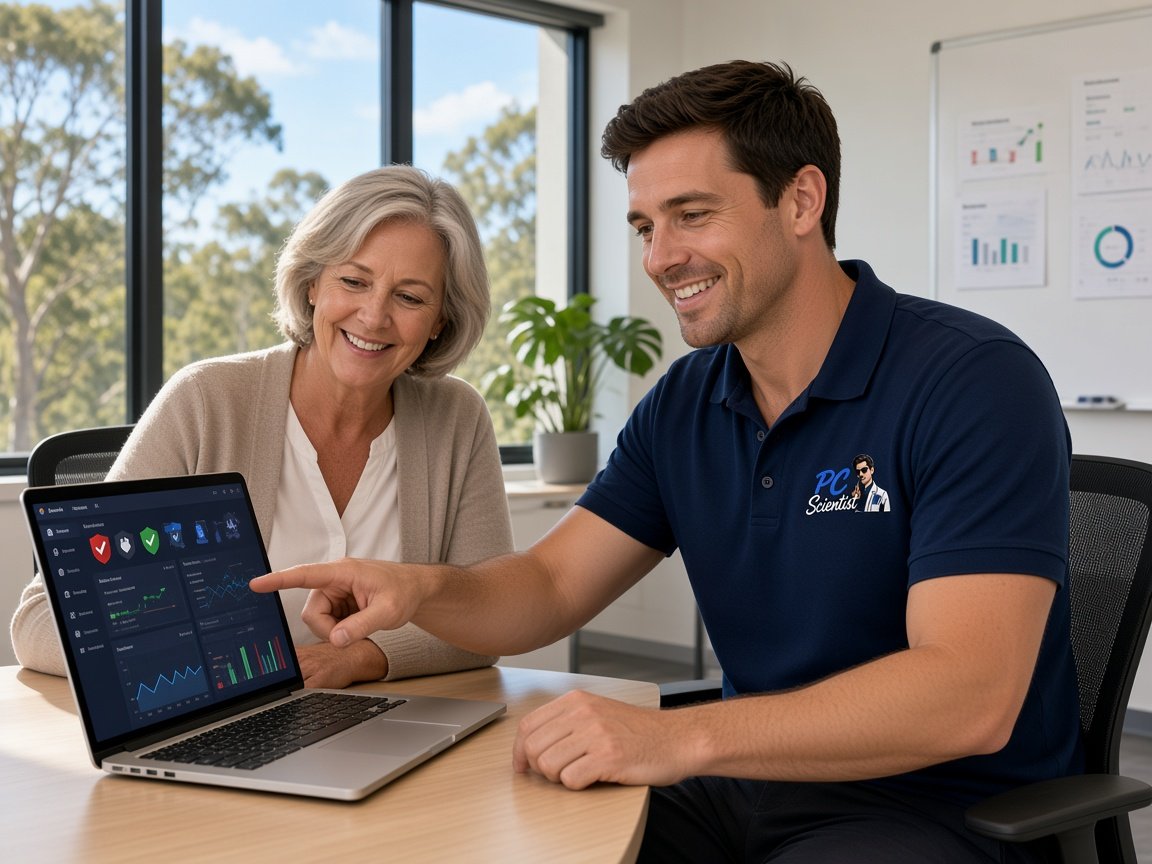
  • One-on-one help - a PC Scientist technician sitting with an older client at her laptop.

We accept payments

Visa
Mastercard
American Express
JCB
Apple Pay
Google Pay
Afterpay
Zip
Bank debit

Real Google reviews

What locals say after a PC Scientist visit.

Word for word, from people we have visited.

★★★★★

Friendly and understanding despite me missing calls

Tanwen Walters

★★★★★

Service was excellent and prompt response

Bob Sands

★★★★★

Excellent service and very fast and reliable. Highly recommend

Leigh Palmer

Read all our Google reviews

Email support · Upper North Shore

On the Upper North Shore, are work and personal email tangled on the same devices?

Plenty of home offices here run an employer account beside a personal one on the same phone and computer. When they overlap, mail goes to the wrong place and sign-ins collide. We tidy the home side and leave the work account to whoever manages it.

Home office email tangles we sort

  • Work and personal inboxes merged into one list on the phone.
  • Personal Outlook disappearing from the study computer after a work app was installed.
  • Calendar invites sent from the wrong account and bouncing back.
  • A Killara home office with two Microsoft sign-ins fighting each other.
  • The cost is explained first, and work begins only when you agree.

How the job unfolds

  • We list which accounts are personal and which belong to an employer.
  • The home side is fixed remotely or onsite; employer settings are left to their IT team.
  • Each device ends with work and personal mail clearly separated and tested.

Upper North Shore suburbs we reach

We help home offices and households in Roseville, Lindfield and Killara, through Gordon and Pymble, and up to Wahroonga. Most separation jobs start remotely, with a visit when the study computer and several family phones need sorting together in one sitting.

Why Email support calls us

Why you call us: Upper North Shore home offices call when work and personal mail collide

  • What you can expect: Work and home kept apart

    • You get separate profiles so personal mail never lands in the work app.
    • For you, phones set to show each inbox clearly, not one merged list.
  • For you: Honest about employer IT

    • We tell you straight when a fault sits with your employer's systems.
    • For you, what to ask their IT team, written down for you.
  • What you can expect: Dead ends cost no repair fee

    • If we cannot fix the personal side, there is no repair fee.
    • Limits named early, before any of your time is spent.
  • What you can expect: Priced before the study

    • You get the cost agreed before we touch the family computer.
    • For you, several family accounts tidied together as one quoted job.
  • For you: Invites from the right account

    • Calendars set so invites go out from the address you meant.
    • You get bounced invites traced to the account or setting causing them.
  • For you: Family devices included

    • Children's and partners' phones checked while we are there.
    • For you, shared family calendars set up to sync properly.

When you are ready. Call, or book a technician.

0493 563 381

Start here

What this covers

Tangled inboxes, invites that bounce and password prompts on loop all start here. For a small practice or staff mailboxes, see business email on the Upper North Shore.

  1. 01

    Personal mail gone missing

    A personal account vanishing from the study computer, or mail stuck after a work app changed settings.

  2. 02

    Outlook, Gmail and work apps

    Personal Outlook and Gmail kept apart from the employer's apps on shared phones and computers.

  3. 03

    Family accounts and forwarding

    New family addresses, forwarding between partners, or an inbox only one device can open.

  4. 04

    Two sign-ins, one device

    Recovery and two-step sorted when personal and work Microsoft accounts compete on the same computer.

  5. 05

    Phishing posing as work

    Emails pretending to be your employer or a shared document, checked calmly before you open them.

The visit

How it works

  1. 1

    Sort the accounts

    Which are personal, which are work, and where each should live.

  2. 2

    Separate cleanly

    Profiles and apps set so the two stop overlapping.

  3. 3

    Test both sides

    Mail and invites checked from each account on each device.

How it works

How to start

In Email support, start with a call, a booking, or a quote in writing. Nothing extra starts unless you agree.
  1. 1

    Choose how to reach us

    Book online, call for free advice, , or .

  2. 2

    You tell us what's going on

    In the booking, on the call, or in the quote. Same idea.

  3. 3

    Lock in the visit

    We agree the visit on the call, in the booking, or in the quote. Agree, and that date stays yours.

  4. 4

    We come to you

    That's the visit. We work through your list on the day.

FAQ

Common questions about Upper North Shore IT help

Yes. We work on your personal accounts and family devices only. Employer laptops and work accounts stay with your employer's IT team, and we will tell you plainly if that is where the problem lives.

Often the fix is simply separating the two so they stop fighting over the same phone or computer.

Usually the invite went out from a different account than the one you meant, or the receiving mailbox is full or has changed address.

We find which, set the calendar to send from the right address, and test with a real invite before we finish.

Yes. We visit homes across those suburbs and nearby. Many email jobs start remotely the same week, with a visit booked if the study computer and family phones need hands on them.

Tell us the times that suit around your working day.

We ask a few questions and give you the figure before any work starts. Tidying several family accounts is usually quoted as one job.

No Fix, No Repair Fee applies to repair work we cannot complete, so you are not paying a repair fee for nothing.

When you are ready

We can come to you

Book online Save 10% Call for free advice 0493 563 381