PC Scientist · Upper North Shore · Parental controls

Parental controls for Upper North Shore homes

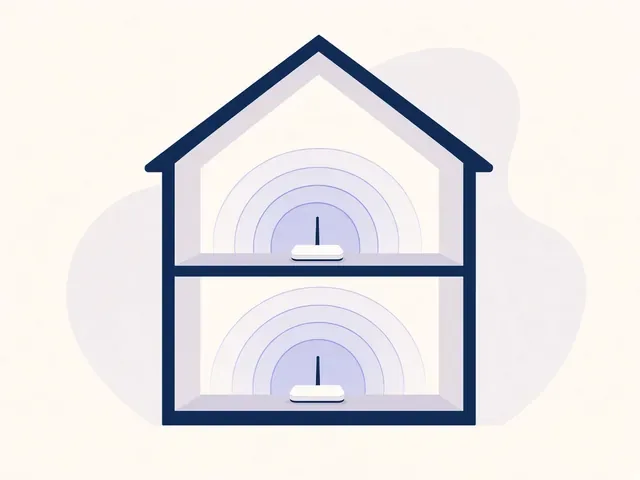
Two storeys, Apple IDs everywhere, and Screen Time that looked done until your downstairs TV kept playing. Upper North Shore houses collect devices by floor. A setting in one bedroom does not travel.

We set Family Sharing properly, then the router, then the screens that sit on another level. Call 0493 563 381, or book an eligible visit.

Book online for eligible visits and get 10% off.

Let us help you today

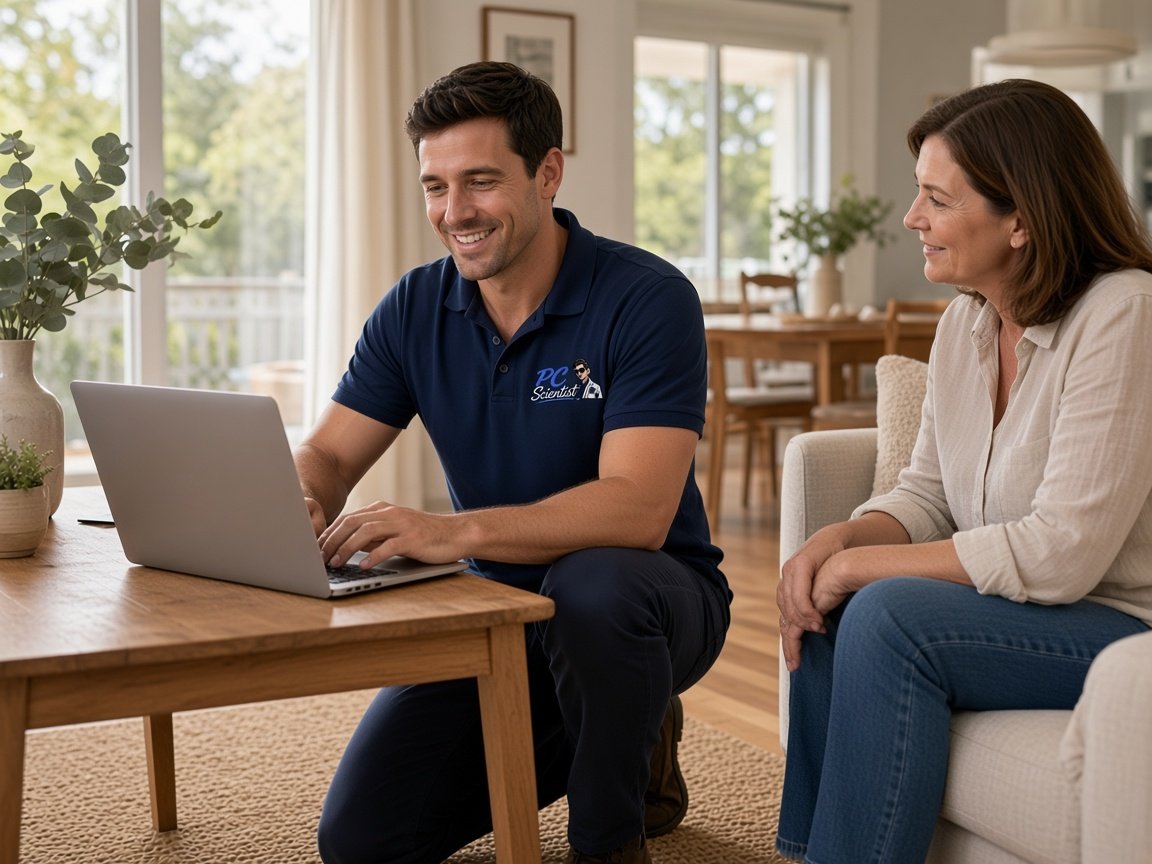
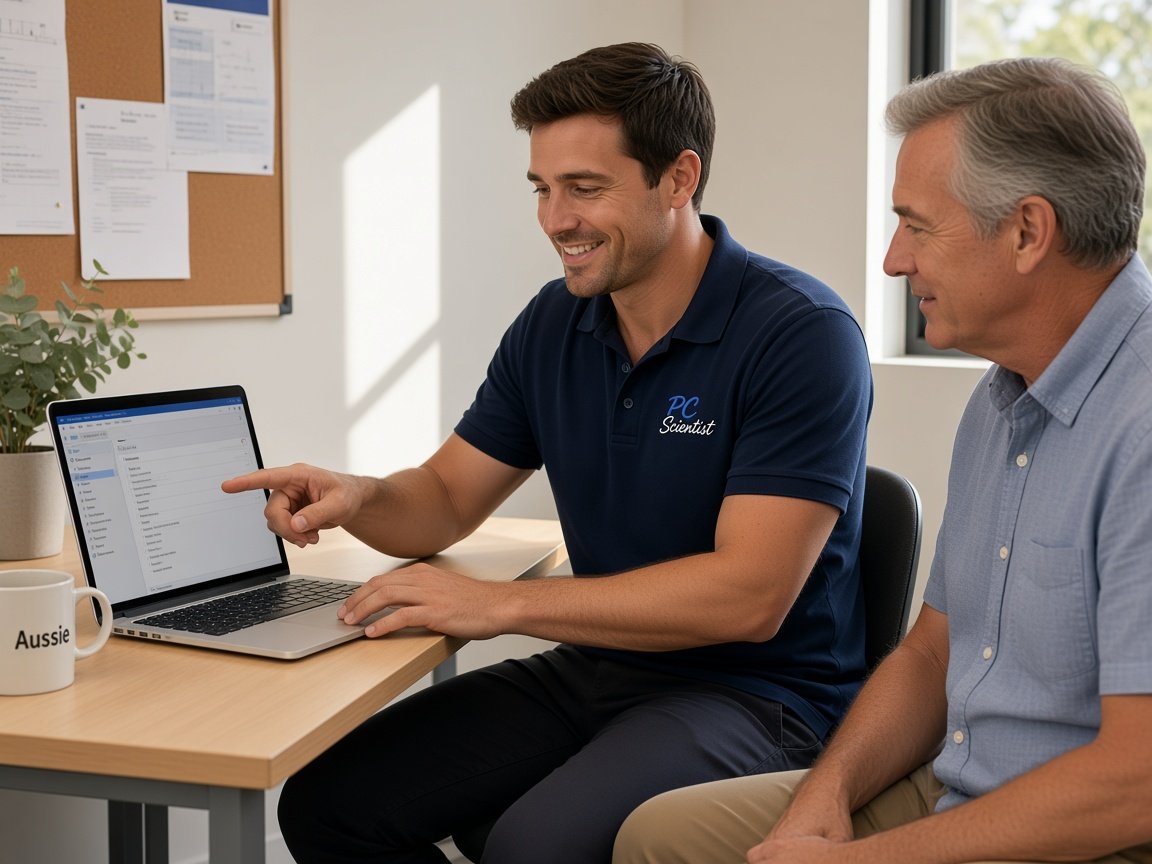
  • One-on-one help - a PC Scientist technician sitting with an older client at her laptop.

We accept payments

Visa
Mastercard
American Express
JCB
Apple Pay
Google Pay
Afterpay
Zip
Bank debit

Real Google reviews

What locals say after a PC Scientist visit.

Word for word, from people we have visited.

★★★★★

Fast and efficient computer service. Sam made everything easy to understand and fixed the issues promptly at Killarney Vale NSW 2261. Very helpful and knowledgeable. Highly recommend PC Scientist to anyone needing computer help.

Clive Tubnor

★★★★★

Excellent service, prompt reliable , highly recommended for central coast, Yarramalong valley and surroundings

Fleur Goulding

★★★★★

Sam is very responsive and efficient, highly recommended. My shop register was broken which was very frustrating, but he helped us fix it and save us a lot of headache.

Crystal Wang

Read all our Google reviews

Parental controls · Upper North Shore

Is Family Sharing actually covering every Apple ID in the house?

A child Apple ID that never joined Family Sharing will ignore Screen Time you set on your phone. We check the family, not only one iPad.

What we see here

  • Child Apple IDs that never joined the family.
  • A downstairs TV still on a parent YouTube profile.
  • Gaming PCs on Windows that sit outside Apple's tools.
  • Phones that roam onto friends' Wi-Fi after school.
  • Price before we change a Family Organiser.

Visit order

  • Who is in the family group. Router DNS. Screen Time on every child ID.
  • Windows and consoles next. Bypass check including Private Relay.
  • Handover of the Organiser account.

Towns

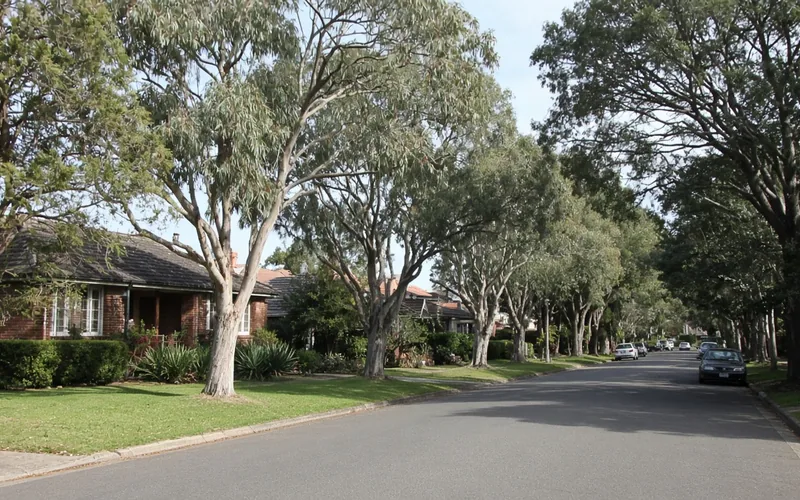
Hornsby, Wahroonga, Pymble, Gordon, St Ives, Turramurra, Lindfield, and Killara. Remote when devices can sit with you.

Why Parental Control Scientist

Why you call us: Upper North Shore families book this

  • For you: Family Sharing done properly

    • For you, screen Time fails if the child ID is not in the family.
    • We check that first.
  • How we help: More than one floor

    • For you, a setting upstairs does not reach the rumpus TV.
    • We walk the screens, not only the study.
  • How we help: Windows still in the mix

    • We give you a gaming PC ignores Apple tools.
    • You get microsoft Family Safety covers that box.
  • What you can expect: Private Relay and VPNs

    • We give you those skip DNS filters.
    • We close them on child devices.
  • For you: Price first

    • We agree it before family accounts change.
    • You stay the Organiser.
  • How we help: Handover

    • You keep every PIN.
    • We give you review date as they get older.
When you are ready. Call, or book a technician.
0493 563 381

Start here

What this covers

This page is for payment requests, links or warnings that have you doubting an account or a device. If the study computer is only running slowly, computer support is the place to start.

  1. 01

    The family group

    Every child Apple ID in Family Sharing, or Screen Time will not stick.

  2. 02

    House DNS

    Baseline for guests and new gadgets.

  3. 03

    Each floor's screens

    Phones, iPads, downstairs TV.

  4. 04

    Windows and consoles

    The devices Apple cannot see.

  5. 05

    Handover

    Organiser login, PINs, review date.

The visit

How it works

  1. 1

    Pause the payment

    Hold any transfer until the request is confirmed by phone.

  2. 2

    Check the inbox

    Sign-ins, rules and connected apps reviewed on your email.

  3. 3

    Secure the household

    Devices cleaned, codes set up, and family accounts separated.

How it works

How to start

In Cybersecurity help we lock the price before work. Call 0493 563 381, request a call back, or book an eligible visit.

  1. 1

    Choose how to reach us

    Book online, call for free advice, , or .

  2. 2

    You tell us what's going on

    In the booking, on the call, or in the quote. Same idea.

  3. 3

    Lock in the visit

    We agree the visit on the call, in the booking, or in the quote. Agree, and that date stays yours.

  4. 4

    We come to you

    That's the visit. We work through your list on the day.

FAQ

Common questions about Upper North Shore IT help

Yes. New gadgets and friends' devices join Wi-Fi first. Family DNS is the baseline. Screen Time is the layer that travels.

It can skip DNS-based blocks. On a child's device we turn that off, and we explain why.

Yes, through Microsoft Family Safety. It will not show up in Screen Time.

Yes. Upper North Shore homes. Call 0493 563 381.

When you are ready

Tell us what is happening

Book online Save 10% Call for free advice 0493 563 381