PC Scientist · Upper North Shore · Cybersecurity help

Cybersecurity help on the Upper North Shore

Your builder's progress payment was due, and the email with new bank details looked exactly like his usual ones. Something made you pause before sending a large sum. Upper North Shore families mid-renovation, and home offices on the ridge, ring us at exactly that moment.

We check whether your inbox or the sender's was the one accessed, secure your email and banking logins, and help you confirm payments safely. Request a call back and we will ring you, or book an eligible visit online.

Book online for eligible visits and get 10% off.

Let us help you today

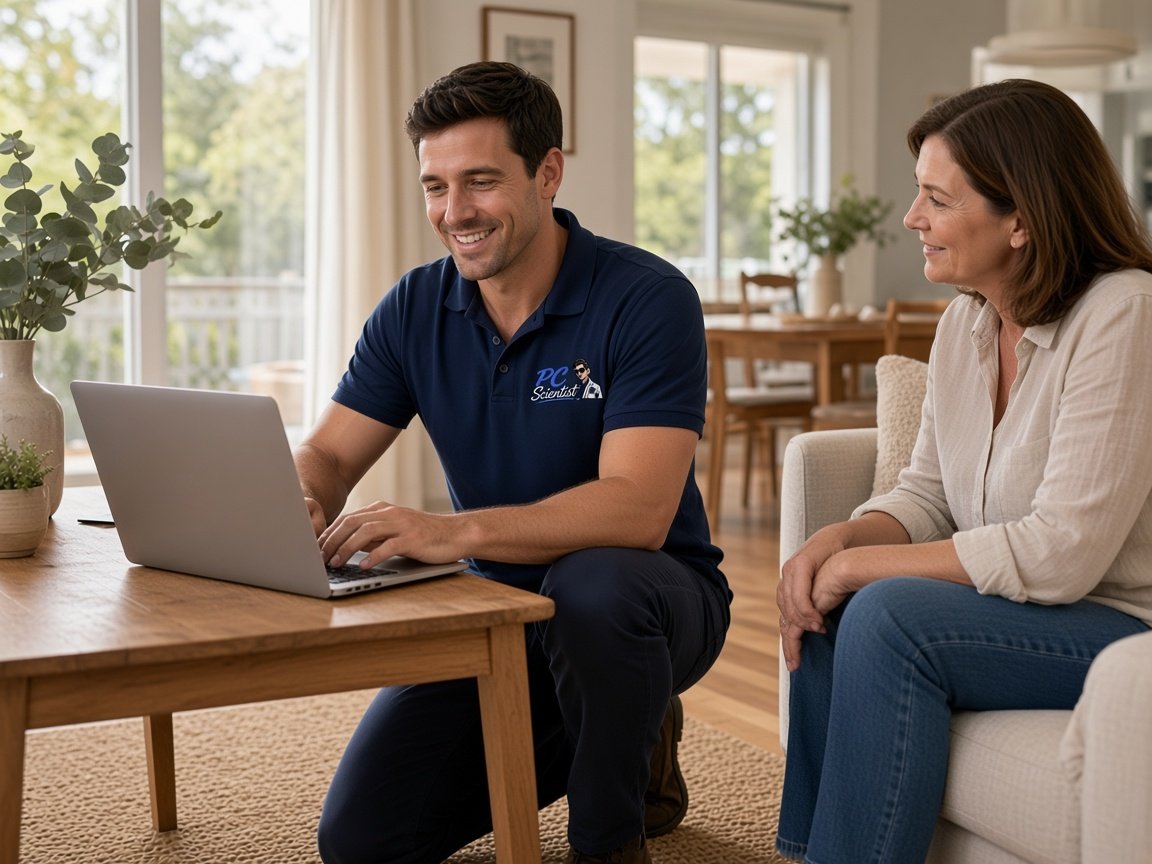
  • One-on-one help - a PC Scientist technician sitting with an older client at her laptop.

We accept payments

Visa
Mastercard
American Express
JCB
Apple Pay
Google Pay
Afterpay
Zip
Bank debit

Real Google reviews

What locals say after a PC Scientist visit.

Word for word, from people we have visited.

★★★★★

Fast and efficient computer service. Sam made everything easy to understand and fixed the issues promptly at Killarney Vale NSW 2261. Very helpful and knowledgeable. Highly recommend PC Scientist to anyone needing computer help.

Clive Tubnor

★★★★★

Excellent service, prompt reliable , highly recommended for central coast, Yarramalong valley and surroundings

Fleur Goulding

★★★★★

Sam is very responsive and efficient, highly recommended. My shop register was broken which was very frustrating, but he helped us fix it and save us a lot of headache.

Crystal Wang

Read all our Google reviews

Cybersecurity help · Upper North Shore

Should I trust that new bank account in our Upper North Shore builder's email?

Payment redirection scams target big, expected transfers. Before you pay, call the builder on a number you already had. We check whether the email came through a compromised account and lock down your side so it cannot happen again.

Upper North Shore worries we hear

  • Builder, architect or school fee emails with suddenly changed bank details.
  • Upstairs study computers showing warnings that will not close.
  • Professionals working from home after a shared-document link asked for a password.
  • Grandparents' tablets with sign-in alerts from places they have never been.
  • The price for checks and lockdown is agreed with you upfront.

Our first steps together

  • We help you confirm the payment request by phone before anything moves.
  • Your email is checked for logins, forwarding rules and connected apps.
  • Then remaining devices are reviewed, remotely or on a visit.
Upper North Shore pockets we visit

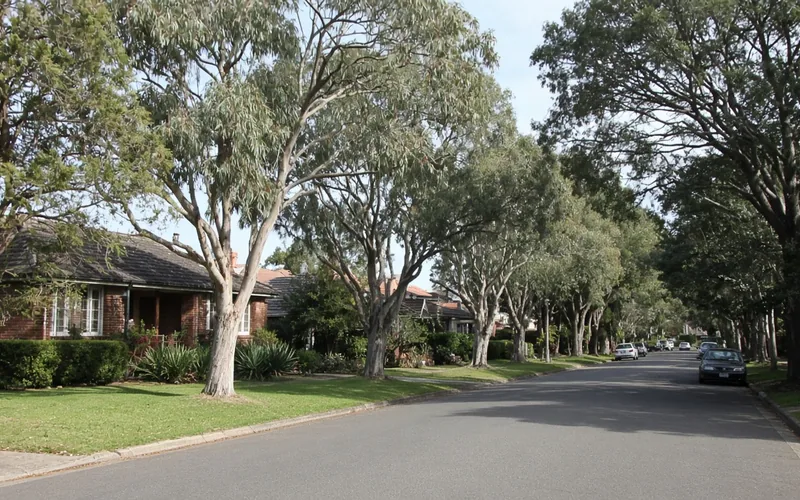
We visit family homes and home offices through the Wahroonga area, the Pymble area and the Gordon area, along to the Killara area, the Lindfield area and the Roseville area. Email checks often start remotely the same day, with a visit when the study computer or family tablets need a closer look.
Why Cybersecurity help calls us

What you run into: Upper North Shore families and home offices want after a payment scare

  • How we help: Payments verified safely

    • We give you a simple phone-back habit for any change in bank details.
    • For you, help deciding whether to pause a transfer that is already queued.
  • We look after your inbox examined

    • You get recent sign-ins, forwarding rules and connected apps checked on your email.
    • For you, clear advice if it was the other party's account instead of yours.
  • For you: Price set beforehand

    • You get the cost of checks and lockdown agreed before any work.
    • For you, a whole-household review quoted once the devices are counted.
  • What you can expect: No fee if uncleanable

    • For you, if unwanted software cannot be removed, there is no repair fee.
    • We give you a straight word when rebuilding the computer beats cleaning it.
  • What you can expect: Study and family separated

    • You get work accounts kept apart from the shared family computer.
    • For you, children's devices given their own logins and sensible limits.
  • What you can expect: Discreet with finances

    • For you, bank statements and financial files stay unopened unless the job needs them.
    • For you, payment records kept with you, never copied off the device.

When you are ready. Call, or book a technician.

0493 563 381

Start here

What this covers

This page is for payment requests, links or warnings that have you doubting an account or a device. If the study computer is only running slowly, computer support is the place to start.

  1. 01

    A request that feels off

    Changed bank details, an unexpected document link, or a warning demanding a phone call.

  2. 02

    Checking before acting

    We look at the email and device involved before any password or setting is touched.

  3. 03

    Unwanted programs removed

    Fake alerts, rogue extensions and leftover remote tools cleared carefully from computers and tablets.

  4. 04

    Logins secured

    Email and banking passwords reset, with sign-in codes sent to the phones you carry.

  5. 05

    Payment routines

    A calm habit for verifying any bank change, not expensive software sold on fear.

The visit

How it works

  1. 1

    Pause the payment

    Hold any transfer until the request is confirmed by phone.

  2. 2

    Check the inbox

    Sign-ins, rules and connected apps reviewed on your email.

  3. 3

    Secure the household

    Devices cleaned, codes set up, and family accounts separated.

How it works

How to start

In Cybersecurity help we lock the price before work. Call 0493 563 381, request a call back, or book an eligible visit.

  1. 1

    Choose how to reach us

    Book online, call for free advice, , or .

  2. 2

    You tell us what's going on

    In the booking, on the call, or in the quote. Same idea.

  3. 3

    Lock in the visit

    We agree the visit on the call, in the booking, or in the quote. Agree, and that date stays yours.

  4. 4

    We come to you

    That's the visit. We work through your list on the day.

FAQ

Common questions about Upper North Shore IT help

Yes. We visit family homes and home offices through the Wahroonga area, the Pymble area, the Gordon area and the Lindfield area. Many email checks can begin remotely the same day.

If the study computer or a tablet may still have something unwanted on it, a visit makes the check clearer.

Call your bank immediately and ask them to try to recall the transfer. The sooner they hear, the better the chance.

Then call us. We check your email for signs of access, help you work out whether the sender's account was the weak point, and set up sign-in codes on yours.

Ring the person on a number you already have, not the one in the email, and confirm the details out loud before paying.

We set that up as a household habit, add a note near the computer, and tighten email security so lookalike requests are easier to spot.

A single inbox check has a simple price, and a review of every family device gets one written figure, both agreed beforehand.

If unwanted software cannot be cleared from a computer, No Fix, No Repair Fee applies to the repair.

When you are ready

Need a hand with your technology?

Book online Save 10% Call for free advice 0493 563 381