No Fix, No Fee
- If we can't fix it, you don't pay a single cent. No risk on your side.
- If the issue cannot be fixed, there is no repair charge.
Talk to a real person first, get clarity, and decide the best next step without pressure.
Calm, practical IT help across NSW - onsite or remote where it fits
Leave your details and PC Scientist will get in touch to talk through the problem and help you work out the best next step.
Give us your number and we'll call back at your convenience.
Tell us what you need and we will reply with written pricing or clear next steps.
Leave your message and we'll get back to you shortly.
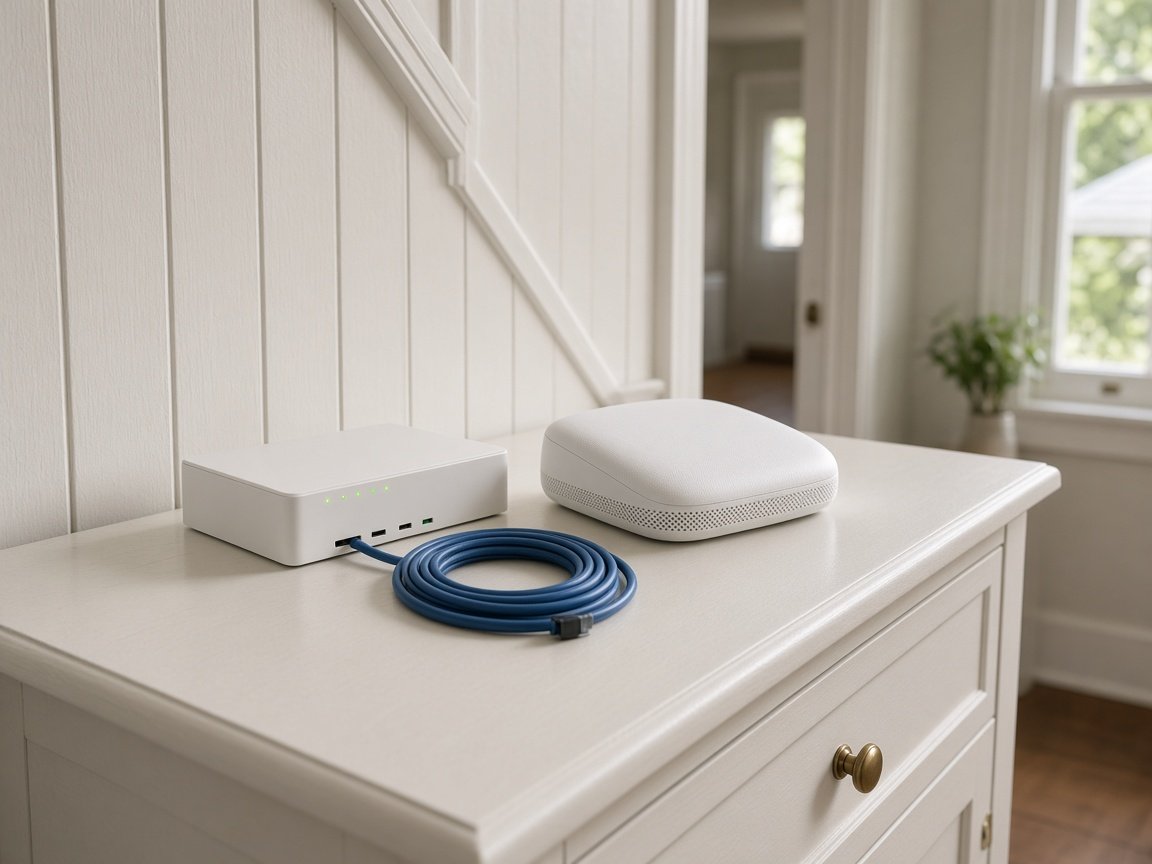
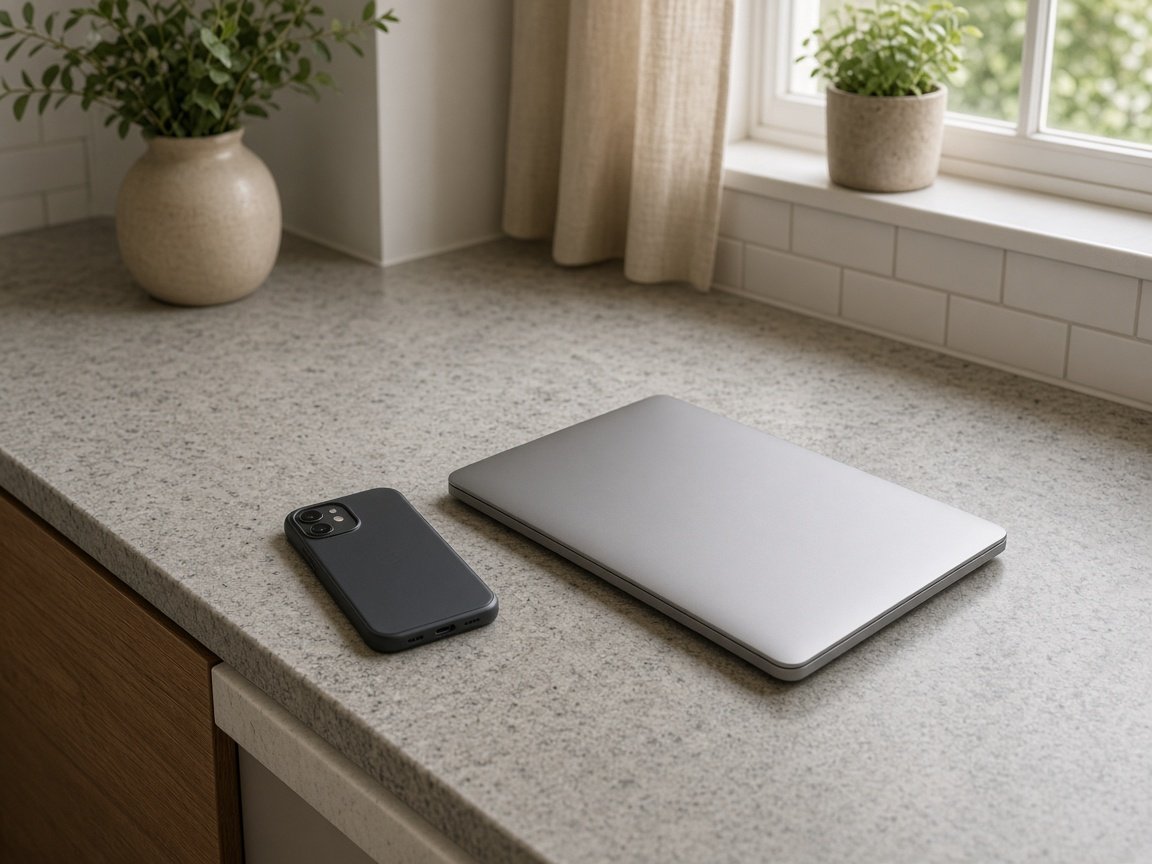
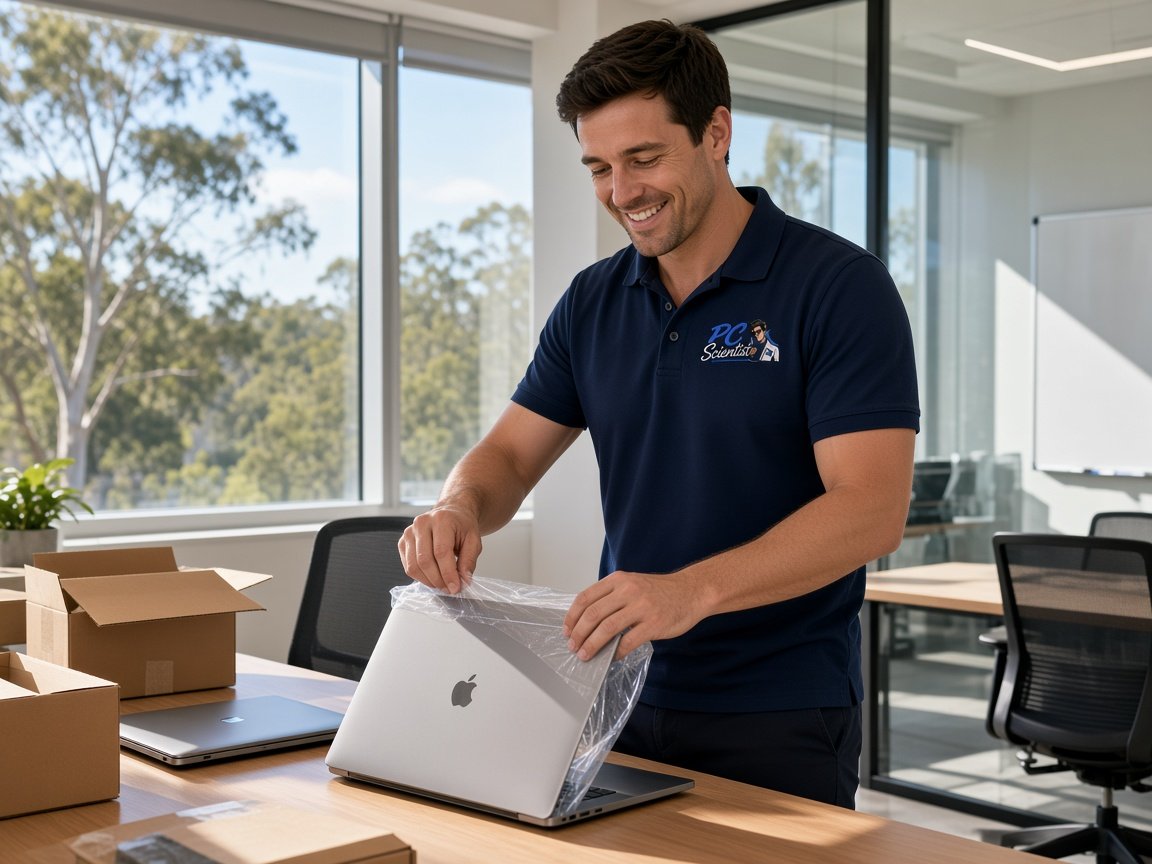
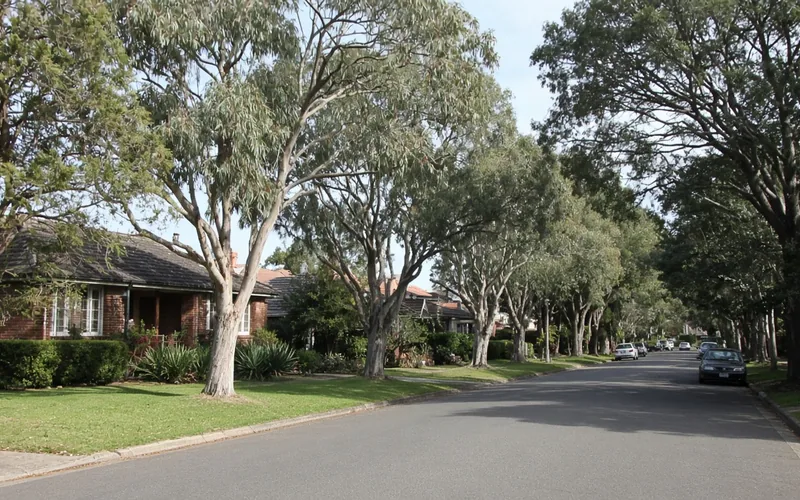
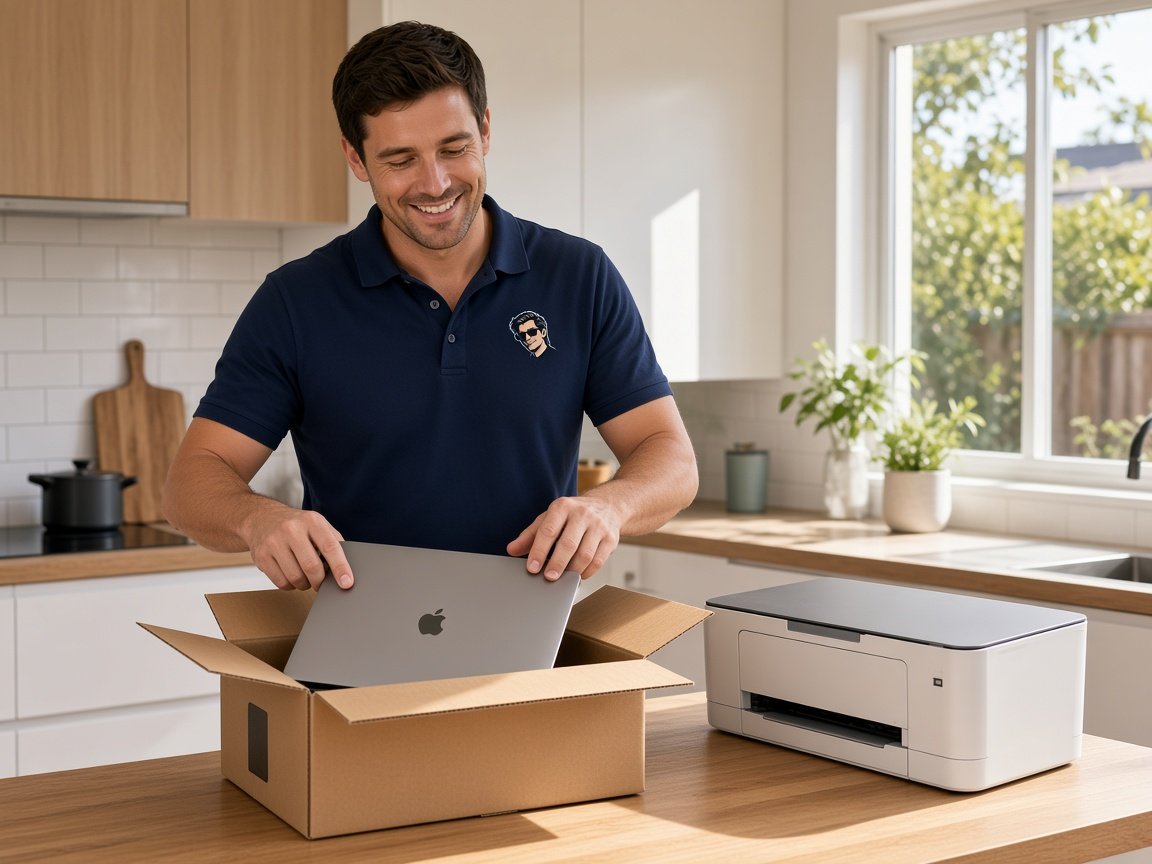
A new laptop, phone, or printer should feel useful on day one, not like another settings puzzle. PC Scientist provides patient device setup across the Upper North Shore, including Roseville, Lindfield, Killara, Gordon, Pymble, Turramurra, Wahroonga, and Hornsby.
We set up accounts, connections, and everyday apps at your pace, then hand over in a way you can follow. Book online, call for free advice, or request a quote if you want scope confirmed in writing first.
The jobs below are typical device setup work on the Upper North Shore. Say what you bought and how you use it so the setup matches your routine, not a generic template.
You only need to pick one of the three. There is no pressure and no technical language required. If you are not sure, Call for Free Advice is often the quickest way to explain what is going on.
Need a different service? See the Upper North Shore technology hub or call 0493 563 381 for free advice.
Pick the area that sounds closest to your problem, or use Contact PC Scientist and we will point you in the right direction. Plain help for homes and businesses across Upper North Shore.
PC Scientist provides device setup across the Upper North Shore, including Roseville, Lindfield, Killara, Gordon, Pymble, Turramurra, Wahroonga, and Hornsby, and nearby neighbourhoods. Onsite and remote options depend on the job and availability.
View the full Upper North Shore suburb and area list on the regional hub when you want your street or a wider area overview.
Yes. PC Scientist helps with first-time setup, accounts, updates, security basics, and the everyday apps you rely on. Say what you bought and what you need it for so the setup matches your routine.
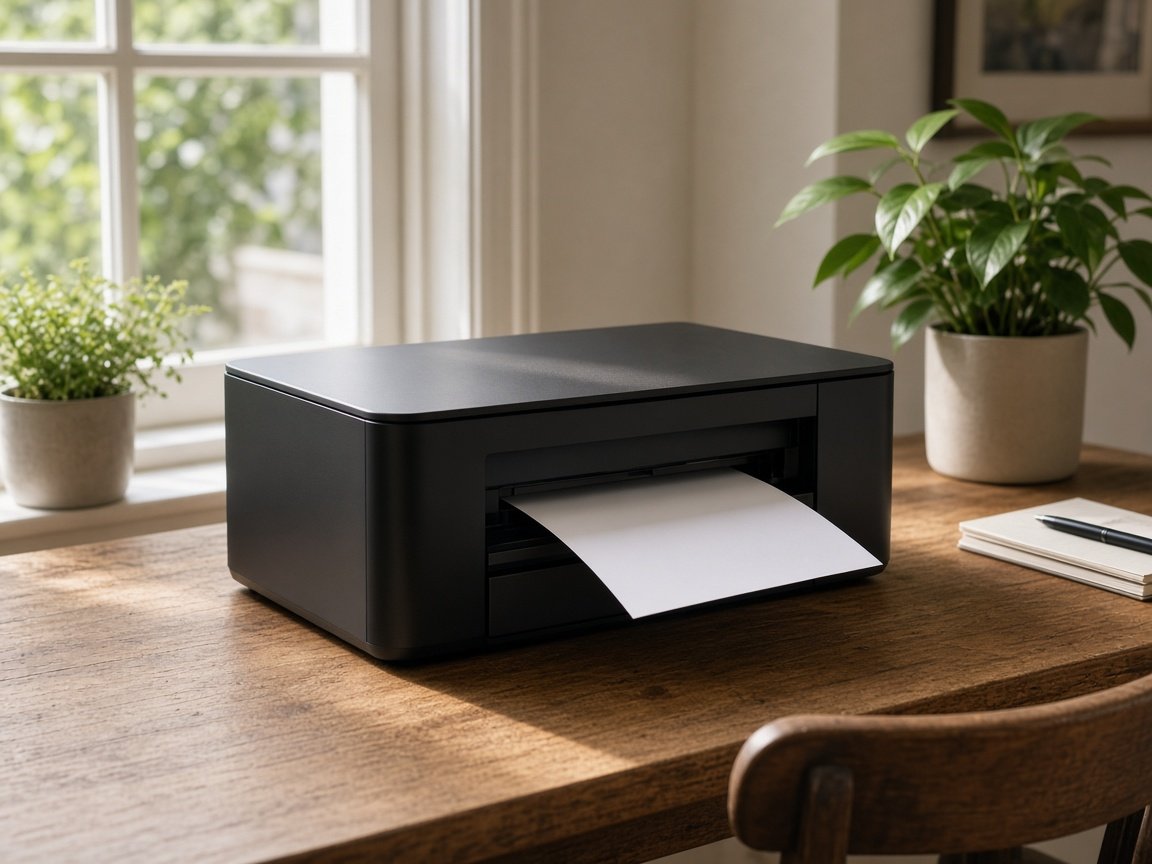
Often yes. We help with Wi-Fi printers, USB devices, scanning to email or folders, and getting laptops and desktops talking to the same gear. Bring model details if you have them.
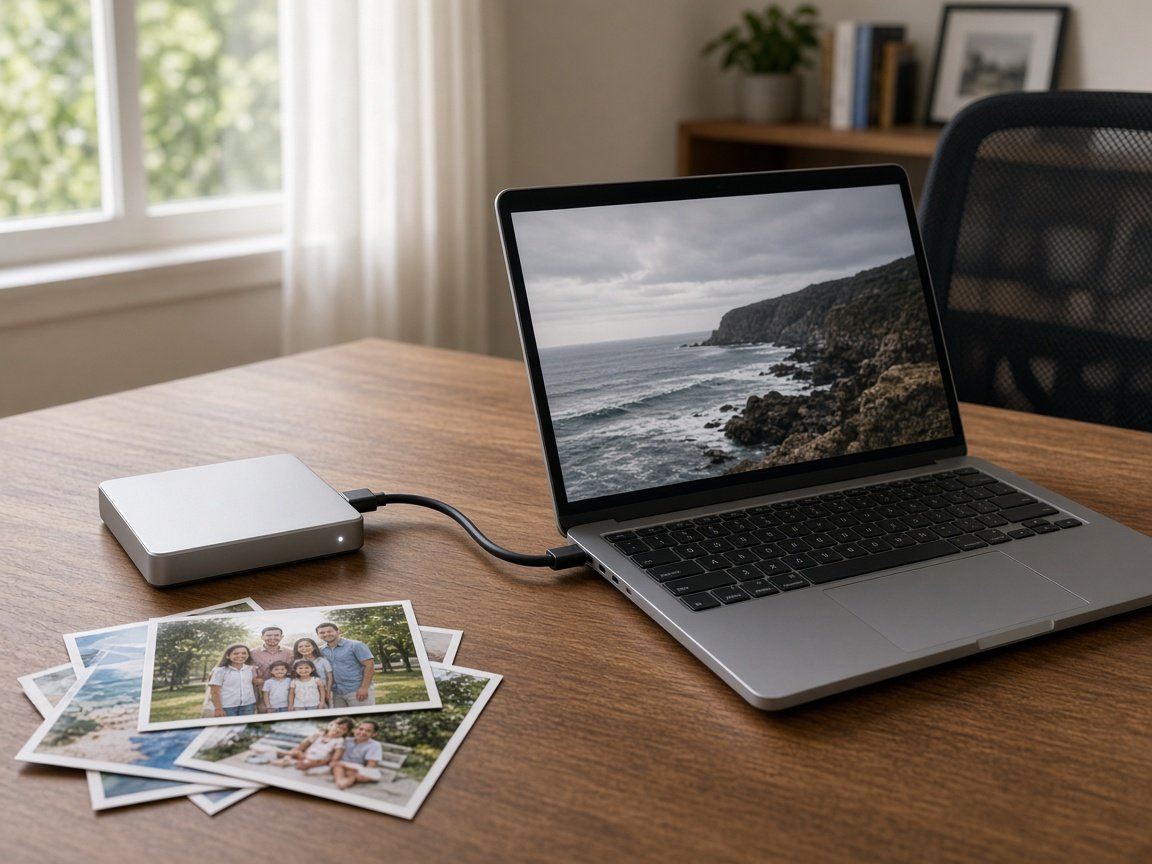
Yes, where practical. We help transfer photos, documents, bookmarks, and key accounts, and flag anything that needs a cloud login or backup check first so nothing important is left behind.