PC Scientist · Upper North Shore · Computer support

Computer support on the Upper North Shore

Your Mac in the study keeps warning that storage is almost full, the cloud plan wants an upgrade, and the home office printer prints everyone's jobs except yours. Across the Upper North Shore, families with a long list of devices often hit that pile-up in the same week.

We work through it in order, at home or through a remote session, and tell you the cost first. Phone 0493 563 381 if you would rather talk it through, or ask for a written quote.

Book online for eligible visits and get 10% off.

Let us help you today

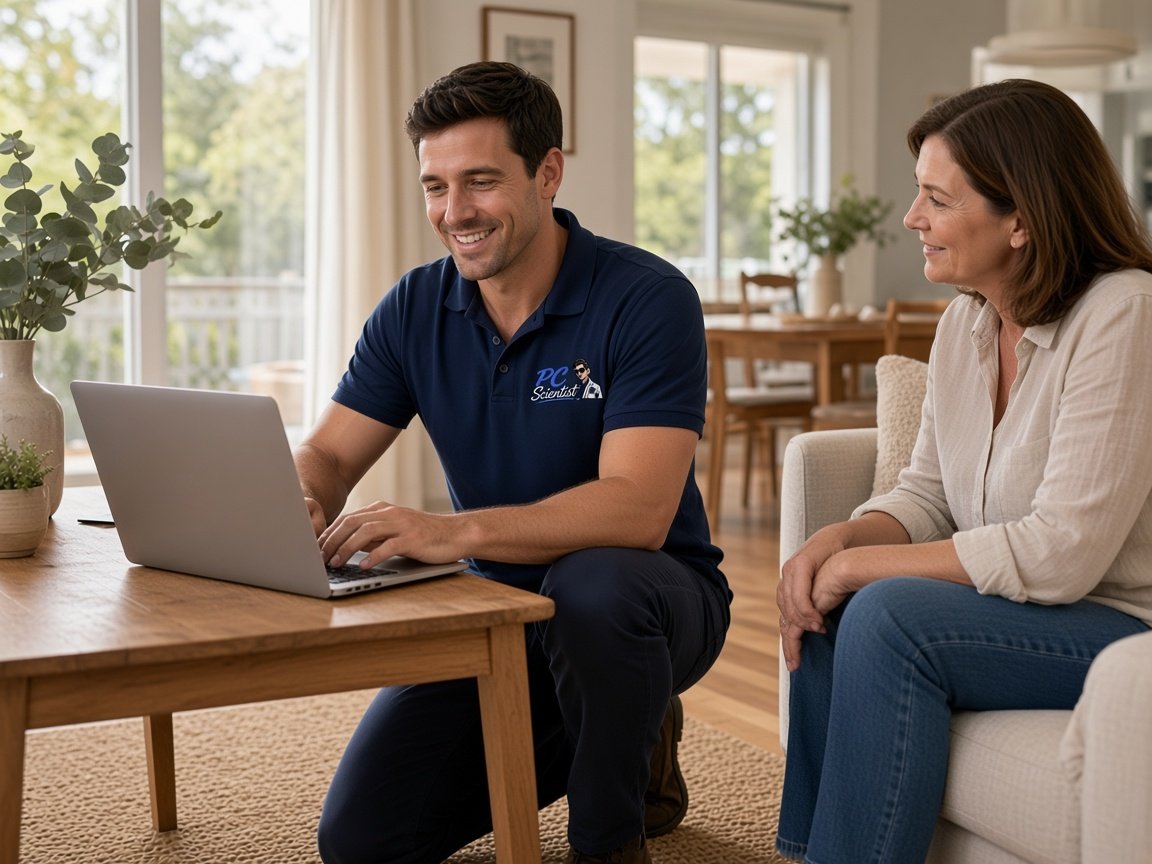
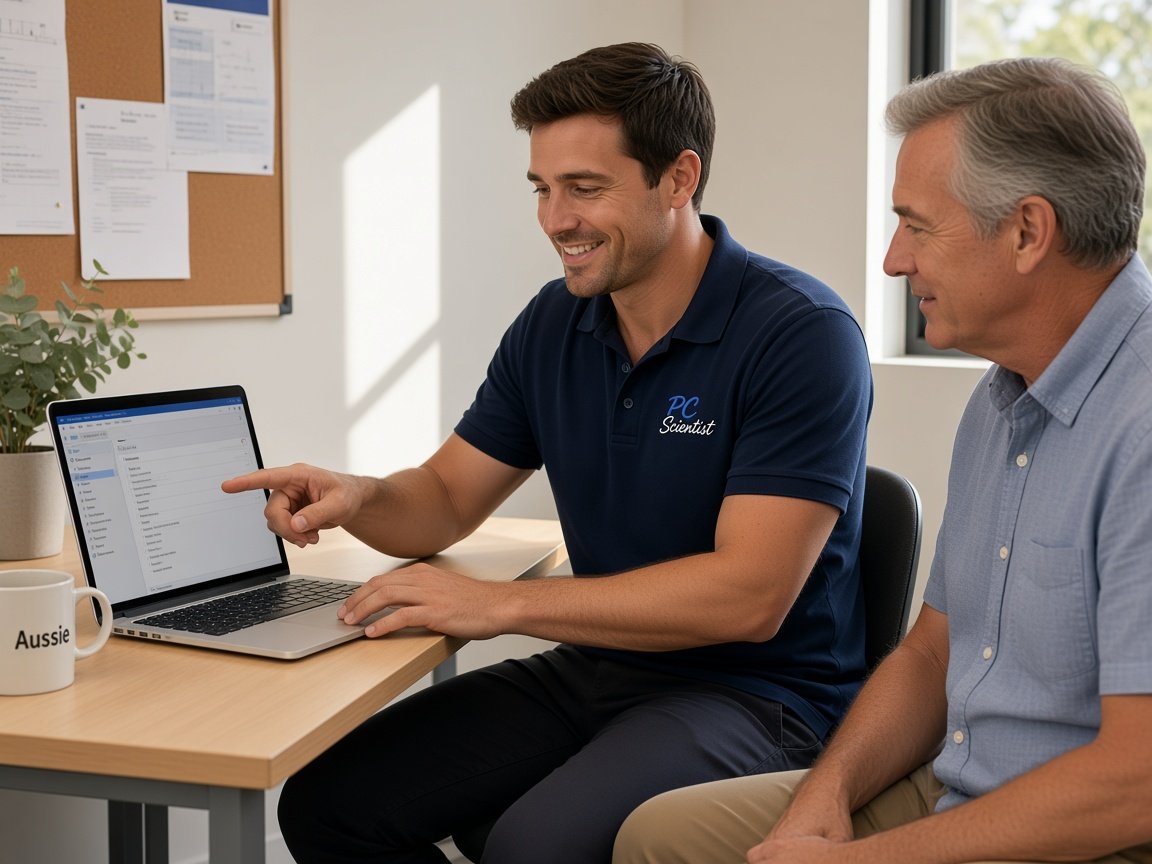
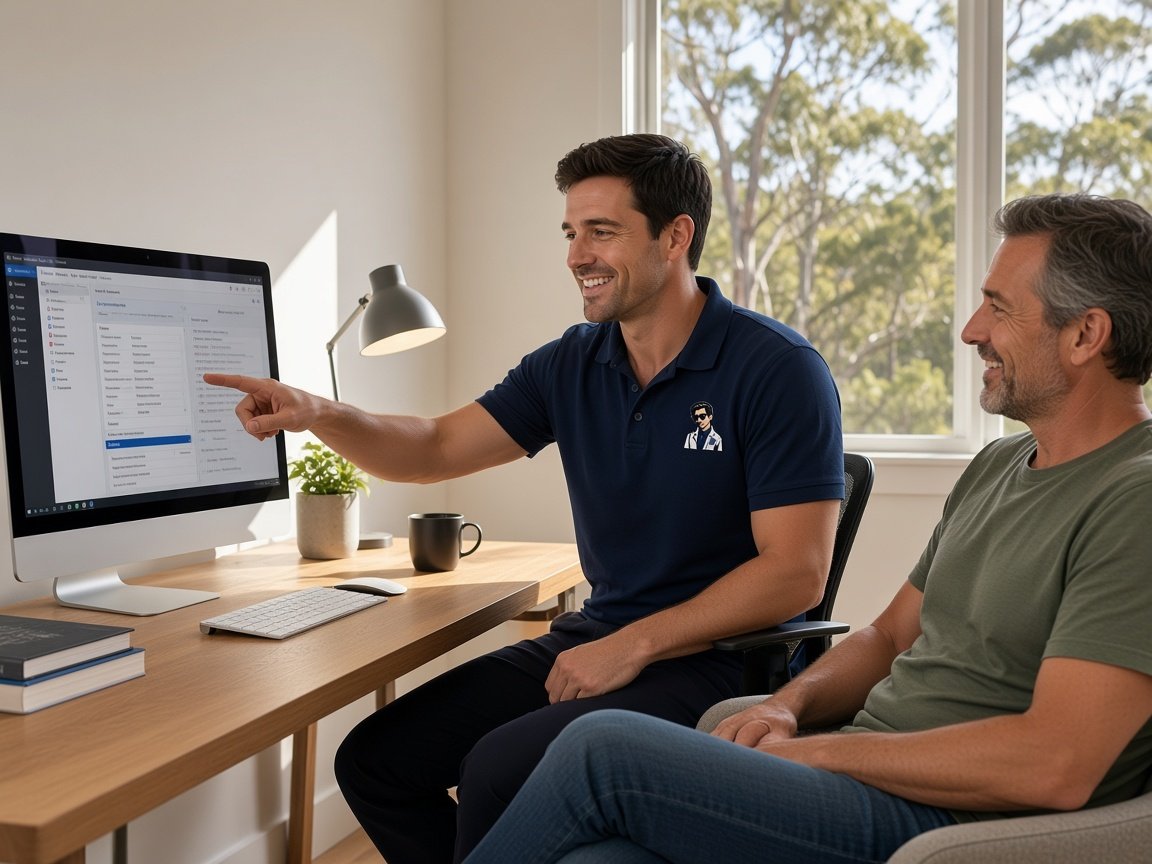
  • One-on-one help - a PC Scientist technician sitting with an older client at her laptop.

We accept payments

Visa
Mastercard
American Express
JCB
Apple Pay
Google Pay
Afterpay
Zip
Bank debit

Real Google reviews

What locals say after a PC Scientist visit.

Word for word, from people we have visited.

★★★★★

Sam was very helpful and informative and very patient as I'm not very techy. I'll be calling him again about getting in trouble thank you Sam.

Jenny Murray

★★★★★

Very happy with Sam. Resolved a multitude of issues that a previous technician could not. Great service and excellent advice. Highly recommend.

Margaret Brett

★★★★★

I live in Umina Beach. Sam has just helped me with my computer. He was absolutely wonderful very polite. Very charming and I am just so grateful 10 out of 10. Sam thank you.

maureen eldridge

Read all our Google reviews

Computer support · Upper North Shore

Which comes first - the storage warning, the printer, or the account that keeps asking for a code?

Upper North Shore households often run Macs, Windows laptops, iPads and phones side by side. Getting them to share printers, photos and accounts takes some untangling. We sort the list in the order that matters to you.

North Shore support we often see

  • Storage warnings on a study Mac crowded with years of photos and old downloads.
  • A home office printer that accepts jobs from some devices and not others.
  • Apple and Microsoft accounts sending codes to a phone that has been replaced.
  • Windows laptops for work beside Macs for home, sharing files awkwardly.
  • An older desktop in the Wahroonga area that takes most of the morning to settle.

Once we hear from you

  • We list every device involved and agree which problem to tackle first.
  • Accounts and storage often clear remotely; printers and many devices usually mean a visit.
  • You receive a plain record of what changed and where your files now live.

Upper North Shore areas we visit

We call on family homes and home offices across the Wahroonga area, the Pymble area and the Gordon area, as well as streets around the Killara area, the Lindfield area and the Roseville area. The Hornsby Area is on the same run. Storage and account jobs often suit a remote session instead.

Why Computer support calls us

We help in the Upper North Shore when many devices stop getting along

  • What you can expect: Mac and Windows side by side

    • We give you files, printers and calendars shared properly between both systems.
    • For you, each device set up so it plays well with the others.
  • How we help: Storage without stress

    • For you, photos and documents moved somewhere safe before space is cleared.
    • For you, cloud subscriptions explained so you only pay for what you use.
  • For you: One list, sensible order

    • We start with whatever is blocking work or school today.
    • For you, the smaller items handled after, in the same booking if time allows.
  • How we help: Costs on the table

    • For you, the price is set before anyone opens a settings menu.
    • For you, a written quote available for bigger household jobs.
  • How we help: Codes that reach you

    • You get two-step sign-in moved to your current phone and recovery details updated.
    • You get fewer lockouts the next time someone upgrades a device.
  • What you can expect: Discreet and careful

    • You get personal and work files handled with care and kept private.
    • For you, nothing deleted without being shown to you first.

When you are ready. Call, or book a technician.

0493 563 381

Start here

What this covers

Slow computers, frozen programs, unfinished updates, printers and sign-ins are all support. A machine that will not switch on is handled under computer repair for the Upper North Shore.

  1. 01

    Start anywhere on the list

    Tell us the problem that bothers you most. We fit the rest around it.

  2. 02

    Macs, PCs, iPads together

    Mac storage and mail, Windows work laptops, and iPads that need to print or share photos.

  3. 03

    Printers, programs and codes

    Printers that pick favourites, programs that freeze and sign-in codes going to an old phone.

  4. 04

    Tidier and quicker

    Old downloads cleared, startup items trimmed and new devices set up properly from the start.

  5. 05

    Remote session or study visit

    Remote for accounts and storage, onsite when the printer or many devices need hands-on work.

The visit

How it works

  1. 1

    Name the pile-up

    Every device involved and the problem bothering you most.

  2. 2

    Agree order and cost

    What we tackle first, and what it costs, before starting.

  3. 3

    Walk through changes

    You see where files live now and how printing works.

How it works

How to start

In Computer support we lock the price before work. Call 0493 563 381, request a call back, or book an eligible visit.

  1. 1

    Choose how to reach us

    Book online, call for free advice, , or .

  2. 2

    You tell us what's going on

    In the booking, on the call, or in the quote. Same idea.

  3. 3

    Lock in the visit

    We agree the visit on the call, in the booking, or in the quote. Agree, and that date stays yours.

  4. 4

    We come to you

    That's the visit. We work through your list on the day.

FAQ

Straight answers for Upper North Shore

Yes. We copy photos and documents to a safe place first, check they open, then clear the space. We also look at what is quietly filling the drive, such as old downloads or duplicate libraries.

If a cloud plan makes sense, we explain the options plainly so you can choose.

Usually the printer has changed its network address, or some devices have an old driver or the wrong printer saved. It is common in homes with both Macs and Windows machines.

We set every device up to find the printer reliably and test a page from each one.

Yes. We work through each account's recovery steps with you and move the codes to your current phone. It can take some patience, but it is usually solvable.
Afterwards we update recovery emails and numbers so the next upgrade is painless.

We talk through the list, then give you a price before starting. Bigger jobs across several devices get a written quote.
If repair work cannot be completed, No Fix, No Repair Fee means no repair fee is charged for it.
When you are ready

Tell us what is happening

Book online Save 10% Call for free advice 0493 563 381