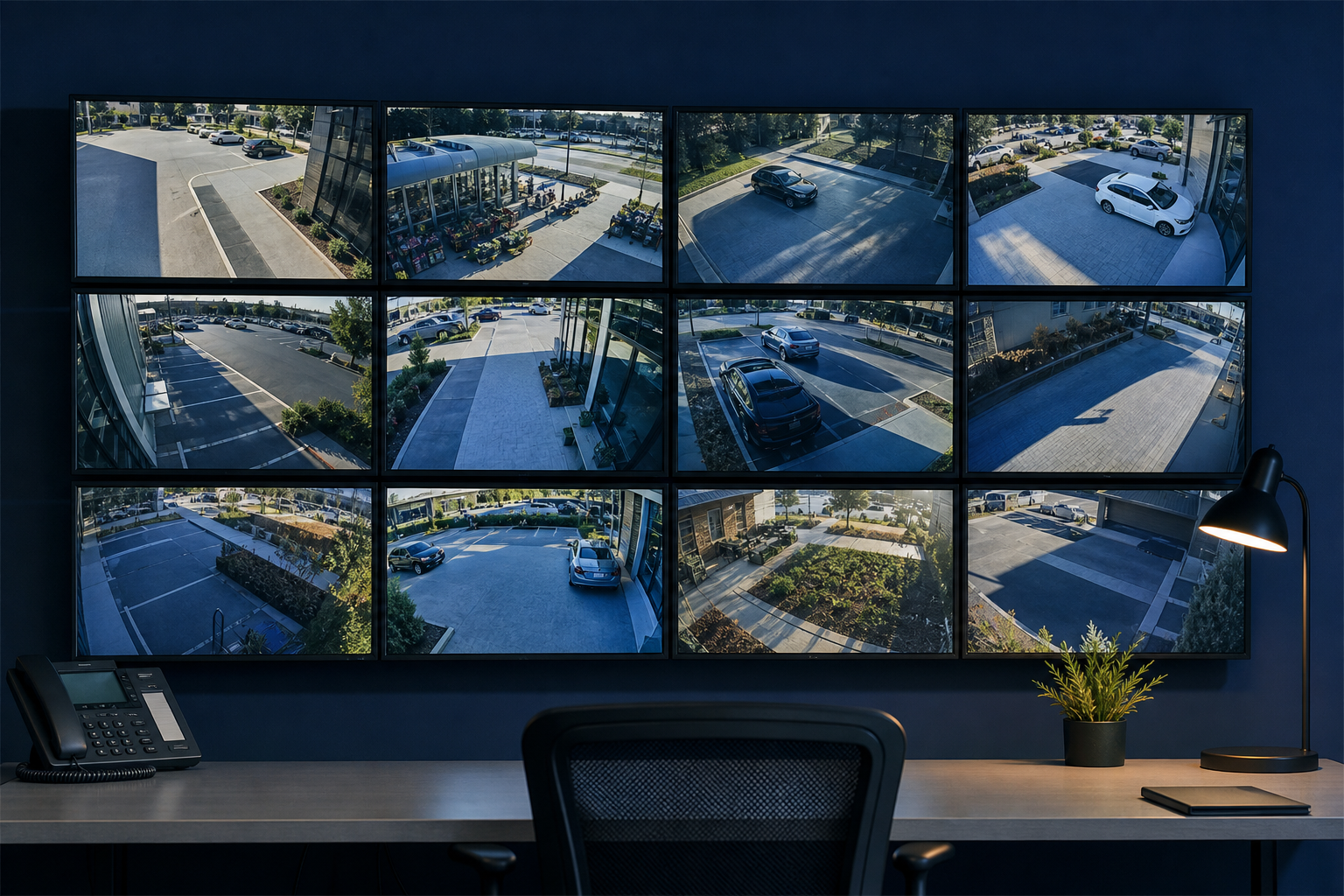
SYDNEY CBD ยท SECURITY CAMERAS

A shop camera that records but will not open on your phone

The recorder light is on, so the cameras must be fine. Then something happens at the shop overnight, and the phone app just spins, playback comes up blank, and nobody remembers the recorder password.

PC Scientist checks the cameras, recorder, and viewing app onsite in the Sydney CBD, or remotely when it is only the app or the login. You see the price before any work. Call 0493 563 381, ask for a call back, or request a written quote.

Book online for eligible visits and get 10% off.

Security Camera Scientist CCTV, NVR, and remote viewing setup across Sydney CBD
Sydney CBD security camera help for phone apps that will not open live view, with clear pricing before work starts.

Why Sydney CBD owners call about cameras the phone will not open

No Fix, No Fee

  • If we cannot get an existing camera system working again, there is no repair fee.
  • A straight answer when an old recorder is not worth saving.

Clear Upfront Pricing

  • New installs quoted in writing after a site walk.
  • Repairs to existing systems priced before any cable is touched.

Speak to a Real Person

  • Call 0493 563 381 and tell us what you see, or do not see, on the phone app.
  • Clear advice on camera placement for lobbies, shopfronts, and apartments.

Fixed Properly First Time

  • We find why playback spins, not just reset the recorder.
  • Live view and playback tested from outside the building before handover.

Several Issues, One Visit

  • Cameras, the recorder, and the phone app sorted in one visit.
  • Doorbell cameras and foyer Wi-Fi checked on the same trip.

Your Data Treated Carefully

  • Recordings stored securely, with access only for the people who need it.
  • Default camera passwords changed and firmware updated.

What failed last in the Sydney CBD - live view on the phone, or overnight playback that never loads?

City shops and small offices above the street often find the recorder is fine while the phone app is not. Tell PC Scientist what you were trying to check. We say whether a visit, a remote session, or a written quote fits.

What Sydney City people bring us for cameras

  • Live view that opens on the NVR but not on the phone
  • Playback that spins and never shows last night
  • A doorbell camera that drops when the foyer Wi-Fi gets busy
  • Front-door coverage that needs a clearer angle after fit-out
  • You approve the work before it starts - the price is clear first

How to contact PC Scientist

  1. Call for Free Advice - Ring 0493 563 381 and describe what the cameras or app are doing - we tell you whether a site visit or remote check comes first
  2. Request a Call Back - Leave a short form with the address and building details, and PC Scientist calls back to plan the visit
  3. Request a Free Quote - Get a written camera quote after the site walk before anything is installed, with no obligation

Any one works. If recordings are missing after an incident, call so we can help protect what is left.

What happens after you get in touch

  • We walk the site with you, then send a written quote before anything is installed.
  • Install day covers cameras, the recorder, cabling, and phone apps for everyone who needs them.
  • Live view and playback are tested from outside the building before handover.

Where we visit in Sydney CBD

CCTV jobs in Sydney CBD are site walks, not a camera-in-a-box. Driveways in Sydney, shop fronts in Pyrmont, car parks in Haymarket, and existing NVRs that stopped recording in Sydney.

Looking for a specific service?

Looking for a named service line in Sydney City? Jump to service categories covering Sydney City, pick the closest match, then call if you are still unsure across Sydney City.

Call For Free Advice

Get in touch

Leave your message and we'll get back to you shortly.

Attachments

Allowed file types: jpg, jpeg, png, gif, pdf, doc, docx, xls, xlsx, odt, ppt, pptx, pps, ppsx, html, and less than 100 MB.

No file chosen

This form uses spam checks and sends your request directly to PC Scientist.

Start here

Driveway, till, or car park you cannot see when you are away. Shop and venue jobs also live on business CCTV.
What this covers

  1. 01
  2. 02
  3. 03
  4. 04
  5. 05
  1. 01Start

    What you need to see

    You need to see the driveway, till, or car park - not a gadget lecture.

  2. 02

    Homes, shops, and sites

    Shops, offices, warehouses, motels, and premium homes.

  3. 03

    Already installed, not working

    Cameras already in, but the app will not open or the NVR stopped.

  4. 04

    Survey then quote

    A site survey first, then a quote before cables go in.

  5. 05

    Viewing on phone and desktop

    Phone and desktop viewing explained in large, clear steps.

Visit

How it works

  1. 1

    Walk the site

    Blind spots, cable routes, and where recording must be kept.

  2. 2

    Quote first

    Camera count, NVR, and network scope before work starts.

  3. 3

    Handover

    How to check live view and pull a clip when you need it.

Book security camera and CCTV help on the Sydney CBD Call 0493 563 381, request a call back, or ask for a quote.
Call 0493 563 381

Coverage

Sydney CBD

  • Homes
  • Shops
  • Call us

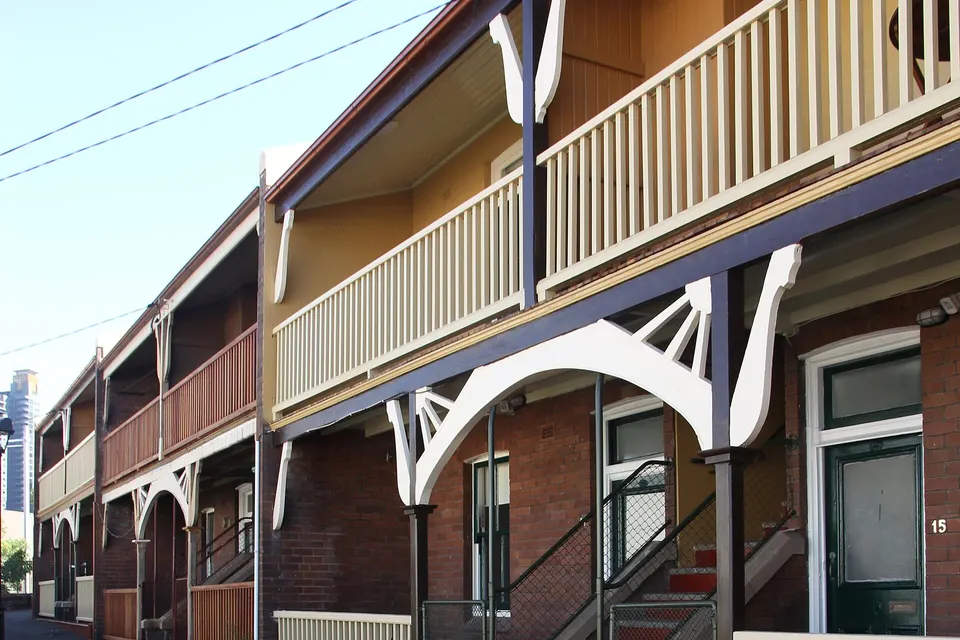
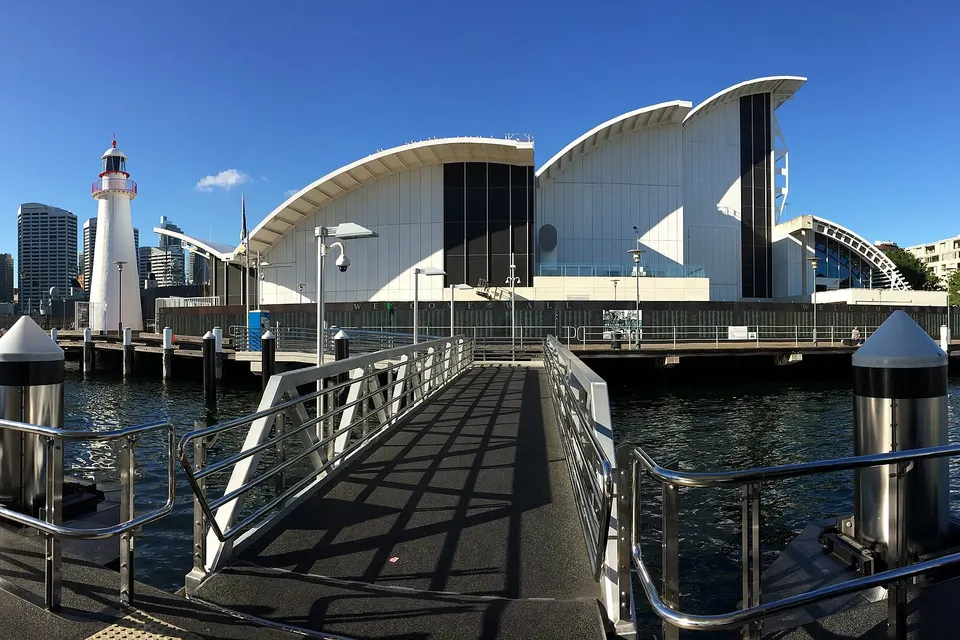
Photos of the local area.

Full list All suburbs
Call 0493 563 381
shape
image
Frequently asked questions
FAQ

Straight answers for Sydney City

Usually, yes. It is often an app, account, or network setting rather than a faulty camera. We check the recorder, the router, and the app together.

It is a common job in city apartments and shopfronts around the CBD and Pyrmont.

Yes. We work with the building manager or strata on where cameras can go and how cabling is run, and we explain privacy basics for shared areas.

Tell us about loading dock or access rules when you book.

Apartment and foyer Wi-Fi gets crowded at peak times. A better access point, a wired link, or a different camera placement usually fixes it.

We test it at the time of day it fails, not just when it is quiet.

New installs get a written quote after a site walk. Repairs to an existing system are priced before we start.

No Fix, No Repair Fee applies to repair work we cannot complete.

shape
shape
Need help now? Not sure what to click or what to do next?

Call PC Scientist for free advice, calm and practical IT help