SYDNEY CBD ยท COMPUTER SUPPORT

Sydney CBD desks that need to be working before the first meeting

It is ten to nine above a CBD street. The laptop took forever to start after a week away, Teams cannot find the camera, and the first client call is in ten minutes. You do not need a lecture on settings. You need the desk working.

PC Scientist supports CBD desks onsite or remotely for slow starts, stuck logins, and meeting gear that will not cooperate. The price is clear before we start. Call, ask for a call back, or book an eligible visit online.

Book online for eligible visits and get 10% off.

PC Scientist computer support for slow PCs and everyday fixes across Sydney CBD
Sydney CBD computer support - slow starts, logins, and meeting gear that works.

Why Sydney CBD calls when Teams cannot find the camera before nine

No Fix, No Fee

  • If we cannot fix the computer problem, there is no repair fee.
  • Plain advice when the machine itself is the thing holding you back.

Clear Upfront Pricing

  • You hear the cost before we start on the slow laptop or the frozen login.
  • Clear options when a quick fix and a proper fix differ.

Speak to a Real Person

  • Call 0493 563 381 and describe the problem in your own words.
  • Someone patient who does not make you feel silly for asking.

Fixed Properly First Time

  • We fix why the computer is slow, not just clear a few files.
  • Settings checked so the problem does not creep back.

Several Issues, One Visit

  • Computer, printer, email, and Wi-Fi sorted in one visit.
  • Your phone and tablet looked at while we are there.

Your Data Treated Carefully

  • Your files and accounts handled carefully.
  • Passwords kept private and changed only with your go-ahead.

Did the Sydney CBD lose a slow start, a login, or meeting gear first?

Sydney CBD homes and small suites sit above the street. PC Scientist helps when everyday software and devices block the morning.

Support clues the CBD brings

  • Laptops that crawl on start after travel days.
  • Meeting apps that cannot find the camera or headset.
  • Logins that loop while the phone still signs in.
  • Printers in the suite that only one person can find.
  • You approve the work before it starts. The price is clear first.

How to contact PC Scientist

  1. Call for Free Advice - Ring 0493 563 381 and tell us what the computer is doing, and we say whether a visit or remote session suits
  2. Request a Call Back - Leave a short form if you are busy, and PC Scientist calls back when it suits you
  3. Request a Free Quote - Get a written quote for the work before you decide, with no obligation

Any one of these works. Most city calls begin with a quick description of what stopped working.

What happens after you get in touch

  • In Sydney City you hear practical options next, with clear pricing before work starts, and nothing goes ahead until you are comfortable.
  • Same-day timing for Sydney City is often possible across Sydney City when the calendar allows; we are honest when it does not.
  • Symptoms first for Sydney City: when it started, what changed, and whether one device or the whole house is affected.

Where we visit in Sydney CBD

Everyday PC jobs run in Sydney CBD, not only the pretty streets. We see slow Windows boxes and login loops in Haymarket and Sydney, printers that vanish in Pyrmont, and home-office desks in Sydney that need the machine usable before nine.

Looking for a specific service?

Need a different type of help than the examples above for Sydney City? Browse specialist technology categories for Sydney City - each card is a starting point on this page. Or call 0493 563 381 for free advice across Sydney City.

Call For Free Advice

Get in touch

Leave your message and we'll get back to you shortly.

Attachments

Allowed file types: jpg, jpeg, png, gif, pdf, doc, docx, xls, xlsx, odt, ppt, pptx, pps, ppsx, html, and less than 100 MB.

No file chosen

This form uses spam checks and sends your request directly to PC Scientist.

Start here

Slow PCs, frozen programs, stuck updates, printers, and logins. A machine that will not power on belongs on computer repair.

What this covers

  1. 01
  2. 02
  3. 03
  4. 04
  5. 05
  1. 01Start

    General computer assistance

    You do not need the right label. Tell us the last thing that failed.

  2. 02

    Windows and Mac support

    Everyday Windows help, and Mac setup, accounts, and printers.

  3. 03

    Software, printers, and logins

    Stuck updates, vanished printers, and login loops - often one visit.

  4. 04

    Setup and performance

    A new PC that feels unfinished, or an old one that crawled after clutter.

  5. 05

    Remote or onsite

    Remote when the connection holds. Onsite when we need to see the room.

Visit

How it works

  1. 1

    Talk it through

    Suburb, device, and what changed - no quiz and no jargon required.

  2. 2

    Pick the path

    Remote, onsite, or a mix. Pricing before work starts.

  3. 3

    Leave it usable

    The issue you rang about, plus the small extras in the same visit when they fit.

Book computer support on the Sydney CBD Call 0493 563 381, request a call back, or ask for a quote.
Call 0493 563 381

Coverage

Sydney CBD

  • Homes
  • Shops
  • Call us

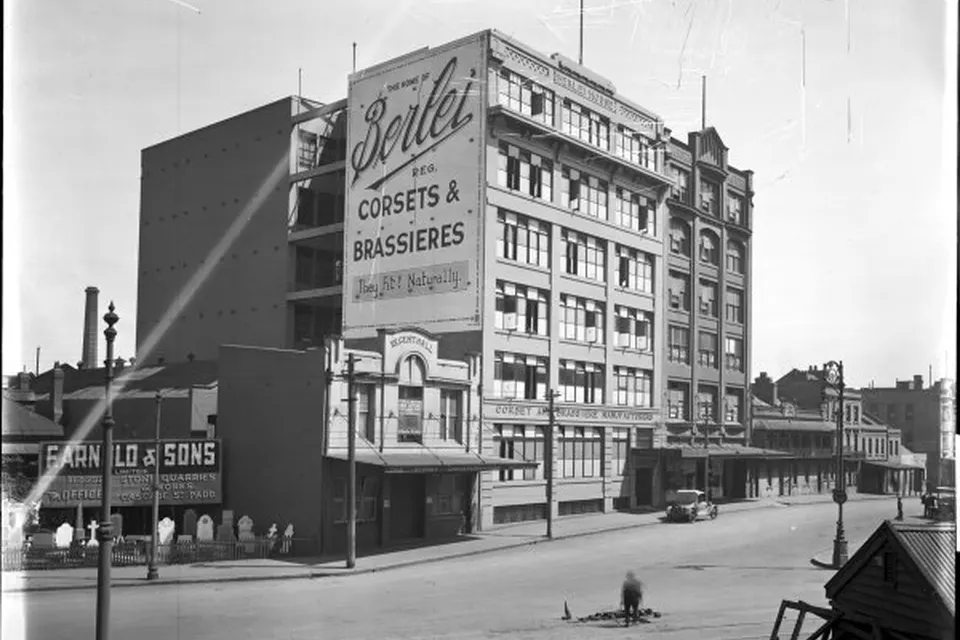
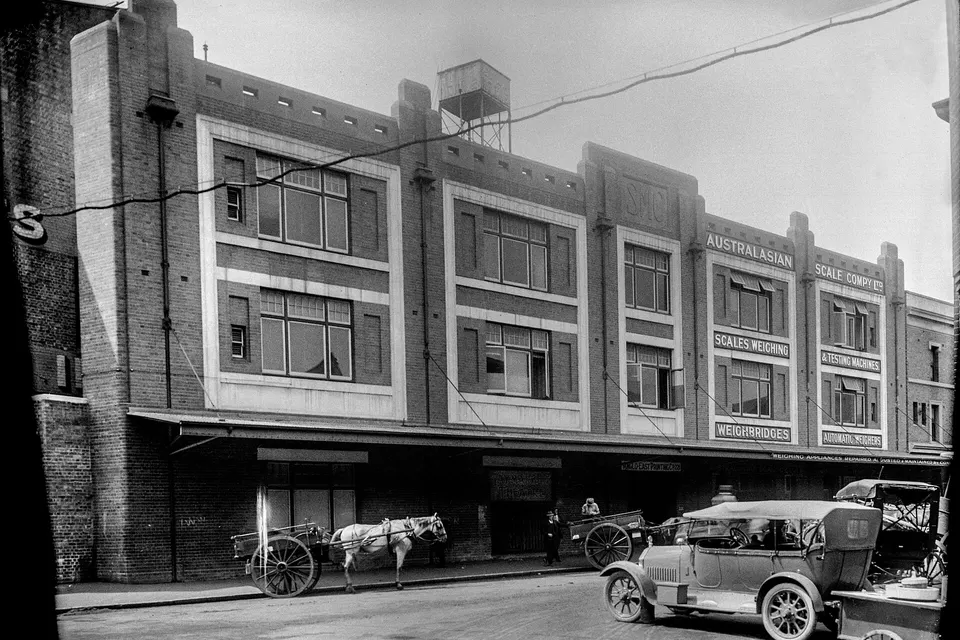
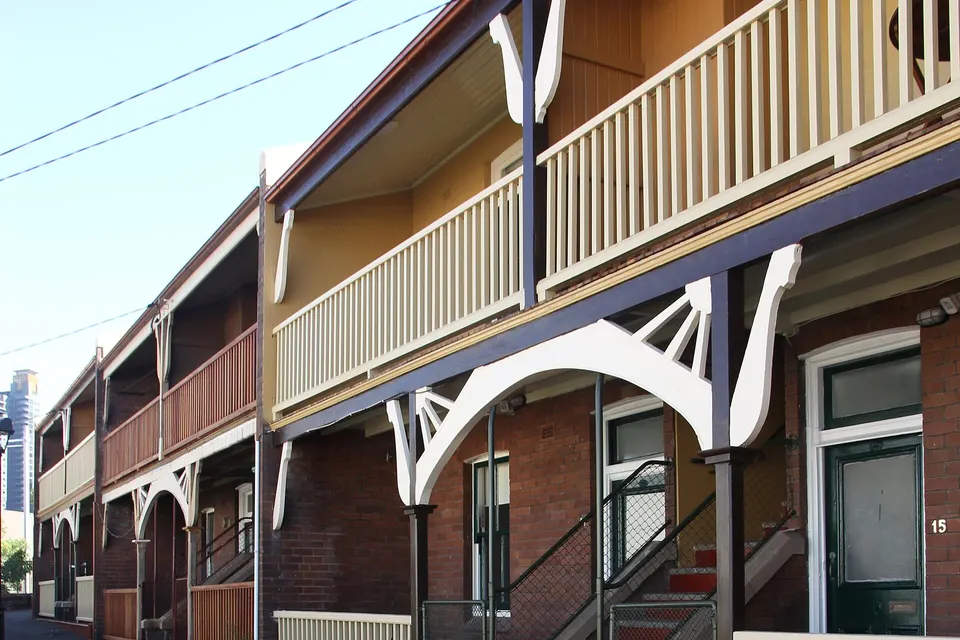
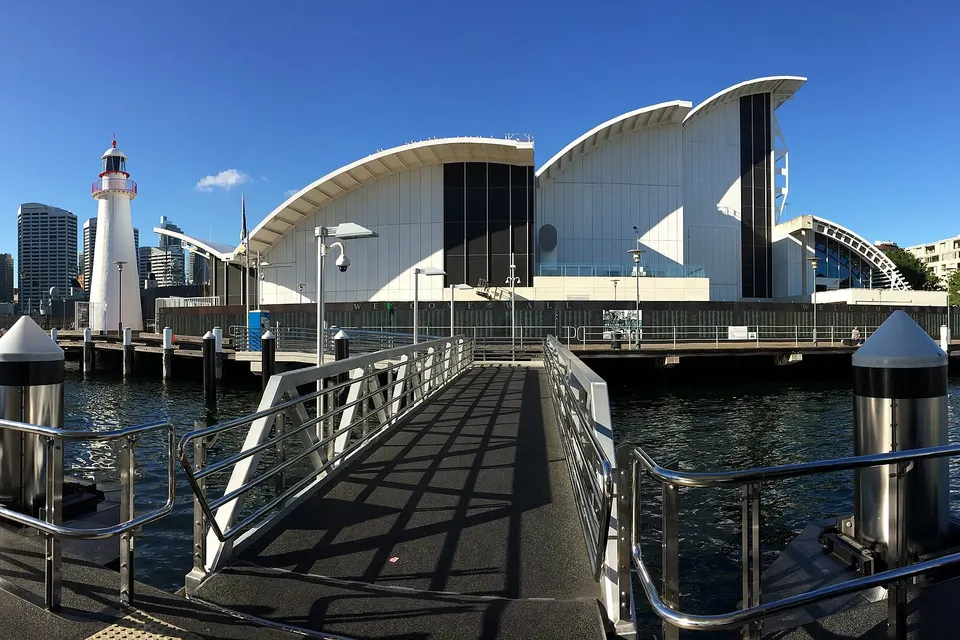
Photos of the local area.

Full list All suburbs
Call 0493 563 381
shape
image
Frequently asked questions
FAQ

If you are wondering about help in Sydney City

Slow computers, frozen screens, login and account problems, software setup, updates that broke something, and moving to a new PC or Mac. Apartments in Pyrmont, Haymarket, and Millers Point, and small offices around the city are typical.

We help onsite or remotely, depending on what the problem needs.

Yes. We support both, including moving files and accounts between them.

Tell us what you are using when you call.

Yes. You can sit beside us and learn, or leave it with us and get a short summary at the end.

Either way, you will understand what was fixed.

Eligible Professional Assessment and Standard Onsite Fix visits can be booked online. You can also call, request a call back, or ask for a quote.

Not sure which fits? A quick call sorts it out.

shape
shape
Need help now? Not sure what to click or what to do next?

Call PC Scientist for free advice, calm and practical IT help