No Fix, No Fee
- If a device fault cannot be sorted, there is no repair fee for the attempt.
- A straight word when a device is not worth setting up again.

The new laptop is out of the box in the apartment, but the dock will not wake the second screen, the files are still on the old machine, and work mail never arrived on the new phone after the number moved across.
PC Scientist sets up the new gear, moves what matters, and hands over with everything signed in and working. In the CBD or guided remotely. Call, request a call back, or book an eligible visit online.
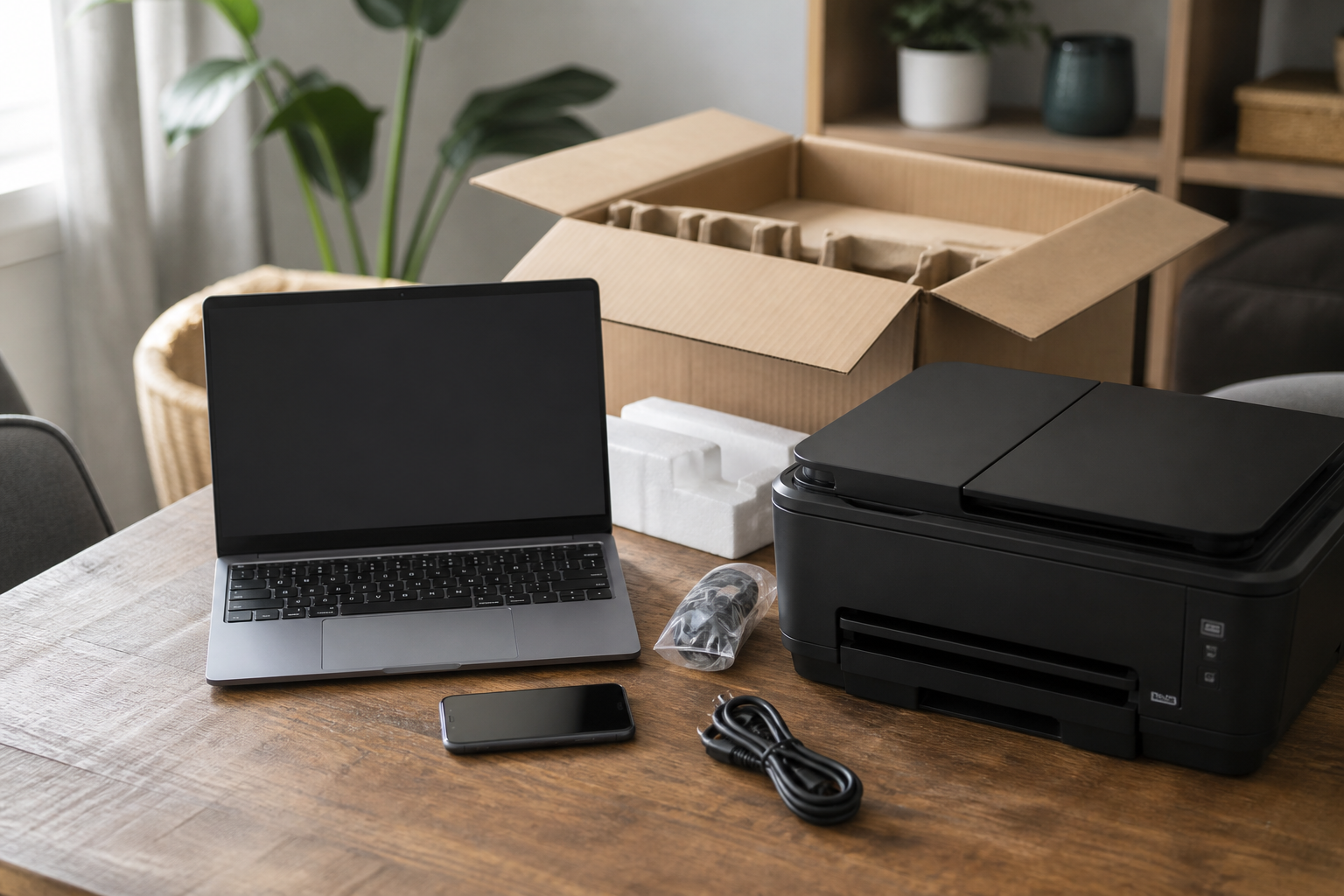
Sydney CBD homes and suites unlock new devices and then stall. PC Scientist completes transfers and everyday gear so the new machine is ready.
One is enough. Most setup calls begin with a list of what came in the box.
New gear lands in Sydney CBD every week. Pyrmont and Haymarket get new PCs that still need printers and email. Sydney shops want the till and the phone on the same network. Sydney homes want the TV to actually join the Wi-Fi.
Looking for a named service line in Sydney City? Jump to service categories covering Sydney City, pick the closest match, then call if you are still unsure across Sydney City.

Leave your message and we'll get back to you shortly.
Start here
A new computer, phone, or printer that should work on day one. Several machines sourced as a programme belongs on Procurement Scientist.


A new laptop, phone, or printer that should work on day one.

Accounts, Wi-Fi, and the apps you actually use every day.

Photos, files, and mail moved from the old device where that is practical.

Printers, monitors, and TV pairing that stay connected.

A handover you can follow after we leave.
Visit

Work, school, photos, printing - the daily jobs first.

Accounts, Wi-Fi, and the apps that matter.

A short handover, then you keep the device.
If this is not the job
Want the longer guide? Device Setup Scientist.



New laptops, phones, tablets, printers, smart TVs, webcams, docks, and monitors. Apartments in Pyrmont, Haymarket, and Chippendale, and home offices across the city are typical.
We set everything up with your accounts and preferences so it is ready to use.
Yes. We move files, photos, email, and accounts from the old machine to the new one.
We check everything is there before we finish.
Yes. It is usually a Wi-Fi or settings issue, and we set it up so it stays connected.
We also set up printing and scanning from your phone if you want it.
Yes. Monitors, docks, webcams, headsets, and cabling set up so your desk works for long days.
We check video calls work properly before we leave.