SYDNEY CBD ยท COMPUTER REPAIR

Sydney CBD laptop repairs, with a straight answer before anyone opens it

The laptop will not last through back-to-back meetings anymore. The screen flickers only when the dock wakes it. A fan has started whining in the quiet office. In the CBD, you want to know whether it is worth fixing before you hand it over.

PC Scientist checks what has failed and tells you plainly, with No Fix, No Repair Fee where it applies. You approve the price before any part or labour. Call, request a call back, or book an eligible visit online.

Book online for eligible visits and get 10% off.

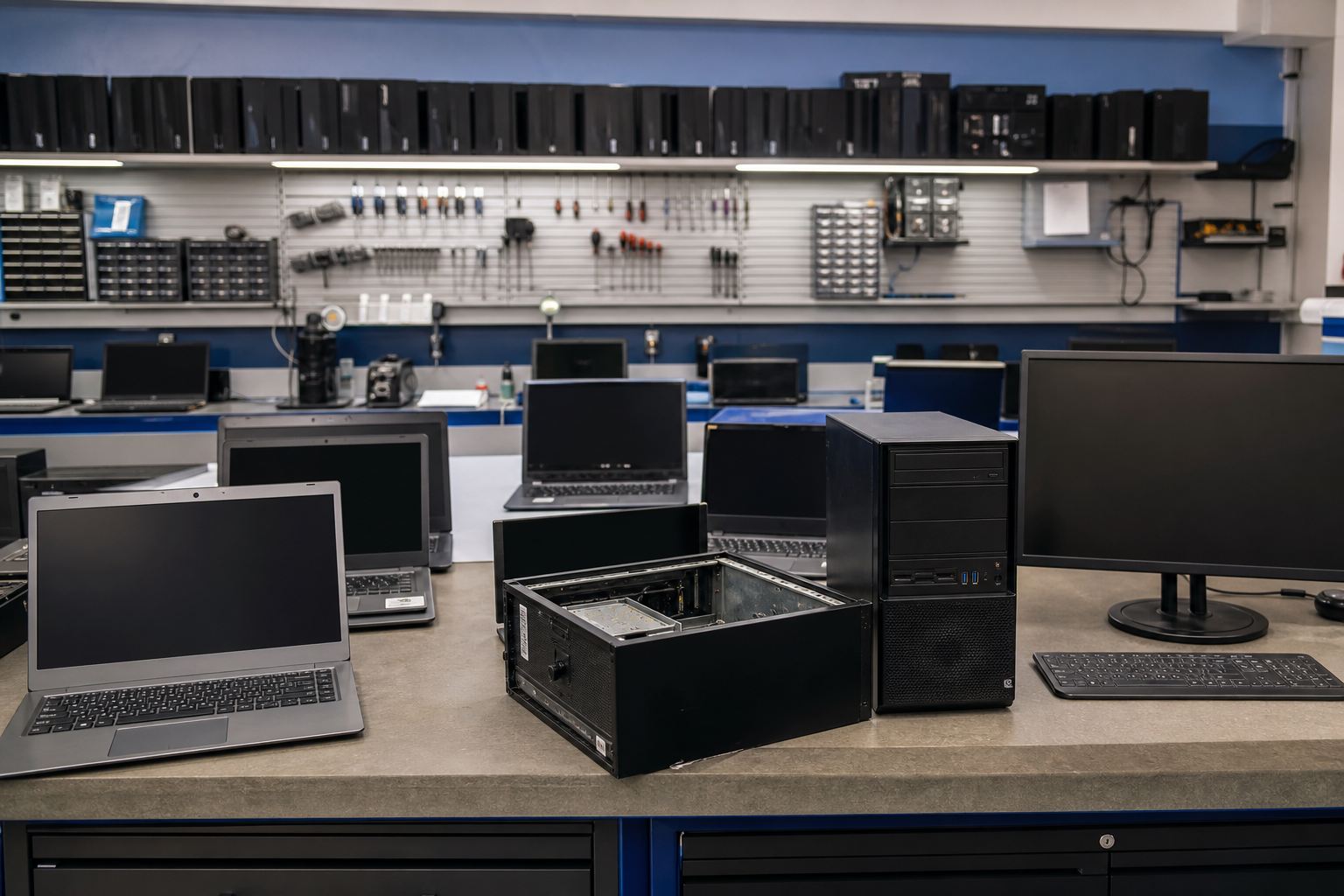
PC Scientist computer repair for boot failures and hardware faults across Sydney CBD
Sydney CBD computer repair - batteries, screens, docks, clear price first.

Why Sydney CBD rings when an ultrabook dies between meetings

No Fix, No Fee

  • If we cannot repair your laptop or desktop, you pay no repair fee.
  • An honest call when a repair would cost more than the machine is worth.

Clear Upfront Pricing

  • Repair costs explained before we open the machine.
  • Parts and labour shown separately so the figure makes sense.

Speak to a Real Person

  • Call 0493 563 381 and describe what the computer is doing, or not doing.
  • A real person who knows a dead laptop mid-week in the city is urgent.

Fixed Properly First Time

  • The real cause found, not just the symptom patched over.
  • Tested properly before it goes back on your desk.

Several Issues, One Visit

  • Repair, data check, and a quick tune-up handled together.
  • Other devices that are playing up looked at on the same visit.

Your Data Treated Carefully

  • Your files protected throughout the repair.
  • Nothing wiped or reset without your say-so.

Is the Sydney CBD repair a battery, a flickering docked screen, or a noisy fan?

Sydney CBD desks bring tired ultrabooks and compact desktops. PC Scientist diagnoses hardware and says what is worth fixing first.

Repair details the CBD names early

  • Ultrabooks that will not hold a charge through back-to-back meetings.
  • Screens that flicker only when the docking station wakes.
  • Fans that roar in a quiet suite after a dusty month.
  • Ports that fail after years of daily dock use.
  • Clear pricing first. Work starts only when you approve.

How to contact PC Scientist

  1. Call for Free Advice - Ring 0493 563 381 and tell us what the computer is doing, and we say whether a visit or remote check makes sense
  2. Request a Call Back - Leave a short form if you are at work, and PC Scientist calls back to talk through the repair
  3. Request a Free Quote - Get a written repair quote before any parts are ordered, with no obligation

Pick whichever suits. The symptom and when it started are the best place to begin.

What happens after you get in touch

  • Support for Sydney City can be onsite, remote over the internet, or a mix, depending on access, urgency, and what the issue actually needs across Sydney City.
  • Symptoms first for Sydney City: when it started, what changed, and whether one device or the whole house is affected.
  • Same-day timing for Sydney City is often possible across Sydney City when the calendar allows; we are honest when it does not.

Where we visit in Sydney CBD

Hardware jobs run in Sydney CBD, not only one suburb. Boot failures and hot laptops show up in Sydney and Pyrmont. Cracked screens after a knock in Haymarket. Sydney shops get the same honest repair-versus-replace talk before parts are ordered.

Looking for a specific service?

Need a different type of help than the examples above for Sydney City? Browse specialist technology categories for Sydney City - each card is a starting point on this page. Or call 0493 563 381 for free advice across Sydney City.

Call For Free Advice

Get in touch

Leave your message and we'll get back to you shortly.

Attachments

Allowed file types: jpg, jpeg, png, gif, pdf, doc, docx, xls, xlsx, odt, ppt, pptx, pps, ppsx, html, and less than 100 MB.

No file chosen

This form uses spam checks and sends your request directly to PC Scientist.

Start here

Machines that will not start, overheat, crash, or sound wrong. Software-only help is computer support. Files on a drive that should stay off is data recovery.

What this covers

  1. 01
  2. 02
  3. 03
  4. 04
  5. 05
  6. 06
  1. 01Start

    Diagnostics before parts

    We read the symptoms first. No Fix, No Fee if the repair cannot be completed.

  2. 02

    Will not turn on, or will not boot

    No power, odd charging lights, or Windows that never finishes starting.

  3. 03

    Crashing, freezing, and blue screens

    Repeated crashes, freezes, or a blue screen after an update.

  4. 04

    Heat, noise, and slow that is actually hardware

    A hot laptop, a loud fan, or a PC that crawls once it warms up.

  5. 05

    Laptop and desktop repairs

    Screens, keyboards, batteries, storage, RAM, and cooling.

  6. 06

    SSD, RAM, and repair versus replace

    Upgrade when the chassis is sound. Replace when more spend will not recoup.

Visit

How it works

  1. 1

    Symptoms first

    What changed, what you hear or see, and whether the machine should stay off.

  2. 2

    Clear options

    Repair, upgrade, or replace - with pricing before parts are bought.

  3. 3

    Fix it properly

    The real fault, not a restart that only lasts until Thursday.

Book computer repair on the Sydney CBD Call 0493 563 381, request a call back, or ask for a quote.
Call 0493 563 381

Coverage

Sydney CBD

  • Homes
  • Shops
  • Call us

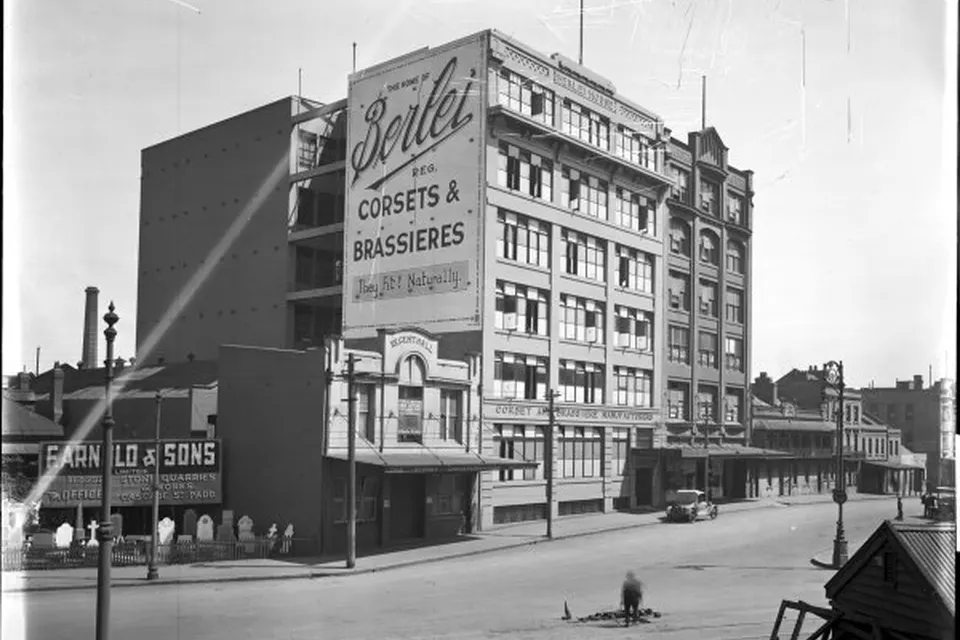
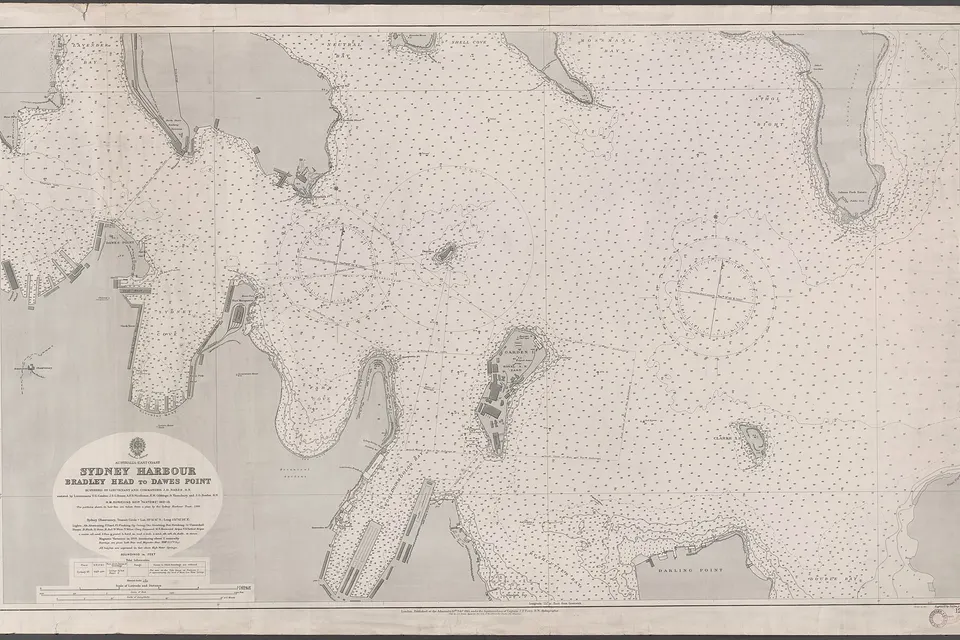
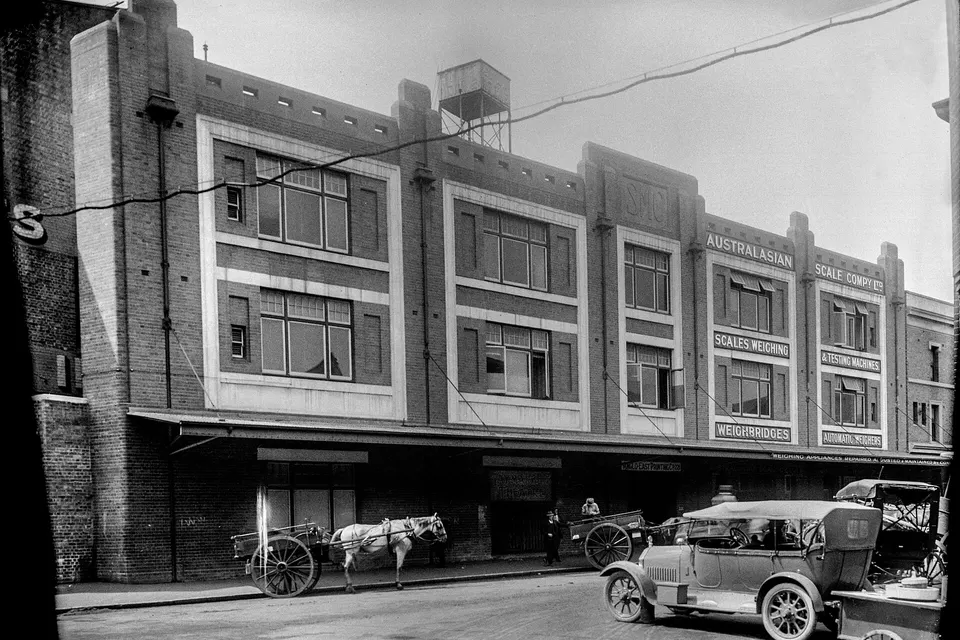
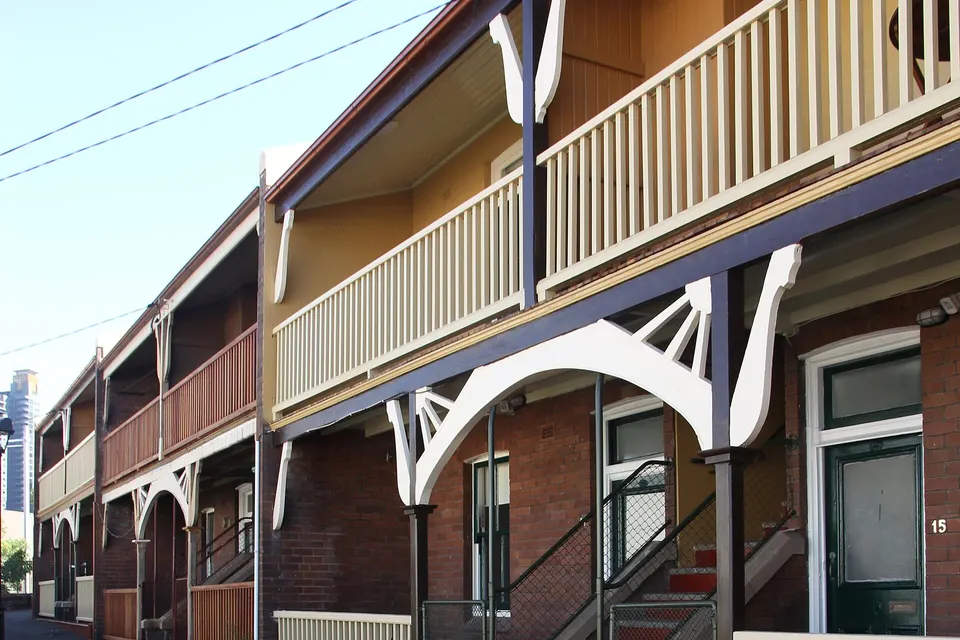
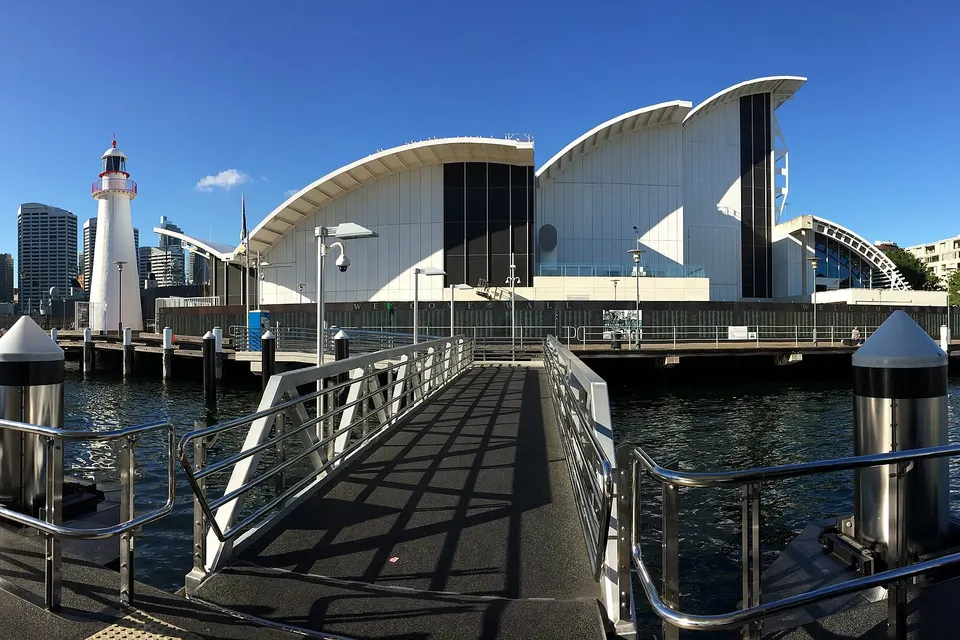
Photos of the local area.

Full list All suburbs
Call 0493 563 381
shape
image
Frequently asked questions
FAQ

Questions we hear in Sydney City

Laptops and desktops that will not power on, cracked screens, faulty keyboards, overheating, failing drives, and charging problems. Apartments in Pyrmont and Haymarket, offices around Martin Place, and students near UTS are typical.

We diagnose first and explain the options before any repair starts.

Sometimes. An SSD or memory upgrade can give an older machine more good years.

If it is not worth it, we say so and help you choose a replacement.

We treat them carefully and check whether a backup is needed before any work begins.

If a drive is failing, we talk through recovery options first.

Many repairs can be done at your home or office. Some need parts ordered or more time.

We tell you upfront which applies to your machine.

shape
shape
Need help now? Not sure what to click or what to do next?

Call PC Scientist for free advice, calm and practical IT help