SYDNEY CBD ยท BUSINESS CYBERSECURITY

Business cybersecurity in the Sydney CBD

A Sydney CBD coworking desk or small suite can stall when a phishing mail leads to a browser that keeps opening the wrong page and a cloud login that suddenly wants a code. Teams want it cleaned without shutting the whole floor.

PC Scientist cleans up and hardens Sydney CBD business machines, then shows the weak setting. Call 0493 563 381 or ask for a call back.

Book online for eligible visits and get 10% off.

PC Scientist business cybersecurity help after scams across Sydney CBD
Sydney CBD business cybersecurity - calm cleanup for suites and coworking desks.

Why Sydney CBD teams call when a browser keeps opening the wrong page

No Fix, No Fee

  • If a compromised machine cannot be cleaned up, there is no repair fee for the attempt.
  • Honest advice when a device is safer retired than repaired.

Clear Upfront Pricing

  • Security reviews and cleanup work priced before we start.
  • Clear priorities so the biggest risks are fixed first.

Speak to a Real Person

  • Call 0493 563 381 as soon as an email, invoice, or login looks wrong.
  • A calm person to talk to when something suspicious hits a city office.

Fixed Properly First Time

  • Sign-in security, updates, and backups set up to hold, not just patched after a scare.
  • Staff shown what a real phishing email looks like.

Several Issues, One Visit

  • Workstations, Microsoft 365, and the office network reviewed in one visit.
  • Phones and laptops used by staff checked at the same time.

Your Data Treated Carefully

  • Client and business data protected with sensible access controls.
  • Nothing deleted or reset without your go-ahead.

Did the Sydney CBD hit phishing mail, a strange login code, or a misbehaving browser?

Sydney CBD small teams rarely have an IT person on site. PC Scientist handles scam cleanup and safer browser, email, and account settings in plain English.

Cybersecurity clues CBD businesses mention

  • Browsers that keep opening pages nobody typed.
  • Cloud logins that suddenly want a code after phishing mail.
  • Pop-ups that will not close on a shared suite PC.
  • Shared passwords that need a quieter rethink.
  • Clear pricing first. No work starts until you agree.

How to contact PC Scientist

  1. Call for Free Advice - Ring 0493 563 381 the moment something looks suspicious, and we help you work out how serious it is
  2. Request a Call Back - Leave a short form if you are tied up, and PC Scientist calls back to talk through your security concerns
  3. Request a Free Quote - Get a written scope for a security review or cleanup before approving work, with no obligation

Any of these works. If an account looks compromised right now, the phone is the fastest way through.

What happens after you get in touch

  • For Sydney City, we listen to what you were doing when the problem showed up, in everyday words - not a checklist of buzzwords.
  • Support for Sydney City can be onsite, remote over the internet, or a mix, depending on access, urgency, and what the issue actually needs across Sydney City.
  • In Sydney City you hear practical options next, with clear pricing before work starts, and nothing goes ahead until you are comfortable.

Where we visit in Sydney CBD

Business scare moments in Sydney CBD are phishing, odd invoices, and a PC that started acting strange. Haymarket, Sydney, Pyrmont, and Sydney desks get calm checks - no panic upsell.

Looking for a specific service?

Need a different type of help than the examples above for Sydney City? Browse specialist technology categories for Sydney City - each card is a starting point on this page. Or call 0493 563 381 for free advice across Sydney City.

Call For Free Advice

Get in touch

Leave your message and we'll get back to you shortly.

Attachments

Allowed file types: jpg, jpeg, png, gif, pdf, doc, docx, xls, xlsx, odt, ppt, pptx, pps, ppsx, html, and less than 100 MB.

No file chosen

This form uses spam checks and sends your request directly to PC Scientist.

Start here

A fake invoice, a remote-access caller, or a login alert on a work PC. Home scares start on cybersecurity.

What this covers

  1. 01
  2. 02
  3. 03
  4. 04
  5. 05
  1. 01Start

    A scare at work

    A fake invoice, a remote-access caller, or a login alert.

  2. 02

    What was opened

    What was clicked or installed, before anyone panics.

  3. 03

    Front-desk junk

    Pop-ups on the front-desk PC, removed with caution.

  4. 04

    Mail and Microsoft 365

    Mailbox and Microsoft 365 checks after a scare.

  5. 05

    Safer defaults

    Safer defaults on the computers people actually use.

Visit

How it works

  1. 1

    What was clicked

    Message, caller, or pop-up - before changing anything.

  2. 2

    Urgent first

    Accounts and the till PC, then cleanup.

  3. 3

    Calmer defaults

    Habits that reduce the next scare.

Book business cybersecurity help on the Sydney CBD Call 0493 563 381, request a call back, or ask for a quote.
Call 0493 563 381

Coverage

Sydney CBD

  • Homes
  • Shops
  • Call us

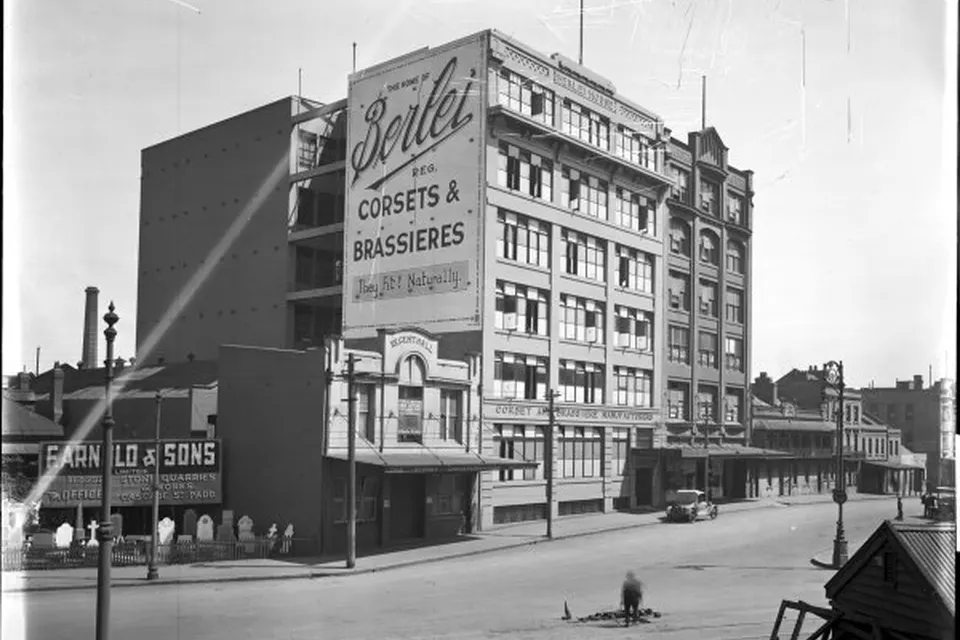
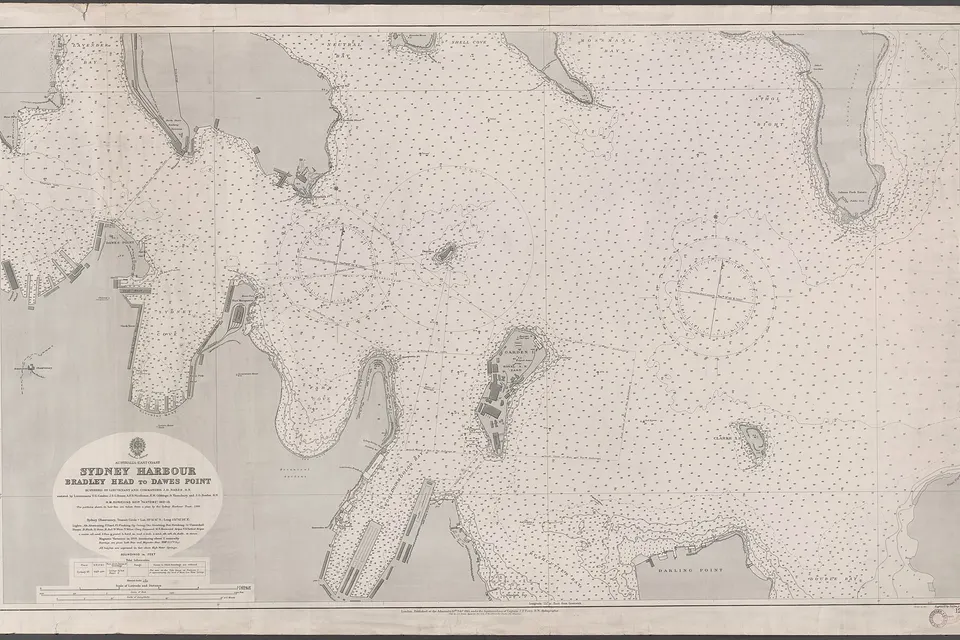
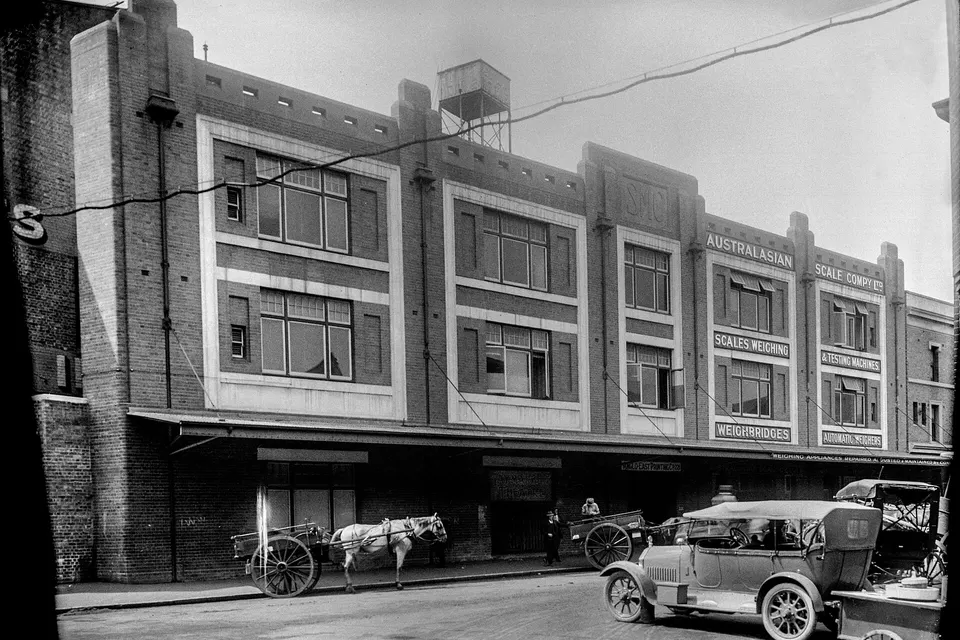
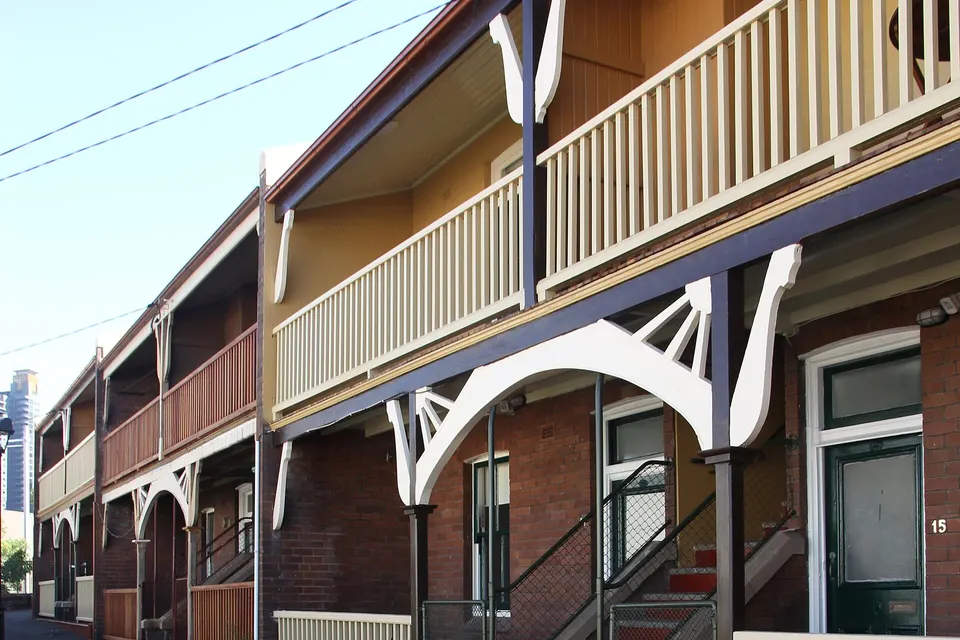
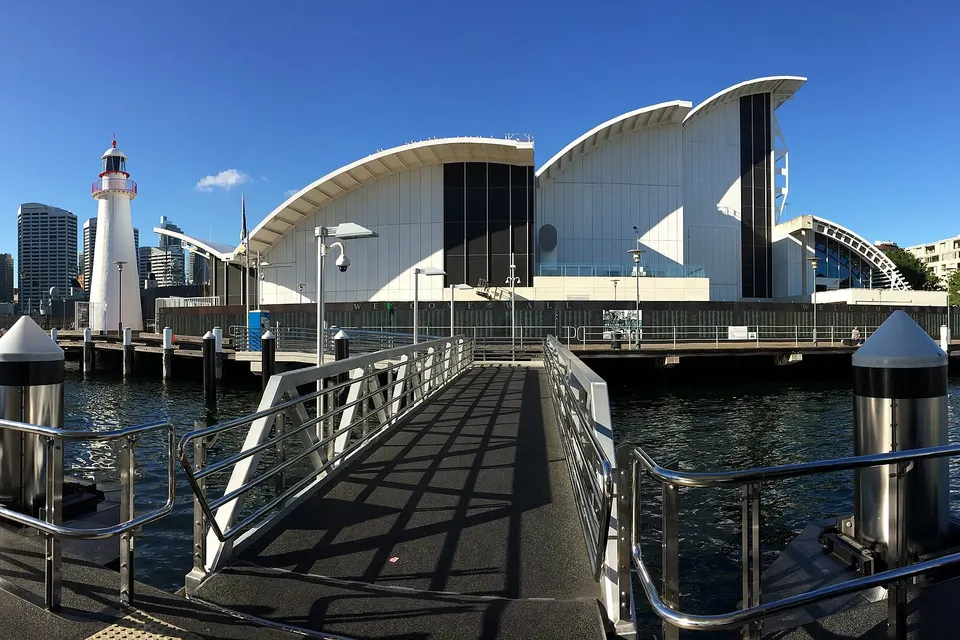
Photos of the local area.

Full list All suburbs
Call 0493 563 381
shape
image
Frequently asked questions
FAQ

Questions we hear in Sydney City

Phishing and invoice scam checks, compromised account recovery, multi-factor sign-in, device hardening, backups, and staff awareness. Small offices around Martin Place, practices near Town Hall, and agencies in Barangaroo are typical.

We focus on practical protection that suits a small team, not enterprise paperwork.

Call us straight away. We help lock the account down, reset access, check forwarding rules, and see what was sent.

Then we set up stronger sign-in security so it does not happen again.

Yes. That is our usual fit. We look after small offices and practices that need someone reliable to call.

Large enterprises with round-the-clock in-house IT are outside what we do.

Sign-in security, updates, antivirus, backups, email settings, Wi-Fi, and who has access to what.

You get a plain summary of what we found and what we recommend fixing first.

shape
shape
Need help now? Not sure what to click or what to do next?

Call PC Scientist for free advice, calm and practical IT help