SYDNEY CBD ยท EMAIL SUPPORT

Sydney CBD email that shows the same thing on every device

After a weekend on hotel Wi-Fi, Outlook asks for a password on a loop. The shared calendar will not sync to the phone. Half a thread shows up on one device and none of it on the desk. It is almost always settings, not a broken account.

PC Scientist lines up every device so mail sends, arrives, and stays in step, onsite in the CBD or remotely. The price is clear before we start. Call, ask for a call back, or request a written quote.

Book online for eligible visits and get 10% off.

Sydney CBD email support - Outlook loops fixed, calendars that sync again.

Why Sydney CBD calls when Outlook loops after a hotel Wi-Fi weekend

No Fix, No Fee

  • If an email problem cannot be fixed, there is no repair fee for the attempt.
  • Honest advice when the provider, not your device, is causing the trouble.

Clear Upfront Pricing

  • Email fixes priced before we change any settings.
  • Clear costs for moving to a new provider.

Speak to a Real Person

  • Call 0493 563 381 and tell us what the email is doing.
  • A patient person who explains without the technical words.

Fixed Properly First Time

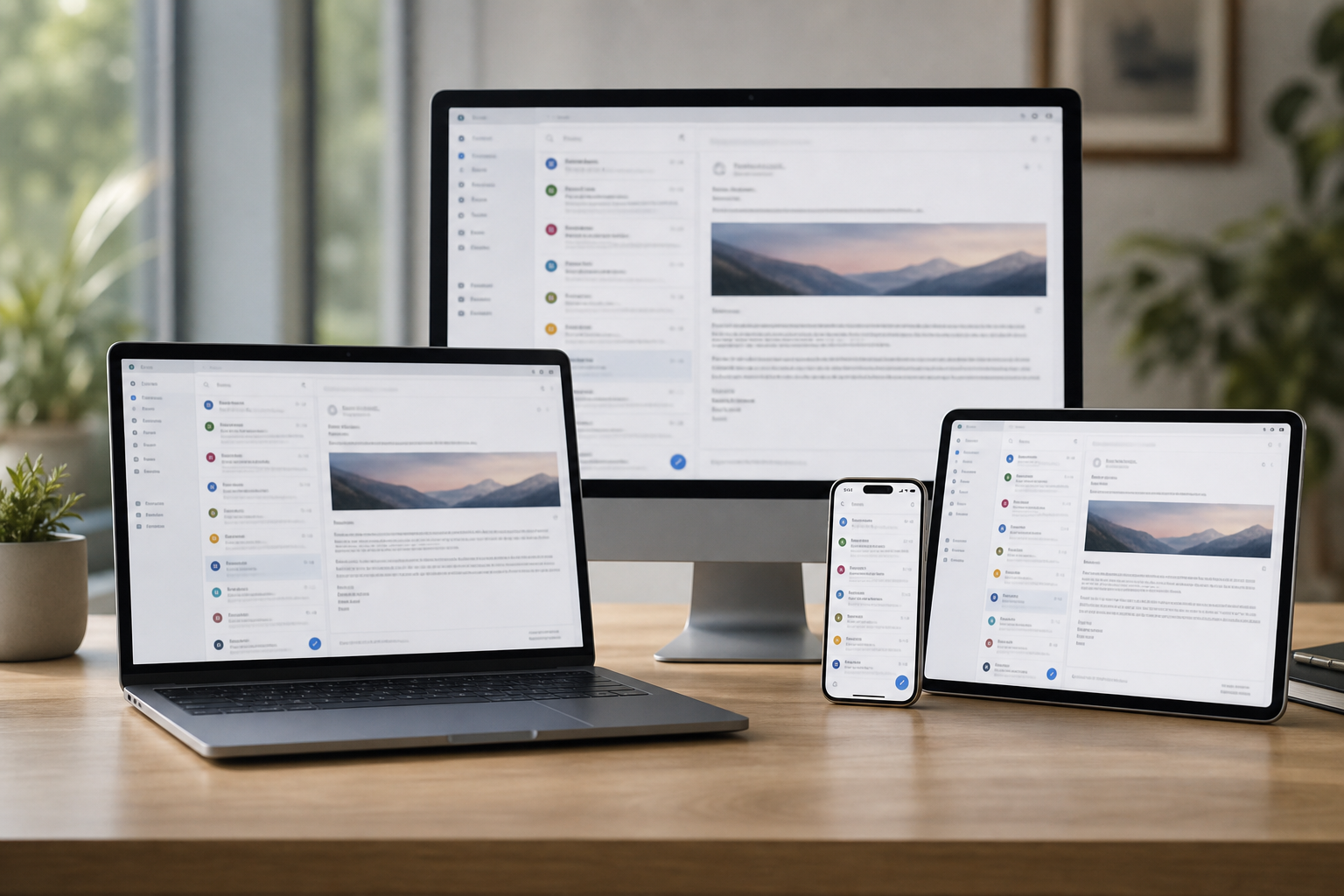
  • Email set up so phone, tablet, and computer all show the same inbox.
  • Settings checked so the problem does not come back after an update.

Several Issues, One Visit

  • Email, contacts, and calendars sorted in one visit.
  • Other devices that share the account checked too.

Your Data Treated Carefully

  • Old emails kept safe during any changes.
  • Passwords kept private and changed only with your approval.

Is the Sydney CBD mail fault sync, send, or a shared calendar?

Sydney CBD homes and small suites need mail that arrives when expected. PC Scientist fixes Outlook and Microsoft 365 without jargon.

Email clues the CBD names first

  • Outlook password loops after travel and hotel Wi-Fi.
  • Shared calendars that will not sync to the phone.
  • Mail that lands on one device and skips the desk.
  • Attachments that bounce on larger client proposals.
  • Clear pricing first. Work starts only when you approve.

How to contact PC Scientist

  1. Call for Free Advice - Ring 0493 563 381 and tell us what the email is doing, and we say whether it can be fixed remotely
  2. Request a Call Back - Leave a short form if you are busy, and PC Scientist calls back to sort the email with you
  3. Request a Free Quote - Get a written quote for an email move or setup before we start, with no obligation

Any one of these works. The error message, if there is one, is the best place to start.

What happens after you get in touch

  • For Sydney City, we listen to what you were doing when the problem showed up, in everyday words - not a checklist of buzzwords.
  • Same-day timing for Sydney City is often possible across Sydney City when the calendar allows; we are honest when it does not.
  • In Sydney City you hear practical options next, with clear pricing before work starts, and nothing goes ahead until you are comfortable.

Where we visit in Sydney CBD

Inbox trouble is the same in Sydney CBD whether you are in Pyrmont or Sydney. Outlook that will not send in Haymarket, phones that will not sync in Sydney, and Microsoft 365 that looped after a password change.

Looking for a specific service?

Need a different type of help than the examples above for Sydney City? Browse specialist technology categories for Sydney City - each card is a starting point on this page. Or call 0493 563 381 for free advice across Sydney City.

Call For Free Advice

Get in touch

Leave your message and we'll get back to you shortly.

Attachments

Allowed file types: jpg, jpeg, png, gif, pdf, doc, docx, xls, xlsx, odt, ppt, pptx, pps, ppsx, html, and less than 100 MB.

No file chosen

This form uses spam checks and sends your request directly to PC Scientist.

Start here

Mail stuck in outbox, empty on the phone, or looping a password. Work mailboxes and shared inboxes also live on business email.

What this covers

  1. 01
  2. 02
  3. 03
  4. 04
  5. 05
  1. 01Start

    When mail stops

    Outbox stuck, empty phone inbox, or a password loop after a change.

  2. 02

    Outlook, Gmail, and phones

    Outlook, Gmail, and everyday ISP mailboxes on computer and phone.

  3. 03

    Setup and shared mail

    A new account, forwarding, or a mailbox that only works on one device.

  4. 04

    Passwords and recovery

    Two-factor recovery explained without pressure.

  5. 05

    Suspicious mail

    A suspicious message or locked account - calm next steps, not a scare.

Visit

How it works

  1. 1

    Which mailbox

    App, device, and whether send, receive, or both failed.

  2. 2

    Change one thing

    Settings in an order that does not lock you out further.

  3. 3

    Leave it sending

    Mail moving again, with notes if you need to repeat a step.

Book email support on the Sydney CBD Call 0493 563 381, request a call back, or ask for a quote.
Call 0493 563 381

Coverage

Sydney CBD

  • Homes
  • Shops
  • Call us

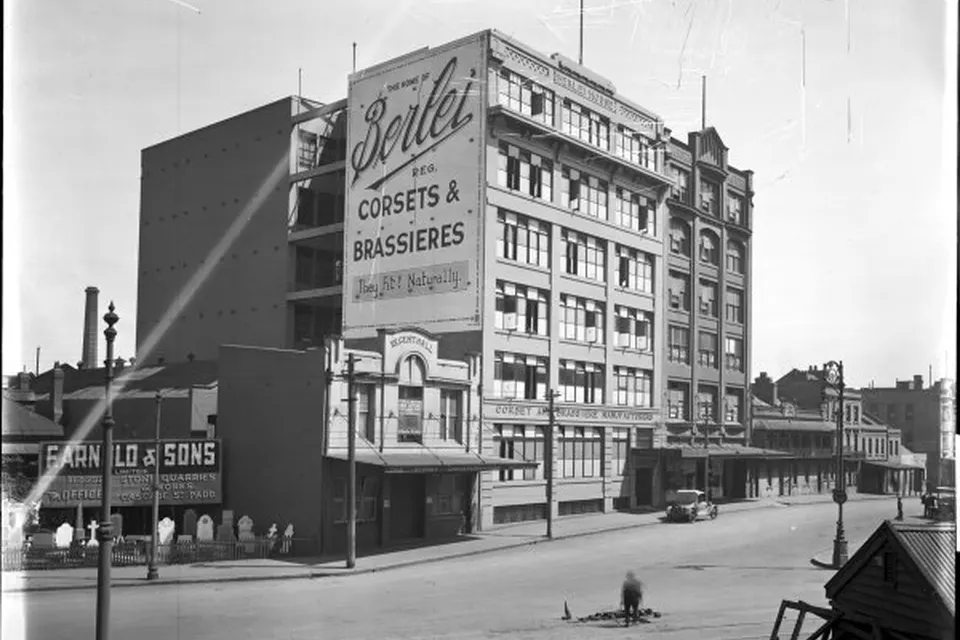
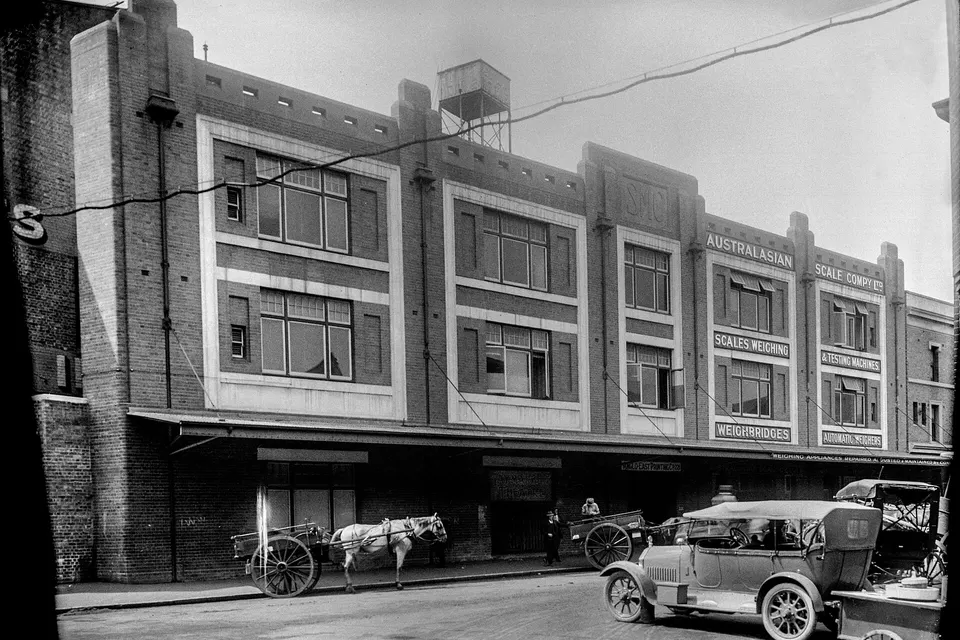
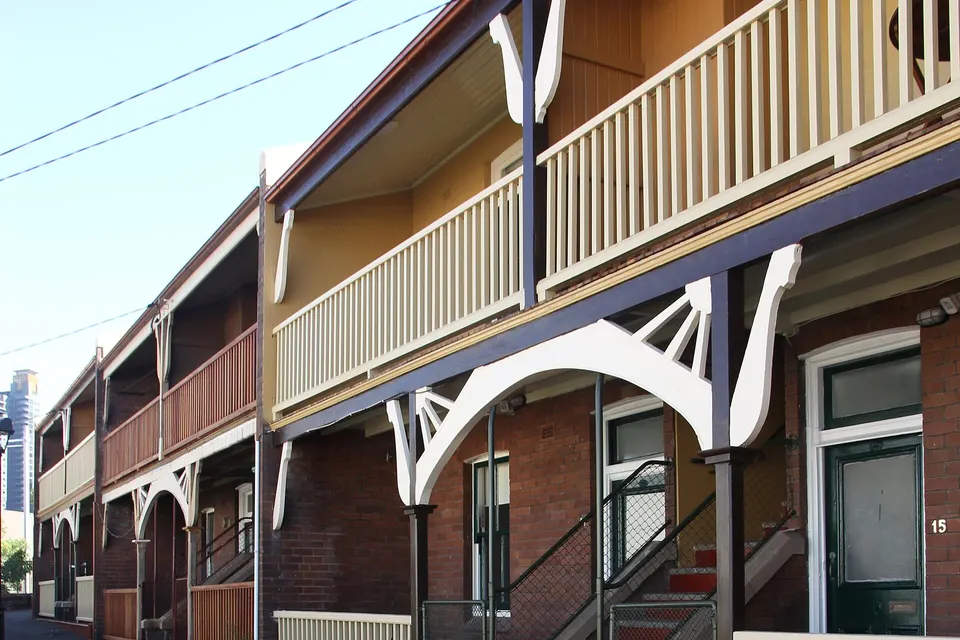
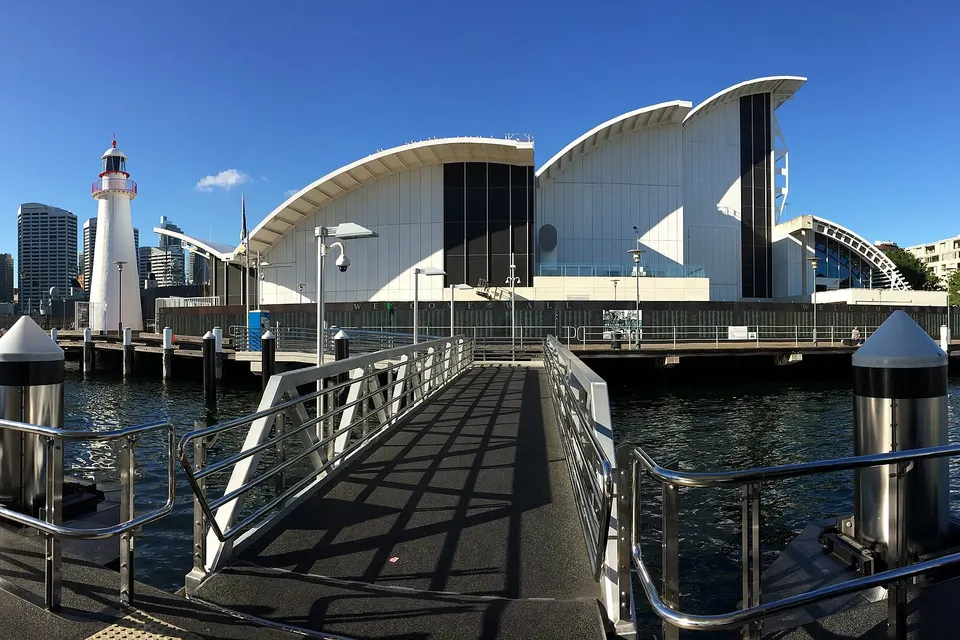
Photos of the local area.

Full list All suburbs
Call 0493 563 381
shape
image
Frequently asked questions
FAQ

Questions we hear in Sydney City

Outlook, Gmail, and Apple Mail problems, email that will not send or receive, sync issues between devices, full mailboxes, and moving to a new provider. Residents in Pyrmont, Millers Point, and Haymarket, and home offices around the city are typical.

Many email problems can be fixed remotely.

Usually the computer has an old setting or password saved.

We update the settings so every device works the same way.

Yes. We copy your old email, contacts, and calendars to the new account.

We check everything arrived before switching over.

Yes. We help recover access through the provider's recovery steps and secure the account afterwards.

We also check nothing suspicious happened while you were locked out.

shape
shape
Need help now? Not sure what to click or what to do next?

Call PC Scientist for free advice, calm and practical IT help