SYDNEY CBD ยท HOSPITALITY TECH

Sydney CBD cafes and bars that stay online through the lunch rush

It is 12.30 in a CBD cafe, the queue is out the door, and the order tablet drops off the network. Guest phones are sharing the same Wi-Fi as the till, and every lost order is a coffee that goes cold and a review waiting to happen.

PC Scientist separates staff and guest networks, steadies the counter gear, and plans visits between services. Clear price first. Call, ask for a call back, or request a written quote.

Book online for eligible visits and get 10% off.

PC Scientist hospitality tech for hotels, motels, Airbnb, and strata across Sydney CBD
Sydney CBD hospitality tech - order tablets steady, guests on their own network.

Why Sydney CBD venues call when the order tablet drops in a lunch surge

No Fix, No Fee

  • If a POS, Wi-Fi, or venue tech fault cannot be fixed, there is no repair fee for that attempt.
  • Straight advice when the internet service, not the venue gear, is the real problem.

Clear Upfront Pricing

  • Venue tech work priced before we start.
  • Fixes ranked so the till and bookings come first.

Speak to a Real Person

  • Call 0493 563 381 and tell us what drops during service.
  • Someone who knows a dead card terminal on a Friday night costs real money.

Fixed Properly First Time

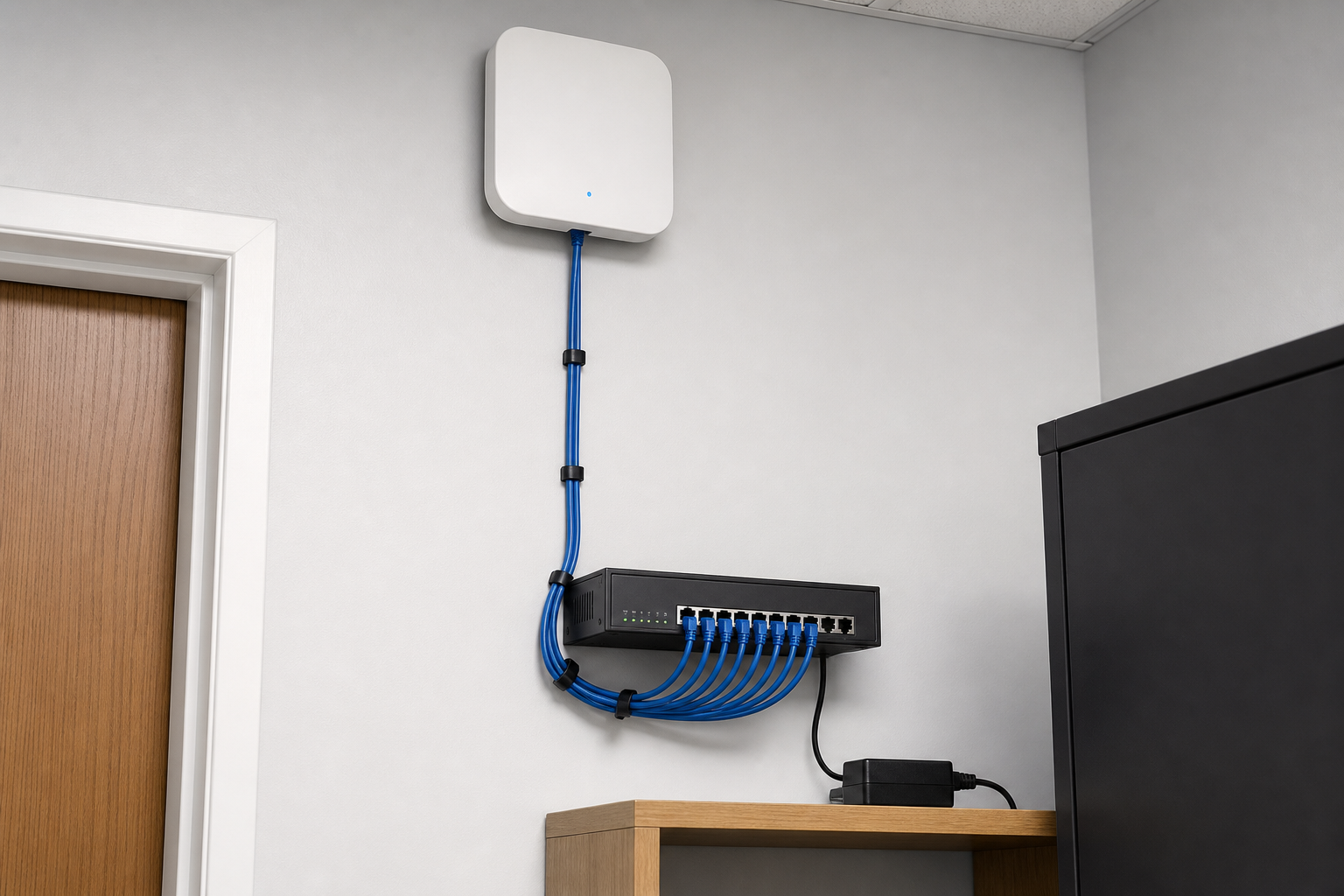
  • Wi-Fi placed so the bar, dining floor, and kitchen all hold a signal.
  • Tested during trade, not just when the room is empty.

Several Issues, One Visit

  • POS, Wi-Fi, back office PC, and cameras checked in one visit.
  • Kitchen and receipt printers reconnected while we are there.

Your Data Treated Carefully

  • Payment systems kept on their own network, away from guests.
  • Customer and booking data handled carefully.

Is the Sydney CBD hospitality fault the till path, guest Wi-Fi, or a receipt printer?

Sydney CBD venues mix busy counters with guest demand. PC Scientist keeps staff devices stable and guests on a separate path.

Hospitality details the CBD says early

  • Order tablets that drop during a lunch surge.
  • Guest phones still sitting on the staff SSID.
  • Receipt printers that vanish after a quiet reboot.
  • Back-counter PCs that crawl when the floor is full.
  • You approve the work before it starts. The price is clear first.

How to contact PC Scientist

  1. Call for Free Advice - Ring 0493 563 381 and tell us what drops during service, and we suggest a visit time outside peak trade
  2. Request a Call Back - Leave a short form while you are on the floor, and PC Scientist calls back after service
  3. Request a Free Quote - Get the venue tech plan and cost in writing before any equipment is bought, with no obligation

Pick one. Most venue calls begin with the service that went wrong last weekend.

What happens after you get in touch

  • For Sydney City, we listen to what you were doing when the problem showed up, in everyday words - not a checklist of buzzwords.
  • Same-day timing for Sydney City is often possible across Sydney City when the calendar allows; we are honest when it does not.
  • Support for Sydney City can be onsite, remote over the internet, or a mix, depending on access, urgency, and what the issue actually needs across Sydney City.

Where we visit in Sydney CBD

Venues in Sydney CBD feel it when Wi-Fi or the till dies. Pyrmont motels, Haymarket cafes, Sydney clubs, Sydney short stays. Guest Wi-Fi, staff networks, and the PC behind the desk.

Looking for a specific service?

Need a different type of help than the examples above for Sydney City? Browse specialist technology categories for Sydney City - each card is a starting point on this page. Or call 0493 563 381 for free advice across Sydney City.

Call For Free Advice

Get in touch

Leave your message and we'll get back to you shortly.

Attachments

Allowed file types: jpg, jpeg, png, gif, pdf, doc, docx, xls, xlsx, odt, ppt, pptx, pps, ppsx, html, and less than 100 MB.

No file chosen

This form uses spam checks and sends your request directly to PC Scientist.

Start here

Guest Wi-Fi, a dark car-park camera, or a desk PC that stalls check-in. Hotels, motels, Airbnb, and strata across the Sydney CBD.

What this covers

  1. 01
  2. 02
  3. 03
  4. 04
  5. 05
  1. 01Start

    What guests and staff hit

    Guests cannot get online, or the desk PC stalls check-in.

  2. 02

    Separate networks

    Staff and guest Wi-Fi that actually stay separate.

  3. 03

    Cameras on the property

    Cameras in corridors, car parks, and common areas.

  4. 04

    The desk stack

    Front-desk mail, printers, and the stack that runs a stay.

  5. 05

    Property websites

    Property websites still use Get a clear website quote.

Visit

How it works

  1. 1

    Today's stall

    Guests, staff, or both - Wi-Fi, cameras, or the desk.

  2. 2

    Quote before cabling

    Clear scope before a rebuild or a camera run.

  3. 3

    Onsite when needed

    Walk the rooms. Website work stays on discovery.

Book hospitality and property tech on the Sydney CBD Call 0493 563 381, request a call back, or ask for a quote.
Call 0493 563 381

Coverage

Sydney CBD

  • Homes
  • Shops
  • Call us

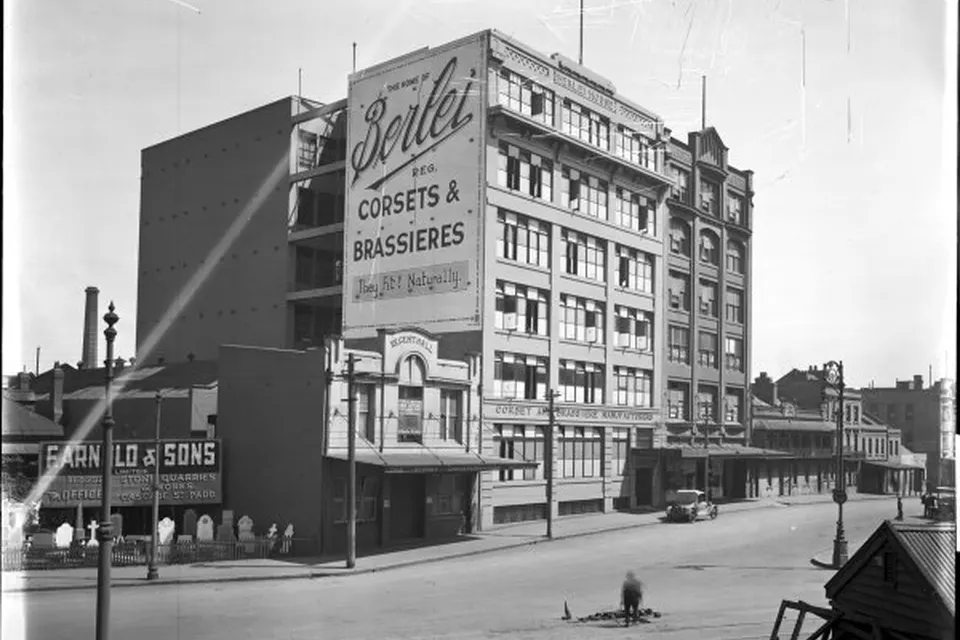
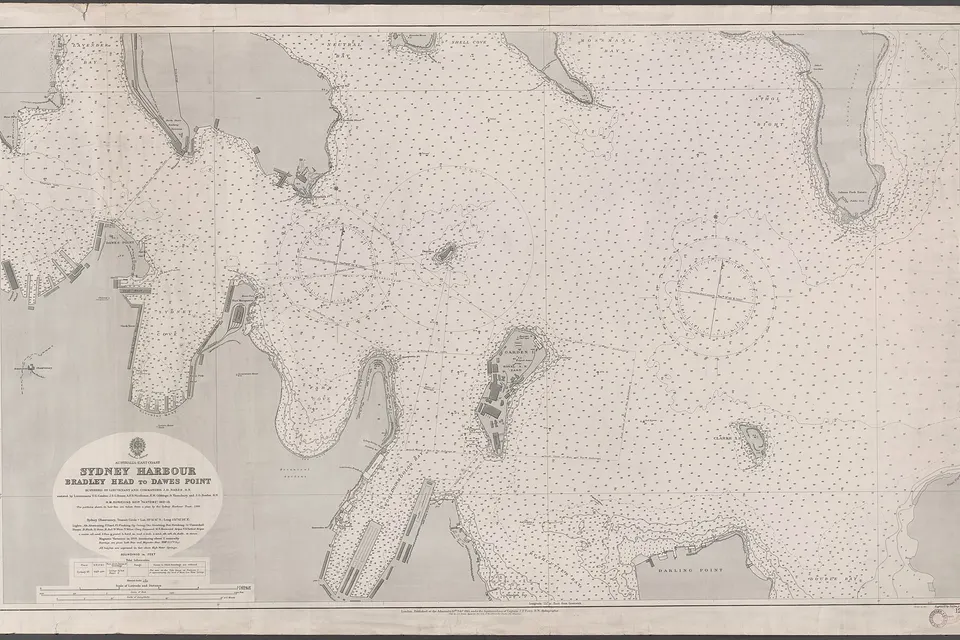
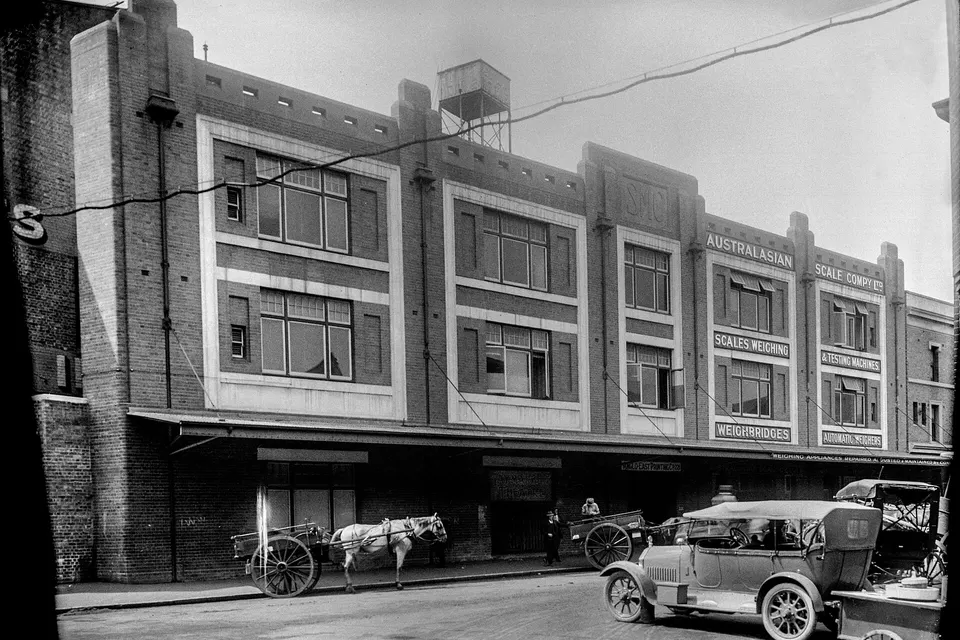
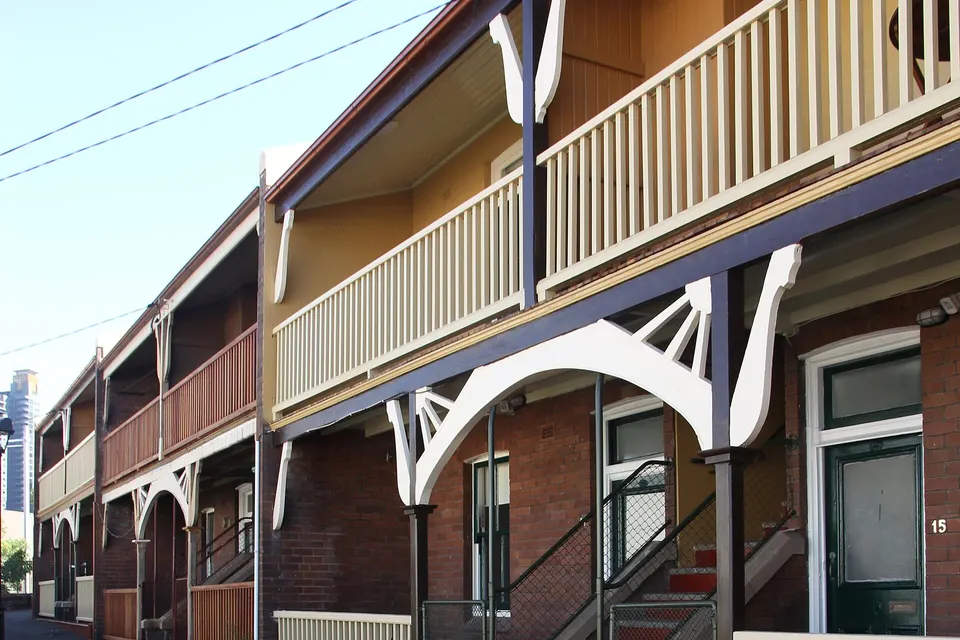
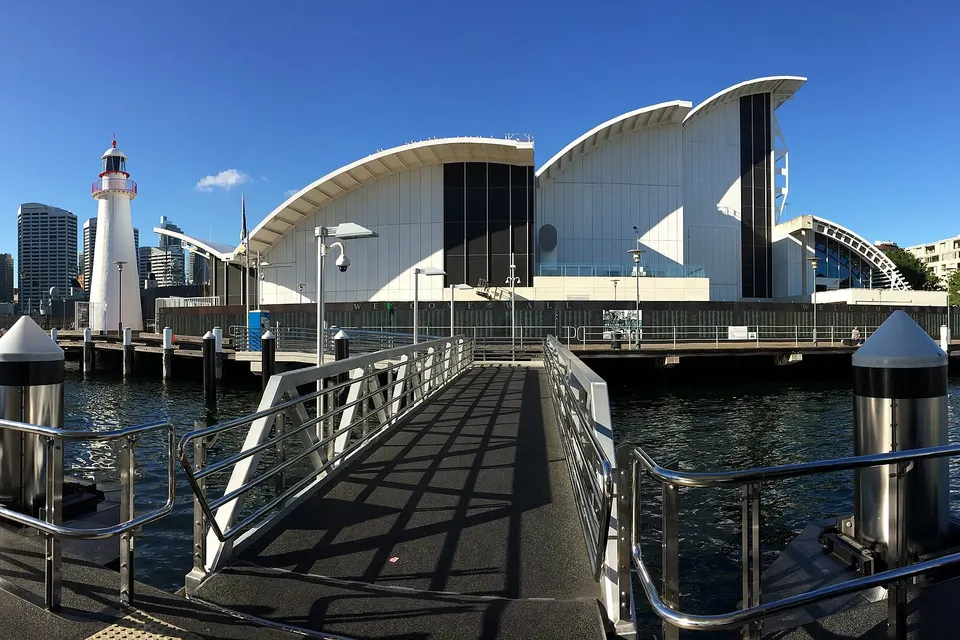
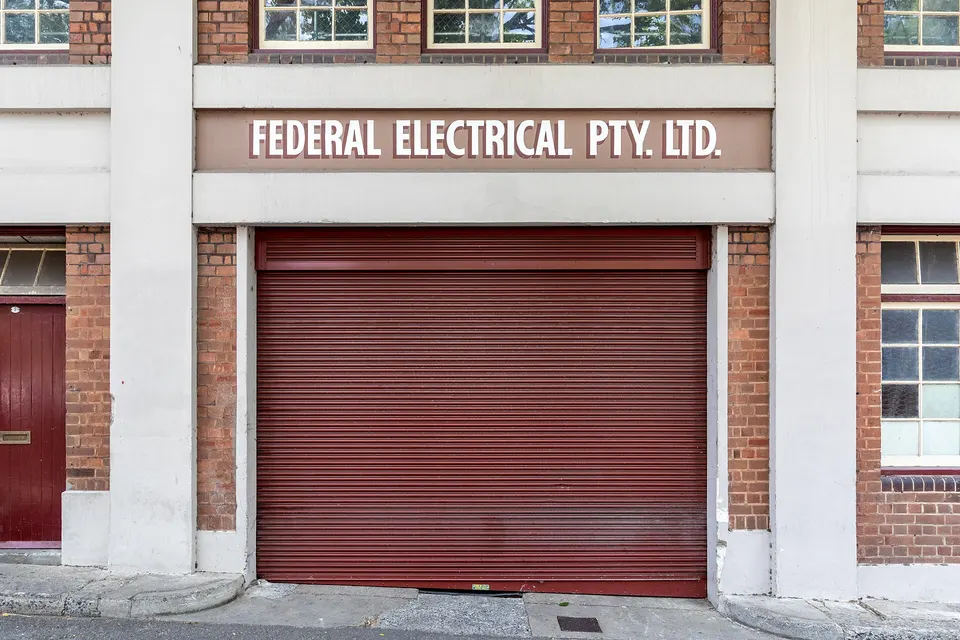
Photos of the local area.

Full list All suburbs
Call 0493 563 381
shape
image
Frequently asked questions
FAQ

Questions we hear in Sydney City

POS and card terminal connections, guest and staff Wi-Fi, back office computers, kitchen printers, and CCTV. Restaurants in Haymarket and Chinatown, bars near Circular Quay, and cafes around Martin Place are typical.

We plan visits around service times so trade keeps going.

Often it is weak signal, a crowded network, or guest devices sharing the same connection as the till.

We test during trade and separate the networks so payments stay reliable.

Yes. Guests get their own network with sensible limits, separate from the POS and office.

It keeps guests online without slowing the till.

Yes. Guest Wi-Fi, front desk computers, and CCTV for common areas are all part of what we do.

We do not build booking systems, but we make sure yours runs on a reliable network.

shape
shape
Need help now? Not sure what to click or what to do next?

Call PC Scientist for free advice, calm and practical IT help