SYDNEY CBD ยท TRADES & MOBILE

City jobs where the quote will not open and the photos will not sync

You are parked in a loading zone with minutes to spare. The laptop will not open yesterday's quote, the phone has stopped uploading job photos, and the client is already waiting at the door.

PC Scientist sorts phones, email, and invoicing tools for trades working the Sydney CBD, onsite at your yard or remotely between jobs. Pricing is agreed first. Call 0493 563 381, ask for a call back, or book an eligible visit online.

Book online for eligible visits and get 10% off.

PC Scientist IT help for trades and mobile services across Sydney CBD
Sydney CBD trades IT help for van laptops and job-photo sync, with clear pricing before work starts.

Why Sydney CBD trades call about van laptops and job photos

No Fix, No Fee

  • If we cannot fix the laptop or phone setup, there is no repair fee.
  • An honest call when the old van laptop should be replaced.

Clear Upfront Pricing

  • The price is agreed before we start, so the job does not eat your margin.
  • A clear figure for the phone, laptop, and invoicing setup together.

Speak to a Real Person

  • Call 0493 563 381 between jobs and tell us what stopped working.
  • Plain talk for people who would rather be on the tools.

Fixed Properly First Time

  • We find why quotes will not open on the road, not just reinstall the app.
  • Phone, tablet, and laptop left syncing properly before we go.

Several Issues, One Visit

  • Email, invoicing app, and job photos sorted in one visit.
  • Fixed around your day, even between city fit-out jobs.

Your Data Treated Carefully

  • Client details and job photos backed up automatically.
  • Scam invoices and fake payment requests checked with you.

What failed last for Sydney CBD trades - the van laptop, or job photos that will not sync?

City jobs move fast. Bring the laptop that will not open quotes or the phone that stopped uploading site photos. PC Scientist will say whether a visit, a remote session, or a written quote fits.

What Sydney City trades usually need sorted

  • A van laptop that will not open the quote from yesterday
  • Job photos stuck on the phone before the next site
  • Invoicing mail that will not leave the outbox from the road
  • A card reader that dropped offline between CBD jobs
  • You approve the work before it starts - the price is clear first

How to contact PC Scientist

  1. Call for Free Advice - Ring 0493 563 381 between jobs and tell us what stopped working - we say whether it can be fixed remotely
  2. Request a Call Back - Leave a short form from site, and PC Scientist calls back when you are off the tools
  3. Request a Free Quote - Get a written quote for new crew laptops, phones, or an email setup before you commit, with no obligation

One is plenty. If you cannot send quotes or invoices today, call.

What happens after you get in touch

  • We fit around your day on the tools and give the price before starting.
  • Email and app problems can often be fixed remotely while you are on site.
  • Phone, tablet, and office PC are left working together, with notes for next time.

Where we visit in Sydney CBD

Tradies in Sydney CBD need the phone, email, and invoicing PC to work. Haymarket, Sydney, Pyrmont, and Sydney vans and home offices get the same patient talk - no jargon test.

Looking for a specific service?

Need a different type of help than the examples above for Sydney City? Browse specialist technology categories for Sydney City - each card is a starting point on this page. Or call 0493 563 381 for free advice across Sydney City.

Call For Free Advice

Get in touch

Leave your message and we'll get back to you shortly.

Attachments

Allowed file types: jpg, jpeg, png, gif, pdf, doc, docx, xls, xlsx, odt, ppt, pptx, pps, ppsx, html, and less than 100 MB.

No file chosen

This form uses spam checks and sends your request directly to PC Scientist.

Start here

A quote on a laptop that will not boot, or a phone that will not send the job photo. Practical help for tradies and mobile operators - not a helpdesk ticket.

What this covers

  1. 01
  2. 02
  3. 03
  4. 04
  5. 05
  1. 01Start

    The job stalled

    A quote sitting on a laptop that will not boot.

  2. 02

    Phones and tablets

    Phones and tablets used for job photos and invoicing.

  3. 03

    Mail from the van

    Mail that will not send from the van or the shed.

  4. 04

    Shed computers

    A computer that survives dust, and a printer that actually prints.

  5. 05

    A site people can find

    A website path when people cannot find you to call.

Visit

How it works

  1. 1

    What stopped the job

    Phone, laptop, mail, or invoicing - one sentence is enough.

  2. 2

    Practical next step

    Fix, replace, or a website quote - priced before work.

  3. 3

    Get you moving

    The stall you rang about, without a lecture.

Book trade and mobile-business tech on the Sydney CBD Call 0493 563 381, request a call back, or ask for a quote.
Call 0493 563 381

Coverage

Sydney CBD

  • Homes
  • Shops
  • Call us

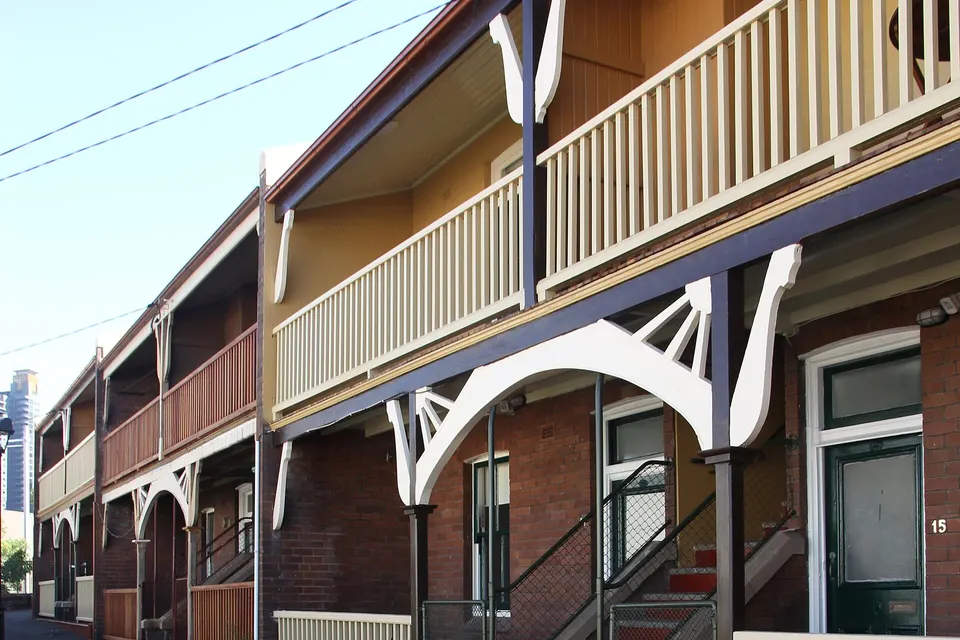
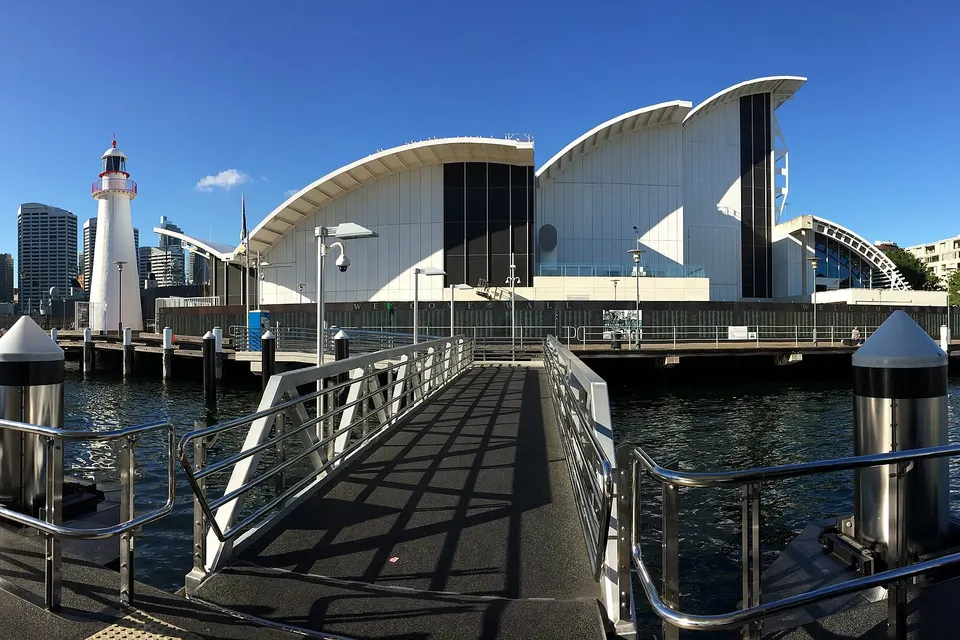
Photos of the local area.

Full list All suburbs
Call 0493 563 381
shape
image
Frequently asked questions
FAQ

Straight answers for Sydney City

Yes. It is usually a sync, login, or storage problem on the phone or laptop. We sort it so the same files are on every device.

Plenty of city fit-out, electrical, and plumbing crews call about this.

Often, yes. Many fixes happen remotely while you are working, and hands-on jobs can be done at your office, your van, or a nearby spot.

Tell us where you are working and when you break for lunch.

Yes. We set up cloud or automatic photo sync so site photos land where your quotes and invoices live.

It also means a lost or broken phone does not take the photos with it.

You hear the cost before we start. Bigger setups, like new laptops for the crew, get a written quote.

No Fix, No Repair Fee applies to repair work we cannot complete.

shape
shape
Need help now? Not sure what to click or what to do next?

Call PC Scientist for free advice, calm and practical IT help