SYDNEY CBD ยท CYBERSECURITY

Sydney CBD security check-ups when an account stops feeling like yours

It starts with a sign-in alert from a city you have never visited, a pop-up that will not close, or a colleague asking why you sent them a strange link. For small CBD offices and apartments, that uneasy feeling rarely comes with a clear next step.

PC Scientist checks the computer and accounts, cleans up what was left behind, and closes the gap, without the lecture. Onsite or remote, price first. Call, ask for a call back, or request a written quote.

Book online for eligible visits and get 10% off.

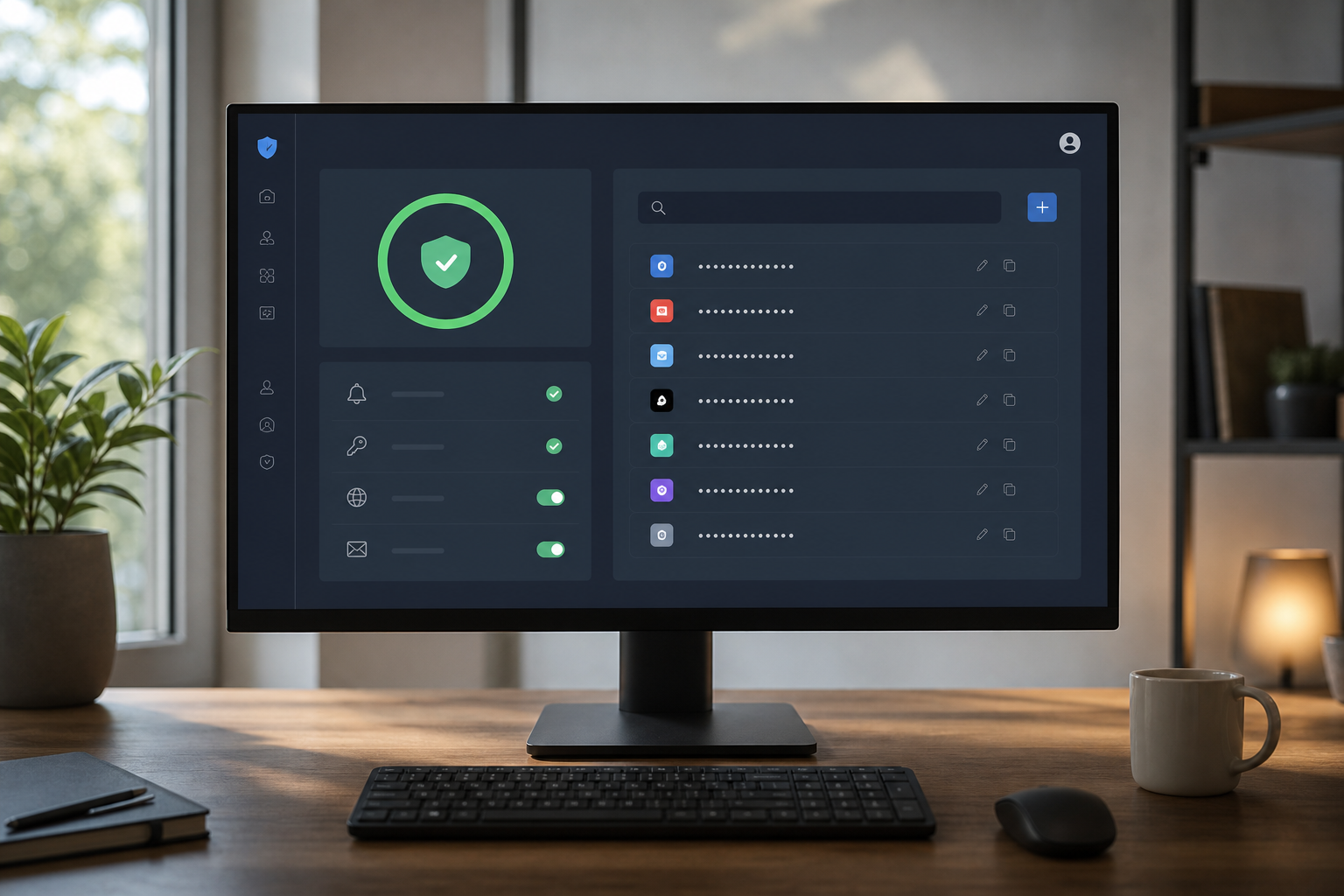
PC Scientist cybersecurity help after scams and suspicious activity across Sydney CBD
Sydney CBD scam and malware cleanup - calm checks, then a setup that is harder to trip over.

What Sydney CBD households notice before they call

No Fix, No Fee

  • If an infected computer cannot be cleaned, there is no repair fee for the attempt.
  • Honest advice when a device is too compromised to trust.

Clear Upfront Pricing

  • Cleanup and protection work priced before we start.
  • Clear steps so you know what is being done and why.

Speak to a Real Person

  • Call 0493 563 381 if a message, pop-up, or login feels wrong.
  • A calm person to talk to after a scam call or text.

Fixed Properly First Time

  • Malware removed properly and the way it got in closed off.
  • Updates and protection left running after we finish.

Several Issues, One Visit

  • Computer, phone, and email accounts checked together.
  • Family or household devices reviewed on the same visit.

Your Data Treated Carefully

  • Personal files kept safe throughout the cleanup.
  • Account passwords reset only with your approval.

What appeared on the Sydney CBD screen?

Sydney CBD offices and apartments above the street want scam pop-ups, odd login emails, and sticky browsers checked without panic language. PC Scientist will say whether a visit, a remote session, or a written quote fits.

Typical pile in Sydney City: computer that will not shut down, email stuck on the phone, scam email that felt too real

  • Payment-change emails that land while a client is waiting in the foyer.
  • Pop-ups that reopen after every close on a shared desk PC.
  • Logins that suddenly ask for codes the team never set.
  • Browsers that open strange pages after a rushed download between meetings.
  • You approve the work before it starts. The price is clear first.

How to contact PC Scientist

  1. Call for Free Advice - Ring 0493 563 381 as soon as something looks suspicious, and we help you work out the next step
  2. Request a Call Back - Leave a short form if you cannot talk now, and PC Scientist calls back to go through it calmly
  3. Request a Free Quote - Get a written quote for cleanup or protection work before we start, with no obligation

Any one of these works. If you think an account is compromised right now, ring straight away.

What happens after you get in touch

  • In Sydney City you hear practical options next, with clear pricing before work starts, and nothing goes ahead until you are comfortable.
  • Symptoms first for Sydney City: when it started, what changed, and whether one device or the whole house is affected.
  • For Sydney City, we listen to what you were doing when the problem showed up, in everyday words - not a checklist of buzzwords.

Where we visit in Sydney CBD

Scam calls and odd pop-ups land in Sydney CBD - Pyrmont homes, Haymarket shops, Sydney desks, Sydney family PCs. We keep it calm. No scare script. Tell us what appeared on the screen.

Looking for a specific service?

Need a different type of help than the examples above for Sydney City? Browse specialist technology categories for Sydney City - each card is a starting point on this page. Or call 0493 563 381 for free advice across Sydney City.

Call For Free Advice

Get in touch

Leave your message and we'll get back to you shortly.

Attachments

Allowed file types: jpg, jpeg, png, gif, pdf, doc, docx, xls, xlsx, odt, ppt, pptx, pps, ppsx, html, and less than 100 MB.

No file chosen

This form uses spam checks and sends your request directly to PC Scientist.

Start here

A scam call, a pop-up, or a login alert from somewhere you never visited. If the only problem is slow software with no scare, start with computer support.

What this covers

  1. 01
  2. 02
  3. 03
  4. 04
  5. 05
  1. 01Start

    Something feels wrong

    A scam call, a pop-up, or a login alert from a place you never visited.

  2. 02

    What happened first

    What you clicked or shared, before anyone changes settings.

  3. 03

    Pop-ups and junk software

    Pop-ups, redirects, and unwanted software removed with caution.

  4. 04

    Accounts after a scare

    Password and two-factor recovery after a scare.

  5. 05

    Habits, not panic products

    Simple habits that reduce repeat scares - no panic software.

Visit

How it works

  1. 1

    What you saw

    Call, pop-up, email, or login alert - and whether anything was shared.

  2. 2

    Urgent vs later

    Lock what is at risk first. Cleanup can wait a beat.

  3. 3

    Safer defaults

    The accounts and the PC, explained without a lecture.

Book cybersecurity help on the Sydney CBD Call 0493 563 381, request a call back, or ask for a quote.
Call 0493 563 381

Coverage

Sydney CBD

  • Homes
  • Shops
  • Call us

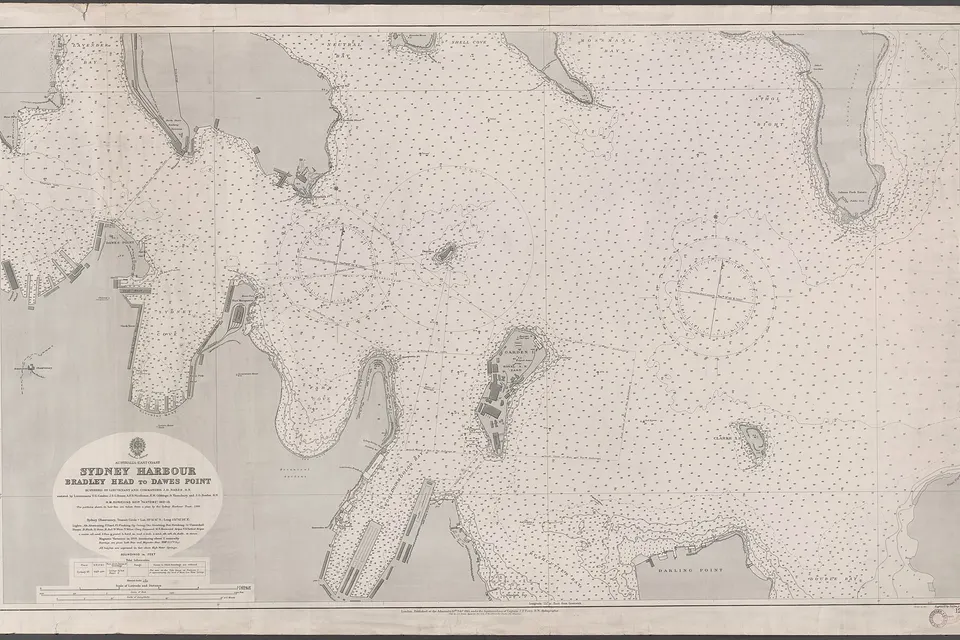
Photos of the local area.

Full list All suburbs
Call 0493 563 381
shape
image
Frequently asked questions
FAQ

Common questions about Sydney City IT help

Scam checks, malware and pop-up cleanup, account recovery, antivirus setup, and safer browser and email settings. Apartment residents in Pyrmont and Haymarket, retirees in Millers Point and Dawes Point, and home offices across the city are typical.

We explain what happened in plain words and help you feel safe online again.

Call us. We check the device, secure your accounts, and look for anything that was installed.

Acting quickly usually limits the damage.

Yes. We scan and review the system, remove anything harmful, and set up ongoing protection.

Many checks can be done remotely.

Yes. We set up safer settings, explain common scams, and make it easier to spot warning signs.

It is patient, practical help, not a lecture.

shape
shape
Need help now? Not sure what to click or what to do next?

Call PC Scientist for free advice, calm and practical IT help