SYDNEY CBD ยท BUSINESS NETWORKS

Business network help in the Sydney CBD

A Sydney CBD suite jammed against an interior wall can lose the meeting screen and the shared drive together when building Wi-Fi is mistaken for the suite network. The street below stays loud. The desks go quiet.

PC Scientist maps Sydney CBD suite networks - staff SSID, building versus unit links, and the printers the day needs. Call 0493 563 381 or request a call back.

Book online for eligible visits and get 10% off.

PC Scientist business network and Wi-Fi help across Sydney CBD
Sydney CBD business networks - suite Wi-Fi apart from building lobby signals.

Why Sydney CBD suites call when the meeting screen and shared drive drop together

No Fix, No Fee

  • If an office network fault in the city beats us, there is no repair fee for the attempt.
  • A plain answer when the building's internet service, not your equipment, is the real limit.

Clear Upfront Pricing

  • Network work costed before any equipment is ordered or cable is run.
  • Options laid out from a quick fix to a full office rebuild.

Speak to a Real Person

  • Call 0493 563 381 and tell us when the office Wi-Fi drops and who it affects.
  • Someone who understands shared risers, crowded airwaves, and strict building rules.

Fixed Properly First Time

  • Access points placed and tested so meeting rooms and back offices hold a signal.
  • Tested with the office busy, not just when the floor is empty.

Several Issues, One Visit

  • Wi-Fi, switches, printers, and the internet link looked at in one visit.
  • Separate staff and guest networks set up at the same time.

Your Data Treated Carefully

  • Business traffic kept apart from guest devices.
  • Network passwords and admin access handed back to you.

Is the Sydney CBD network problem building Wi-Fi, suite SSID, or a vanished printer?

Sydney CBD workplaces sit in small offices and apartments above the street. PC Scientist sorts who should be on which network so the morning can start.

Network clues CBD businesses name first

  • Meeting screens that stay black while laptops still browse.
  • Building lobby Wi-Fi mistaken for the suite connection.
  • Shared drives that time out on interior-wall desks.
  • Printers that vanish after a quiet overnight reboot.
  • You approve every step. The price is visible first.

How to contact PC Scientist

  1. Call for Free Advice - Ring 0493 563 381 and tell us where the office signal fails, and we suggest a visit around your busy periods
  2. Request a Call Back - Leave a short form if you are in meetings, and PC Scientist calls back to talk through the network
  3. Request a Free Quote - Get the network plan and cost in writing before any equipment is bought, with no obligation

Any one of these works. Most CBD network jobs start with the rooms where the signal gives out.

What happens after you get in touch

  • In Sydney City you hear practical options next, with clear pricing before work starts, and nothing goes ahead until you are comfortable.
  • Symptoms first for Sydney City: when it started, what changed, and whether one device or the whole house is affected.
  • For Sydney City, we listen to what you were doing when the problem showed up, in everyday words - not a checklist of buzzwords.

Where we visit in Sydney CBD

Business networks in Sydney CBD are staff Wi-Fi, guest Wi-Fi, and the printer that will not stay found. Haymarket, Sydney, Pyrmont, and Sydney offices get a map before anyone buys mesh.

Looking for a specific service?

Need a different type of help than the examples above for Sydney City? Browse specialist technology categories for Sydney City - each card is a starting point on this page. Or call 0493 563 381 for free advice across Sydney City.

Call For Free Advice

Get in touch

Leave your message and we'll get back to you shortly.

Attachments

Allowed file types: jpg, jpeg, png, gif, pdf, doc, docx, xls, xlsx, odt, ppt, pptx, pps, ppsx, html, and less than 100 MB.

No file chosen

This form uses spam checks and sends your request directly to PC Scientist.

Start here

Calls freeze in one room, shared drives crawl after 10am, guest Wi-Fi colliding with staff. Home dropouts start on Wi-Fi and network help.
What this covers

  1. 01
  2. 02
  3. 03
  4. 04
  5. 05
  1. 01Start

    Hours lost each week

    Calls freeze in one room, shared drives crawl after 10am.

  2. 02

    Staff and guest paths

    Staff and guest Wi-Fi that should not share the same path.

  3. 03

    Printers and shared drives

    Printers, NAS, and workstations that drop at the worst time.

  4. 04

    Coverage on purpose

    Access points placed for coverage, not guesswork.

  5. 05

    A plan on paper

    A written plan before you buy another box.

Visit

How it works

  1. 1

    When it fails

    Time of day, which rooms, and which devices.

  2. 2

    Local vs provider

    Which side of the socket the fault looks like.

  3. 3

    Sensible fix

    Settings, placement, mesh, or cabling - quoted first.

Book business network and Wi-Fi help on the Sydney CBD Call 0493 563 381, request a call back, or ask for a quote.
Call 0493 563 381

Coverage

Sydney CBD

  • Homes
  • Shops
  • Call us

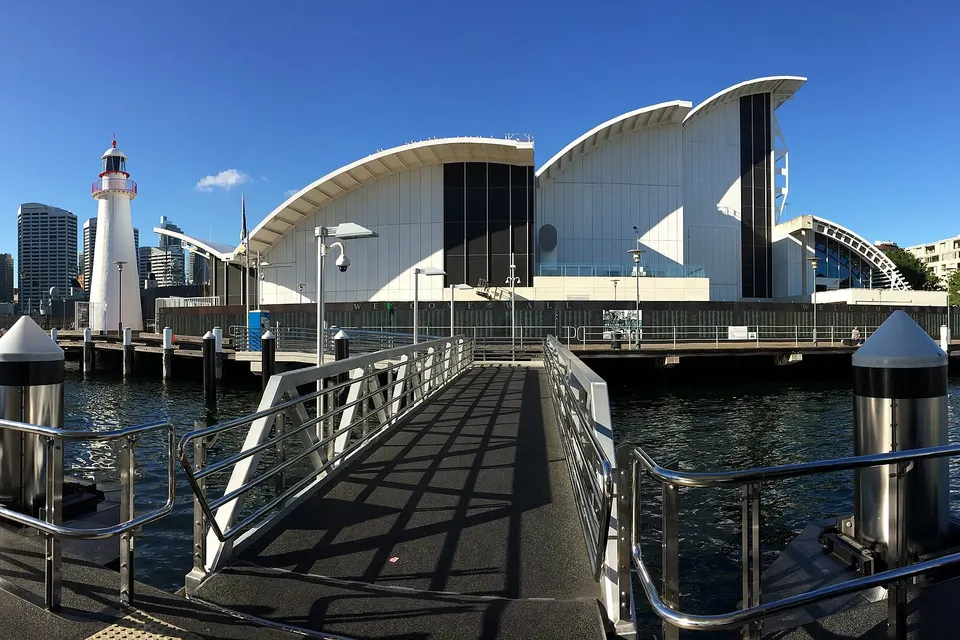
Photos of the local area.

Full list All suburbs
Call 0493 563 381
shape
image
Frequently asked questions
FAQ

If you are wondering about help in Sydney City

Office Wi-Fi coverage, access point placement, switch and cabling checks, staff and guest networks, and fixes for dropouts. Offices in towers around Wynyard and Martin Place, and studios in Pyrmont and Ultimo are typical.

City buildings are crowded with competing networks, so we plan placement carefully.

Often it is glass walls, a single access point covering too much space, or interference from neighbouring offices.

We measure the signal and add or move equipment so every room is covered.

Yes. Guests get their own network, separate from staff computers and shared files.

It keeps visitors online without risking business data.

Yes. We plan cabling and equipment around building rules and approvals.

Tell us who to contact and we will coordinate access.

shape
shape
Need help now? Not sure what to click or what to do next?

Call PC Scientist for free advice, calm and practical IT help