PC Scientist · Sydney · Parental controls

Parental controls for Sydney homes

One house, four screens, three different logins. The school iPad has one rule. your bedroom PC has none. The TV still autoplays after you said it was off. That mix is what Sydney parents bring us, not a brand name they saw in an ad.

We set the layers that actually reach those devices, then hands you the PINs and the parent accounts. Call 0493 563 381, or book a visit if you want it done at the house.

Book online for eligible visits and get 10% off.

Let us help you today

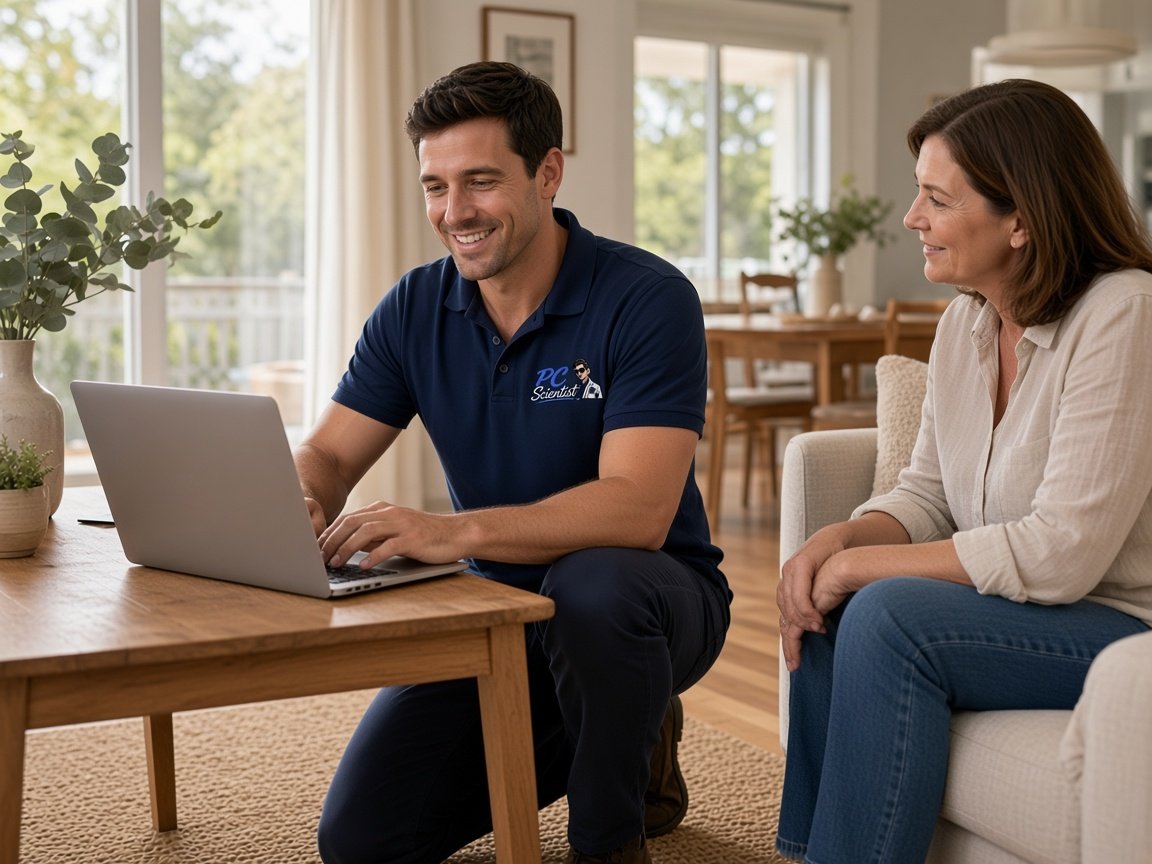
  • One-on-one help - a PC Scientist technician sitting with an older client at her laptop.

We accept payments

Visa
Mastercard
American Express
JCB
Apple Pay
Google Pay
Afterpay
Zip
Bank debit

Real Google reviews

What locals say after a PC Scientist visit.

Word for word, from people we have visited.

★★★★★

Service was excellent and prompt response

Bob Sands

★★★★★

Excellent service and very fast and reliable. Highly recommend

Leigh Palmer

★★★★★

Great work. Really Happy with the service

Rosemary Vituseck

Read all our Google reviews

Parental controls · Sydney

Whose account is the parent one, and who still knows the PIN?

A setting you flicked last year often sits on one iPad and nowhere else. We map the house, then put the same idea on Wi-Fi, phones, consoles, and the TV.

What Sydney households hand us

  • School iPads that lost their supervised setting after an update.
  • Gaming PCs in bedrooms that never joined the family Microsoft account.
  • Smart TVs still signed into a grown-up YouTube profile.
  • Phones that bypass home Wi-Fi the moment they hit mobile data.
  • A clear price before we touch parent accounts.

How we work through it

  • Inventory first. Then the router. Then Apple, Google, or Microsoft family tools.

  • Consoles and TVs last, because those are the ones people forget.
  • Bypass check: guest SSID, VPN apps, Private Relay, encrypted DNS.

Where the visit happens

Sydney homes and home offices across the metro. If you are in a named region, that region's page is the more local door. Remote setup is fine when every device can sit on the table.

Why Parental Control Scientist

Why Sydney families use Parental Control Scientist

  • One brief, every device

    • You get sydney houses collect devices faster than settings.
    • We treat the pile as one job, not six separate apps.
  • Off the home Wi-Fi

    • You get trains, libraries, and friends' houses skip a router filter.
    • Device supervision is what still travels for you.
  • Bypasses named plainly

    • Kids find guest networks and VPNs. That is normal, not a moral failing for you.
    • We close what we can and tell you what we cannot.
  • Not a scare product

    • We do not sell spyware, and we do not promise a lock that cannot be picked.
    • You leave with a setup and a review date.
  • Agreed before we start

    • Price for the check is first. Extra time only if the device list grows for you.
    • You stay in charge of the PINs.
  • Handover in plain words

    • Who is the Family Organiser. Where the console PIN lives for you.
    • You should be able to change bedtime next term without us.

When you are ready. Call, or book a technician.

0493 563 381

Start here

What this covers

We can help when a message or login has spooked you. If the computer is just slow and nothing suspicious happened, computer support is the simpler place to start.

  1. 01

    The mix in front of you

    School iPad, phone, bedroom PC, lounge TV. We start with that list, not a product name.

  2. 02

    Family DNS and schedules

    The house filter, so new gadgets inherit a baseline.

  3. 03

    Apple, Google, Microsoft

    Screen Time, Family Link, Family Safety - whichever the house actually uses.

  4. 04

    Consoles and the TV

    The screens that ignore the router until someone signs them into a family account.

  5. 05

    Review, not a one-off

    Ages change. We leave a date to look at the rules again.

The visit

How it works

  1. 1

    Which login, which device

    Tell us the page, the account and whether work email was involved.

  2. 2

    Change what was exposed

    That password and any reused copies are changed from a clean device.

  3. 3

    Make it stick

    Two-step sign-in and safer settings set up, explained in minutes.

How it works

How to start

If you are in Cybersecurity help, you do not need the right words. Ring, book an eligible visit, or ask for it on paper first.

  1. 1

    Choose how to reach us

    Book online, call for free advice, , or .

  2. 2

    You tell us what's going on

    In the booking, on the call, or in the quote. Same idea.

  3. 3

    Lock in the visit

    We agree the visit on the call, in the booking, or in the quote. Agree, and that date stays yours.

  4. 4

    We come to you

    That's the visit. We work through your list on the day.

FAQ

Questions we hear in Sydney

Yes. Apple Screen Time and Family Sharing on one side, Google Family Link on the other, Microsoft Family Safety if there is a Windows box. We set what the house actually owns.

If you can supervise it, we include it. Some school profiles lock parents out. We will say so rather than pretend a setting took.

No. Cybersecurity Scientist is scams, pop-ups, and accounts that feel wrong. Parental Control Scientist is time, content, and the holes kids use to skip a rule. Plenty of families need both. They are different doors.

Yes. Onsite across the metro, remote when the devices can sit with you on a call. Say the suburb when you ring 0493 563 381.

When you are ready

Let us take the next step with you

Book online Save 10% Call for free advice 0493 563 381