No Fix, No Fee
- Ask about that ageing machine in Sydney without worrying about paying for a dead end.
- A straight answer on whether it is worth fixing, and no bill if we cannot fix it.

The laptop was fine yesterday. Today it shows a black screen, makes a clicking noise, or the charger light never changes. Before you spend on a new machine, it helps to know whether this one is worth saving. That is the first thing we work out.
PC Scientist looks at the fault, explains what a repair involves, and gives you the price before parts are ordered. No Fix, No Repair Fee applies. Call 0493 563 381, request a call back, or book an eligible visit online.
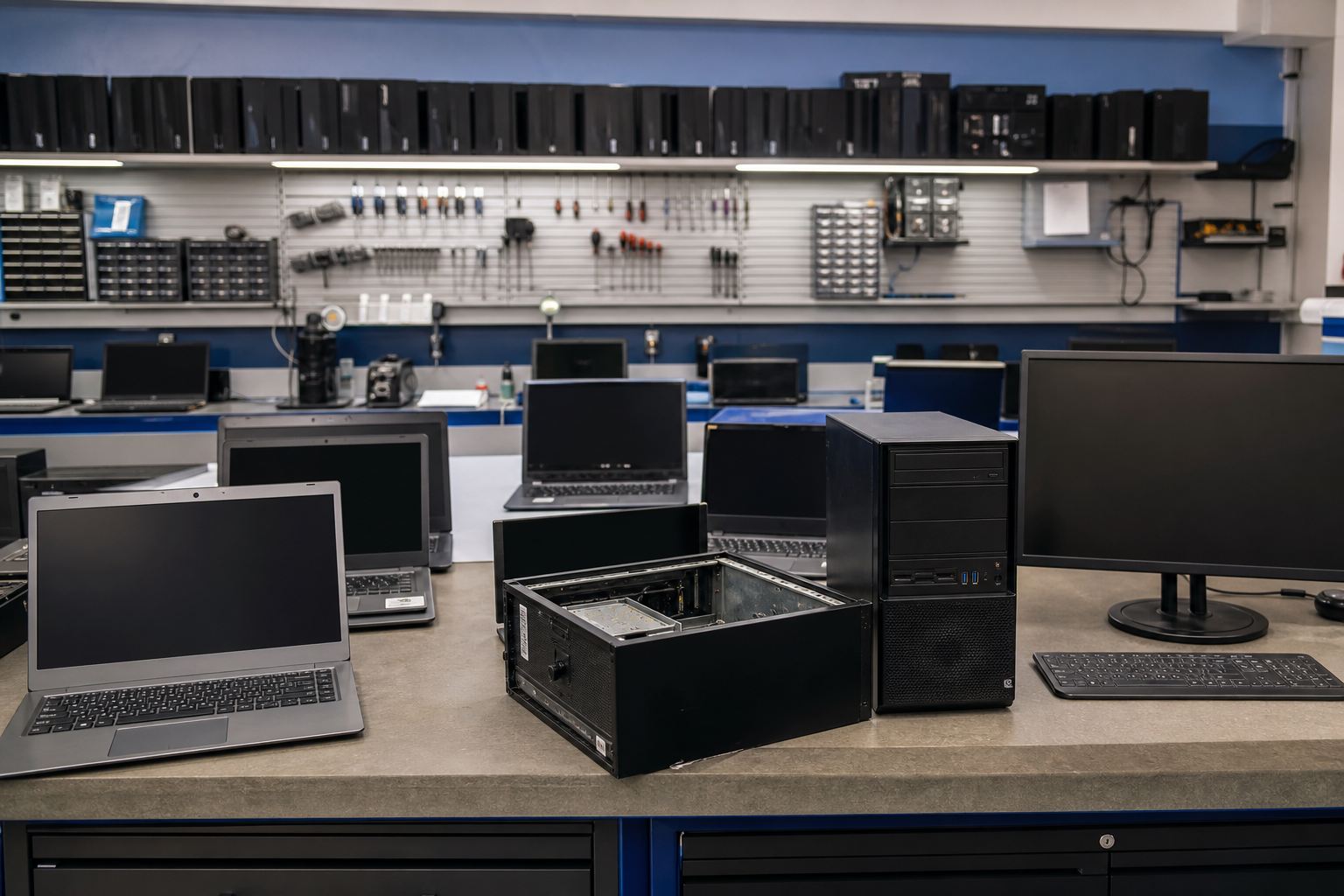
Across metro Sydney, PC Scientist names hardware faults without rushing you into a new PC. You hear what a sensible repair looks like first.
Pick whichever suits. Most repair calls in Sydney start with a two-minute description of the fault.
Hardware jobs run across Sydney, not only one suburb. Boot failures and hot laptops show up in Penrith and Liverpool. Cracked screens after a knock in Chatswood. Bondi Junction shops get the same honest repair-versus-replace talk before parts are ordered.
Looking for a named service line in Sydney? Jump to service categories covering Sydney, pick the closest match, then call if you are still unsure across Sydney.

Leave your message and we'll get back to you shortly.
Start here
Machines that will not start, overheat, crash, or sound wrong. Software-only help is computer support. Files on a drive that should stay off is data recovery.


We read the symptoms first. No Fix, No Fee if the repair cannot be completed.

No power, odd charging lights, or Windows that never finishes starting.

Repeated crashes, freezes, or a blue screen after an update.

A hot laptop, a loud fan, or a PC that crawls once it warms up.

Screens, keyboards, batteries, storage, RAM, and cooling.

Upgrade when the chassis is sound. Replace when more spend will not recoup.
Visit

What changed, what you hear or see, and whether the machine should stay off.

Repair, upgrade, or replace - with pricing before parts are bought.

The real fault, not a restart that only lasts until Thursday.
If this is not the job
Want the longer guide? Computer Repair Scientist.



Most repairs start with a visit across the Inner West, the North Shore, the Hills, and the Shire, so we can check the machine where it lives.
If a part has to be ordered or bench-tested, we explain that before anything leaves your hands.
Sometimes yes, sometimes no. We weigh up the age, the part cost, and what you use it for, then tell you honestly.
If replacement makes more sense, we say so and can help move your files across.
Often. An SSD and more memory can make a sluggish machine in units, terraces, and family homes feel new again.
We check the model first so you are not paying for parts it cannot use.
Simple jobs like a drive swap or a clean-out are often done on the visit.
Screens and hinges depend on the part, and we give you a realistic time before we order.