SYDNEY ยท CUSTOM PC BUILDS

Custom PC builds in Sydney, planned around how you actually use it

Maybe it is a gaming rig that has to stay quiet in a shared flat. Maybe it is a workstation that renders overnight so the morning is free. The right parts list starts with what you do on it, the room it lives in, and the budget you are comfortable with.

PC Scientist plans, builds, and sets up custom PCs for Sydney clients, then tunes drivers and displays so it is ready on day one. Call 0493 563 381, request a call back, or ask for a written quote.

Call 0493 563 381 or request a quote - custom builds are not booked through the everyday IT visit wizard.

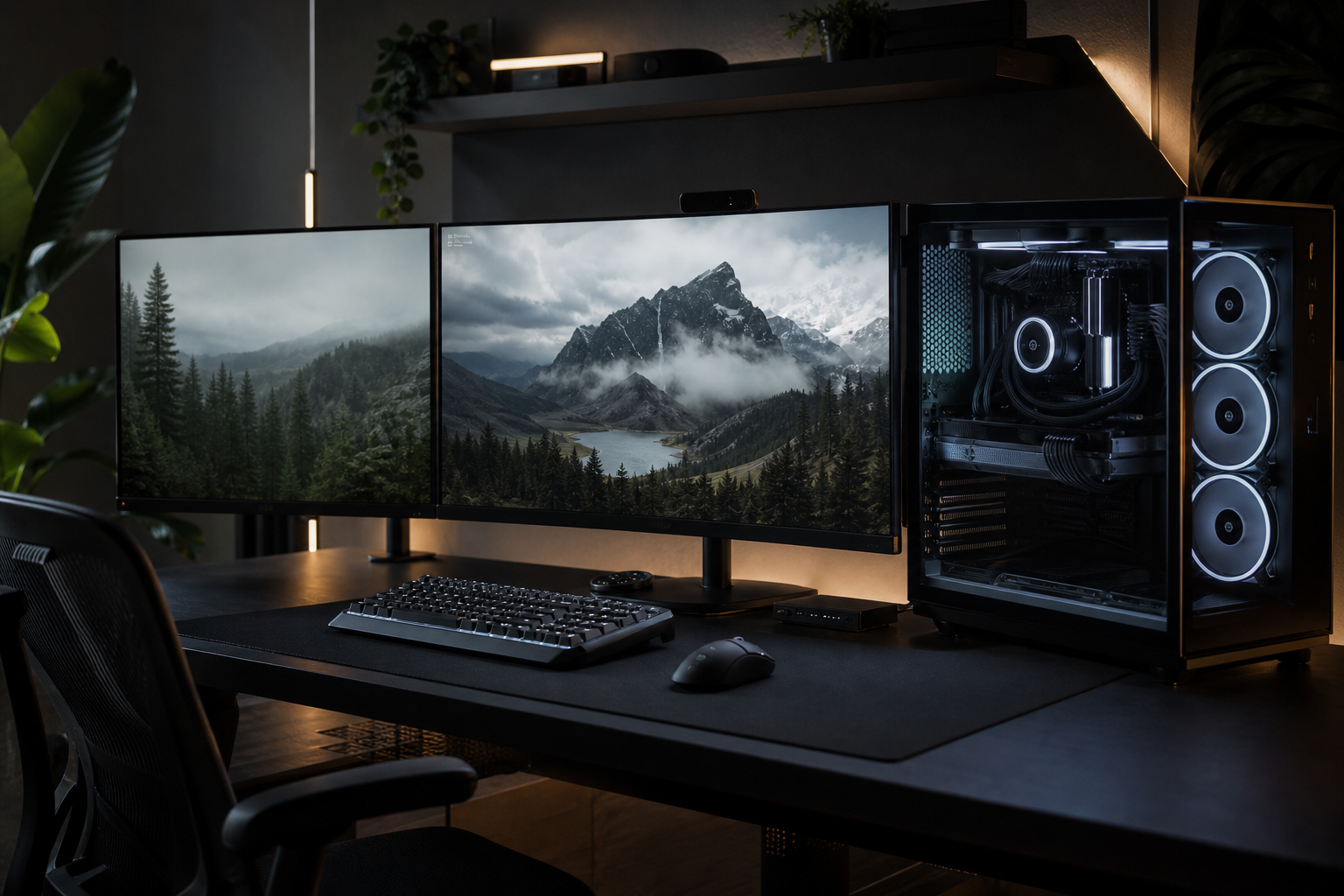
PC Scientist custom gaming and workstation PC builds across Sydney
Sydney custom PC builds - quiet apartment cooling and parts lists that match the work.

Why Sydney clients ask about custom PC builds

No Fix, No Fee

  • If an upgrade on your current PC cannot be made stable, you do not pay a repair fee.
  • If a faulty build we are asked to rescue cannot be fixed, there is no repair fee.

Clear Upfront Pricing

  • Every part is listed with its price before anything is ordered.
  • If a part price moves, we tell you before ordering, not after.

Speak to a Real Person

  • No upsell toward the flashiest graphics card when a sensible one does the job.
  • Someone who asks what you play or create before naming a single part.

Fixed Properly First Time

  • Every build is stress-tested and temperature-checked before handover.
  • Fan curves are tuned so the PC stays quiet on light work and cool under load.

Several Issues, One Visit

  • Monitor, headset, controller, and network set up on delivery day.
  • Streaming software and capture gear configured alongside the build.

Your Data Treated Carefully

  • Saves, projects, and files are copied safely before any old drive is wiped.
  • Old drives are handed back or wiped properly, never tossed.

Do you need a Sydney gaming build, a quieter creator workstation, or an upgrade that cuts the noise?

PC Scientist builds for metro rooms as they are - compact studies, warm afternoons, and long evening sessions. Compatibility comes first.

Custom PC work across Sydney

  • Gaming builds planned for real Sydney rooms.
  • Creator workstations sized for Sydney workloads.
  • Cooling and noise choices that suit Sydney spaces.
  • Drivers and monitors set after Sydney assembly.
  • Parts lists written clearly before Sydney ordering.

How to contact PC Scientist

  1. Call for Free Advice - Call 0493 563 381 and tell us what you want the PC to do - we will suggest a sensible starting point
  2. Request a Call Back - Send a quick request after your next session, and we ring back to plan the build
  3. Request a Free Quote - Ask for a written parts list and price so you can compare it calmly against off-the-shelf options

Pick whichever suits. Most build chats start with the games, the software, and the budget.

What happens after you get in touch

  • Symptoms first for Sydney: when it started, what changed, and whether one device or the whole house is affected.
  • Same-day timing for Sydney is often possible when the calendar allows; we are honest when it does not.
  • In Sydney you hear practical options next, with clear pricing before work starts, and nothing goes ahead until you are comfortable.

Where we visit across Sydney

Build and upgrade chats across Sydney are about the desk in front of you. Gaming PCs in Chatswood, workstation asks in Bondi Junction, noisy towers in Sydney, and honest repair-versus-replace in Parramatta.

Looking for a specific service?

Need a different type of help than the examples above for Sydney? Browse specialist technology categories for Sydney - each card is a starting point on this page. Or call 0493 563 381 for free advice across Sydney.

Need a calm look at the laptop that will not wake in Sydney? Tell us what you are seeing with the PC that will not boot in Sydney. Pricing before work. No lecture.
Call For Free Advice

Get in touch

Leave your message and we'll get back to you shortly.

Attachments

Allowed file types: jpg, jpeg, png, gif, pdf, doc, docx, xls, xlsx, odt, ppt, pptx, pps, ppsx, html, and less than 100 MB.

No file chosen

This form uses spam checks and sends your request directly to PC Scientist.

Start here

A gaming PC, a quieter workstation, or an upgrade that actually fits the desk. This is a quote path - not the everyday IT booking wizard.

What this covers

  1. 01
  2. 02
  3. 03
  4. 04
  5. 05
  1. 01Start

    What the PC is for

    A gaming PC, a quieter workstation, or an upgrade that fits the desk.

  2. 02

    Parts that fit

    Parts matched to how you actually use the machine.

  3. 03

    Upgrades in a case you have

    GPU, SSD, RAM, and cooling that fit the case you already have.

  4. 04

    Heat, noise, and stability

    Noise, heat, and stability checked after a build or swap.

  5. 05

    Call or quote

    Call or quote - this is not the everyday IT booking path.

Visit

How it works

  1. 1

    Use and budget

    Games, work, space, and what you can spend.

  2. 2

    Parts on paper

    A list that fits, quoted before order.

  3. 3

    Build and handover

    What went in, and how to look after it.

Talk through custom PC build help on the Sydney Call 0493 563 381, request a call back, or ask for a quote. This is not the everyday IT booking path.
Call 0493 563 381
shape
image
Frequently asked questions about Sydney technology services
FAQ

If you are wondering about help in Sydney

Gaming PCs, streaming rigs, and workstations for video, design, or 3D work.

We plan the parts around your software, your budget, and the room the PC will live in.

You get a parts list with prices, and the build labour set out separately.

Nothing is ordered until you approve it.

A rough budget, the games or programs you use most, and the monitor you have or want.

If you are upgrading, tell us what is inside the current machine.

Usually. It is often dust, tired thermal paste, or poor airflow.

We clean it, check temperatures under load, and suggest a fan or cooler change only if it is needed.


shape
shape
Need help now? Not sure what to click or what to do next?

Call PC Scientist for free advice, calm and practical IT help