No Fix, No Fee
- If a mail problem cannot be solved, there is no repair fee.
- No repair fee if a provider-side fault stops us - just clear advice on what to ask them.

It started after a password change, or a new phone, or nothing you can think of. Now the desk gets mail, the phone does not, and a client says their reply bounced. When email acts up, you stop trusting it, and that slows every day down.
PC Scientist sorts Sydney email problems onsite or remotely, from account settings to phone and tablet sync. Call 0493 563 381, request a call back, or book an eligible visit online.
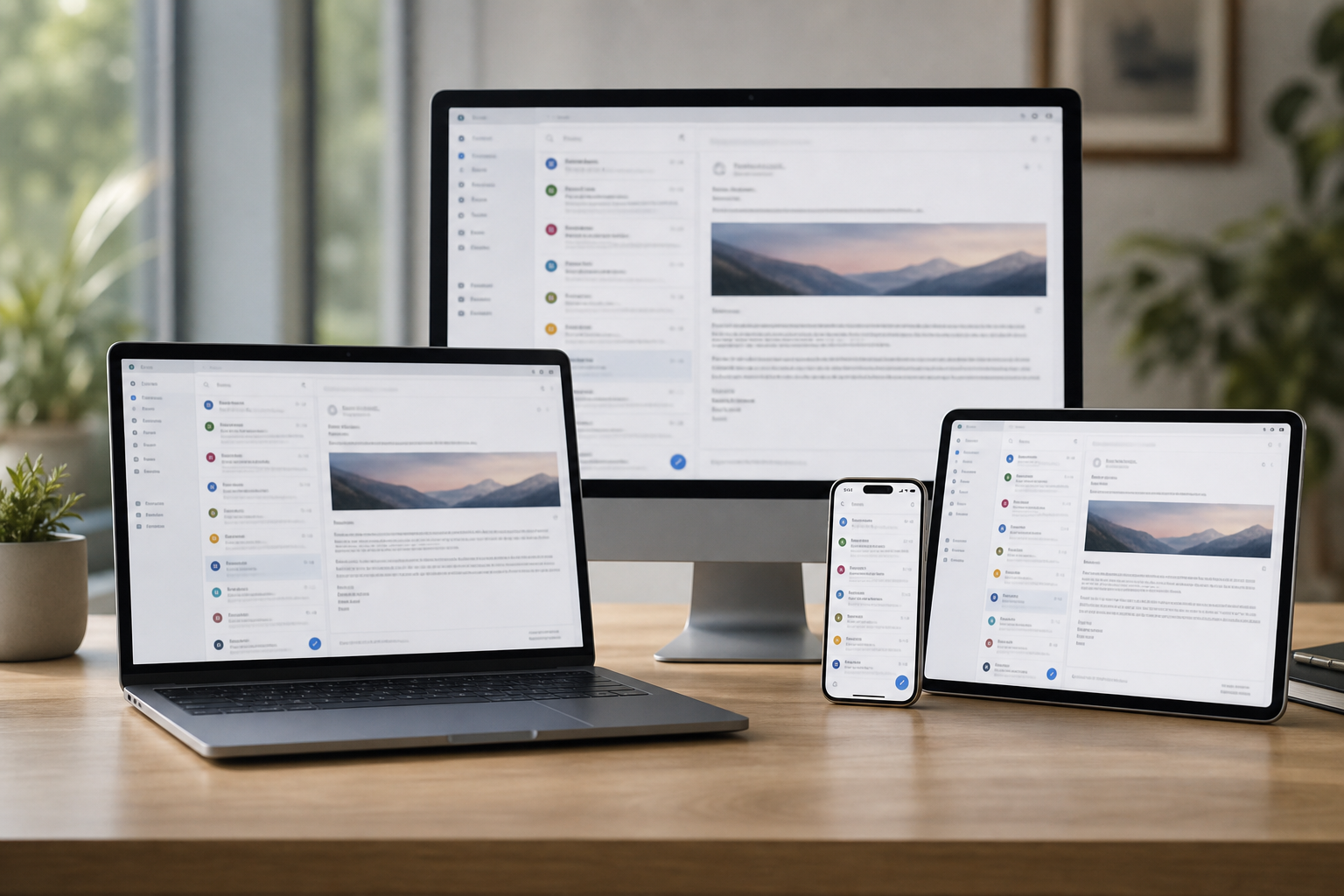
Email Systems Scientist work across Sydney homes and small teams means chasing send failures, sync loops, and accounts that signed out overnight. We will say whether remote help or a visit fits.
Any one of these works. A screenshot of the error is a handy start.
Inbox trouble is the same across Sydney whether you are in Chatswood or Parramatta. Outlook that will not send in Bondi Junction, phones that will not sync in Sydney, and Microsoft 365 that looped after a password change.
Looking for a named service line in Sydney? Jump to service categories covering Sydney, pick the closest match, then call if you are still unsure across Sydney.

Leave your message and we'll get back to you shortly.
Start here
Mail stuck in outbox, empty on the phone, or looping a password. Work mailboxes and shared inboxes also live on business email.


Outbox stuck, empty phone inbox, or a password loop after a change.

Outlook, Gmail, and everyday ISP mailboxes on computer and phone.

A new account, forwarding, or a mailbox that only works on one device.

Two-factor recovery explained without pressure.

A suspicious message or locked account - calm next steps, not a scare.
Visit

App, device, and whether send, receive, or both failed.

Settings in an order that does not lock you out further.

Mail moving again, with notes if you need to repeat a step.
If this is not the job
Want the longer guide? Email Systems Scientist.



Outlook, Gmail, Apple Mail, Microsoft 365, Google Workspace, and domain email.
Send and receive faults, sync problems, full mailboxes, and moving providers.
Usually the computer has old settings, a stale password, or a mail app that needs repairing.
It is a common fix once someone looks at both devices together.
We check what is taking the space and archive or clear it with you.
Then we set things up so it does not fill again next month.
Know which address is affected, who provides it if you can, and which devices show the problem.
A screenshot of any error helps.