WOLLONGONG ยท PROFESSIONAL OFFICES

Professional office IT in Wollongong

Wollongong professional rooms call when file shares freeze mid-edit, the scanner will not reach any desk, or the meeting kit goes dark before a client join.

PC Scientist supports Wollongong clinics, legal desks, and accountancy rooms onsite or remotely. Call 0493 563 381 or book an eligible visit.

Book online for eligible visits and get 10% off.

PC Scientist secure office IT for professional practices across Wollongong
Wollongong professional office IT for file shares, scanners, and meeting kits - clear pricing first.

Why Wollongong offices call when scanners and meeting kits fail before clients

No Fix, No Fee

  • If an office fault we take on cannot be fixed, there is no repair fee for that work.
  • A frank word when an ageing workstation is slowing the whole practice down.

Clear Upfront Pricing

  • The principal hears the cost before anyone touches a staff PC.
  • Larger work like a server move or new network quoted in writing first.

Speak to a Real Person

  • Call 0493 563 381 and describe the problem the way reception describes it.
  • One local contact who knows your office, not a ticket queue.

Fixed Properly First Time

  • We find why the scanner stops sending to email, not just restart it again.
  • Every workstation, printer, and login checked before we leave.

Several Issues, One Visit

  • The slow front desk PC, the meeting room screen, and the new starter's login in one booking.
  • Work timed around appointments so clients are not kept waiting.

Your Data Treated Carefully

  • Client files and records handled with discretion while we work.
  • Backups and two-step sign-in checked so a lost laptop does not become a data breach.

Did Wollongong lose the scanner first, or did the meeting kit die before a client join?

Professional offices across Wollongong need files, scanners, and meeting gear steady. Tell us what failed - we will map onsite or remote help.

Wollongong office mix: frozen file share, scanner offline, meeting kit dark

  • File shares that freeze mid-edit are a frequent Wollongong office call.
  • Scanners that will not reach any desk often ride along.
  • Meeting kits that go dark before a client join need naming early.
  • Clinics and professional rooms across Wollongong use this page.
  • You approve the work before it starts. The price is clear first.

How to contact PC Scientist

  1. Call for Free Advice - Ring 0493 563 381 and tell us what is holding the office up - we say whether remote help or a visit comes first
  2. Request a Call Back - Leave a short form if you are with clients, and PC Scientist calls back between appointments
  3. Request a Free Quote - Ask for a written quote on bigger work like new workstations or a secure network, with no obligation

Whichever suits the diary. If the whole office has stopped, call.

What happens after you get in touch

  • For Wollongong, we listen to what you were doing when the problem showed up, in everyday words - not a checklist of buzzwords.
  • Symptoms first for Wollongong: when it started, what changed, and whether one device or the whole house is affected.
  • Same-day timing for Wollongong is often possible when the calendar allows; we are honest when it does not.

Where we visit in Wollongong and the Illawarra

Offices in Wollongong and the Illawarra want email, files, and Wi-Fi that does not drop mid-client. Wollongong, Fairy Meadow, Corrimal, and Figtree practices get a calm next step, then a clear price.

Looking for a specific service?

Need a different type of help than the examples above for Wollongong? Browse specialist technology categories for Wollongong - each card is a starting point on this page. Or call 0493 563 381 for free advice across Wollongong.

Call For Free Advice

Get in touch

Leave your message and we'll get back to you shortly.

Attachments

Allowed file types: jpg, jpeg, png, gif, pdf, doc, docx, xls, xlsx, odt, ppt, pptx, pps, ppsx, html, and less than 100 MB.

No file chosen

This form uses spam checks and sends your request directly to PC Scientist.

Start here

Mail, files, or the network before a client meeting. Accountants, lawyers, clinics, and consultants across the Wollongong.

What this covers

  1. 01
  2. 02
  3. 03
  4. 04
  5. 05
  1. 01Start

    Practice work waiting

    Mail, files, or the network before a client meeting.

  2. 02

    Microsoft 365 and calendars

    Microsoft 365, shared mailboxes, and calendars in sync.

  3. 03

    Files and backups

    Backups you can actually restore from.

  4. 04

    Rooms and desks on Wi-Fi

    Consulting rooms and desks that stay on Wi-Fi.

  5. 05

    After a scare

    Safer defaults after a scare - no panic selling.

Visit

How it works

  1. 1

    What cannot wait

    Mail, files, a room, or a staff PC.

  2. 2

    Quote before change

    Machines that hold client work are not touched first.

  3. 3

    Leave it usable

    The stall sorted, with a note for anything that can wait.

Book professional office tech on the Wollongong Call 0493 563 381, request a call back, or ask for a quote.
Call 0493 563 381

Coverage

Wollongong

  • Homes
  • Shops
  • Call us

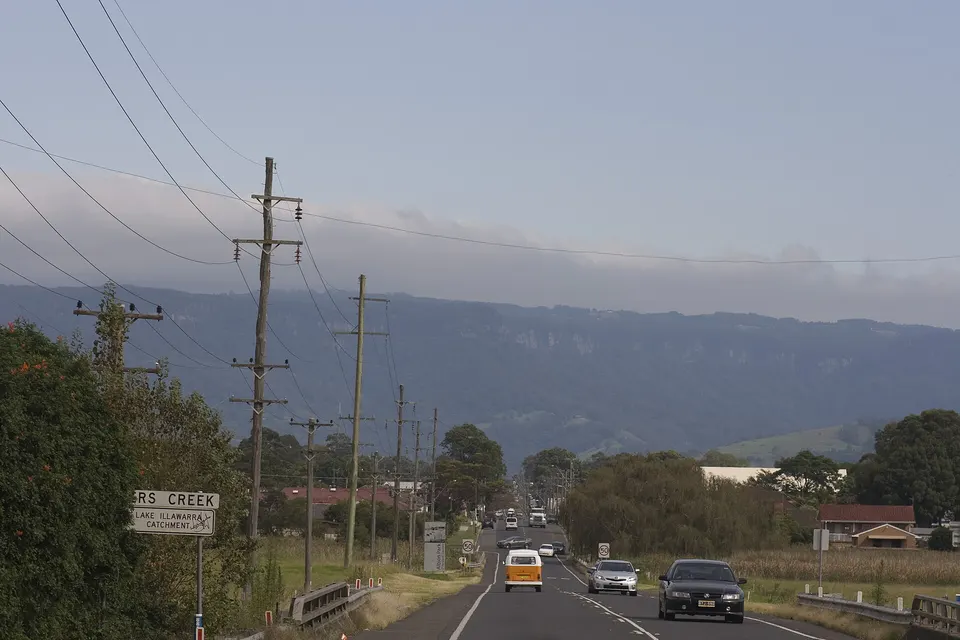
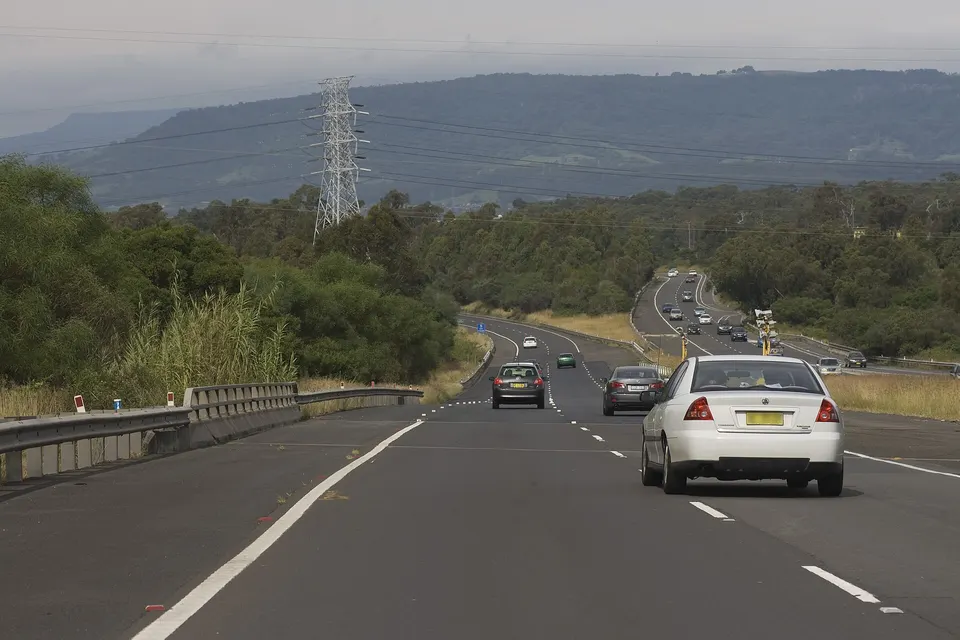
Photos of the local area.

Full list All suburbs
Call 0493 563 381
shape
image
Frequently asked questions about technology services in Wollongong
Wollongong FAQ

Common questions about Wollongong IT help

Home users, small offices, internet issues, email setup, cybersecurity, and device setup - answered with no tech jargon.

Accountants and bookkeepers near the CBD, allied health and medical rooms in Figtree and Thirroul, real estate offices in Shellharbour and Corrimal, and law practices around Crown Street. Most have a handful of staff and no in-house IT person.

If your practice needs a 24/7 IT department on staff, we are probably not the right fit.

Yes. We set up two-step sign-in, sensible backups, and separate guest Wi-Fi, then explain what changed in plain words.

The aim is protection staff barely notice day to day.

Bigger changes like a new network or server move can be booked early, late, or on a quieter day.

Quick account and email fixes can often happen remotely without interrupting anyone.

You hear the price before work starts, and larger projects get a written quote after we have seen the setup.

No Fix, No Repair Fee applies to repair work we cannot complete.

shape
shape
Need help now? Not sure what to click or what to do next?

Call PC Scientist for free advice, calm and practical IT help