WOLLONGONG ยท DEVICE SETUP

Wollongong households with a new computer and half their life still on the old one

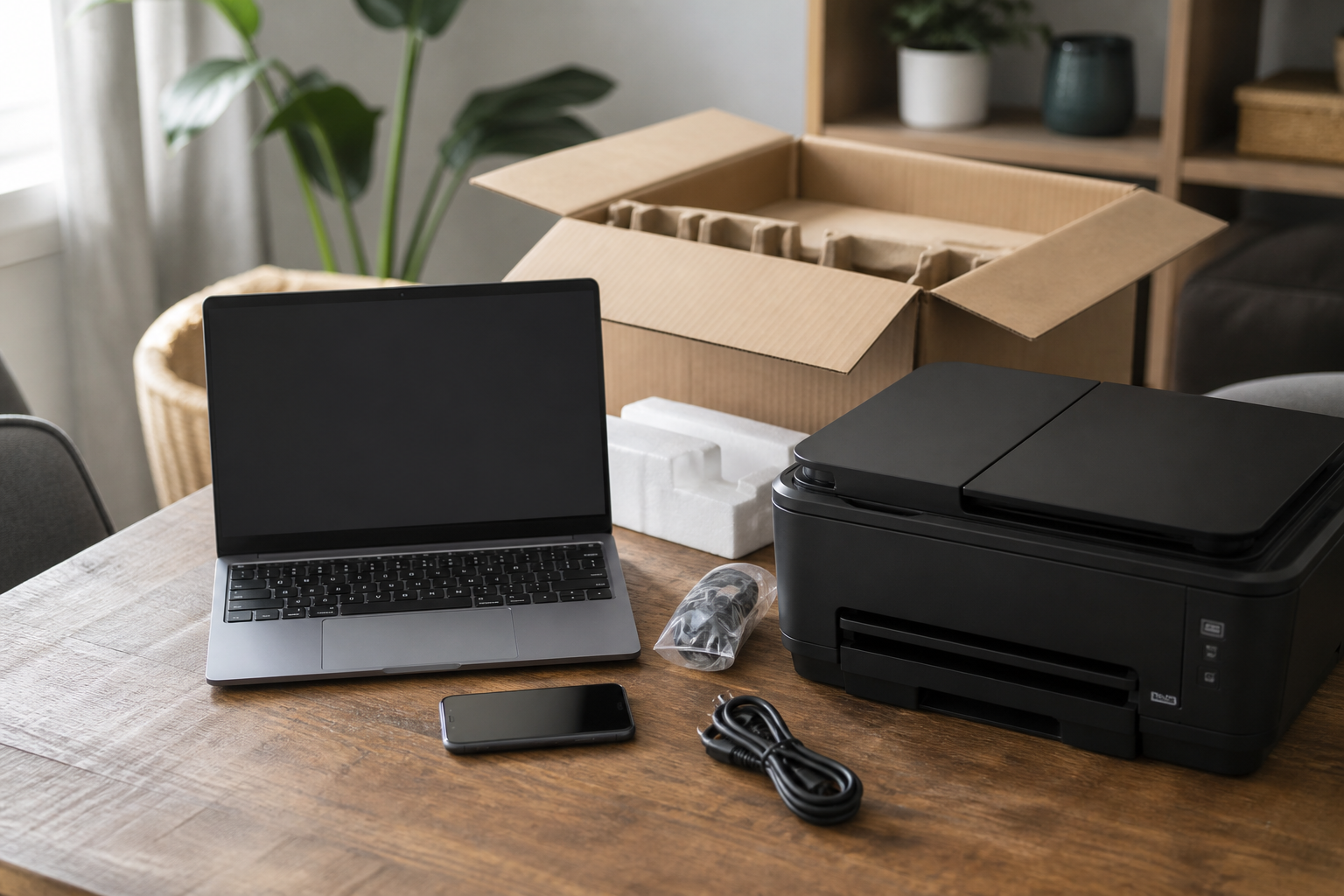
The box is open, but the bookmarks, the photos, and the tax folders are still on the previous machine. The printer never showed up on the new profile, and the phone keeps asking which account to use.

Device Setup Scientist finishes Wollongong handovers - file transfers, phones, printers, and accounts - so everything lands where you expect. PC Scientist prices it first. Call 0493 563 381, request a call back, or book an eligible visit online.

Book online for eligible visits and get 10% off.

PC Scientist device setup for new computers, phones, and printers across Wollongong
Wollongong device setup for new computers, phones, printers, and TVs - clear pricing before work.

Why Wollongong households call when new gear still will not work together

No Fix, No Fee

  • If a device fault we take on cannot be fixed, there is no repair fee.
  • Honest advice when a gadget simply will not do what you need.

Clear Upfront Pricing

  • Setup for every device priced together before the visit.
  • A walkthrough at the end included, not charged as an extra.

Speak to a Real Person

  • Call 0493 563 381 and list the new gear still sitting in boxes.
  • Patient help for anyone who dreads setting up new technology.

Fixed Properly First Time

  • Each device tested with your accounts before we leave.
  • Printers and TVs set to stay connected after a restart or power cut.

Several Issues, One Visit

  • Phone, tablet, printer, and TV set up in the same visit.
  • Old devices cleared properly before they are sold or passed on.

Your Data Treated Carefully

  • Contacts, photos, and passwords moved across with care.
  • Privacy settings checked on every new device.

In Wollongong, is the gap a half-finished new PC, a phone missing work mail, or a printer that will not see the TV network?

Device setup across Wollongong is about getting new gear usable the same day. Bring what still fails - we will map an onsite setup visit.

Wollongong setup mix: half-finished laptop, phone without work mail, printer off the TV network

  • A new laptop that still feels half-finished is a frequent Wollongong setup call.
  • Phones that will not join work mail often arrive in the same booking.
  • Printers and smart TVs that will not stay on one network need naming early.
  • Homes and small offices across Wollongong use this setup page.
  • You approve the work before it starts. The price is clear first.

How to contact PC Scientist

  1. Call for Free Advice - Ring 0493 563 381 and tell us what needs setting up - we let you know how long it should take
  2. Request a Call Back - Leave a short form with the device list, and PC Scientist calls back to book a time
  3. Request a Free Quote - Ask for a written price for a bigger setup like a home office, with no obligation

Any option is fine. A quick list of the devices helps us plan the visit.

What happens after you get in touch

  • Symptoms first for Wollongong: when it started, what changed, and whether one device or the whole house is affected.
  • In Wollongong you hear practical options next, with clear pricing before work starts, and nothing goes ahead until you are comfortable.
  • Same-day timing for Wollongong is often possible when the calendar allows; we are honest when it does not.

Where we visit in Wollongong and the Illawarra

New gear lands in Wollongong and the Illawarra every week. Fairy Meadow and Corrimal get new PCs that still need printers and email. Figtree shops want the till and the phone on the same network. Unanderra homes want the TV to actually join the Wi-Fi.

Looking for a specific service?

Need a different type of help than the examples above for Wollongong? Browse specialist technology categories for Wollongong - each card is a starting point on this page. Or call 0493 563 381 for free advice across Wollongong.

Call For Free Advice

Get in touch

Leave your message and we'll get back to you shortly.

Attachments

Allowed file types: jpg, jpeg, png, gif, pdf, doc, docx, xls, xlsx, odt, ppt, pptx, pps, ppsx, html, and less than 100 MB.

No file chosen

This form uses spam checks and sends your request directly to PC Scientist.

Start here

A new computer, phone, or printer that should work on day one. Several machines sourced as a programme belongs on Procurement Scientist.

What this covers

  1. 01
  2. 02
  3. 03
  4. 04
  5. 05
  1. 01Start

    New gear, still in the box

    A new laptop, phone, or printer that should work on day one.

  2. 02

    Accounts and everyday apps

    Accounts, Wi-Fi, and the apps you actually use every day.

  3. 03

    Move from the old device

    Photos, files, and mail moved from the old device where that is practical.

  4. 04

    Printers and extras

    Printers, monitors, and TV pairing that stay connected.

  5. 05

    Handover you can follow

    A handover you can follow after we leave.

Visit

How it works

  1. 1

    What it must do

    Work, school, photos, printing - the daily jobs first.

  2. 2

    Set it up

    Accounts, Wi-Fi, and the apps that matter.

  3. 3

    Show you around

    A short handover, then you keep the device.

Book device setup on the Wollongong Call 0493 563 381, request a call back, or ask for a quote.
Call 0493 563 381

Coverage

Wollongong

  • Homes
  • Shops
  • Call us

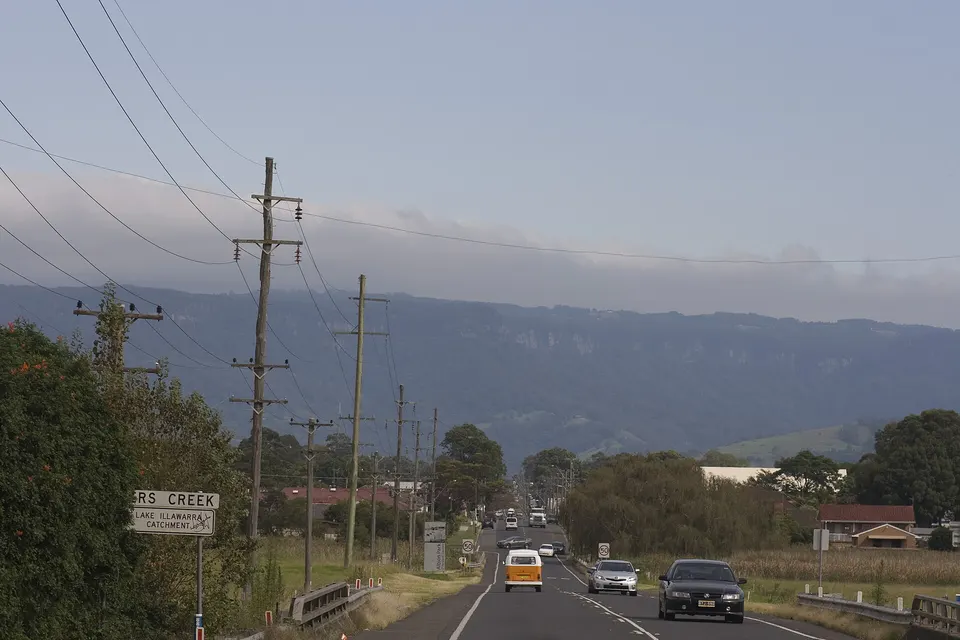
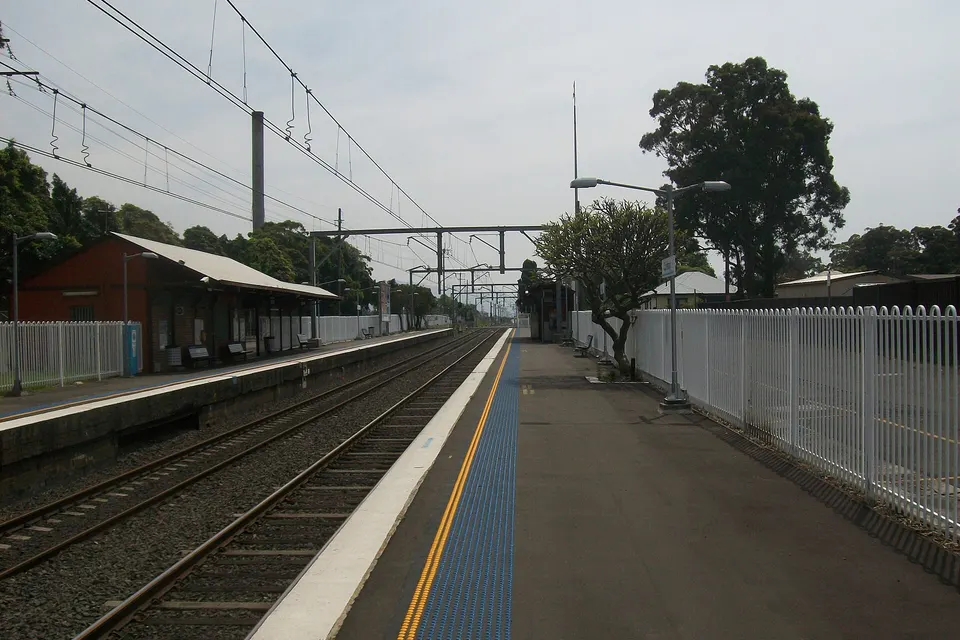
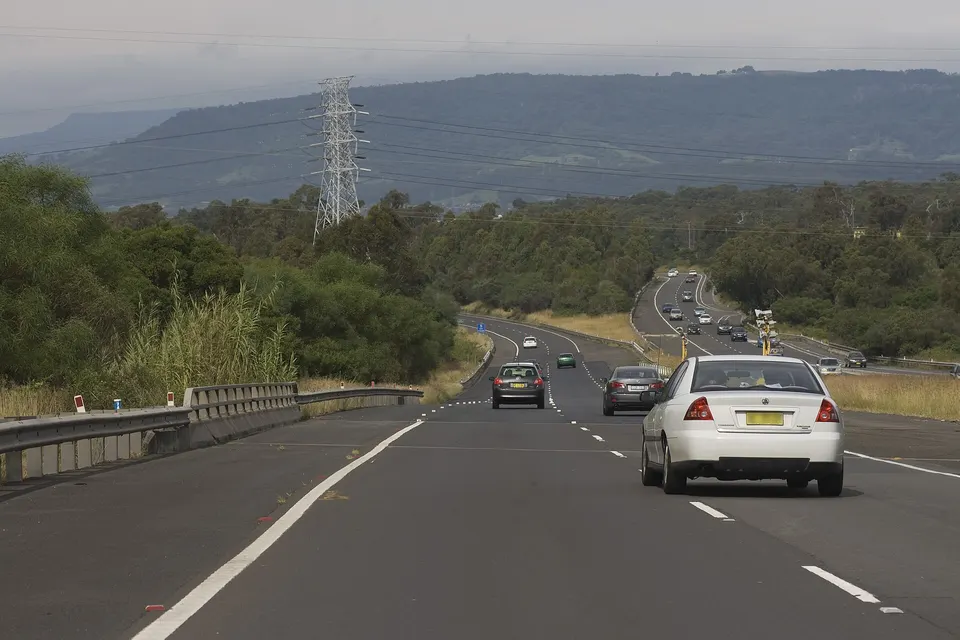
Photos of the local area.

Full list All suburbs
Call 0493 563 381
shape
image
Frequently asked questions about technology services in Wollongong
Wollongong FAQ

If you are wondering about help in Wollongong

Home users, small offices, internet issues, email setup, cybersecurity, and device setup - answered with no tech jargon.

New phones, tablets, laptops, printers, scanners, smart TVs, streaming boxes, webcams, docks, and monitors.

If it plugs in or connects to Wi-Fi, we can usually get it working with the rest of your gear.

Yes. Contacts, photos, messages, and apps come across, and we check banking and email apps work before we leave.

The old phone is only wiped once you are sure nothing has been left behind.

Home office desks in Haywards Bay and Horsley, printers that will not stay connected in Corrimal, smart TVs for grandparents in Lake Heights, and new laptops for uni students in Keiraville.

Tell us what is in the boxes and we plan the visit around it.

We confirm what needs setting up and roughly how long it takes, and agree the price before the visit.

Most setups happen in one visit, and simple account fixes can often be done remotely.

shape
shape
Need help now? Not sure what to click or what to do next?

Call PC Scientist for free advice, calm and practical IT help