No Fix, No Fee
- No repair fee applies if we cannot get the mail flowing again.
- Some faults sit with the email company - we show you the evidence and help you raise it.

After an update, Outlook asks for the password on a loop. Gmail on the laptop stopped matching the phone. A reply you know was sent never reached the other person, and now you are second-guessing every message.
Email Systems Scientist sorts Wollongong mail onsite or remotely. Tell us whether it is sending, receiving, or syncing, and PC Scientist starts there with a clear price. Call 0493 563 381 or request a call back.
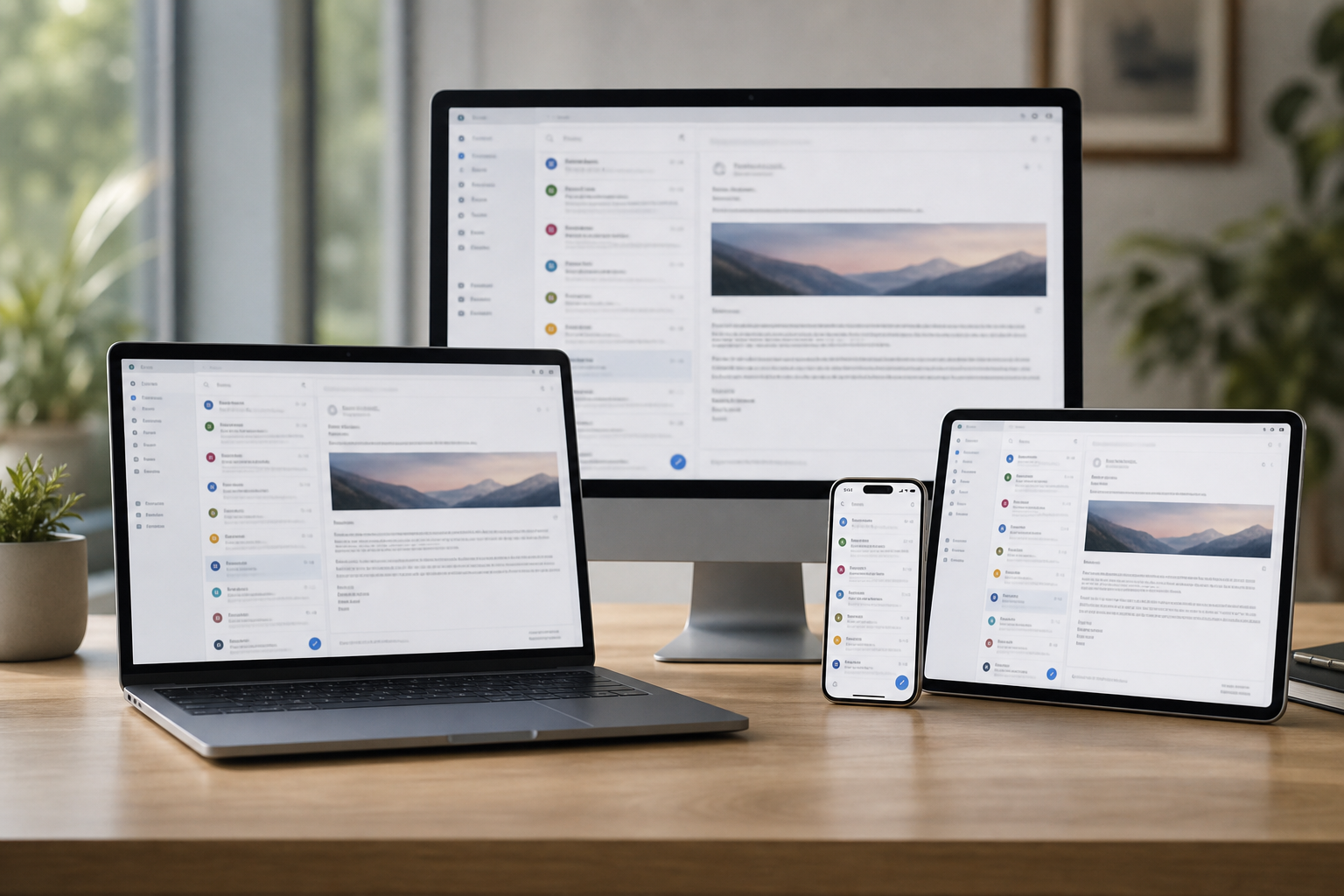
Wollongong email lives in three very different places. Shops around Crown Street Mall and Wollongong Central rely on order and supplier mail. University of Wollongong students juggle uni and personal accounts on one laptop. Freight and logistics offices near Port Kembla send heavy shipping documents all day. PC Scientist fixes the send, sync, and sign-in problems each one runs into.
Whichever suits. For a shop that cannot take orders by email, a phone call is fastest.
Email support across Wollongong reaches Crown Street Mall and Wollongong Central shops, students living around the University of Wollongong in Keiraville and Gwynneville, freight and port offices near Port Kembla and Unanderra, and homes out to Dapto and Shellharbour.
Looking for a named service line in Wollongong? Jump to service categories covering Wollongong, pick the closest match, then call if you are still unsure across Wollongong.

Leave your message and we'll get back to you shortly.
Start here
Mail stuck in outbox, empty on the phone, or looping a password. Work mailboxes and shared inboxes also live on business email.


Order confirmations that stopped arriving, or an outbox stuck on a big file.

Outlook, Gmail, and uni mail on the same laptop and phone without clashing.

One inbox the whole mall shop team can check, set up properly.

Student and shop accounts stuck behind a code that goes to an old number.

Phishing that pretends to be a courier or the uni IT desk - checked with you, no panic.
Visit

App, device, and whether send, receive, or both failed.

Settings in an order that does not lock you out further.

Mail moving again, with notes if you need to repeat a step.
If this is not the job
Want the longer guide? Email Systems Scientist.



Home users, small offices, internet issues, email setup, cybersecurity, and device setup - answered with no tech jargon.
Yes. Missing order confirmations, supplier emails landing in junk, and a shared shop inbox that only works on one device are common calls from shops around the mall.
Most can be fixed remotely while you keep trading.
Yes, on your own laptop and phone. We set up uni and personal accounts side by side, fix sync, and sort sign-in loops on the device.
Settings controlled by the university stay with UOW IT, and we will tell you plainly if that is where the fault sits.
Yes. Bounced attachments usually come down to size limits, full mailboxes, or old account settings. For very large files we set up a sharing method that suits.
We set it up for offices near Port Kembla and Unanderra, and test it with a real document before we leave.
We explain the problem and give the price before changing anything.
A single remote session covers most faults. If a visit is needed, you know the cost first.