NEWCASTLE ยท RETAIL & CAFE WI-FI

Retail and cafe Wi-Fi in Newcastle, built for the busy hours

The worst time for the POS to drop is the middle of the lunch rush, and in Newcastle shops and cafes it often happens because guests and the till share one network. Splitting them properly takes the pressure off the counter.

PC Scientist sets up separate staff and guest Wi-Fi for Newcastle shops and cafes, and checks coverage where customers actually sit. Call 0493 563 381, request a call back, or ask for a quote.

Book online for eligible visits and get 10% off.

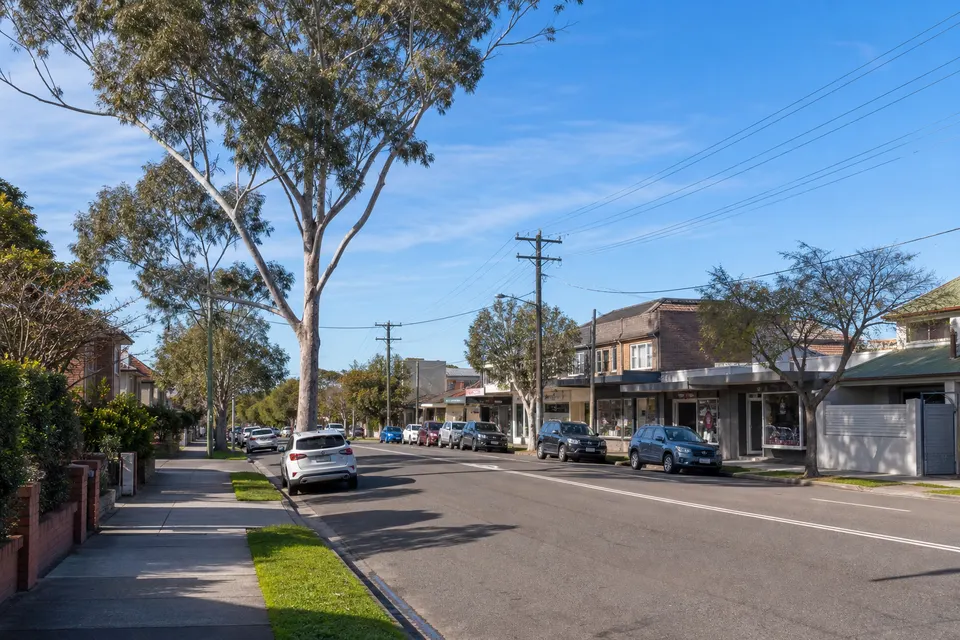
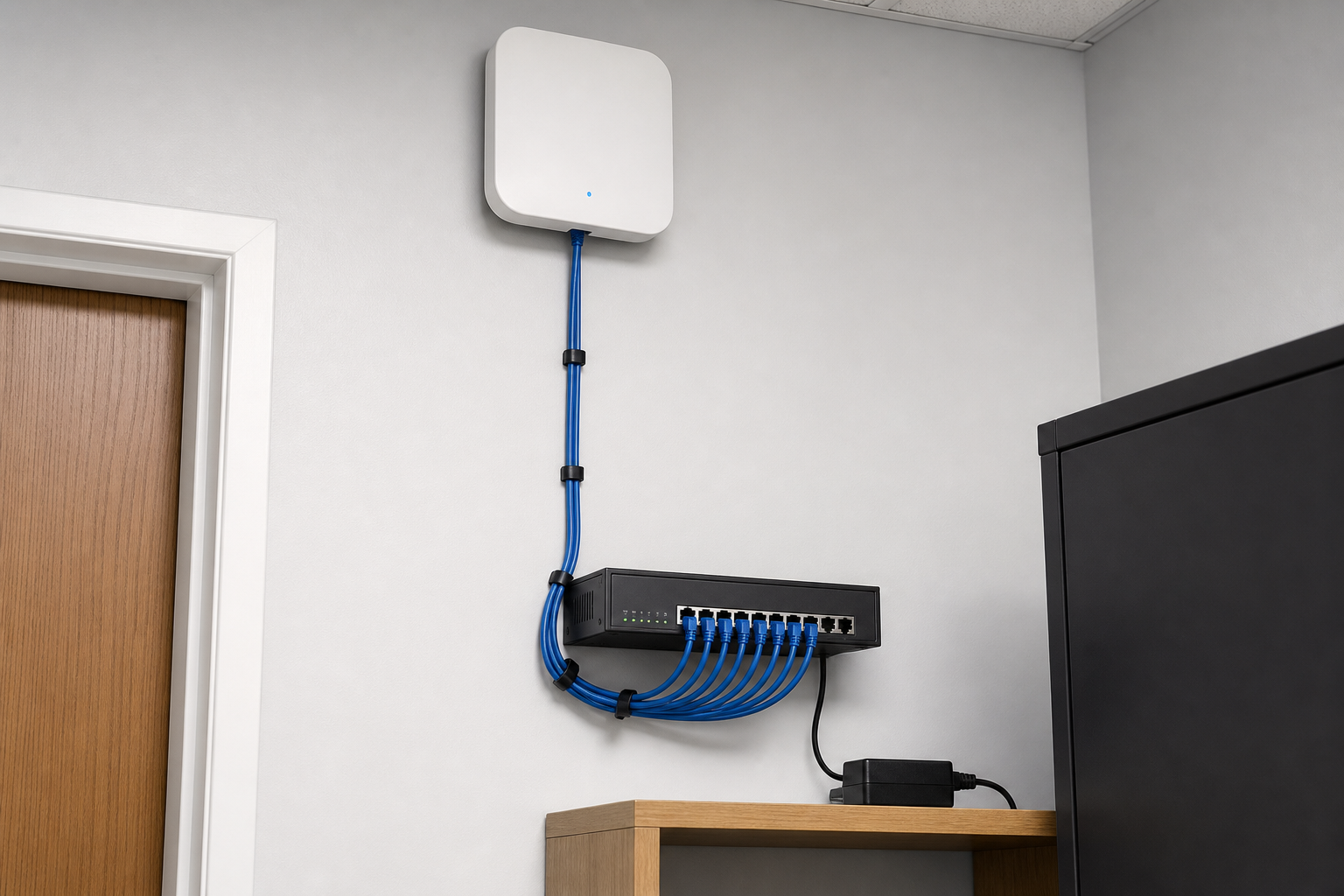
PC Scientist retail and cafe Wi-Fi support across Newcastle
Newcastle shop and cafe Wi-Fi - separate the till from the guest network before the next rush.

Newcastle when the home Wi-Fi that keeps dropping is the start and the laptop that takes forever to start is still waiting

Wi-Fi priced before install

  • Access points, cabling, and setup quoted upfront
  • Coverage planned for the shop floor, counter, and back room
  • Options for a single shopfront or a larger venue
  • Nothing mounted until you approve the plan
  • Travel across Newcastle and Lake Macquarie included in the quote

Dropouts traced to the cause

  • Modem, switch, and access points tested one by one
  • Provider faults separated from problems inside the shop
  • Interference from neighbouring shops checked
  • If a Wi-Fi fault cannot be fixed, there is no repair fee
  • Tested at the till before we leave

Help when the tills go quiet

  • Priority when card payments stop working
  • Same-day visits where the diary allows
  • Remote checks can start while a visit is arranged
  • Quick phone triage so you know what to try first
  • Less lost trade on a busy weekend

Straight talk for busy owners

  • What is wrong explained in a sentence or two
  • No networking jargon at the counter
  • Options laid out with costs beside them
  • Staff shown the simple steps if it drops again
  • Short notes left for the next shift

Set up for how you trade

  • A cafe, boutique, or salon each planned differently
  • Customer Wi-Fi only where it helps the business
  • Staff devices given priority over guest traffic
  • Owners told exactly who has access to what
  • Advice that suits your hours and foot traffic

Counter, office, and back room

  • POS, office PC, and stock tablet on a steady network
  • Back-room coverage for ordering and rosters
  • Owner laptops set up for working from home too
  • Printers and receipt printers kept connected
  • Upstairs or rear rooms covered where needed

No surprises on the bill

  • Work starts only once you say yes
  • Extra access points suggested, never assumed
  • Changes to the plan confirmed first
  • Every item on the invoice explained
  • No add-ons appearing after the install

One figure for the upgrade

  • Survey first, then one fixed quote
  • Staged upgrades if that suits cash flow
  • Equipment chosen to last, not replaced next year
  • Know the total before anything is ordered
  • Easy to hand to your accountant

Installs around trading hours

  • Work booked before opening or after close
  • Set arrival times so customers are not disrupted
  • A call before we arrive at the shop
  • Quick visits for small fixes during quiet times
  • Follow-ups booked before we leave

Staff and guest networks apart

  • Guest Wi-Fi kept away from tills and office files
  • Separate network names that customers understand
  • Card terminals on their own steady connection
  • Music, cameras, and screens on the right network
  • One contact for the whole setup

Secure payments and data

  • Router logins changed from factory defaults
  • Guest access isolated from business devices
  • Firmware updated on the gear that matters
  • Old staff access removed when people move on
  • Advice on what payment providers expect

Local help that sticks around

  • A Newcastle team you can call back
  • Remote follow-ups for small tweaks
  • Records kept on your network setup
  • Honest advice on when an upgrade is worth it
  • Support for shops across Newcastle and Lake Macquarie

Is the Newcastle problem the till, the guest Wi-Fi, or both?

Newcastle cafes, bars, and retail counters need guest Wi-Fi that stays off the till. When peak trade knocks staff devices offline, PC Scientist separates networks and fixes dead zones.

Typical pile in Newcastle: home Wi-Fi that keeps dropping, printer the laptop cannot see, laptop that takes forever to start

  • Harbour-front tills that drop when guest phones flood the network.
  • Kitchen and stockroom corners with no usable staff signal.
  • Fit-out modems that left guests and staff on one password.
  • Newcastle and lake-edge shops needing a calm coverage survey.
  • You approve the network plan before hardware moves.

How to contact PC Scientist

  1. Call for Free Advice - A real person on 0493 563 381 helps you decide whether the POS tablet that loses the Wi-Fi behind the counter needs hands-on help at a shopfront on Beaumont Street
  2. Request a Call Back - Handy when you are away from a shopfront on Beaumont Street - we ring back about the POS tablet that loses the Wi-Fi behind the counter later
  3. Request a Free Quote - Scope and cost for a shopfront on Beaumont Street set out in writing, so nothing catches you out

Pick one path. No pressure. If you are unsure, Call for Free Advice is usually the fastest way to get oriented in Newcastle retail and cafe Wi-Fi.

What happens after you get in touch

  • Symptoms first for Newcastle: when it started, what changed, and whether one device or the whole house is affected.
  • For Newcastle, we listen to what you were doing when the problem showed up, in everyday words - not a checklist of buzzwords.
  • In Newcastle you hear practical options next, with clear pricing before work starts, and nothing goes ahead until you are comfortable.

Where we visit in Newcastle and Lake Macquarie

Retail Wi-Fi in Newcastle and Lake Macquarie is tills, staff, and the odd back room. Belmont and Toronto shops, Newcastle malls, Hamilton strip stores. We start with what dropped, not a new router on day one.

Looking for a specific service?

Need a different type of help than the examples above for Newcastle? Browse specialist technology categories for Newcastle - each card is a starting point on this page. Or call 0493 563 381 for free advice across Newcastle.

Call For Free Advice

Get in touch

Leave your message and we'll get back to you shortly.

Attachments

Allowed file types: jpg, jpeg, png, gif, pdf, doc, docx, xls, xlsx, odt, ppt, pptx, pps, ppsx, html, and less than 100 MB.

No file chosen

This form uses spam checks and sends your request directly to PC Scientist.

Start here

Till fine, staff iPad dead, guest Wi-Fi dead at lunch. A fuller office plan also lives on business networks.

What this covers

  1. 01
  2. 02
  3. 03
  4. 04
  5. 05
  1. 01Start

    When the floor is full

    The till is fine, the staff iPad is dead, lunch Wi-Fi dies.

  2. 02

    Tills and handhelds

    Tills, printers, and handhelds on the right network.

  3. 03

    Guest versus staff

    Guest Wi-Fi that should not see the staff computers.

  4. 04

    The cupboard modem

    A modem in a cupboard that never covers the floor.

  5. 05

    Is it the provider?

    Evidence when the provider says the line is fine.

Visit

How it works

  1. 1

    Which device fails

    Till, handheld, guest phone, or the printer - and when.

  2. 2

    Plan before gear

    Placement, split networks, or cabling - quoted first.

  3. 3

    Onsite when needed

    Walk the floor at a time that matches the fault.

Book retail and cafe Wi-Fi help on the Newcastle Call 0493 563 381, request a call back, or ask for a quote.
Call 0493 563 381
decorative shape
decorative image
Frequently asked questions about technology services in Newcastle NSW
Newcastle FAQ

If you are wondering about help in Newcastle

Pricing, how visits work, remote help, suburbs we commonly cover, and how soon you can get support - answered with no tech jargon.

EFTPOS and POS dropouts, weak signal behind the counter or in the stockroom, guest Wi-Fi slowing the staff network, and cameras over the till that stopped recording. We separate the networks so trading keeps moving.

If it is hard to put into words, show us the guest Wi-Fi slowing the staff network on a video call or when we arrive.

Where possible, yes. Network changes are onsite, so we plan them for quiet times or before opening. Some router and provider checks can happen remotely first.

Let us know about trading hours and stock deliveries early so the visit runs smoothly.

Your busiest trading times, who provides the internet, where the modem sits, and which devices drop out. Note the payment terminal model if you know it.

Missing a detail is fine. Describe the guest Wi-Fi slowing the staff network and we fill in the gaps together.

We look at the floor, the counter, and the stockroom, then give you the price before work. Bigger jobs like new access points or cabling get a fixed quote.

Nothing extra is added without asking, and we tell you if a simple change will do the job.

shape
shape
Need help now? Not sure what to click or what to do next?

Call PC Scientist for free advice, calm and practical IT help