Call PC Scientist
0493 563 381
NEWCASTLE · DEVICE SETUP

Device setup so your new tech works on day one

New laptop still in the box? Phone upgrade that feels overwhelming? Printer that will not join Wi-Fi? Technology should be useful immediately, not another puzzle. PC Scientist provides patient device setup across Newcastle, including Charlestown, Belmont, Mayfield, Wallsend, Merewether, Kotara, Jesmond, Hamilton, and nearby suburbs.

We set up accounts, connections, and everyday apps at your pace, move photos and files from old devices where practical, and hand over in a way you can follow. Request a quote if you want scope in writing first.

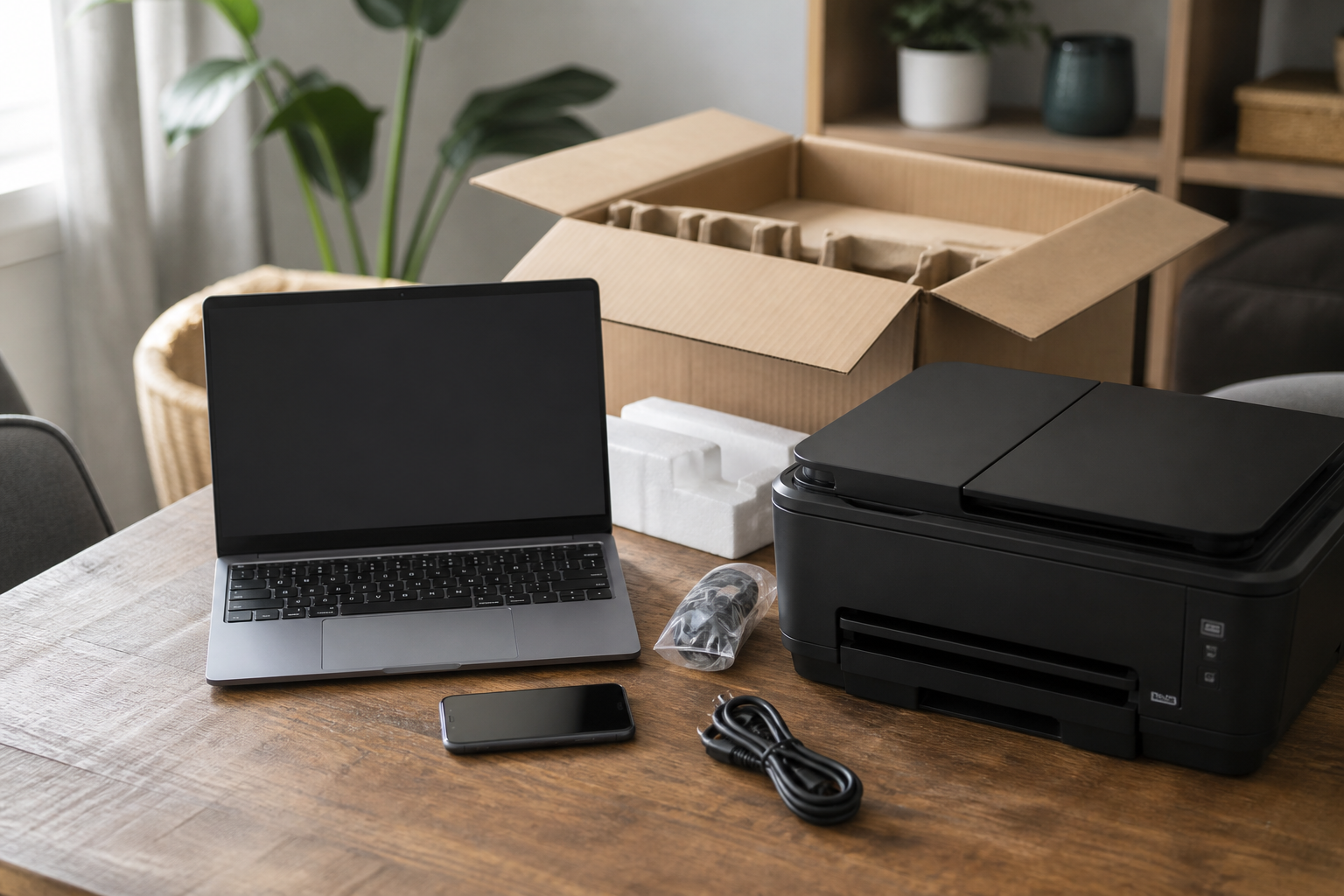
PC Scientist device setup for new computers, phones, and printers across Newcastle
Device Setup for homes and small businesses across the Newcastle. View all Newcastle suburbs.

Why Choose PC Scientist?

Clear upfront pricing

  • No surprises and no confusing billing
  • Clear pricing explained before work begins
  • Quoted options based on your actual situation
  • No unexpected charges added later
  • Better confidence before approving work

No Fix, No Repair Fee

  • If the issue cannot be fixed, you do not pay for the repair
  • Reduces the risk of paying for no outcome
  • Support backed by practical accountability
  • Focused on real results, not guesswork
  • More peace of mind before proceeding

Same-day IT support available

  • Fast help when technology stops working
  • Practical support when downtime affects your day
  • Quicker action for urgent problems
  • Clear communication from start to finish
  • Better continuity during stressful issues

Technicians who speak your language

  • Clear advice with no tech jargon
  • No jargon, no pressure, and no confusion
  • Technical issues explained in practical terms
  • Easier to understand what went wrong and why
  • Helpful guidance you can actually follow

Support your way

  • Hands-on guidance when you want to learn as we go
  • Hands-off fixes when you prefer the technical work handled for you
  • Help with real tasks, not just isolated fault codes
  • Plain language when you want explanations - no jargon pressure
  • Practical help around Newcastle when onsite suits, or remote when it fits

Home and business IT support

  • Support for households, home offices, and businesses
  • Practical help for simple fixes and advanced setups
  • Flexible service across different environments
  • Solutions matched to how you actually use technology
  • Better continuity across devices and users

No hidden fees or surprise charges

  • All work discussed before starting
  • Clearer approval process from the beginning
  • No surprise extras added after the job starts
  • Transparent expectations around service scope
  • More confidence in every quoted option

Fixed-price options for complex issues

  • Quoted upfront after proper diagnostics
  • Practical options based on the real problem
  • Less confusion around larger repair decisions
  • Better clarity before work moves ahead
  • Helps you choose the right path with confidence

Locked-in appointment times

  • No unnecessary waiting around
  • Better planning for your day
  • Clearer expectations around arrival and timing
  • More organised support scheduling
  • Smoother overall service experience

All-in-one technology support

  • Multiple tech problems can often be handled in one visit
  • Support across computers, Wi-Fi, devices, and email
  • Help with setup, repair, protection, and troubleshooting
  • More convenient than chasing separate providers
  • Better value when several issues need attention

No shortcuts, no repeat problems

  • Careful work based on proper diagnosis
  • Reliable fixes done with long-term thinking
  • Cleaner setup habits and better technical standards
  • Less risk of patchwork solutions failing later
  • Support focused on getting it right the first time

Confidence and peace of mind

  • Trusted, professional, and accountable support
  • Practical recommendations you can understand
  • Clear communication throughout the job
  • Service focused on real outcomes, not sales pressure
  • More confidence in your technology setup moving forward

Setup jobs we handle in one visit

Say what you bought and how you use it day to day. These are typical device setup jobs on the Newcastle - not a generic checklist.

Common jobs on this page

  • New computer, laptop, phone, or tablet with updates, accounts, and key apps
  • Wi-Fi printers, scanners, and getting every device printing reliably
  • Photos, documents, bookmarks, and email moved from an old device to a new one
  • Monitors, keyboards, TV pairing, and smart-home basics where practical
  • A patient handover so you know the essentials before we leave

How to contact PC Scientist

  1. Call for Free Advice - Choose this if you want to talk to someone right away. It is for speaking on the phone. The number is 0493 563 381. You can also dial that number yourself without opening the window.
  2. Request a Call Back - Choose this if you do not want to ring now. You fill in a short form so PC Scientist can call you back when you are free.
  3. Request a Free Quote - Get written pricing or service clarity first. You fill in a short form - no obligation.

You only need to pick one of the three. There is no pressure and no technical language required. If you are not sure, Call for Free Advice is often the quickest way to explain what is going on.

What happens after you get in touch

  • We confirm what the device must do daily before clicking through settings.
  • Passwords and sign-ins are checked so mail, files, and backups line up.
  • Onsite setup when several rooms or devices need connecting together.

Looking for a specific service?

Need a different type of help than the examples above? Browse specialist technology service categories for Newcastle on this page - each card opens a clear starting point for that service. Or call 0493 563 381 for free advice.

Call For Free Advice

Get in touch

Leave your message and we'll get back to you shortly.

Attachments

Allowed file types: jpg, jpeg, png, gif, pdf, doc, docx, xls, xlsx, odt, ppt, pptx, pps, ppsx, html, and less than 100 MB.

No file chosen

This form uses spam checks and sends your request directly to PC Scientist.

Specialist Technology Service Categories in Newcastle NSW

Pick the area that sounds closest to your problem, or use Contact PC Scientist and we will point you in the right direction. Plain help for homes, seniors, remote workers, and small businesses across Newcastle and surrounds.

Need help with your setup? Contact PC Scientist for a clear quote and the most suitable technology service recommendation for your Newcastle home or business.

PC Scientist provides device setup across the Newcastle, including Charlestown, Belmont, Mayfield, Wallsend, Merewether, Kotara, Jesmond, Hamilton, and nearby suburbs, and nearby neighbourhoods. Onsite and remote options depend on the job and availability.

View the full Newcastle suburb and area list on the regional hub when you want your street or a wider area overview.

Not sure if we cover your street? Call or request a quote and mention your suburb. We will confirm the most practical next step for device setup.
Call 0493 563 381
decorative shape
decorative image
Frequently asked questions about technology services in Newcastle NSW
Newcastle FAQ

Common questions about technology services in Newcastle

Pricing, how visits work, remote help, suburbs we commonly cover, and how soon you can get support - answered with no tech jargon.

Yes. We configure accounts, Wi-Fi, updates, and key apps across Newcastle, including Charlestown, Belmont, Mayfield, Wallsend, Merewether, Kotara, Jesmond, Hamilton, and nearby suburbs, and transfer photos, documents, and bookmarks from your old device where practical.

Often yes in one visit. We help with Wi-Fi printers, scanning, and getting laptops and phones talking to the same gear.

Yes, where practical. We flag anything needing cloud logins or backups first so nothing important is left behind.

Yes, when several rooms or devices need connecting together. Remote help suits simpler sign-in tasks.

shape
shape
Need help now? Not sure what to click or what to do next?

Talk to PC Scientist for free advice, calm and practical IT help