PC Scientist · Newcastle · Parental controls

Parental controls for Newcastle homes

The school tablet comes home to Newcastle and the rules that worked in class stop at the front door. Your phone on the bus already skipped the house Wi-Fi. You are not looking for another app. You want the house and the devices to agree.

We set family DNS, Screen Time or Family Link, then the console and the TV. Call 0493 563 381, or book a visit around Newcastle and Lake Macquarie.

Book online for eligible visits and get 10% off.

Let us help you today

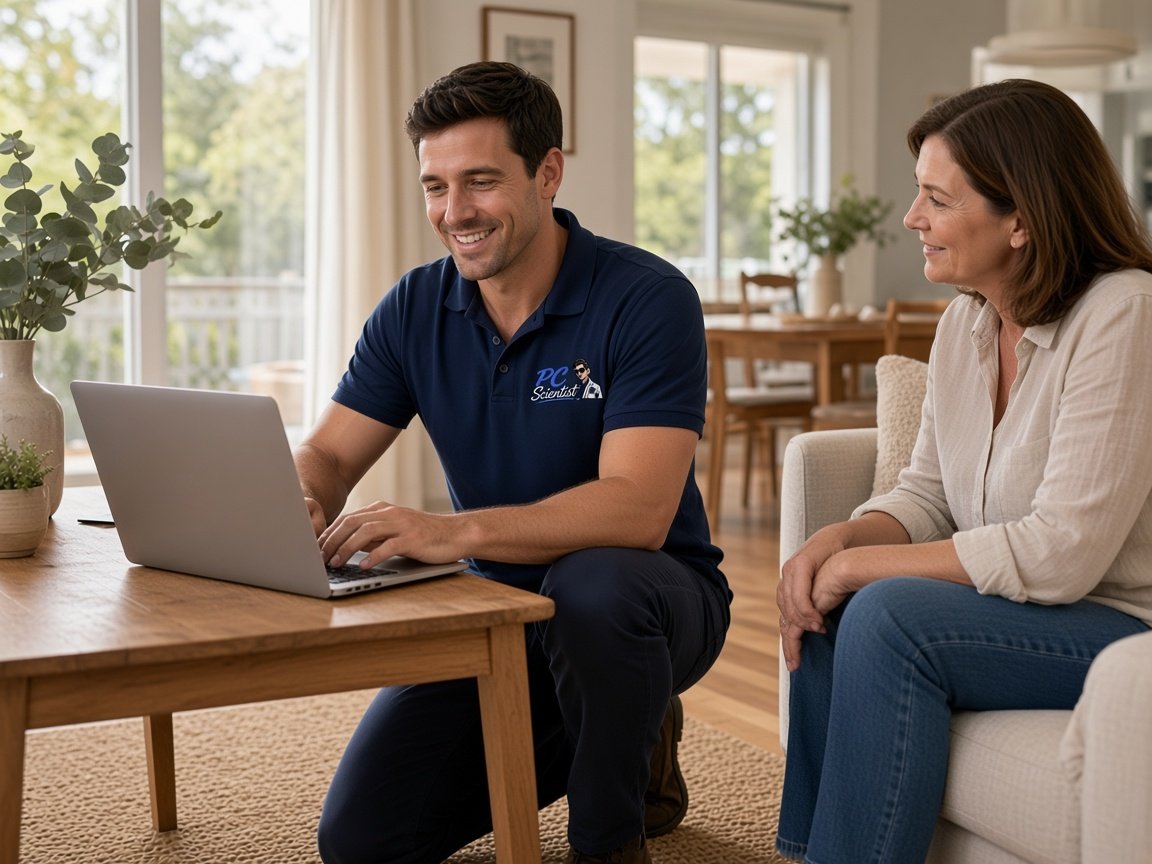
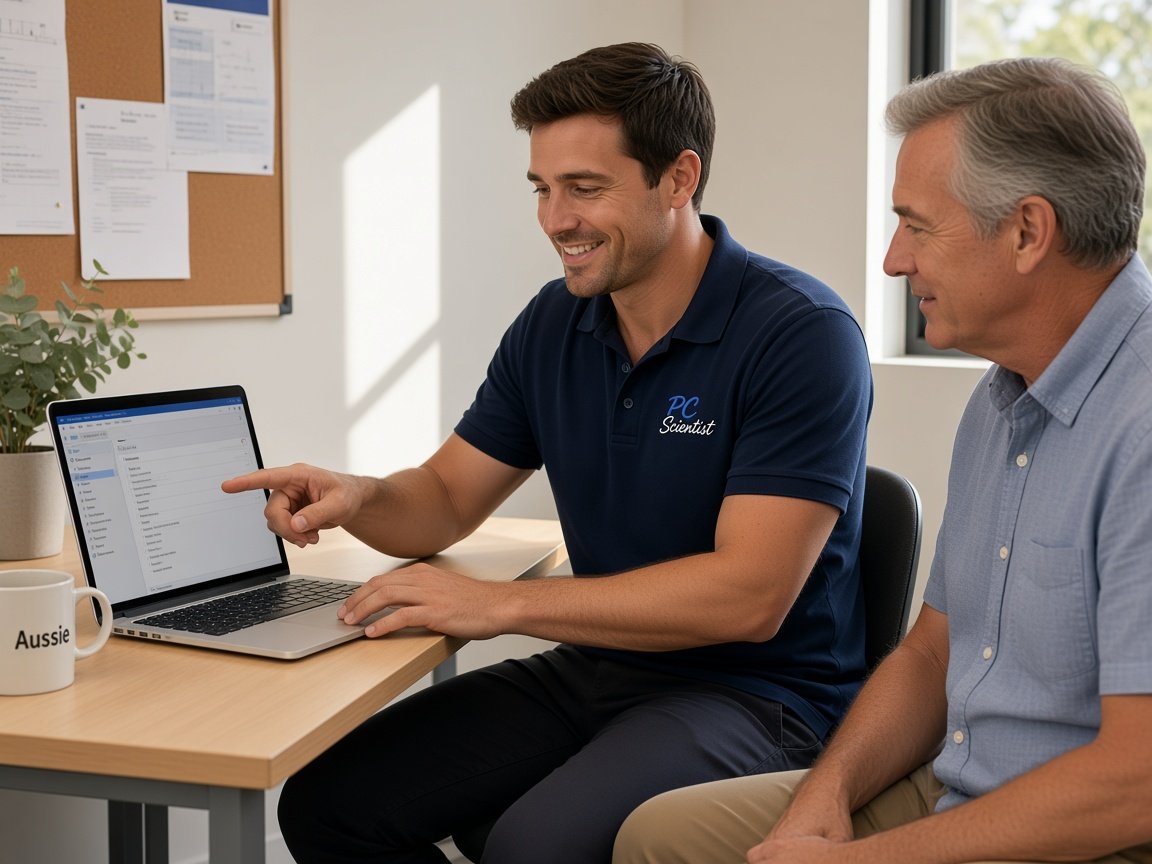
  • One-on-one help - a PC Scientist technician sitting with an older client at her laptop.

We accept payments

Visa
Mastercard
American Express
JCB
Apple Pay
Google Pay
Afterpay
Zip
Bank debit

Real Google reviews

What locals say after a PC Scientist visit.

Word for word, from people we have visited.

★★★★★

Fast and efficient computer service. Sam made everything easy to understand and fixed the issues promptly at Killarney Vale NSW 2261. Very helpful and knowledgeable. Highly recommend PC Scientist to anyone needing computer help.

Clive Tubnor

★★★★★

Excellent service, prompt reliable , highly recommended for central coast, Yarramalong valley and surroundings

Fleur Goulding

★★★★★

Sam is very responsive and efficient, highly recommended. My shop register was broken which was very frustrating, but he helped us fix it and save us a lot of headache.

Crystal Wang

Read all our Google reviews

Parental controls · Newcastle

Does the rule stop when they leave the house Wi-Fi?

A router filter is a start. The phone on the way to school is the test. We set both layers so Newcastle families are not surprised at 4pm.

What we set here

  • Bedtime that still holds on the phone after sport.
  • YouTube on the lounge TV, not only the tablet.
  • Switch or Xbox signed into a family account.
  • School devices included when the profile allows it.
  • Nothing extra starts unless you agree.

Visit order

  • Device list. Router and family DNS. Then Apple, Google, or Microsoft tools.
  • Consoles and TVs. Then the bypass check.
  • Handover: PINs, parent users, review date.

Where we come

Newcastle homes and Lake Macquarie houses. Remote handover when everything can sit on the table.
Why Parental Control Scientist

Why Newcastle families book this visit

  • You get house and phone together

    • Wi-Fi rules fail on the bus.
    • Device supervision is what travels.
  • We include TV and console

    • The lounge is where time limits quietly die.
    • We sign those screens into the family setup.
  • We check Bypasses

    • Guest Wi-Fi and VPN apps are the usual skip.
    • We close them and show you the change.
  • We do not make perfect lock

    • Tools help. They are not a wall.
    • You leave knowing what still needs a conversation.
  • You get clear price

    • The check is priced first.
    • You get extra devices only with your yes.
  • You can run it

    • Handover is the point.
    • Bedtime next term should not need another visit.

When you are ready. Call, or book a technician.

0493 563 381

Start here

What this covers

Head here when a message, call or login has you uneasy. If the Newcastle computer is merely slow and there has been no scare, computer support will suit you better.

  1. 01

    The after-school pile

    Phone, tablet, console, TV. We start with what actually gets used.

  2. 02

    Family DNS on the router

    A baseline for anything new that joins the Wi-Fi.

  3. 03

    Screen Time or Family Link

    The layer that still runs on mobile data.

  4. 04

    Lounge screens

    YouTube, Netflix kids profiles, console restrictions.

  5. 05

    Handover

    PINs and a review date as they get older.

The visit

How it works

  1. 1

    What landed

    The email, text, call or alert, and anything you sent back.

  2. 2

    Money and mail first

    Bank and email locked down, then the computer cleaned at a steady pace.

  3. 3

    Tighter by default

    Safer settings across accounts and devices, explained briefly and clearly.

How it works

How to start

For Cybersecurity help, the lightest next step is a phone chat. Book online if you already know you need a visit.

  1. 1

    Choose how to reach us

    Book online, call for free advice, , or .

  2. 2

    You tell us what's going on

    In the booking, on the call, or in the quote. Same idea.

  3. 3

    Lock in the visit

    We agree the visit on the call, in the booking, or in the quote. Agree, and that date stays yours.

  4. 4

    We come to you

    That's the visit. We work through your list on the day.

Areas we cover

Cybersecurity help across Newcastle

Can't find your area?

Call us to check. We will tell you if we visit, or if remote help is the better fit.

Newcastle NSW

FAQ

Questions we hear in Newcastle

For devices that only use home Wi-Fi, it helps. Phones and tablets on mobile data need Screen Time or Family Link as well. We set both.

Yes. Console family settings are part of the visit. We will say if a particular console is signed into an adult account that needs a change first.

No. eSafety says the same. We make the tech layer honest, then we show you what still needs you in the room.

Yes. Newcastle and Lake Macquarie homes. Ring 0493 563 381 and say the suburb.

When you are ready

Need a hand with your technology?

Book online Save 10% Call for free advice 0493 563 381