NEWCASTLE ยท PROFESSIONAL OFFICES

Newcastle professional office IT that keeps files moving

For a Newcastle practice, a shared drive that will not sync or a mailbox that stops sending always seems to happen the morning something is due. Client files and deadlines do not wait for IT.

PC Scientist supports Newcastle offices with Microsoft 365, secure networks, backups, and workstation help. Call 0493 563 381 or request a call back.

Book online for eligible visits and get 10% off.

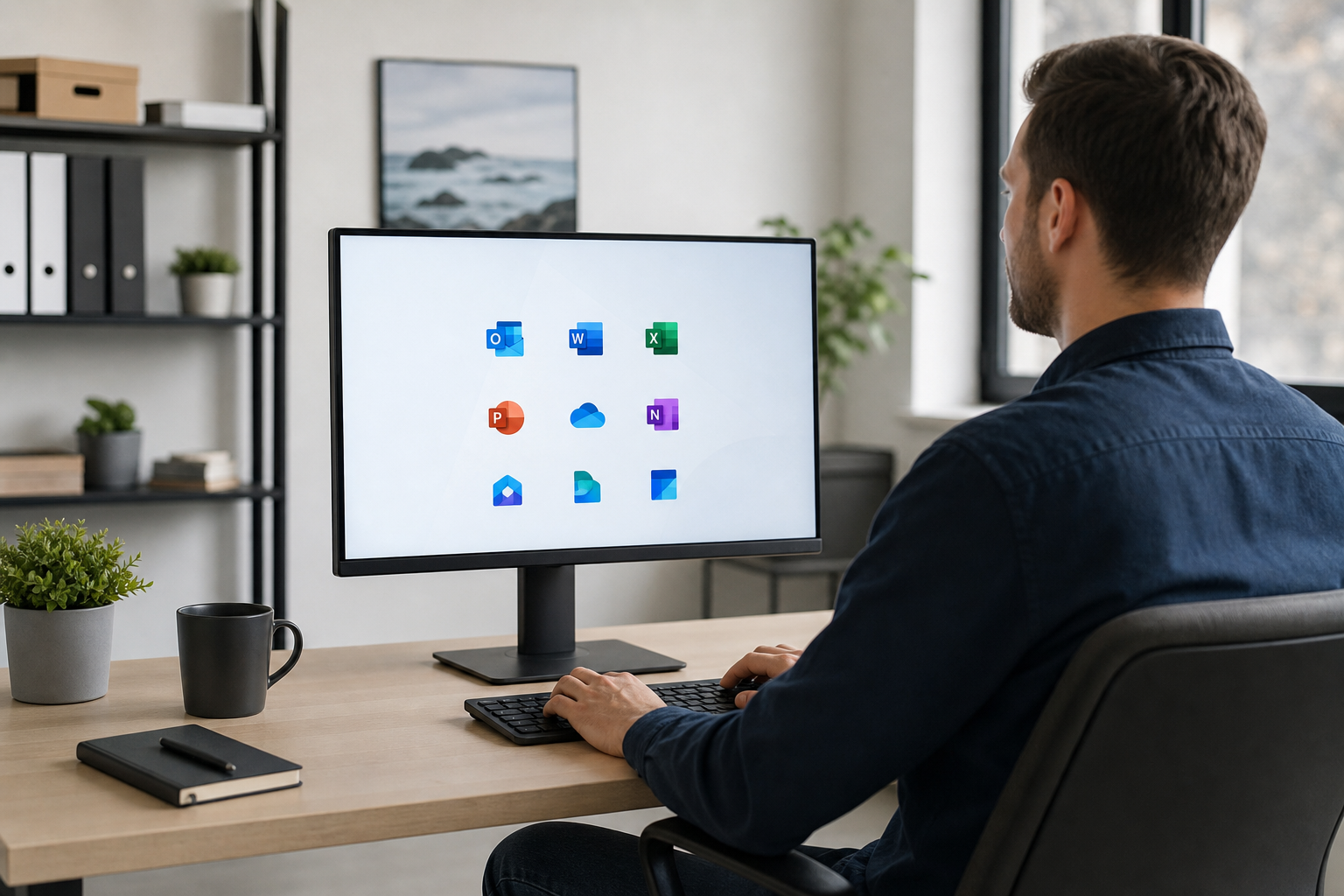
PC Scientist secure office IT for professional practices across Newcastle
Newcastle professional office IT - files and email that hold on hearing mornings.

Why Newcastle professional offices call PC Scientist

Clear pricing for the practice

  • Visits and projects priced before work begins
  • Costs explained in terms a partner meeting can approve
  • No billing surprises at month end
  • Separate figures for urgent fixes and planned work
  • Written quotes on request for your records

No Fix, No Repair Fee

  • If a workstation fault cannot be repaired, there is no repair fee
  • An honest call early when a machine is past saving
  • A clear next step for the desk, fixed or not
  • Client files protected before any hardware work
  • No push to replace a PC that still has good years left

Back to work quickly

  • Same-day help when a fee earner is stuck, where the diary allows
  • Remote sessions can start while a visit is arranged
  • Front-desk and reception machines treated as a priority
  • Quick triage by phone before anyone travels
  • Fewer lost billable hours when tech stops

Advice without the jargon

  • Security and compliance explained in plain English
  • Options set out so partners can decide quickly
  • Staff questions answered patiently
  • No scare tactics about cyber risk
  • Short written notes after each visit

Someone who knows the office

  • The same technician across visits where possible
  • Notes kept on your setup, logins, and suppliers
  • Staff shown the changes that affect them
  • Hands-off support for principals who need to keep working
  • Easy to call back with a follow-up question

Office and home desks covered

  • Office workstations and home offices set up the same way
  • Secure access to files from home without the headaches
  • Laptops, docks, and screens ready for hybrid days
  • Printers and scanners working for the paperwork load
  • Support sized for small practices, not enterprise

Nothing done without approval

  • Work starts only once it is signed off
  • Unexpected findings raised before we go further
  • Licence changes confirmed before they are made
  • Every line on the invoice explained
  • Clear scope for practice managers

Fixed quotes for bigger projects

  • Network, email, or server work quoted as one figure
  • Staged plans that suit the practice budget
  • Microsoft 365 moves priced before any mailbox changes
  • No creeping hours on longer jobs
  • Figures laid out clearly for your accountant

Visits around client hours

  • Changes booked before opening or after close where needed
  • Set arrival times so appointments are not disrupted
  • A call before we reach reception
  • Updates if anything runs late on the day
  • Follow-up visits booked before we leave

Email, files, and network together

  • Microsoft 365, shared files, and backups reviewed in one visit
  • Printers and scanners on a network that stays steady
  • Staff and guest Wi-Fi kept apart
  • New starters and leavers handled cleanly
  • One contact across the whole setup

Client data kept secure

  • Two-step sign-in on email and practice systems
  • Devices patched and protection checked
  • Backups tested so a restore actually works
  • Suspicious emails and fake invoices looked at quickly
  • Access removed promptly when staff move on

Accountable local support

  • A Newcastle team you can ring back
  • Recommendations you can question and understand
  • Honest advice on what can wait
  • Records kept so every visit starts informed
  • Support that respects client confidentiality

Is the Newcastle office fault file sync, practice email, or a Wi-Fi dead spot in the meeting room?

Legal, accounting, and health teams around Newcastle use PC Scientist when they need calm IT without an in-house department.

Office IT work in Newcastle

  • File sync failing before Newcastle deadlines.
  • Practice mailboxes stalling across a Newcastle office.
  • Backup checks before Newcastle teams trust one copy.
  • Guest Wi-Fi kept off Newcastle client documents.
  • Account changes written clearly for Newcastle practices.

How to contact PC Scientist

  1. Call for Free Advice - Talk it through on 0493 563 381 - a rough description of the scanner that stopped sending to email is enough to start
  2. Request a Call Back - Handy when you are away from a practice suite in Newcastle West - we ring back about the reception PC that freezes with a client waiting later
  3. Request a Free Quote - Suits accountants, lawyers, clinics, and agencies who need a quote before approving work, with no obligation

You only need one of the three. If it feels urgent or confusing, start with the phone.

What happens after you get in touch

  • Support for Newcastle can be onsite, remote over the internet, or a mix, depending on access, urgency, and what the issue actually needs across Newcastle.
  • For Newcastle, we listen to what you were doing when the problem showed up, in everyday words - not a checklist of buzzwords.
  • Same-day timing for Newcastle is often possible when the calendar allows; we are honest when it does not.

Where we visit in Newcastle and Lake Macquarie

Offices in Newcastle and Lake Macquarie want email, files, and Wi-Fi that does not drop mid-client. Toronto, Newcastle, Hamilton, and Charlestown practices get a calm next step, then a clear price.

Looking for a specific service?

Looking for a named service line in Newcastle? Jump to service categories covering Newcastle, pick the closest match, then call if you are still unsure across Newcastle.

Call For Free Advice

Get in touch

Leave your message and we'll get back to you shortly.

Attachments

Allowed file types: jpg, jpeg, png, gif, pdf, doc, docx, xls, xlsx, odt, ppt, pptx, pps, ppsx, html, and less than 100 MB.

No file chosen

This form uses spam checks and sends your request directly to PC Scientist.

Start here

Mail, files, or the network before a client meeting. Accountants, lawyers, clinics, and consultants across the Newcastle.

What this covers

  1. 01
  2. 02
  3. 03
  4. 04
  5. 05
  1. 01Start

    Practice work waiting

    Mail, files, or the network before a client meeting.

  2. 02

    Microsoft 365 and calendars

    Microsoft 365, shared mailboxes, and calendars in sync.

  3. 03

    Files and backups

    Backups you can actually restore from.

  4. 04

    Rooms and desks on Wi-Fi

    Consulting rooms and desks that stay on Wi-Fi.

  5. 05

    After a scare

    Safer defaults after a scare - no panic selling.

Visit

How it works

  1. 1

    What cannot wait

    Mail, files, a room, or a staff PC.

  2. 2

    Quote before change

    Machines that hold client work are not touched first.

  3. 3

    Leave it usable

    The stall sorted, with a note for anything that can wait.

Book professional office tech on the Newcastle Call 0493 563 381, request a call back, or ask for a quote.
Call 0493 563 381
decorative shape
decorative image
Frequently asked questions about technology services in Newcastle NSW
Newcastle FAQ

If you are wondering about help in Newcastle

Pricing, how visits work, remote help, suburbs we commonly cover, and how soon you can get support - answered with no tech jargon.

Secure networks, Microsoft 365 and email, shared drives that behave, scanners that send to the right place, and backups that are actually tested. We work around appointments and keep client data in mind throughout.

If it is hard to put into words, show us the Microsoft 365 sign-in that keeps looping on a video call or when we arrive.

Yes. We book around your diary, and many account and email fixes can happen remotely after hours. Network and hardware work is done onsite when it causes the least disruption.

If reception hours and client privacy might slow us down, tell us and we will pick a time that works.

A list of staff and devices, who provides your internet and email, and any software the practice relies on. If something failed recently, note when it started.

Missing a detail is fine. Describe the Microsoft 365 sign-in that keeps looping and we fill in the gaps together.

We scope the job with you first, then give a clear price before work. Larger projects like a network refresh get a fixed quote after we have seen the setup.

Nothing is added without your approval, and repair work we cannot complete carries no repair fee.

shape
shape
Need help now? Not sure what to click or what to do next?

Call PC Scientist for free advice, calm and practical IT help