HAWKESBURY ยท EMAIL SUPPORT

Email support in the Hawkesbury when the inbox goes quiet

Customers say they sent it. Your phone shows the message and the office PC does not. Or Outlook keeps asking for a password you have typed five times. For a Hawkesbury business that quotes and invoices by email, a silent inbox costs real work, not just patience.

PC Scientist traces where the mail is stopping, fixes the account or sync, and checks it on every device you use. Most of it can be done remotely. Call, request a call back, or ask for a written quote.

Book online for eligible visits and get 10% off.

Hawkesbury email support - Outlook, sync, and mailbox fixes in plain English.

Why Hawkesbury rings when mail lands on one device only

No Fix, No Fee

  • If we cannot get the mailbox working again, there is no repair fee.
  • A clear explanation of why, and what the next option is.

Clear Upfront Pricing

  • Email fixes are priced before we start, whether remote or onsite.
  • Moving a whole small office to Microsoft 365 is quoted as one figure.

Speak to a Real Person

  • Call 0493 563 381 and tell us which address stopped working.
  • No ticket numbers - just a person who listens to what the inbox is doing.

Fixed Properly First Time

  • We check the phone, the tablet, and the computer so mail matches on all three.
  • Passwords and recovery details updated so the next lockout is easier.

Several Issues, One Visit

  • Email, calendar, and contacts sorted in the same session.
  • The office PC and the phone in the ute brought into line together.

Your Data Treated Carefully

  • Old mail and attachments kept safe during a provider move.
  • Client and supplier emails handled privately while we work.

Did Hawkesbury lose the inbox on the PC, hit a password loop, or stop receiving overnight?

Hawkesbury households rely on mail that simply arrives. PC Scientist checks the account, the app, and the provider path so you know the practical next step.

Email support details Hawkesbury brings up first

  • Inboxes that update on the phone and stay frozen on the computer.
  • Outlook password prompts that never finish clearing.
  • Calendars that will not sync across the devices you use.
  • Attachments that bounce from one machine but not another.
  • You approve the work before it starts. The price is clear first.

How to contact PC Scientist

  1. Call for Free Advice - Ring 0493 563 381 and tell us which inbox went quiet - many email faults are sorted on a remote session
  2. Request a Call Back - Tied up with orders or stock? Leave your details and we call back about the mailbox when it suits
  3. Request a Free Quote - Moving the business to Microsoft 365 or a new provider? Ask for the full figure in writing first

Any one of these is fine. If mail is holding up invoices, calling is fastest.

What happens after you get in touch

  • Same-day timing for Hawkesbury is often possible when the calendar allows; we are honest when it does not.
  • Support for Hawkesbury can be onsite, remote over the internet, or a mix, depending on access, urgency, and what the issue actually needs across Hawkesbury.
  • For Hawkesbury, we listen to what you were doing when the problem showed up, in everyday words - not a checklist of buzzwords.

Where we visit in the Hawkesbury

Inbox trouble is the same in the Hawkesbury whether you are in Richmond or Windsor. Outlook that will not send in Kurrajong, phones that will not sync in Windsor, and Microsoft 365 that looped after a password change.

Looking for a specific service?

Need a different type of help than the examples above for Hawkesbury? Browse specialist technology categories for Hawkesbury - each card is a starting point on this page. Or call 0493 563 381 for free advice across Hawkesbury.

Call For Free Advice

Get in touch

Leave your message and we'll get back to you shortly.

Attachments

Allowed file types: jpg, jpeg, png, gif, pdf, doc, docx, xls, xlsx, odt, ppt, pptx, pps, ppsx, html, and less than 100 MB.

No file chosen

This form uses spam checks and sends your request directly to PC Scientist.

Start here

Mail stuck in outbox, empty on the phone, or looping a password. Work mailboxes and shared inboxes also live on business email.

What this covers

  1. 01
  2. 02
  3. 03
  4. 04
  5. 05
  1. 01Start

    When mail stops

    Outbox stuck, empty phone inbox, or a password loop after a change.

  2. 02

    Outlook, Gmail, and phones

    Outlook, Gmail, and everyday ISP mailboxes on computer and phone.

  3. 03

    Setup and shared mail

    A new account, forwarding, or a mailbox that only works on one device.

  4. 04

    Passwords and recovery

    Two-factor recovery explained without pressure.

  5. 05

    Suspicious mail

    A suspicious message or locked account - calm next steps, not a scare.

Visit

How it works

  1. 1

    Which mailbox

    App, device, and whether send, receive, or both failed.

  2. 2

    Change one thing

    Settings in an order that does not lock you out further.

  3. 3

    Leave it sending

    Mail moving again, with notes if you need to repeat a step.

Book email support on the Hawkesbury Call 0493 563 381, request a call back, or ask for a quote.
Call 0493 563 381

Coverage

Hawkesbury

  • Homes
  • Shops
  • Call us

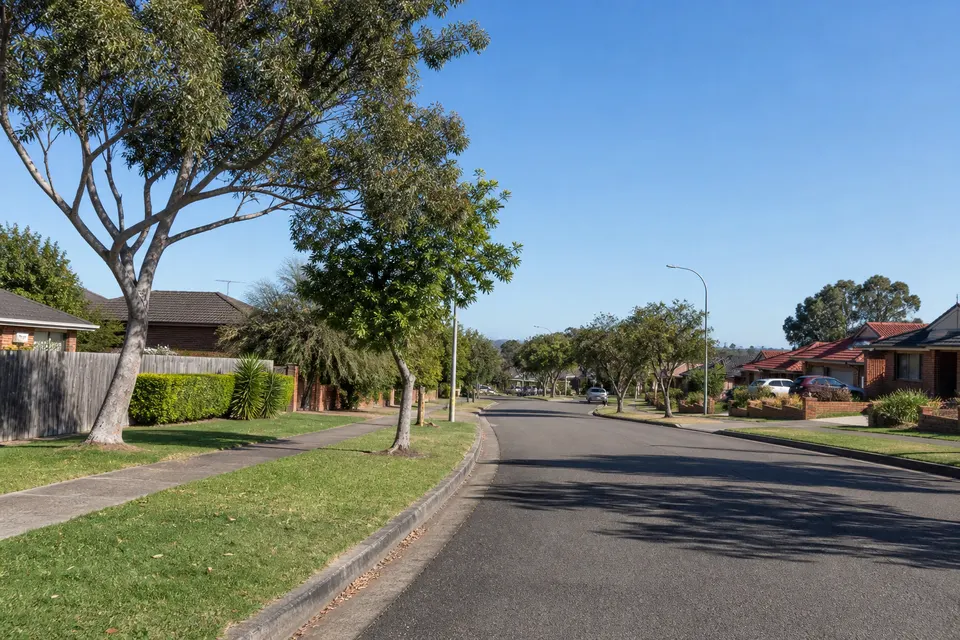
Photos of the local area.

Full list All suburbs
Call 0493 563 381
shape
image
Frequently asked questions
FAQ

Questions we hear in Hawkesbury

Outlook, Gmail, Apple Mail, Microsoft 365, Google Workspace, and domain email. Mail that will not send, inboxes that stopped syncing to the phone, full mailboxes, and provider moves for farms, trades, and small offices.

Tell us the address, who provides it if you know, and what the error says.

Most email faults clear remotely, which suits properties a long drive from Windsor. A visit makes sense when several devices or a whole office need setting up.

If mobile coverage is patchy at your place, tell us and we will plan the session around the Wi-Fi.

Know which address is affected and which devices show the problem. A photo or screenshot of the error helps.

If you have lost the password, that is fine. We work through recovery with you.

You hear the price before we start. A single mailbox fix is simple to quote, and bigger moves get a fixed figure.

No Fix, No Repair Fee applies if we cannot get it working, so you are not paying for a mailbox that is still stuck.


shape
shape
Need help now? Not sure what to click or what to do next?

Call PC Scientist for free advice, calm and practical IT help