HAWKESBURY ยท PROFESSIONAL OFFICES

Professional office IT in the Hawkesbury, kept steady

Client files, a shared calendar, and a front desk that cannot afford a login failure at nine. That is the load a Hawkesbury practice carries, usually with nobody on staff whose job is IT.

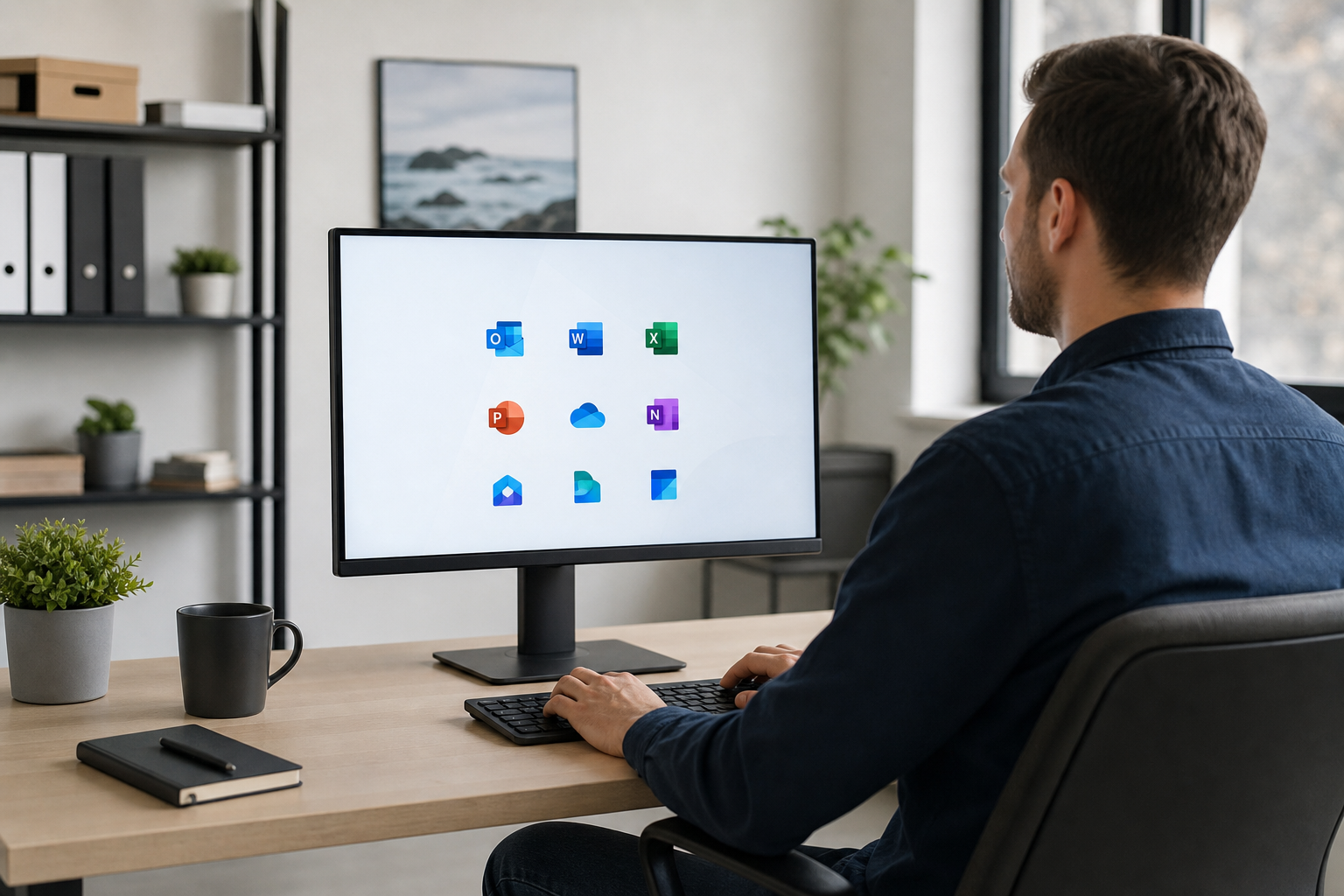
PC Scientist looks after accountants, clinics, and consultants across the Hawkesbury - Microsoft 365, secure file access, printers, and the network under it all. Many account faults are sorted remotely. When the rooms or the hardware need hands, we visit. Call for advice, request a call back, or ask for a written quote.

Book online for eligible visits and get 10% off.

PC Scientist secure office IT for professional practices across Hawkesbury
Hawkesbury professional offices - secure small-practice IT without enterprise theatre.

Why Hawkesbury practices call when a shared drive stalls

No Fix, No Fee

  • If a fault on the reception PC or a practice laptop cannot be fixed, there is no repair fee.
  • You hear early if an old workstation is not worth more money.

Clear Upfront Pricing

  • A clear figure before we touch a Windsor or Richmond office network.
  • Bigger jobs like a Microsoft 365 move or workstation rollout get a written quote first.

Speak to a Real Person

  • Ring 0493 563 381 and talk the problem through with someone who understands a busy front desk.
  • Plain answers you can pass on to the partners or practice manager.

Fixed Properly First Time

  • We trace why the shared drive or scanner keeps dropping, not just restart it.
  • Changes written down so the next staff member is not guessing.

Several Issues, One Visit

  • Reception PC, meeting room screen, and a partner's email in one booking.
  • Visits planned around appointments so clients are not kept waiting.

Your Data Treated Carefully

  • Client files, trust records, and patient notes handled with care.
  • Backups and access checked so a lost laptop is not a crisis.

Is Hawkesbury blocked by a shared drive, a Microsoft 365 login, or a meeting room screen that stays black?

Hawkesbury professional rooms need reliable mail, files, and Wi-Fi for client days. PC Scientist keeps the stack practical for small teams without full-time IT staff.

Office IT clues Hawkesbury mentions first

  • Shared drives nobody can explain when a new starter needs access.
  • Microsoft 365 logins that fail on the main desk after a password change.
  • Meeting displays that stay black while laptops still work.
  • Printers that only work for one person in the practice.
  • Price agreed before work. You stay in control.

How to contact PC Scientist

  1. Call for Free Advice - Ring 0493 563 381 and tell us what the office is stuck on - a real person helps you work out whether it needs a visit or a remote session
  2. Request a Call Back - Leave your number if the front desk is flat out, and PC Scientist calls back between appointments
  3. Request a Free Quote - Ask for a written scope and price first if the partners want to approve it, with no obligation

One of the three is plenty. If staff are sitting idle, start with the phone.

What happens after you get in touch

  • In Hawkesbury you hear practical options next, with clear pricing before work starts, and nothing goes ahead until you are comfortable.
  • Same-day timing for Hawkesbury is often possible when the calendar allows; we are honest when it does not.
  • Support for Hawkesbury can be onsite, remote over the internet, or a mix, depending on access, urgency, and what the issue actually needs across Hawkesbury.

Where we visit in the Hawkesbury

Offices in the Hawkesbury want email, files, and Wi-Fi that does not drop mid-client. Kurrajong, Windsor, Richmond, and Windsor practices get a calm next step, then a clear price.

Looking for a specific service?

Need a different type of help than the examples above for Hawkesbury? Browse specialist technology categories for Hawkesbury - each card is a starting point on this page. Or call 0493 563 381 for free advice across Hawkesbury.

Call For Free Advice

Get in touch

Leave your message and we'll get back to you shortly.

Attachments

Allowed file types: jpg, jpeg, png, gif, pdf, doc, docx, xls, xlsx, odt, ppt, pptx, pps, ppsx, html, and less than 100 MB.

No file chosen

This form uses spam checks and sends your request directly to PC Scientist.

Start here

Mail, files, or the network before a client meeting. Accountants, lawyers, clinics, and consultants across the Hawkesbury.

What this covers

  1. 01
  2. 02
  3. 03
  4. 04
  5. 05
  1. 01Start

    Practice work waiting

    Mail, files, or the network before a client meeting.

  2. 02

    Microsoft 365 and calendars

    Microsoft 365, shared mailboxes, and calendars in sync.

  3. 03

    Files and backups

    Backups you can actually restore from.

  4. 04

    Rooms and desks on Wi-Fi

    Consulting rooms and desks that stay on Wi-Fi.

  5. 05

    After a scare

    Safer defaults after a scare - no panic selling.

Visit

How it works

  1. 1

    What cannot wait

    Mail, files, a room, or a staff PC.

  2. 2

    Quote before change

    Machines that hold client work are not touched first.

  3. 3

    Leave it usable

    The stall sorted, with a note for anything that can wait.

Book professional office tech on the Hawkesbury Call 0493 563 381, request a call back, or ask for a quote.
Call 0493 563 381

Coverage

Hawkesbury

  • Homes
  • Shops
  • Call us

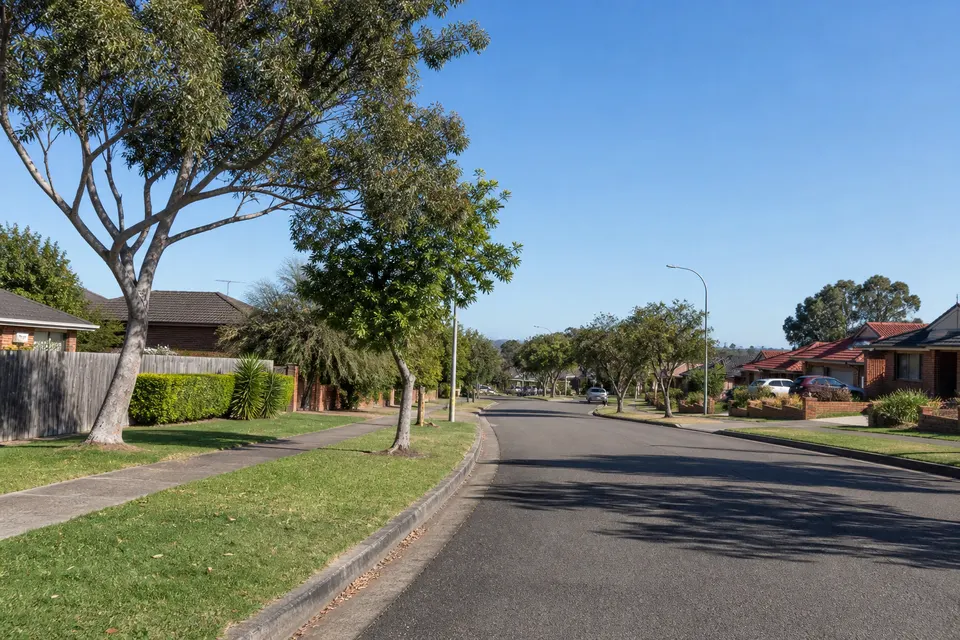
Photos of the local area.

Full list All suburbs
Call 0493 563 381
shape
image
Frequently asked questions
FAQ

Common questions about Hawkesbury IT help

Reception PCs, shared drives, scanners, Microsoft 365, email, and office Wi-Fi for accountants, legal practices, clinics, and real estate offices from Windsor to Richmond.

If you are not sure which part is failing, describe what staff are seeing and we work back from there.

Yes. We book around your diary and can start early or late where it helps. Account and email problems often clear remotely without anyone leaving their desk.

Hardware, cabling, and printers usually need a visit, and we tell you roughly how long it should take.

Roughly how many staff and computers are involved, who supplies your internet and email, and when the problem started. A photo of any error message helps.

Missing a password or login? That is common - we work through recovery with you.

You hear the cost before any work starts. Larger projects, like a workstation rollout or mail move, get a fixed quote once we have looked at the setup.

No Fix, No Repair Fee applies to repair work we cannot complete.

shape
shape
Need help now? Not sure what to click or what to do next?

Call PC Scientist for free advice, calm and practical IT help