No Fix, No Fee
- If a device will not connect because of a fault we cannot fix, there is no repair fee.
- We tell you early if an older printer or tablet is not worth fighting with.

The new laptop is still in its box because the old one holds everything. Passwords saved in the browser, a printer in the back room, email that only works on the old machine. You want the handover done once, properly, without anyone having to relearn how the house works.
PC Scientist moves files and accounts across, joins the printer and phone, and checks every login before we leave. Visit or remote, whichever fits. Book an eligible visit online, call, or request a call back.
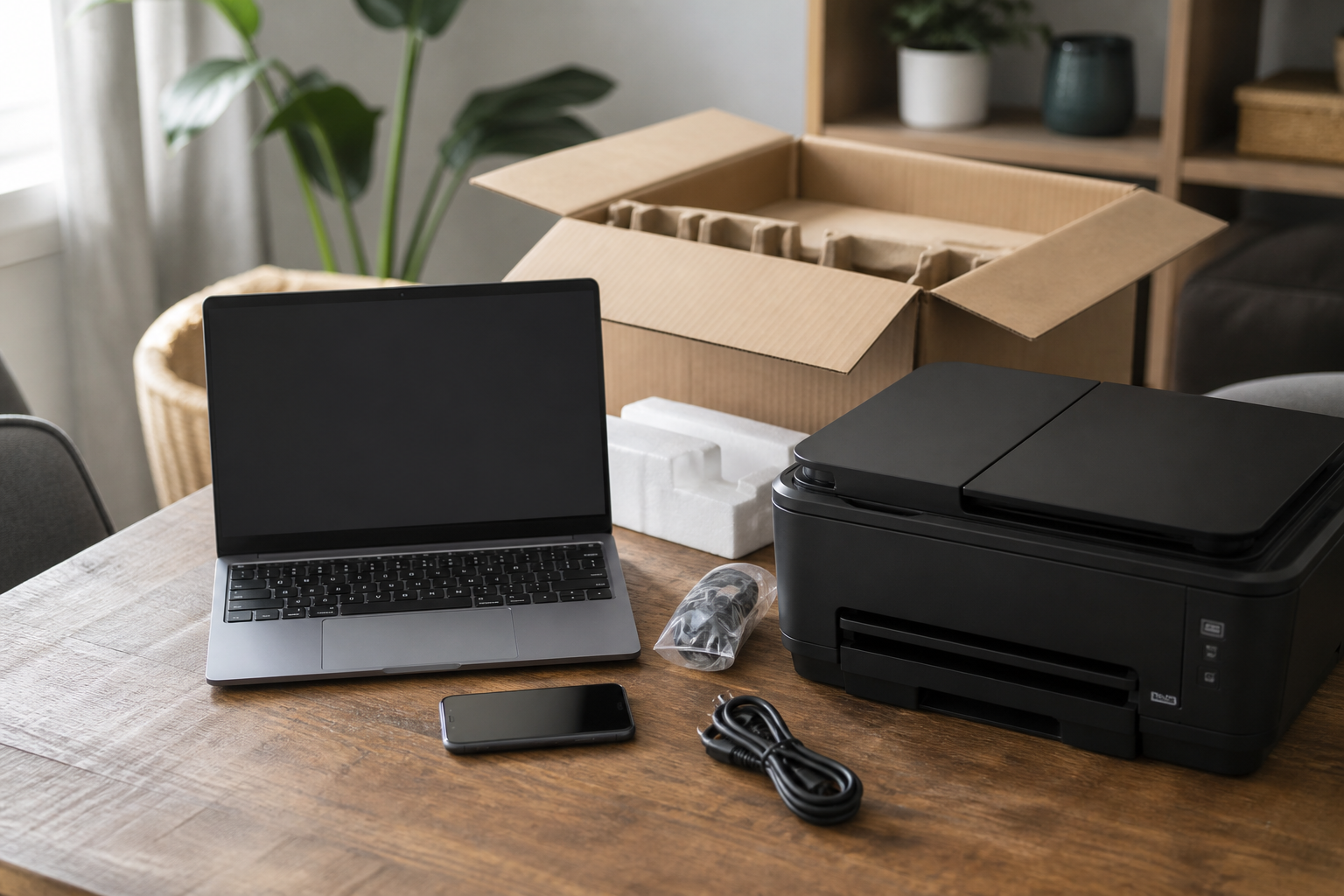
Hawkesbury homes unpack new kit and still need the old life on it. PC Scientist handles setup so work and school can continue without half-finished accounts.
One is plenty. A quick call usually tells us how long the visit needs to be.
New gear lands in the Hawkesbury every week. Windsor and Richmond get new PCs that still need printers and email. Kurrajong shops want the till and the phone on the same network. Windsor homes want the TV to actually join the Wi-Fi.
Need a different type of help than the examples above for Hawkesbury? Browse specialist technology categories for Hawkesbury - each card is a starting point on this page. Or call 0493 563 381 for free advice across Hawkesbury.

Leave your message and we'll get back to you shortly.
Start here
A new computer, phone, or printer that should work on day one. Several machines sourced as a programme belongs on Procurement Scientist.


A new laptop, phone, or printer that should work on day one.

Accounts, Wi-Fi, and the apps you actually use every day.

Photos, files, and mail moved from the old device where that is practical.

Printers, monitors, and TV pairing that stay connected.

A handover you can follow after we leave.
Visit

Work, school, photos, printing - the daily jobs first.

Accounts, Wi-Fi, and the apps that matter.

A short handover, then you keep the device.
If this is not the job
Want the longer guide? Device Setup Scientist.



New computers, phones, tablets, printers, scanners, smart TVs, webcams, and docks, for homes on acreage, river properties, and town blocks around Windsor and Richmond.
If you are not sure what came in the box, leave it sealed and we will sort it out together.
Most setup is best done in person, so everything is connected where it will live. Account moves and a few settings can be finished remotely afterwards, which saves a second long drive.
If the property has a separate office or shed, tell us so we can plan the Wi-Fi reach as well.
The new device, the old one if you still have it, and the email addresses you sign in with. Passwords help, but recovery is possible if they are lost.
It also helps to know your internet provider and where the modem sits.
We quote before we start, based on the devices involved and whether data needs moving across.
No Fix, No Repair Fee applies if a device turns out faulty and cannot be fixed, and we give honest advice on what to do next.