Typical Maitland mix
- A shared family PC plus two phones.
- A console in the living room with no family account.
- Homework tablets that lost supervised mode.
- Bedtime that only works on Wi-Fi.
- Price before we start.

PC Scientist · Maitland · Parental controls
One family router in Maitland is trying to cover homework, streaming, and a console that never got a PIN. You changed a setting once. It lasted until the next update. That is a setup job, not a lecture.
We put the house filter and the device limits on together, then leave you able to change bedtime without us. Call 0493 563 381, or book a visit.
Book online for eligible visits and get 10% off.
Let us help you today


We accept payments


Real Google reviews
Word for word, from people we have visited.
Parental controls · Maitland
Family tools drift. We set them so they survive a restart, then we show you where to look when something pops off again.
Maitland homes. Remote when you can sit with the devices on a call.
Why Parental Control Scientist
When you are ready. Call, or book a technician.
0493 563 381Start here
Start here if a call, a warning or a sign-in alert has you worried. When the computer is just slow and nothing suspicious happened, try computer support instead.
We count devices before we touch a setting.
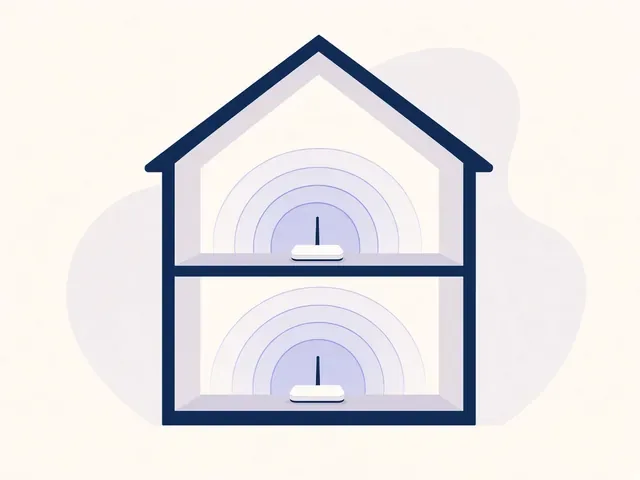
A house baseline for anything that joins the Wi-Fi.
Screen Time, Family Link, or Family Safety.
TV profiles and console restrictions.
PINs, accounts, review date.
What we help with
Computers, Wi-Fi, email, printers, and new devices. View all services.
 Computer Repair Scientist
Slow or crashing PCs, repairs and upgrades.
Computer Repair Scientist
Slow or crashing PCs, repairs and upgrades.
 Computer Support Scientist
Devices that will not connect, like PC to printer.
Computer Support Scientist
Devices that will not connect, like PC to printer.
 Network Scientist
Wi-Fi, mesh, NBN and dead zones.
Network Scientist
Wi-Fi, mesh, NBN and dead zones.
 Parental Control Scientist
Safer screens at home.
Parental Control Scientist
Safer screens at home. Security Camera Scientist
Planned, installed, on your phone.
Security Camera Scientist
Planned, installed, on your phone.
 Email Systems Scientist
Microsoft 365, Gmail and domains.
Email Systems Scientist
Microsoft 365, Gmail and domains.
 Data Recovery Scientist
Lost files, failing drives, backups.
Data Recovery Scientist
Lost files, failing drives, backups.
 Device Setup Scientist
New devices, plus printer fixes.
Device Setup Scientist
New devices, plus printer fixes.
 Custom PC Build Scientist
Gaming and performance PCs.
Custom PC Build Scientist
Gaming and performance PCs.
 Web Design Scientist
Small business websites.
Web Design Scientist
Small business websites.
 Business IT and projects
Offices, shops, tradies and projects.
Business IT and projects
Offices, shops, tradies and projects.
 Procurement Scientist
Sourced, delivered and set up.
Procurement Scientist
Sourced, delivered and set up.
Not sure which one? Tell us what you are seeing.
0493 563 381The visit
Who called, what they asked for, and what was handed over.
Remote tools removed and banking and email passwords changed straight away.
Safer defaults set, with a short plain explanation for the family.
How it works
If you are in Cybersecurity help, you do not need the right words. Ring, book an eligible visit, or ask for it on paper first.
Book online, call for free advice, , or .
In the booking, on the call, or in the quote. Same idea.
We agree the visit on the call, in the booking, or in the quote. Agree, and that date stays yours.
That's the visit. We work through your list on the day.
If this is not the job
Want the longer guide? Cybersecurity Scientist.
Areas we cover
Can't find your area? Call us to check on 0493 563 381.
Can't find your area?
Call us to check. We will tell you if we visit, or if remote help is the better fit.
FAQ
Yes. Google Family Link is the usual path. We still set the router so new gadgets inherit a filter.
Yes. Adult devices stay adult. The job is the kids' screens, not a lock on the whole house.
No. Nothing does. We set a solid layer and tell you what still needs supervision.
Yes. Call 0493 563 381. Remote is fine when the devices can sit with you.
When you are ready