MAITLAND ยท PROFESSIONAL OFFICES

IT for professional offices in Maitland

In a Maitland professional office, the worst time for the shared drive to stop syncing is the afternoon a settlement or client deadline lands. Staff start emailing files around, and client documents drift out of control.

PC Scientist supports Maitland practices with Microsoft 365, secure networks, backups, and workstation care. Call 0493 563 381, or request a call back to go over your office setup.

Book online for eligible visits and get 10% off.

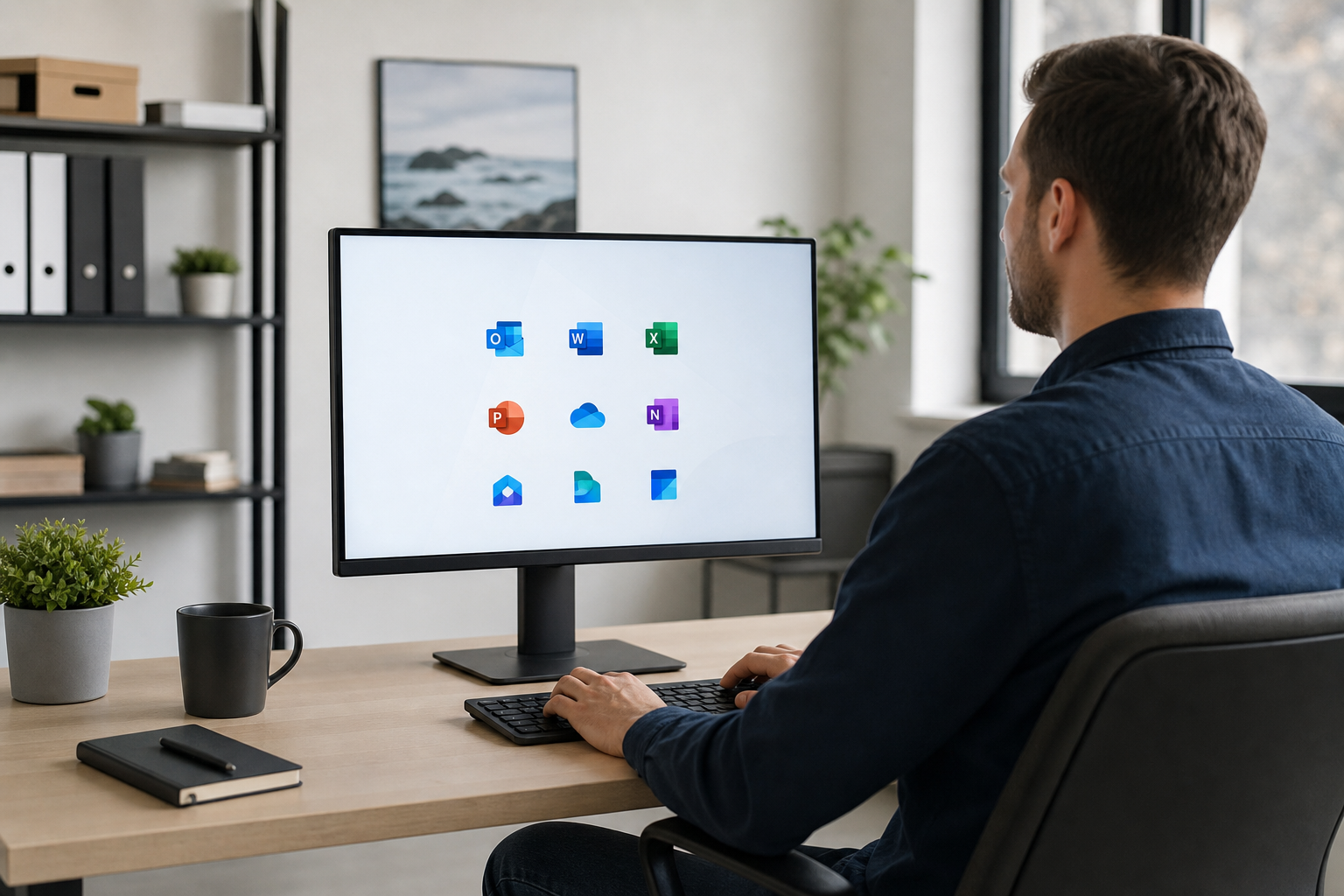
PC Scientist secure office IT for professional practices across Maitland
Maitland professional office IT - files and email that hold when deadlines land.

Why Maitland professional offices call PC Scientist

Results, not billable guessing

  • If a fault cannot be fixed, there is no repair fee.
  • Honest limits named early so client work is not held up.

Costs agreed before client hours

  • You hear the cost before any work starts in the practice.
  • Bigger network or Microsoft 365 jobs are quoted in writing.

A steady contact for the practice

  • Call 0493 563 381 and speak to someone who knows small professional offices.
  • Request a call back between appointments.

Secure, and tested before we leave

  • Email, backups, and network changes tested before we finish.
  • Security settings checked so client data stays protected.

Front desk to principal's office

  • Printers, email, and staff laptops handled in one visit where possible.
  • Work planned around appointments and deadlines in Maitland.

Client files handled discreetly

  • We only open what the job needs.
  • Nothing deleted or reset without your approval.

Is the Maitland office fault file sync, practice email, or a Wi-Fi dead spot in the meeting room?

Legal, accounting, and health teams around Maitland use PC Scientist when they need calm IT without an in-house department.

Office IT work in Maitland

  • File sync failing before Maitland deadlines.
  • Practice mailboxes stalling across a Maitland office.
  • Backup checks before Maitland teams trust one copy.
  • Guest Wi-Fi kept off Maitland client documents.
  • Account changes written clearly for Maitland practices.

How to contact PC Scientist

  1. Call for Free Advice - Dial 0493 563 381 and walk us through the office IT fault while it is fresh
  2. Request a Call Back - Choose this if you would rather we call you - useful for homes across the valley from Rutherford to Thornton
  3. Request a Free Quote - Best when someone else needs to sign off on the office IT spend first

Pick one path. No pressure. If you are unsure, Call for Free Advice is usually the fastest way to get oriented in Maitland professional office IT.

What happens after you get in touch

  • For Maitland, we listen to what you were doing when the problem showed up, in everyday words - not a checklist of buzzwords.
  • Symptoms first for Maitland: when it started, what changed, and whether one device or the whole house is affected.
  • Same-day timing for Maitland is often possible when the calendar allows; we are honest when it does not.

Where we visit in Maitland

Offices in Maitland want email, files, and Wi-Fi that does not drop mid-client. Rutherford, Thornton, Metford, and Maitland practices get a calm next step, then a clear price.

Looking for a specific service?

Looking for a named service line in Maitland? Jump to service categories covering Maitland, pick the closest match, then call if you are still unsure across Maitland.

Call For Free Advice

Get in touch

Leave your message and we'll get back to you shortly.

Attachments

Allowed file types: jpg, jpeg, png, gif, pdf, doc, docx, xls, xlsx, odt, ppt, pptx, pps, ppsx, html, and less than 100 MB.

No file chosen

This form uses spam checks and sends your request directly to PC Scientist.

Start here

Mail, files, or the network before a client meeting. Accountants, lawyers, clinics, and consultants across the Maitland.

What this covers

  1. 01
  2. 02
  3. 03
  4. 04
  5. 05
  1. 01Start

    Practice work waiting

    Mail, files, or the network before a client meeting.

  2. 02

    Microsoft 365 and calendars

    Microsoft 365, shared mailboxes, and calendars in sync.

  3. 03

    Files and backups

    Backups you can actually restore from.

  4. 04

    Rooms and desks on Wi-Fi

    Consulting rooms and desks that stay on Wi-Fi.

  5. 05

    After a scare

    Safer defaults after a scare - no panic selling.

Visit

How it works

  1. 1

    What cannot wait

    Mail, files, a room, or a staff PC.

  2. 2

    Quote before change

    Machines that hold client work are not touched first.

  3. 3

    Leave it usable

    The stall sorted, with a note for anything that can wait.

Book professional office tech on the Maitland Call 0493 563 381, request a call back, or ask for a quote.
Call 0493 563 381
shape
image
Frequently asked questions
FAQ

If you are wondering about help in Maitland

Home IT help, Wi-Fi dropouts, printer setup, slow laptops, data recovery, pricing, and how visits work - answered with no tech jargon.

Yes. We regularly visit Maitland and nearby spots like East Maitland and Woodville. A quick call confirms the timing and whether a visit is the right first step.

Some office IT jobs can start remotely the same day, with a visit only if it is still needed.

Some office IT problems can be looked at over a screen share first. If that does not settle it, we book a visit.

Remote sessions are useful for accountants, practices, and professional offices who want the fix without clearing a morning.

Most visits include at least one small task, like finding a client file that moved, alongside the main fault.

We can show you the steps for fixing scan-to-email if you want to handle it yourself next time.

Accountants, practices, and professional offices make up a lot of our work, alongside families and home offices.

The approach stays the same for heritage streets and brand-new estates: plain language, clear pricing, practical fixes.


shape
shape
Need help now? Not sure what to click or what to do next?

Call PC Scientist for free advice, calm and practical IT help